
Fact-checked: September 2, 2026. Prices, availability and announced features can change by market.
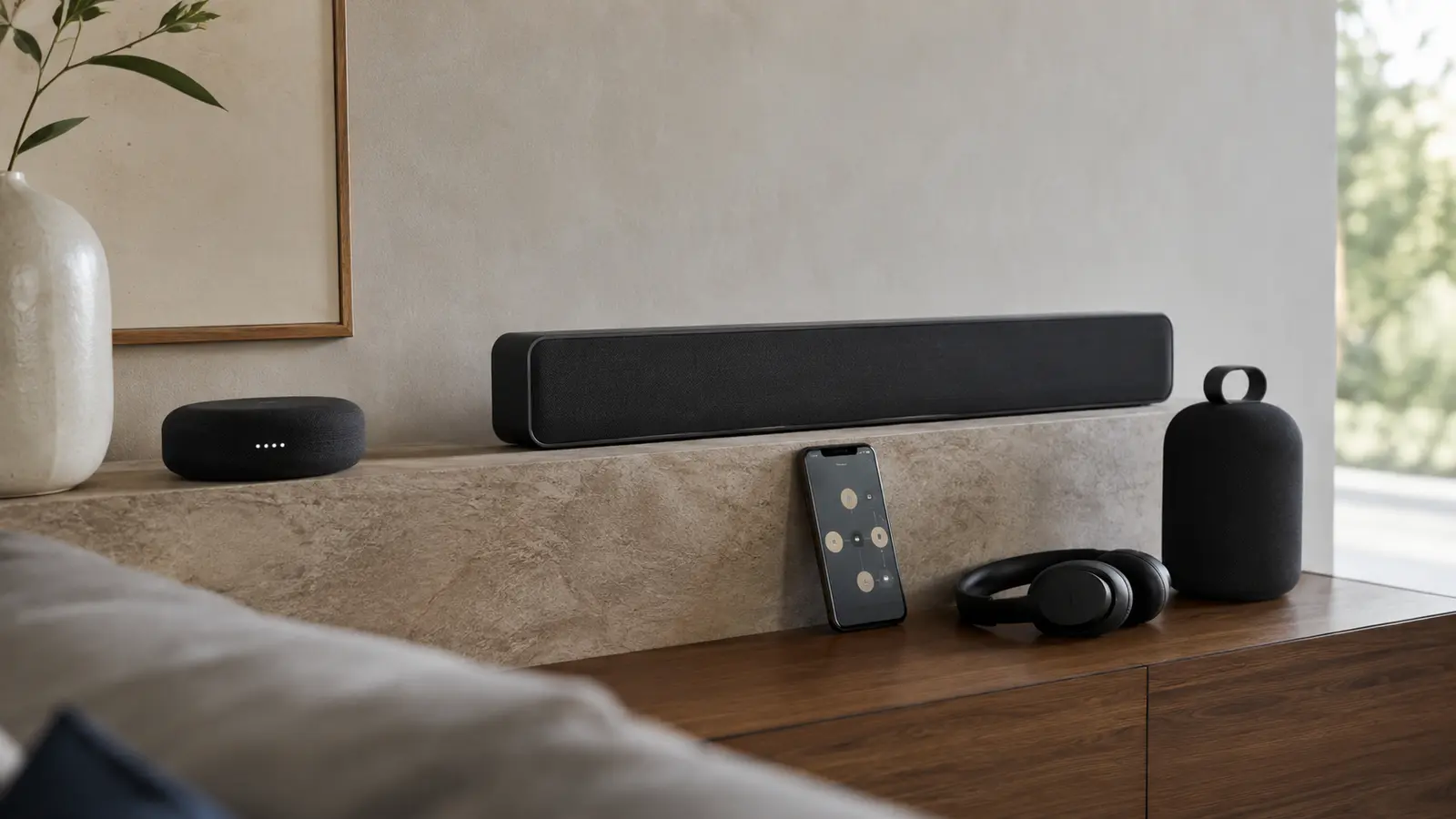
Sonos 27 is the company’s September 2026 system release, but it should not be treated as a single switch. The first wave begins September 8 with a redesigned app experience, Sonos 27mcp early access and portable-surround capabilities for specified hardware. A second wave on September 29 supports new Ace Ultra and Beam Ultra functions, including expanded headphone linking.
The underlying operating-system release can reach products that remain compatible with Sonos’s current platform, while individual features require particular speakers, soundbars or headphones. That is the distinction many upgrade summaries miss: receiving Sonos 27 does not mean an older speaker gains microphones, Bluetooth, batteries or spatial drivers it never had.
This guide organizes confirmed, early-access and future capabilities, then gives a low-risk update process. “27mcp” is particularly important to label correctly: it opens Sonos control to compatible external AI agents through a model-context interface, but it begins as early access rather than a finished universal ChatGPT remote.
Table of contents
At a Glance
| Key fact | Verified position |
|---|---|
| September 8 | App/navigation changes, 27mcp early access and selected portable-surround functions begin |
| September 29 | Ace Ultra/Beam Ultra availability and related headphone-linking functions |
| 27mcp | Early-access interface for external AI-agent control; agent support varies |
| Portable surrounds | Specified support includes Move 2 and Sonos Play configurations; exact pairing rules apply |
| Older products | Base update support does not grant hardware-dependent features |
| ChatGPT | Potential external-agent use, not a blanket built-in assistant available to everyone |
| Risk | Early-access features may change and can expose control permissions |
| Best practice | Update app first, inventory products, confirm backups/settings, then test one room |
Sonos 27 Timeline: What Arrives When
| Status | Feature | What it means |
|---|---|---|
| September 8 rollout | App and navigation updates | Current-platform households receive interface changes in stages |
| September 8 early access | Sonos 27mcp | Opt-in external-agent control; not guaranteed production behavior |
| September 8, compatible hardware | Portable rear surrounds | Move 2 and Sonos Play can serve defined home-theater roles |
| September 29 | Ace Ultra and Beam Ultra functions | New hardware and expanded headphone linking become available |
| Preview/future | More agents and workflows | Announced direction, not a current entitlement |
Users should expect server-side enablement as well as app and firmware updates. If a documented feature is absent on the morning of September 8, repeatedly resetting speakers is unlikely to help. Check the app version, system version, region and Sonos status/support pages before troubleshooting the network.
What Sonos 27mcp Is
27mcp is an interface that lets approved external AI agents understand and operate parts of a Sonos household. A user could ask an agent to find rooms, group speakers or start appropriate playback when the agent and music permissions support it. The model-context approach is more flexible than a fixed list of voice commands.
That flexibility increases the permission surface. An external agent may receive room names, device state and requested media context. Review the provider’s privacy terms, revoke unused connections and avoid exposing a controller through public endpoints. Sonos 27mcp does not make the speakers generally accessible from the internet without authorization.
Early access is not finished support
Do not rely on 27mcp for alarms, safety announcements or accessibility-critical control. Commands, agent availability and permissions can change during early access.
ChatGPT and Other AI Agents: The Accurate Description
Launch reporting describes ChatGPT-related and other agent possibilities, but the accurate statement is that 27mcp creates a control bridge for compatible agents. It is not the same as putting a full ChatGPT voice assistant inside every Sonos speaker. Availability depends on the agent, Sonos enrollment and supported actions.
Users should test low-stakes commands first: list rooms, change volume modestly, pause playback. Confirm how the system handles ambiguous room names and multi-household accounts. Keep conventional app and hardware controls available if the agent fails.
Portable Rear Surrounds: Compatibility and Trade-Offs
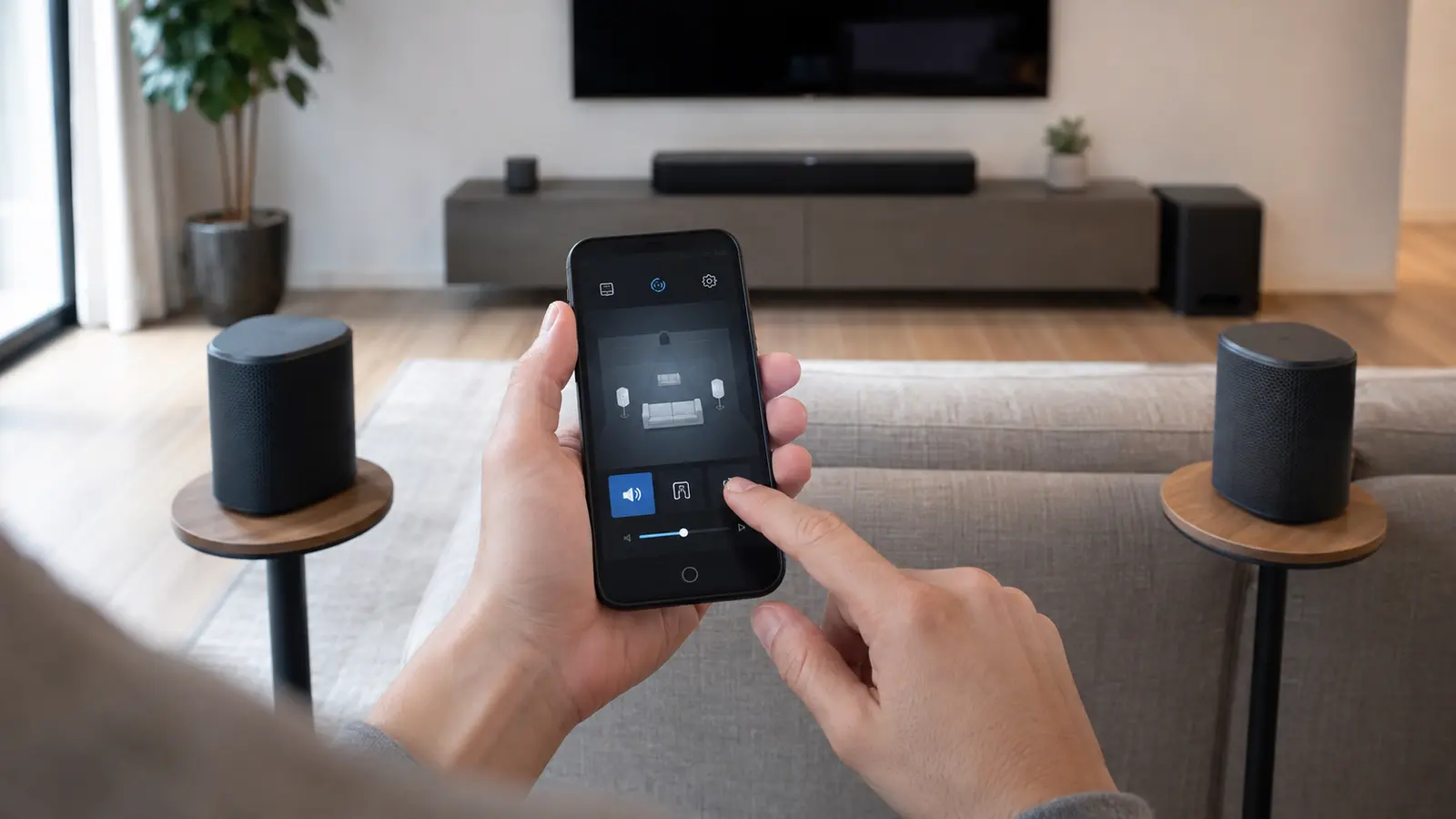
Using battery-capable Move 2 or the current Sonos Play in rear positions makes temporary home theater easier for renters or multipurpose rooms. The feature still requires a compatible Sonos soundbar, two suitable matching surrounds and the same household/network. Pairing can change how portable Bluetooth or voice functions behave while bonded to the theater.
Power remains practical: a portable speaker used nightly as a surround must be charged or docked. Placement also matters. Rears should sit near ear height with stable wireless coverage, not in a corner simply because an outlet is there. Test whether removing a speaker from the theater requires unbonding or offers a temporary mode.
Supported Speakers: Read Support in Layers
| Layer | Examples | Expected access |
|---|---|---|
| Current Sonos platform | Supported S2-era products | Core OS/app compatibility |
| Portable-surround hardware | Move 2 and Sonos Play as specified | Rear-surround role with compatible theater |
| New headphone link | Ace Ultra with supported soundbars | Private TV audio from September 29 |
| Legacy-only hardware | Products outside current platform | No assumption of Sonos 27 feature support |
A named family such as “Play” can include products from different generations, so model identity matters. Use the app’s About My System information and serial/model label rather than a household nickname. Never factory-reset an old product simply to force an update; reset can erase useful diagnostic state and does not create compatibility.
Safe Update and Setup Process
- Inventory rooms, exact models and current versions in About My System.
- Update the Sonos mobile app from the official store, then read the release notes.
- Check that phone, speakers and soundbar are on a stable network; avoid changing router settings simultaneously.
- Update one household and test ordinary playback, grouping, alarms and TV audio.
- Only then enroll in early access or add portable surrounds.
- Review external-agent permissions and keep a record of how to revoke them.
If a problem appears, capture the time, room, app version and diagnostic number before rebooting everything. Distinguish a cloud rollout delay from a local network failure. Reinstalling the app should be a later troubleshooting step, not the first reaction.
Should You Install Sonos 27?
Most current-platform households can take the stable base update after checking release notes. Wait on early access if the system runs a business, supports a person who depends on reliable audio cues, or has complex automations. Early access offers novelty and feedback opportunities, not stronger uptime guarantees.
FrediTech verdict
Install the stable Sonos 27 release cautiously, but treat 27mcp and portable-surround experiments as separate opt-in decisions. Compatibility is feature-by-feature; receiving the update does not turn every old speaker into new hardware.
Household Rollout Checklist
Update one household member’s controller first, confirm ordinary playback, alarms and television audio, and only then update every phone. Screenshot room names and important settings before changing surround relationships. If a feature is absent, confirm the account, region, speaker firmware and app build rather than repeatedly factory-resetting hardware.
External AI control should begin with low-consequence requests such as playback and volume. Review which rooms and services the agent can access, revoke access if behavior is unexpected and keep physical controls available. Do not expose door locks, alarms or unrelated smart-home actions merely to gain music control. Treat 27mcp as an integration surface whose permissions deserve the same care as any connected account.
Frequently Asked Questions
When does Sonos 27 roll out?
The first features begin September 8, with Ace Ultra/Beam Ultra functions and broader headphone linking tied to September 29.
What is Sonos 27mcp?
It is an early-access interface for compatible external AI agents to understand and control parts of a Sonos household.
Is ChatGPT built into every Sonos speaker?
No. 27mcp can enable compatible external-agent workflows; that is not a universal built-in assistant.
Can Move 2 work as a rear surround?
Sonos announced portable-surround support for specified Move 2 configurations. A compatible soundbar, matching setup and current software are required.
Will old Sonos Play speakers get everything?
No. Exact model and generation matter. Core software support and hardware-dependent features are separate.
Should I factory-reset if a feature is missing?
Usually not. Verify rollout, app version, model eligibility and account first; a reset cannot add unsupported hardware.
Related FrediTech Guides
- Sonos Ace Ultra and Beam Ultra Buying Guide
- Internal-link opportunity: FrediTech multiroom audio setup guide (URL to be assigned)
Sources and Verification
Rollout dates and features were checked against Sonos launch material and reputable reporting. Early-access and future capabilities are explicitly separated from stable availability.