
Best Apple Watch Apps & Built-In Features for 2026 keeps the useful research from the original “Top 10 Apple Watch Apps for 2025: Unleash the Full Power of Your Wearable” article, but updates the buying context for 2026. The goal is not to rewrite working sections for the sake of freshness; it is to correct what has changed, surface the decision points quickly and make the page easier to use on both search and AI-driven discovery.
Quick Verdict
- Best for: narrowing a crowded category to options that fit your ecosystem and real use.
- What matters most: compatibility, battery life, comfort, support and the features you will use regularly.
- Main caution: avoid buying from a spec list alone—model year, support and regional availability matter.
2026 app update: Apple Watch Series 12/Ultra 4 and watchOS 27 are current. App availability changes quickly, so this guide now prioritizes verifiable App Store/built-in experiences rather than presenting unverified app names or health-monitoring claims as established.
Table of contents
10 Useful Apple Watch Apps and Built-In Experiences in 2026
The earlier version of this article listed several app names that could not be verified as the specific Apple Watch products described. Those entries have been removed. This replacement focuses on Apple’s built-in watch experiences and categories that users can verify directly on their devices or in the App Store.
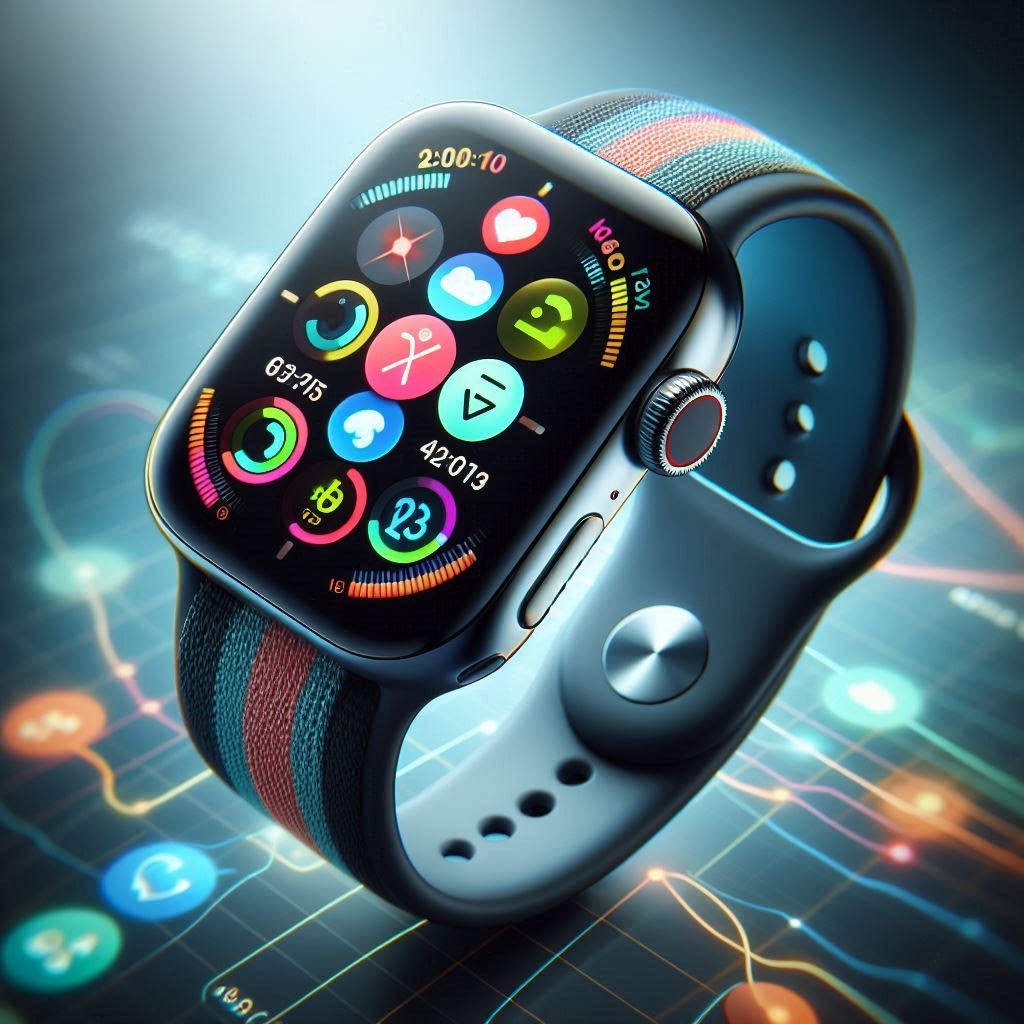
- Workout: track supported workouts, heart-rate zones, pace and training metrics.
- Activity: review movement, exercise and standing trends and share progress where supported.
- Vitals and sleep experiences: surface overnight trends and sleep-related information on supported hardware.
- Maps: get turn-by-turn directions and wrist-based navigation.
- Wallet: use compatible payment cards, tickets, keys and passes where available.
- Messages and Phone: handle quick communication from the wrist, especially useful on cellular models.
- Music and Podcasts: control or play audio with supported services and downloaded content.
- Weather: check forecasts, conditions and complications without reaching for the phone.
- Find Devices / Find Items: locate Apple devices and supported Find My items.
- App Store: add verified third-party workout, productivity, navigation and media apps that clearly support Apple Watch.
How to Choose Third-Party Apps
Check the current App Store listing, update history, privacy labels, subscription cost and whether the Apple Watch experience works independently or simply mirrors the iPhone. Avoid apps that promise medical-grade measurements the watch hardware cannot perform.
Make Built-In Features Work Better
- Keep watchOS and apps updated.
- Trim notifications so important alerts remain useful.
- Customize complications around your actual routine.
- Review Health permissions and third-party data access.
- Use Low Power Mode selectively rather than disabling useful sensors all day.
2026 Device Context
Apple Watch Series 12 and Ultra 4 are current, while watchOS 27 supports Series 9 or later, SE 3 and Ultra 2 or later. Older hardware may not have every feature described here.
Bottom Line for 2026
The original article still contains useful detail, but the 2026 decision should be based on current support, verified specifications, real-world fit and today’s alternatives. A discounted older product can still be good value when its limitations are understood; a newer model is not automatically better for every reader.