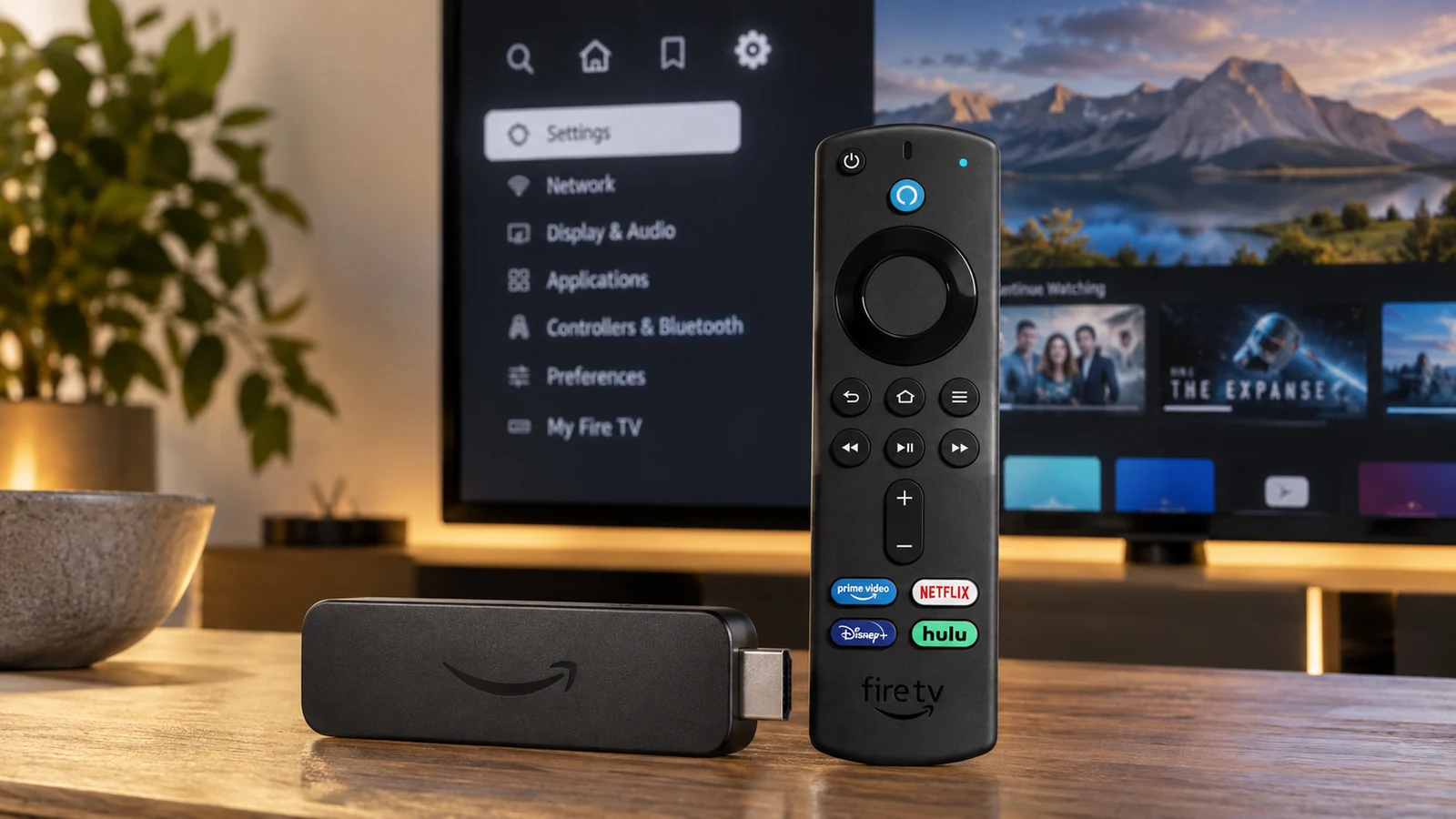

Amazon says the recent Fire TV sideloading problem was caused by a bug in a Fire TV Settings update, not an intentional change designed to remove sideloading from affected Fire OS devices. The bug can make the Install unknown apps list appear incomplete or empty, preventing apps such as Downloader from receiving permission to install new APK files. Amazon says it has identified the cause and that a fix will install automatically on affected devices over the coming week. That fix is a Fire OS story; it does not change the separate app model on Amazon’s newer Vega OS devices.
Amazon confirmation: September 15, 2026
Problem: Install unknown apps list incomplete or empty on some devices
Cause: Bug in a recent Fire TV Settings update
Intentional policy change: Amazon says no for this incident
Fix: Confirmed
Rollout: Automatic, over the coming week
Price: Free software/settings repair
Fire TV sideloading fix: Quick answer
Amazon confirmed on September 15 that a recent Fire TV Settings update introduced a bug that can make the Install unknown apps permission list appear incomplete or empty on some Fire TV devices. When installer apps such as Downloader or a compatible file manager disappear from that list, users cannot grant them permission to install new APK files. Amazon says the behavior was not an intentional policy change, that the cause has been identified, and that an upcoming Fire TV Settings update will install automatically on affected devices over the following week. The confirmed problem concerns Fire OS settings and new APK installation permission. It does not prove every previously sideloaded app stopped launching. Vega OS is separate: its developer workflow uses Vega packages rather than the conventional Android APK sideloading path.
Amazon says Fire TV sideloading was broken by a bug—not a policy change
The clearest current evidence is Amazon’s statement reproduced by Android Authority and 9to5Google. Amazon says a recent Fire TV Settings update caused the Install unknown apps list to appear incomplete or empty on some devices, that it has identified the cause, and that a fix is coming through another Settings update.
Amazon says this was not an intentional sideloading ban. For the affected Fire OS devices in this incident, the company is treating the missing permission controls as a software defect and restoring them. That statement should not be stretched into a promise about every future Fire TV platform or every future Amazon policy decision.
What actually stopped working?
Affected behavior: apps capable of initiating APK installs can disappear from the Install unknown apps list.
Practical result: the user cannot grant that installer app permission to install a newly downloaded APK.
Not proven: that all already-installed third-party apps stopped launching or that every possible development installation path was broken.
On Fire OS, the Install unknown apps menu is a per-app permission control. Normally, apps such as Downloader, file managers or other installation-capable tools can appear there and the user can enable permission for the specific app. If the list is incomplete, the permission cannot be granted even though the installer app itself may still be installed.
Already-installed sideloaded apps are a separate question
The current Amazon statement is specifically about the permission workflow for installing new APKs. It does not say that every previously sideloaded application was remotely disabled or universally prevented from launching.
Some individual sideloaded apps may have their own compatibility, certificate, networking or service problems, but those issues should be diagnosed separately. FrediTech should therefore avoid using “Fire TV apps not opening” as though it were Amazon’s description of the bug.
Why Downloader disappeared from Install unknown apps
Downloader became the most visible example because many Fire TV owners use it to fetch APK files from legitimate developer sources. When Downloader is not listed in Install unknown apps, it cannot receive the permission needed to hand an APK to the Fire TV package installer.
Independent reverse-engineering reported before Amazon’s confirmation suggests a timing/list-generation problem inside the Settings application: the interface could display the list before app discovery completed. That is useful technical context, but it should remain labelled as independent analysis rather than Amazon’s exact explanation. Amazon has publicly confirmed only that a recent Settings update caused the incomplete or empty list and that a fix is coming.
When will Amazon restore Fire TV sideloading?
Amazon says the fix will roll out over the coming week. The company has not promised a specific day or hour, so FrediTech should not convert that window into an invented date such as September 18.
Staged rollouts also mean two similar Fire TV devices may not receive the repaired Settings component at exactly the same time.
Will the fix install automatically?
Yes, according to Amazon’s statement. The upcoming Fire TV Settings update is expected to install automatically on affected devices. Amazon’s support documentation also says Fire TV devices and paired accessories automatically download software updates when connected to the internet.
That means most users should not need to manually obtain a firmware image or reinstall the operating system.
Why your Fire OS version might not change
Secondary reporting expects the repair may arrive as a Fire TV Settings component update rather than a full Fire OS firmware release. If that proves correct, the visible Fire OS version number may stay the same even after the bug is fixed.
Treat that delivery method as reported expectation, not Amazon-confirmed packaging. The practical check is whether the installer app returns to the Install unknown apps permission list—not whether the main Fire OS version necessarily increments.
Which Fire TV devices are affected?
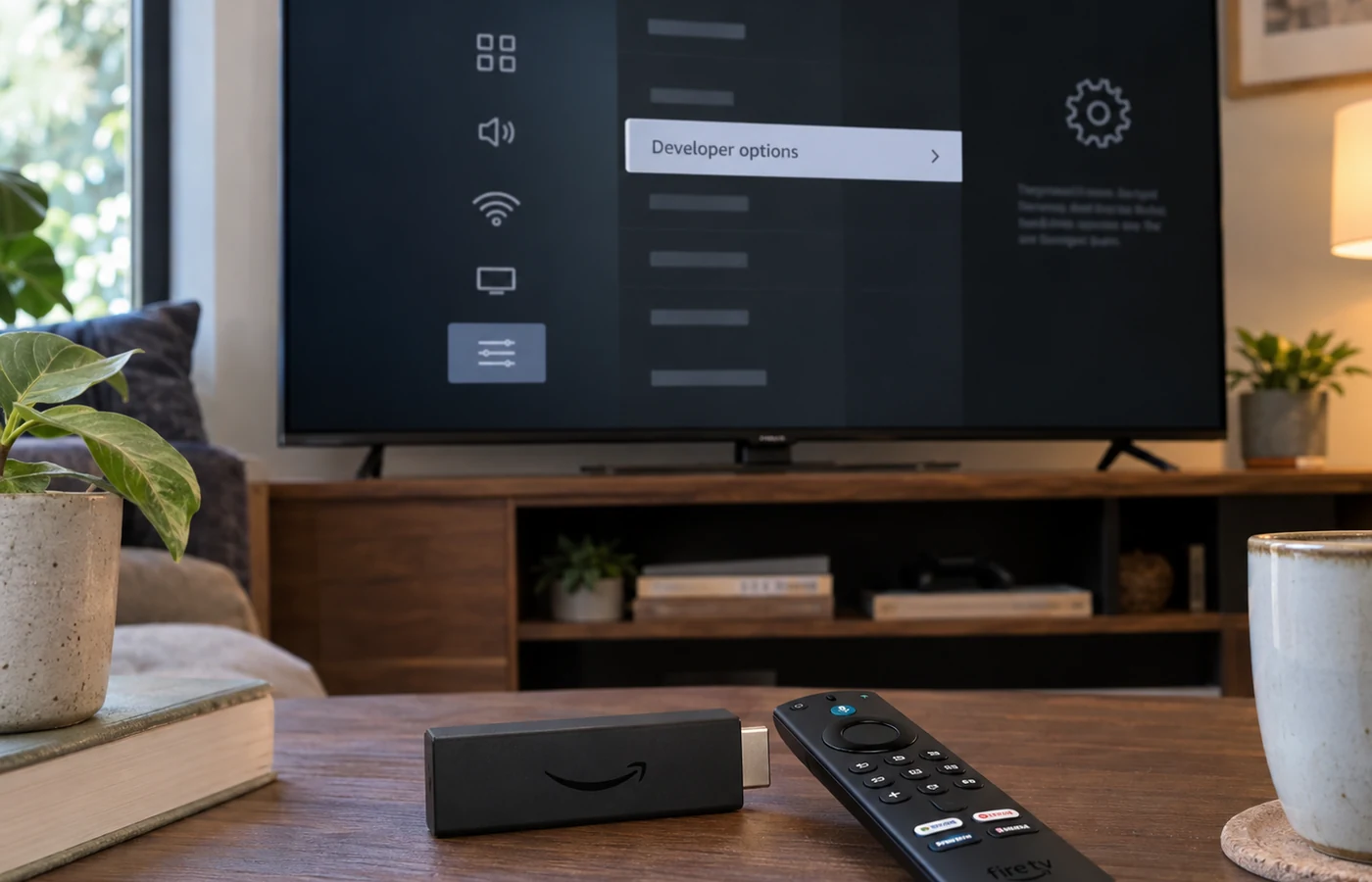
Amazon has not published an exhaustive affected-model list. Its wording is simply “some Fire TV devices.” Independent investigation has linked the issue especially with recent Fire OS 7 and Fire OS 8 Settings builds, but being on one of those OS versions does not guarantee a device will show the bug.
| Question | Status | Current evidence |
|---|---|---|
| Bug exists? | Amazon confirmed | Recent Fire TV Settings update can make Install unknown apps incomplete or empty on some devices |
| Intentional sideloading ban? | Amazon says no for this incident | Amazon describes it as a bug and says the cause has been identified |
| Fix coming? | Amazon confirmed | Upcoming Fire TV Settings update |
| Automatic rollout? | Amazon confirmed | Amazon says it will install automatically on affected devices |
| Rollout window | Amazon confirmed | Over the coming week; no exact day promised |
| Exact affected models | Unknown | Amazon says “some Fire TV devices” |
| Fire OS 7 build 7.7.1.6 / 5665 | Independently reported | Higher incidence reported; not an Amazon-issued exhaustive list |
| Fire OS 8 build 8.1.8.2 / 3811 | Independently reported | Higher incidence reported; not an Amazon-issued exhaustive list |
| Fire OS 5 / 6 | Independent testing | Current independent analysis has not identified the same Settings-list bug |
| Settings-component delivery | Reported expectation | The visible Fire OS version may not change |
| Existing sideloaded apps universally disabled | Not established | Amazon’s statement concerns permission for new APK installs |
| Vega conventional APK sideloading | Not applicable | Vega uses a different app platform and developer-side VPKG installation |
Fire OS 7 and Fire OS 8 appear to be the main affected versions
Independent testing has associated a higher incidence of the issue with Fire OS 7.7.1.6 / build 5665 and Fire OS 8.1.8.2 / build 3811. Those identifiers are not an Amazon-issued compatibility matrix, and reports show the problem can be inconsistent even between devices on the same broader Fire OS release.
Amazon’s current support table separately lists Fire OS 7.7.1.6 on devices including Fire TV Cube (3rd Gen), Fire TV Stick 4K Max (1st Gen), Fire TV Stick (3rd Gen), Fire TV Stick HD (1st Gen) and Fire TV Stick Lite. Fire OS 8.1.8.2 is listed for Fire TV Stick 4K Plus, Fire TV Stick 4K (2nd Gen) and Fire TV Stick 4K Max (2nd Gen). That tells us the current OS family; it does not prove Amazon has confirmed each named model as affected by this particular bug.
Current Fire TV streaming-device compatibility check
| Current / recent Amazon streaming player | Generation | Current OS in Amazon support table | Conventional Android APK sideloading | Sept. bug relevance |
|---|---|---|---|---|
| Fire TV Stick HD | 2nd Gen / 2026 | Vega OS 1.1 | No Fire OS-style APK workflow | Not applicable |
| Fire TV Stick 4K Select | 2025 | Vega OS 1.1 | No Fire OS-style APK workflow | Not applicable |
| Fire TV Stick 4K Plus | 2025 | Fire OS 8.1.8.2 | Yes | Potentially relevant to Fire OS 8; exact Amazon model list not published |
| Fire TV Stick 4K | 2nd Gen | Fire OS 8.1.8.2 | Yes | Potentially relevant to Fire OS 8; exact Amazon model list not published |
| Fire TV Stick 4K Max | 2nd Gen | Fire OS 8.1.8.2 | Yes | Potentially relevant to Fire OS 8; exact Amazon model list not published |
| Fire TV Stick 4K Max | 1st Gen | Fire OS 7.7.1.6 | Yes | Potentially relevant to Fire OS 7; exact Amazon model list not published |
| Fire TV Stick HD | 1st Gen | Fire OS 7.7.1.6 | Yes | Potentially relevant to Fire OS 7; exact Amazon model list not published |
| Fire TV Stick | 3rd Gen | Fire OS 7.7.1.6 | Yes | Potentially relevant to Fire OS 7; exact Amazon model list not published |
| Fire TV Stick Lite | Current supported older model | Fire OS 7.7.1.6 | Yes | Potentially relevant to Fire OS 7; exact Amazon model list not published |
| Fire TV Cube | 3rd Gen | Fire OS 7.7.1.6 | Yes | Potentially relevant to Fire OS 7; exact Amazon model list not published |
Amazon’s device documentation now also lists Fire TV Stick HD (2026) and Fire TV Stick 4K Select on Vega OS 1.1. These devices should not be described as waiting for the Fire OS sideloading-menu fix because they use a different operating-system and app-installation model.
How to check whether your Fire TV has received the fix
- Confirm the operating system. Check the exact Fire TV generation and whether it runs Fire OS or Vega OS.
- Check for software updates. On current Fire OS guidance, go to Settings → My Fire TV → About → Check for Updates.
- Restart the device. A restart is reasonable general troubleshooting after an update.
- Open Developer Options. Go to Settings → My Fire TV → Developer Options.
- Open Install Unknown Apps. Look for the installer app you normally use, such as Downloader.
- If the list is empty or incomplete, recognize the known bug. Do not assume the app was intentionally banned.
- Wait for Amazon’s staged Settings fix if it has not arrived. A manual update check may not force the specific component immediately.
- Avoid factory reset as the first response. A reset can remove apps, settings and logins without guaranteeing a staged component update arrives sooner.
What to do if Downloader is still missing
If Downloader remains installed but is absent from Install unknown apps, avoid uninstalling it as a default first step. Removing it may simply add the extra task of reinstalling it while the permission-list bug is still present.
A restart or revisiting the menu may temporarily repopulate the list for some users, but that is anecdotal behavior, not Amazon’s official fix. The cleanest guidance is to keep the device online, install available updates, restart once, recheck the permission menu and wait for the automatic Settings repair if necessary.
Should you factory-reset your Fire TV?
Generally no—not as the first response to this specific bug. Amazon has acknowledged a Settings defect and announced a software fix. Factory resetting can remove installed apps, app data, network settings and account state without ensuring the staged Settings update arrives sooner.
A factory reset may still be appropriate for unrelated severe device problems, but it should not be presented as the standard cure for a known permission-menu component bug.
Vega OS is a completely separate sideloading question
Vega OS is separate. The September repair restores a broken Fire OS Settings permission workflow. It does not turn Vega OS into Fire OS and does not add the familiar Android APK installation workflow to Vega devices.
Amazon’s Vega developer documentation does support developer-side sideloading in Developer Mode using .vpkg packages and Vega tooling. That is different from consumer Android APK sideloading.
Fire OS vs Vega OS: Why the difference matters
| Area | Fire OS | Vega OS |
|---|---|---|
| OS family | Android-derived / AOSP-based | Amazon’s newer non-Android app platform built around React Native tooling |
| Android APK compatibility | Yes on compatible Fire TV devices | Not the conventional app format |
| Conventional consumer APK sideloading | Supported through Fire OS permission workflows on compatible devices | No equivalent Fire OS “Install unknown apps” APK workflow |
| Developer installation | ADB with APK packages | Vega Developer Mode + Vega tooling |
| Developer package format | .apk | .vpkg |
| September 2026 Settings fix | Relevant to affected Fire OS devices | Not applicable |
| Best fit for APK-dependent users | Potentially better fit if exact model still runs Fire OS | Requires accepting Vega’s different app ecosystem |
Amazon’s developer portal says Fire OS is Android-derived and supports Android app development, while Vega is the newer platform for next-generation Fire TV streaming players. Amazon also says that starting with Fire TV Stick 4K Select, future Fire TV Sticks move to Vega. The current sideloading bug fix therefore restores a Fire OS workflow; it does not reverse Amazon’s separate platform transition.
Can Vega OS sideload apps at all?
Yes in a developer sense, but not through the same conventional Android APK path. Amazon documents a Developer Mode for Vega that allows developers to load and test Vega applications using its tools. Those applications are built as .vpkg packages.
That is why the statement “Vega OS cannot sideload anything” is too broad. The accurate consumer distinction is that Vega does not provide the same Android APK sideloading workflow familiar to Fire OS owners.
Does this change which Fire TV device you should buy?
Fire OS may matter more if: you regularly rely on legitimate Android APK applications, open-source utilities, development builds, home-server clients, emulators or other third-party tools that are not distributed through the Amazon Appstore.
Vega may still suit you if: you mainly use mainstream supported streaming services, Amazon Appstore apps and do not depend on Android APK sideloading.
Neither platform should be called universally better. The right choice depends on the actual apps and workflows the buyer needs. For buyers who consider APK sideloading essential, the operating system inside the exact Fire TV generation is now a first-order specification to check before purchase.
FrediTech’s Amazon Prime tech-savings guide can provide broader shopping context, but this software-update article intentionally avoids a generic “buy the latest Fire TV” affiliate pitch because current Fire TV generations use different operating systems.
Fire TV sideloading status by platform
| Platform | Android APK sideloading | September bug relevant? | Fix expected? | Developer installation | Notes |
|---|---|---|---|---|---|
| Fire OS 5 | Supported on compatible Fire TV hardware | Current independent testing: same bug not identified | Not established as needed | ADB/APK | Older Android-based Fire OS |
| Fire OS 6 | Supported on compatible Fire TV hardware | Current independent testing: same bug not identified | Not established as needed | ADB/APK | Older Android-based Fire OS |
| Fire OS 7 | Supported | Reported affected builds include 7.7.1.6 / 5665 | Yes for affected devices | ADB/APK | Amazon has not published a full affected-model matrix |
| Fire OS 8 | Supported | Reported affected builds include 8.1.8.2 / 3811 | Yes for affected devices | ADB/APK | Amazon has not published a full affected-model matrix |
| Fire OS 16 | Android-based; APK development supported by Fire OS documentation | Not established | Not established | ADB/APK | Do not infer bug exposure simply from platform family |
| Vega OS | No conventional Android APK workflow | No | No—separate platform | Vega Developer Mode with .vpkg | The Fire OS Settings fix does not change Vega’s app platform |
Why sideloading still carries security risks
- Download APK files only from the developer’s official site or another source you can verify.
- Avoid modified streaming APK repositories and files distributed through untrusted short links.
- Keep the Fire TV software and installed apps updated.
- Review app permissions and remove apps you no longer use.
- Do not enter Amazon, Google, banking or other sensitive credentials into untrusted third-party apps.
- Remember that sideloading is an installation method; it can be used legitimately, but unverified packages can contain malware, tracking or credential-stealing code.
FrediTech verdict
For existing Fire OS owners: Amazon’s announcement is good news. The company says the broken permission list is a bug and that an automatic fix is coming, so there is no reason to replace a working Fire OS device solely because of this incident.
For future buyers: the bigger long-term distinction is Fire OS versus Vega OS. If conventional Android APK sideloading matters to you, verify the exact generation and OS before buying. The Fire OS Settings fix does not add that Android workflow to Vega hardware.
Frequently Asked Questions
Did Amazon ban Fire TV sideloading?
Amazon says no for this incident. The recent inability to grant sideloading permission on affected Fire OS devices was caused by a bug in a Fire TV Settings update, and a fix is due to roll out automatically.
Why is Downloader missing from Install unknown apps?
The bug can cause the Install unknown apps list to appear incomplete or empty, so Downloader or another installer app may not appear even though it is installed.
When will Amazon fix Fire TV sideloading?
Amazon says the fix will roll out over the coming week. It has not promised one exact date for every device.
Will the update install automatically?
Yes. Amazon says the upcoming Fire TV Settings update will install automatically on affected devices.
Which Fire TV devices are affected?
Amazon has not published an exhaustive model list. It says some Fire TV devices are affected; independent investigation points especially to certain Fire OS 7 and Fire OS 8 builds.
Is Fire OS 7 affected?
Independent reporting has associated the issue with Fire OS 7.7.1.6 / build 5665, but Amazon has not said every Fire OS 7 device is affected.
Is Fire OS 8 affected?
Independent reporting has associated the issue with Fire OS 8.1.8.2 / build 3811, but the bug does not appear on every device running that broader version.
Are Fire OS 5 and Fire OS 6 affected?
Current independent testing has not identified the same recent Settings-list issue on Fire OS 5 or 6. Amazon has not published a formal version matrix.
Can existing sideloaded apps still open?
The confirmed bug concerns permission to install new APKs through affected installer apps. Existing-app behavior may vary, and Amazon’s statement does not say every previously sideloaded app was disabled.
Should I factory reset my Fire TV?
Not as the first response to this known bug. A reset removes apps and settings and may not make a staged Settings component update arrive sooner.
How do I check for the update?
On current Fire OS guidance, go to Settings → My Fire TV → About → Check for Updates. The specific Settings fix may still arrive in stages.
Does the fix apply to Vega OS?
No. It repairs an affected Fire OS Settings workflow. Vega OS uses a separate app platform.
Can Vega OS install Android APK files?
Vega does not use the conventional Fire OS Android APK sideloading workflow.
Can developers sideload apps on Vega OS?
Yes. Amazon documents Developer Mode and Vega tooling for loading developer builds as .vpkg packages.
What is a VPKG?
It is the package format produced by Amazon’s Vega build tools for Vega applications. It is not an Android APK.
Is sideloading safe?
Sideloading itself is an installation method, but installing unverified packages can expose a device or account to malware, tracking or credential theft. Use trusted developer sources.
Should I buy a Fire OS or Vega OS Fire TV device?
Choose based on the exact apps and workflows you need. Fire OS is more relevant for users who rely on Android APKs; Vega can still suit buyers who use supported mainstream streaming apps and do not depend on that workflow.
Sources and Further Reading
Amazon Fire OS APK/ADB documentation: Install and Run Your App on Fire TV.
Amazon Fire OS overview: Fire OS overview.
Amazon Vega developer documentation: Run apps on Vega / Fire TV and Enable Developer Mode.
Amazon current device/OS references: Identify Fire TV devices and Fire TV software updates.
Amazon statement reporting: Android Authority and 9to5Google.