
Fact-checked: September 2, 2026. Prices, availability and announced features can change by market.
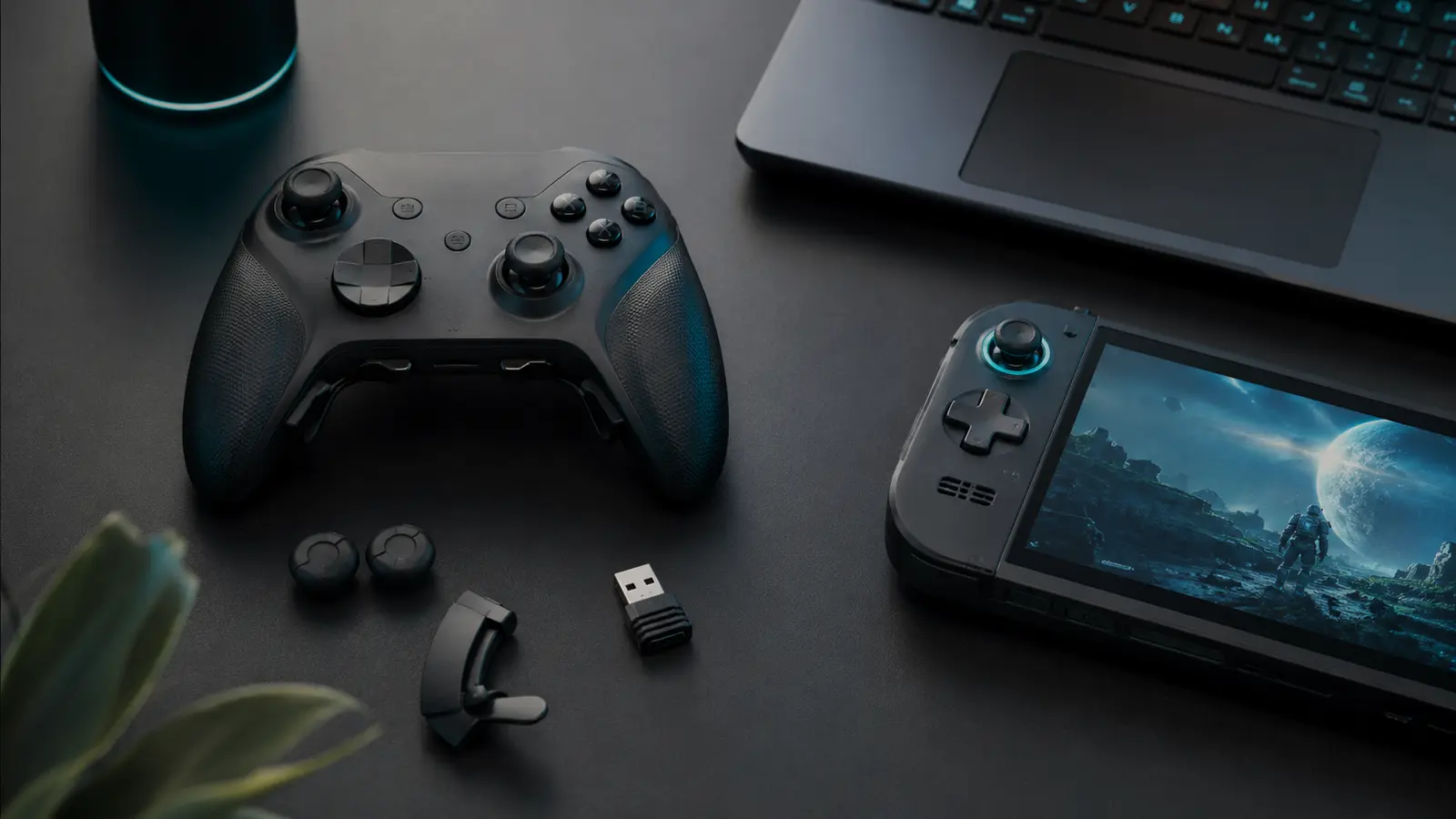
JSAUX’s VOIDJOY launch starts with two products that solve different problems. The SkyLark S1 Pro costs $49.99 and is a complete wireless controller with TMR sticks, gyro and several connection modes. The Elite Extender costs $39.99 and clips onto the original Nintendo Switch Pro Controller to add rear buttons, detachable triggers and a larger battery.
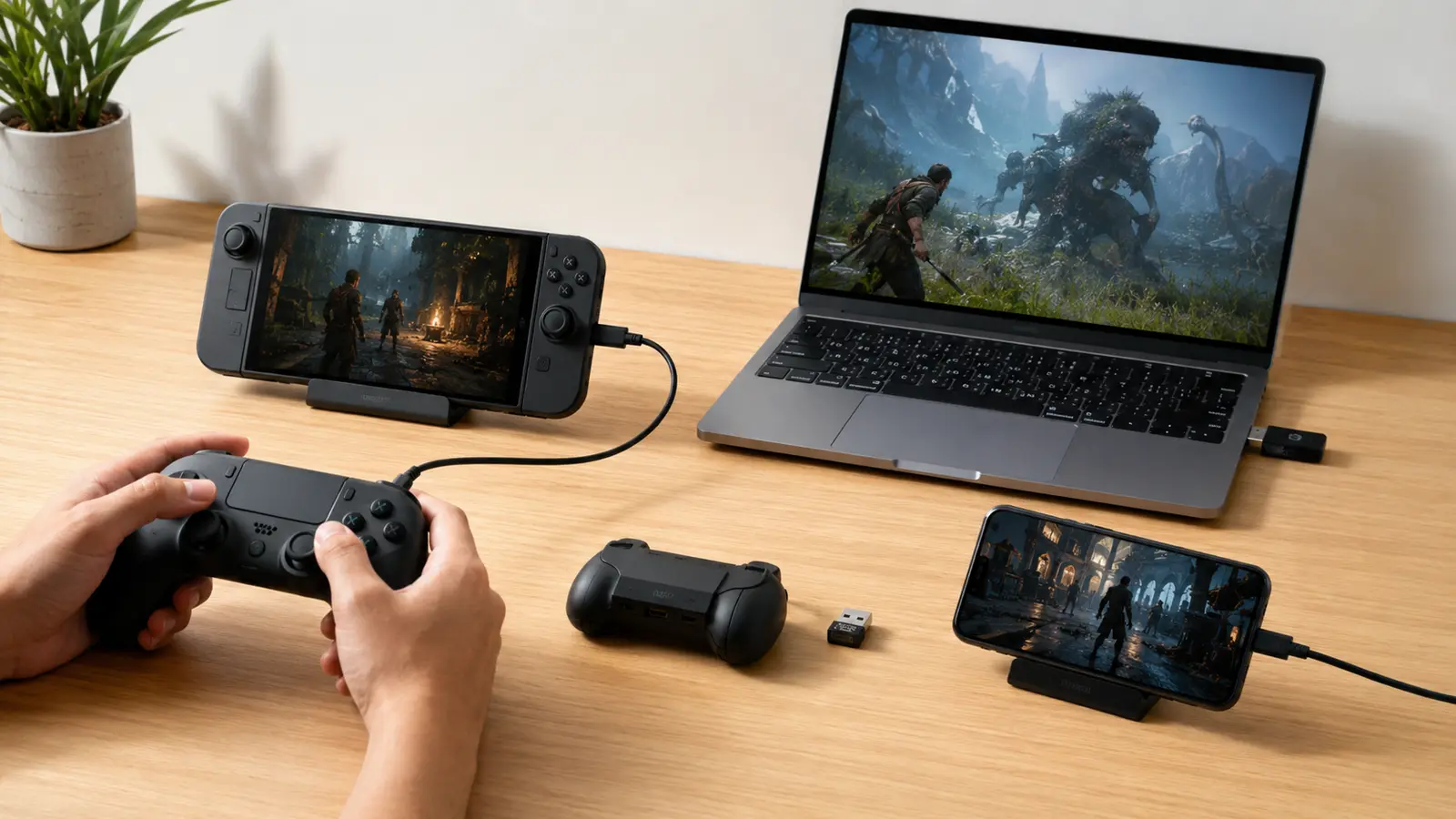
The key is platform precision. S1 Pro targets Windows, Nintendo Switch/Switch 2, SteamOS, Android and Apple platforms through Bluetooth, 2.4GHz or USB-C as supported. It is not a native PlayStation or Xbox controller. Elite Extender fits the original Switch Pro Controller, not the Switch 2 Pro Controller.
Initial sales started through JSAUX on September 1 in supported regions, with no broad initial EU launch in the announcement. Importing can affect tax, delivery and warranty. Buyers should also check whether NFC/Amiibo, wake, audio and motion functions survive in the chosen mode.
At a Glance
| Key fact | Verified position |
|---|---|
| SkyLark S1 Pro price | $49.99 |
| Elite Extender price | $39.99 |
| S1 Pro connections | Bluetooth, 2.4GHz wireless and USB-C wired |
| S1 Pro controls | TMR sticks, gyro and mode-dependent triggers/features |
| S1 Pro platforms | Windows, Switch, Switch 2, SteamOS, Android and Apple as documented |
| Unsupported consoles | No native PlayStation or Xbox console support announced |
| Extender fit | Original Switch Pro Controller; not Switch 2 Pro Controller |
| Extender battery | 1,800mAh advertised; runtime depends on controller use |
S1 Pro Hardware and Connection Modes
TMR thumbsticks use a magnetic sensing method designed to avoid physical potentiometer wear at the measurement point. That can reduce one cause of drift, but springs, gates and calibration still age. Gyro benefits Nintendo-style motion aiming, while trigger behavior may switch between analogue and digital depending on platform.
Bluetooth is convenient for phones and consoles, 2.4GHz can offer lower latency through the included dongle, and USB-C avoids battery concerns. The correct mode can change button labels, vibration, polling and wake support. Save the quick-start guide rather than relying on trial and error.
S1 Pro Compatibility Matrix
| Platform | Connection | Important caveat |
|---|---|---|
| Windows | 2.4GHz, Bluetooth or USB-C as supported | Check XInput mode and app features |
| Nintendo Switch / Switch 2 | Documented wireless/wired modes | Wake, NFC and audio may be limited |
| SteamOS | USB/dongle/Bluetooth depending device | Button mapping and gyro can need configuration |
| Android / Apple | Bluetooth or USB-C as supported | Game must support controllers |
| PlayStation / Xbox consoles | Not natively supported | Do not assume PC compatibility implies console authorization |
PlayStation and Xbox restrict accessory authentication, so a controller can work with PC games from those ecosystems without working on the consoles. Third-party adapters can add latency, violate terms or lose compatibility after updates; they are not part of the advertised S1 Pro support.
Elite Extender: What It Adds
Elite Extender gives an existing original Switch Pro Controller rear P1/P2 buttons, detachable linear trigger pieces, macro/turbo functions through KeyLinker and an advertised 1,800mAh battery. It is attractive to someone who likes Nintendo’s pad shape but wants inputs reachable without moving thumbs.
Macros may be prohibited in competitive games or tournaments. Use them for accessibility or single-player convenience within game rules. The added shell changes weight and grip depth; small hands may find it less comfortable. A 1,800mAh capacity claim does not state final runtime when powering the host controller and extra electronics.
Switch 2 Pro and Amiibo Limitations
The Extender is shaped for the original Switch Pro Controller and is not compatible with the Switch 2 Pro Controller. Similar names do not imply matching shells, contacts or firmware. Buy only against the exact controller model shown in JSAUX’s fit list.
NFC/Amiibo behavior can be restricted by how the accessory covers or interfaces with the original controller. If Amiibo scanning is essential, confirm the current manual and user tests before purchase. The S1 Pro’s own platform support likewise does not guarantee NFC, headphone audio or every Nintendo-specific function.
Controller support is feature-by-feature
A device can connect and control a game while lacking wake, NFC, HD rumble, audio or motion in that mode.
Regional Availability and Warranty
The launch announcement excluded a broad initial EU release. European buyers considering import should add VAT, carrier fees, return postage and charger/dongle regulatory questions. A $49.99 controller is no bargain if a warranty return costs half its price.
Check JSAUX’s live country selector, delivery estimate, trial/return conditions and firmware utility support for your operating system. Save offline firmware only if JSAUX provides it officially. Never install unsigned controller tools from forum mirrors.
Which Product Is for You?
Buy S1 Pro if you need one inexpensive controller across PC, Switch-family, handheld PC and mobile gaming and can accept platform-specific feature gaps. Buy Elite Extender only if you already own the original Switch Pro Controller and prefer its shape. It is not a cheaper Switch 2 Pro accessory.
Competitive players should wait for independent latency, polling, stick circularity and firmware testing. Casual players can rely more on price and comfort, but the return window is still important because hand fit cannot be inferred from photographs.
FrediTech verdict
S1 Pro offers broad value at $49.99 if its compatibility matrix matches your devices. Elite Extender is narrower but clever. The main buying rule is exact-model verification—especially for Switch 2 Pro, PlayStation, Xbox and Amiibo.
Firmware, Macros and Fair Play
Install controller firmware only from JSAUX, keep the pad charged and do not disconnect during an update. Record the original calibration before changing dead zones. If a new build causes drift or pairing failures, use the documented recovery path rather than an unofficial flashing tool. Confirm whether configuration software exists for the operating system you own.
Rear-button remaps that duplicate ordinary inputs are convenient; automated multi-step macros may violate competitive-game or tournament rules. Check the game and event policy before using them online. Accessibility needs deserve thoughtful support, but they do not automatically override anti-cheat requirements. Store profiles clearly so another player does not trigger an unintended sequence. For shared consoles, keep a plain default profile that works reliably without companion software or memory-dependent macros.
Frequently Asked Questions
Does Elite Extender work with Switch 2 Pro Controller?
No. It is designed for the original Nintendo Switch Pro Controller.
How much is S1 Pro?
SkyLark S1 Pro launches at $49.99.
Does S1 Pro work on Xbox?
Native Xbox console support was not announced. Windows compatibility does not equal Xbox authorization.
Does it work on PlayStation?
No native PlayStation console support was announced.
What are TMR sticks?
They use magnetic sensing rather than a conventional contact potentiometer, reducing one wear mechanism but not making the whole stick indestructible.
Does Elite Extender support Amiibo?
NFC/Amiibo use may be restricted; check the current manual before buying if scanning is essential.
Related FrediTech Guides
- Internal-link opportunity: FrediTech Switch 2 accessories guide (URL to be assigned)
- Internal-link opportunity: FrediTech controller drift guide (URL to be assigned)
Sources and Verification
Prices, regions and compatibility were checked against JSAUX’s announcement and specialist reporting. Latency, stick accuracy and battery life were not independently established.