
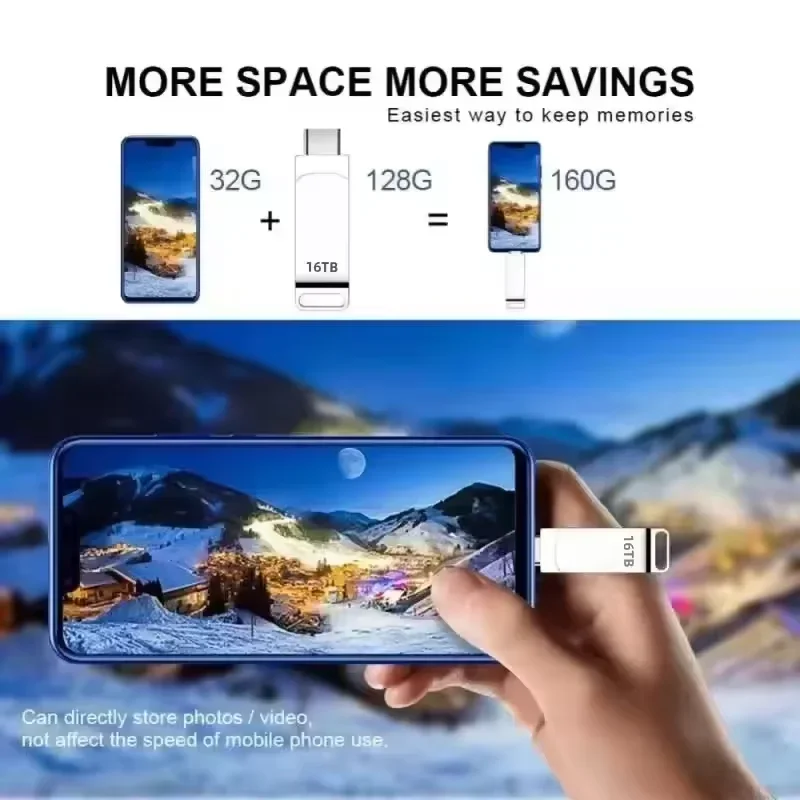
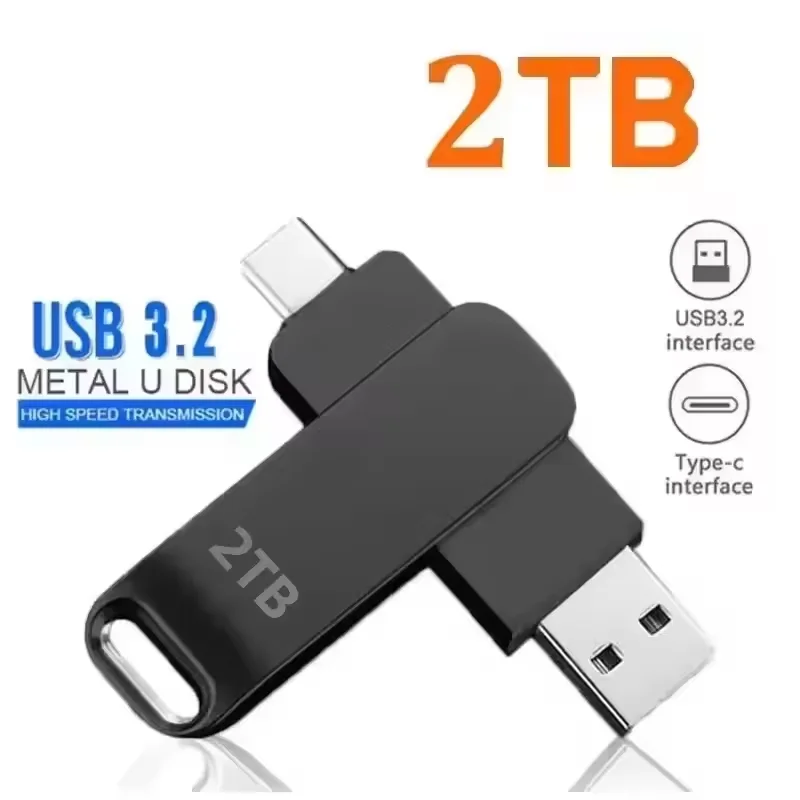
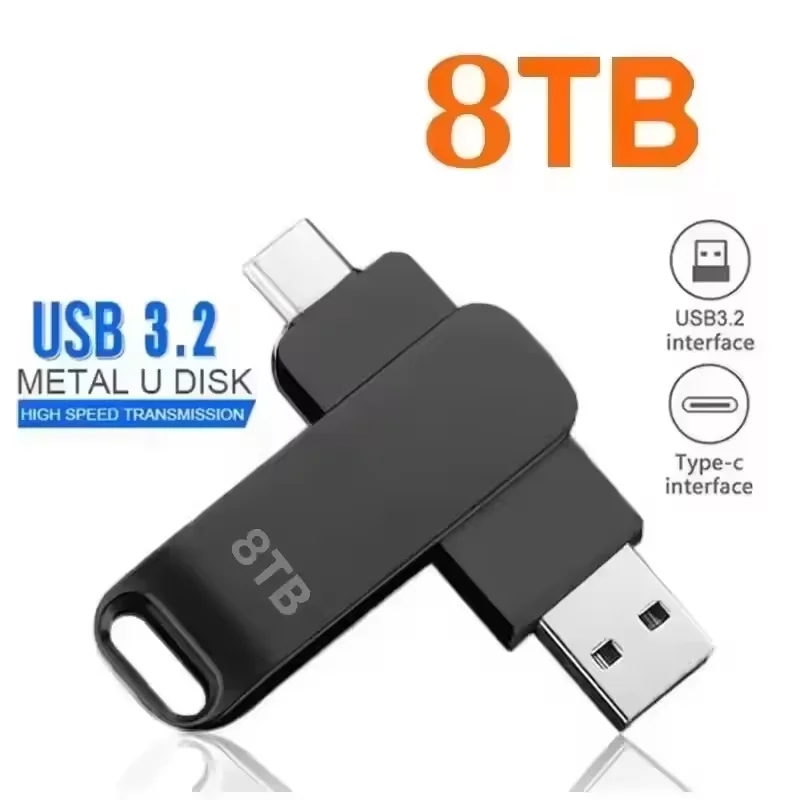
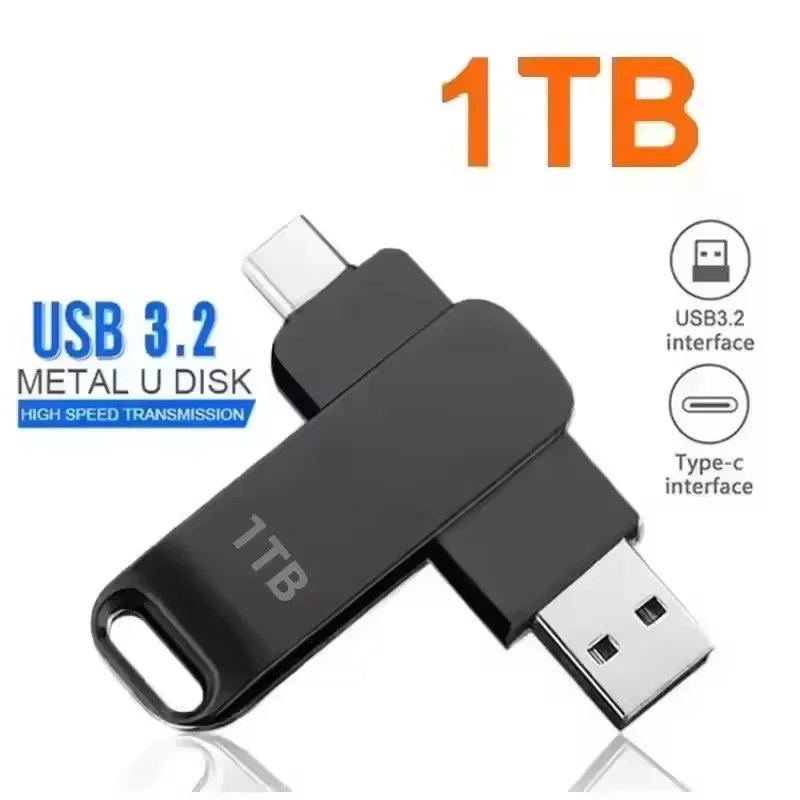
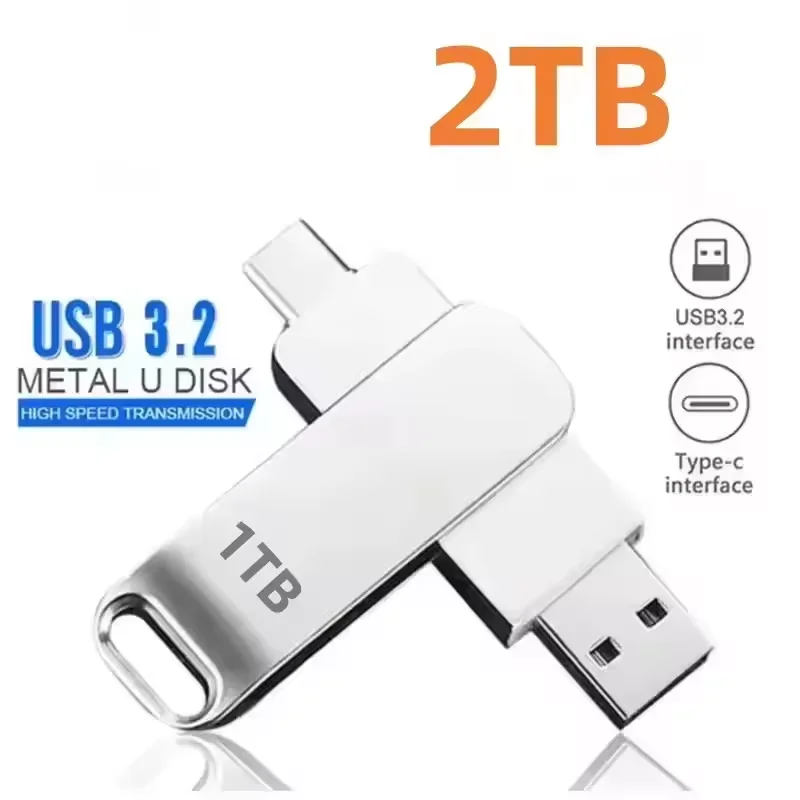
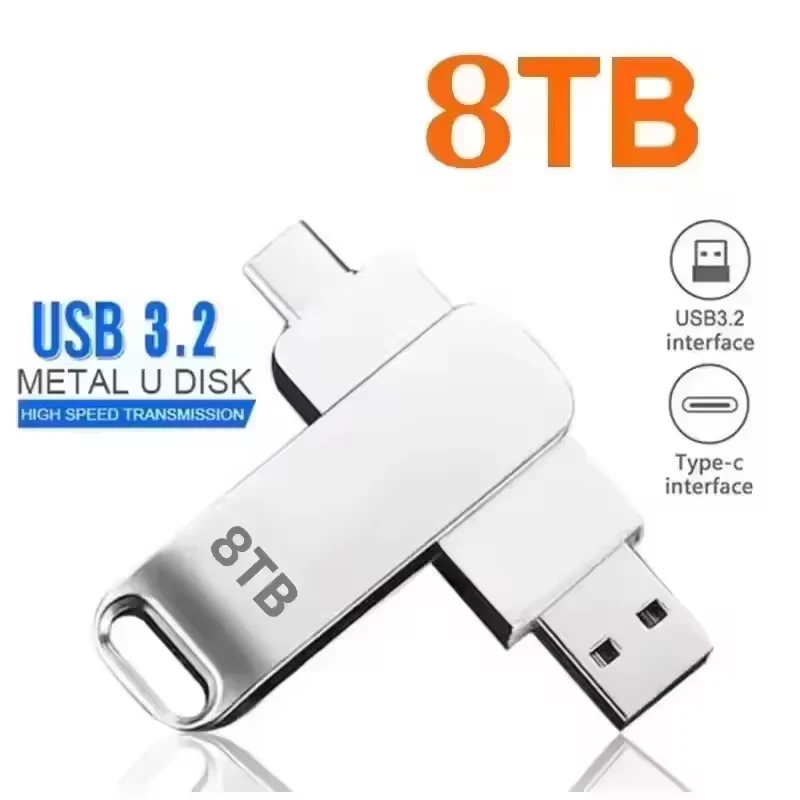
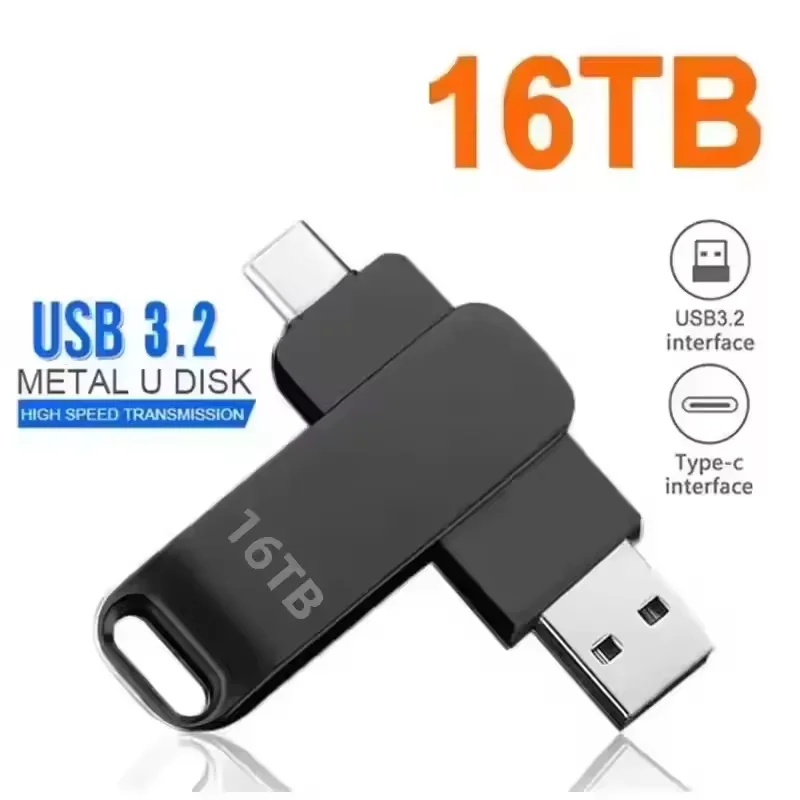
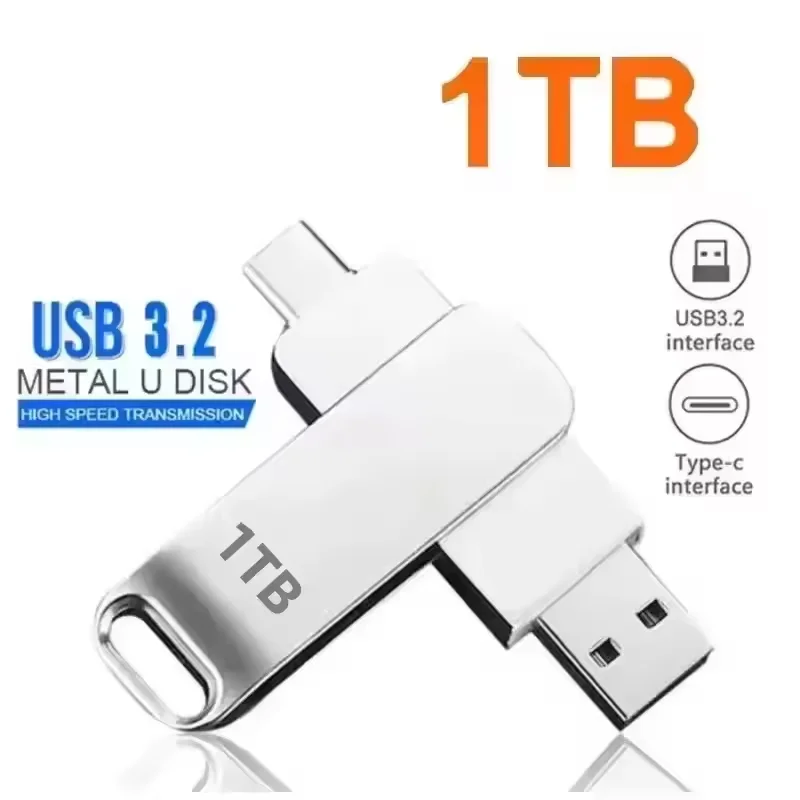
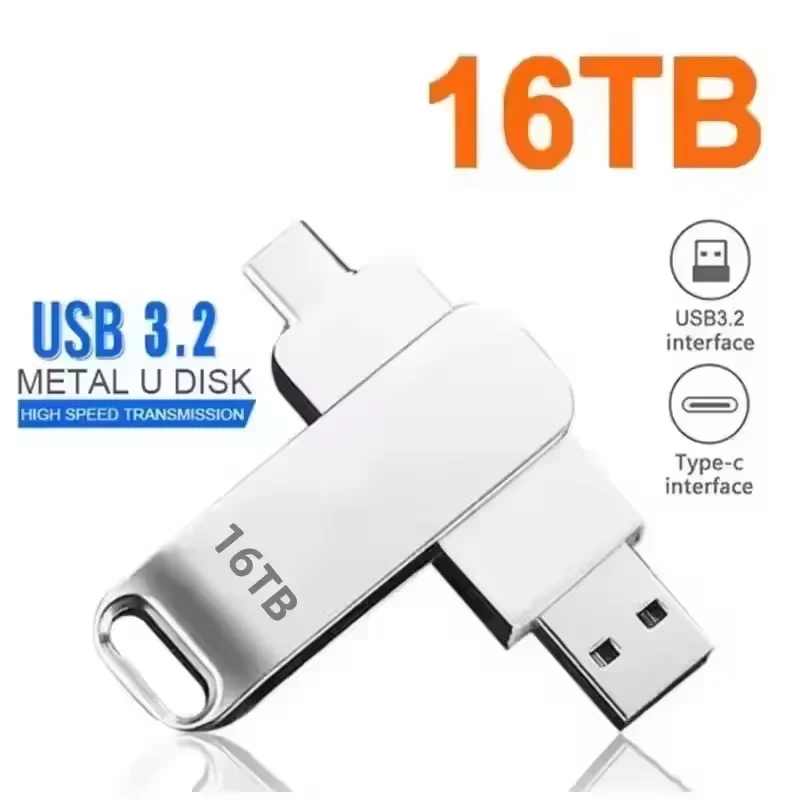
USB 3.2 Metal Flash Drive – High-Speed Portable Storage
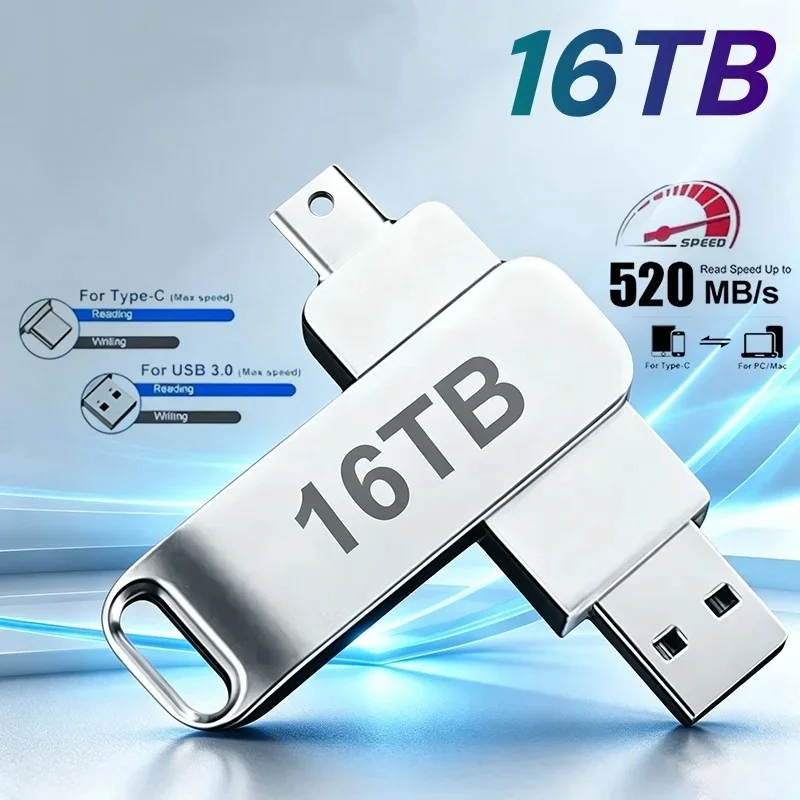
Carry your files wherever you go with this compact USB 3.2 metal flash drive, designed for convenient storage and transfer of documents, photos, videos and other digital files.
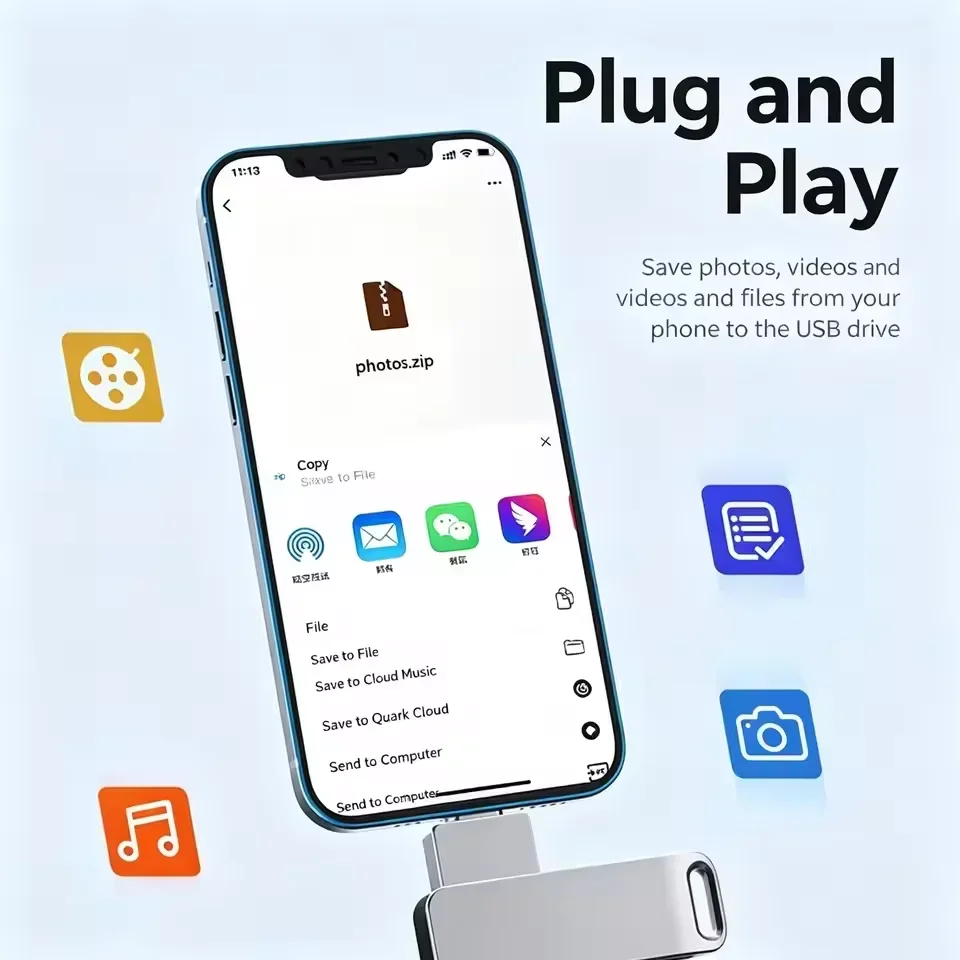
Its slim metal construction provides a durable, portable design suitable for use with compatible desktops, laptops and Mac computers. The drive connects directly through USB and supports plug-and-play operation, so no separate external power supply is required.
Available in multiple advertised storage capacities, it is designed for users who need portable storage for work, school, media files, backups and everyday file transfers.
High-Speed USB Connectivity
The drive is advertised with a USB 3.2 interface, providing faster data-transfer capability than older USB standards when used with compatible USB ports.
Actual read and write speeds can vary depending on:
- Computer hardware
- USB port version
- File size and type
- Operating system
- Drive capacity
- File-system format
The supplier lists a transmission speed of up to 600 Mbps, but this should be treated as a manufacturer/supplier specification rather than a guaranteed real-world transfer speed.
Durable Metal Construction
The compact metal housing is designed to provide additional protection during daily use while maintaining a lightweight profile.
At approximately 24 g, the drive is easy to carry in a pocket, laptop bag or accessory pouch.
Dimensions: approximately 69 × 19 × 5.5 mm.
Plug-and-Play Operation
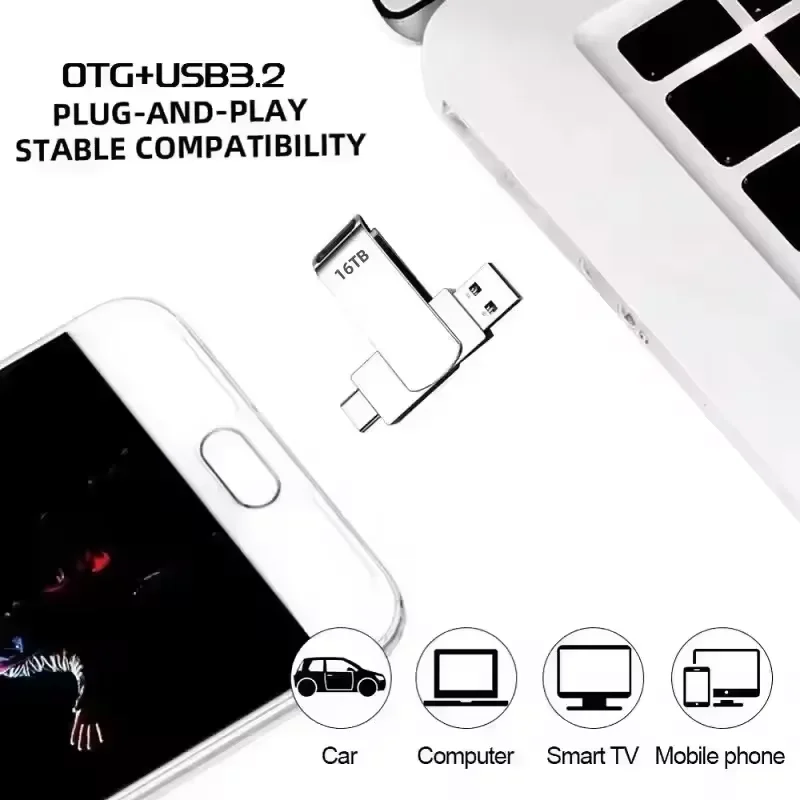
Simply connect the flash drive to a compatible USB port to begin using it.
No separate power adapter is required, making it convenient for:
- PCs
- Laptops
- Compatible Mac computers
- Other supported USB-equipped devices
Operating-system and device compatibility may vary.
Portable Storage for Everyday Use
The flash drive can be used for storing and transferring:
- Documents and presentations
- Photos
- Videos
- Music
- School files
- Work files
- Software installers
- Personal backups
For important files, always maintain an additional backup rather than relying on a single USB drive.
Shock-Resistant Solid-State Storage
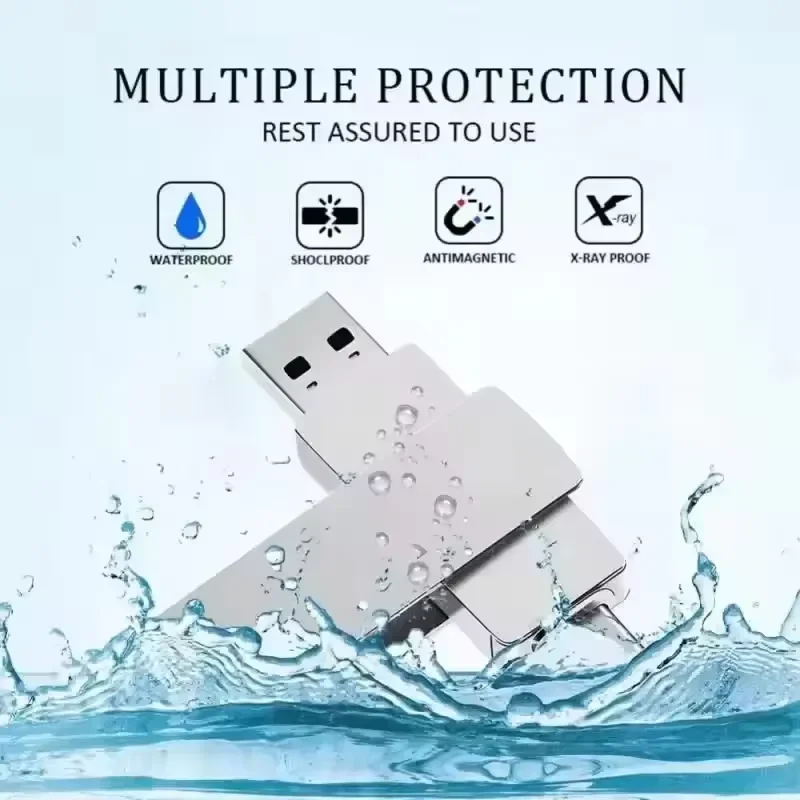
Because flash drives use solid-state memory rather than mechanical moving parts, they can be more resistant to everyday vibration and movement than traditional mechanical storage devices.
The supplier also describes the product as resistant to shock and electromagnetic interference.
Available Capacities
Supplier-listed capacity options include:
- 1TB
- 2TB
- 8TB
- 16TB
Important: Actual usable capacity shown by your computer will normally be lower than the advertised capacity because storage manufacturers and operating systems calculate capacity differently.
However, this normal difference is relatively small and does not explain a drive showing dramatically less capacity than advertised.
Capacity Information
Storage manufacturers commonly calculate:
1 GB = 1,000,000,000 bytes
while some operating systems display storage using binary measurements.
For this reason, a correctly functioning drive may display slightly less usable storage than its advertised capacity after formatting and system overhead.
Key Features
- USB 3.2 interface
- Compact metal construction
- Plug-and-play operation
- No external power supply required
- Lightweight portable design
- Solid-state flash storage
- Multiple advertised capacity options
- Suitable for compatible PCs, laptops and Macs
- Silver and black options
- CE, FCC and RoHS certifications listed by supplier
Specifications
| Specification | Details |
|---|---|
| Product Type | USB Flash Drive |
| Interface | Supplier lists USB 3.2 |
| Model | Supplier lists USB 3.0 Flash Drive |
| Advertised Capacities | 1TB / 2TB / 8TB / 16TB |
| Supplier-Listed Speed | Up to 600 Mbps |
| Connection | USB |
| External Power | Not required |
| Weight | Approx. 24 g |
| Dimensions | Approx. 69 × 19 × 5.5 mm |
| Colors | Silver / Black |
| Compatible Devices | PC, laptop and compatible Mac |
| Construction | Metal |
| Certifications | CE, FCC, RoHS |
| Package Contents | 1 × USB flash drive |
Care Instructions
To help protect your files and storage device:
- Do not remove the USB drive while files are being written or transferred.
- Use your operating system’s Safely Remove/Eject option whenever possible.
- Avoid shutting down the computer during an active file transfer.
- Keep an additional backup of important data.
- Avoid unnecessary reformatting.
- Protect the drive from excessive heat, moisture and physical damage.


Reviews
There are no reviews yet.