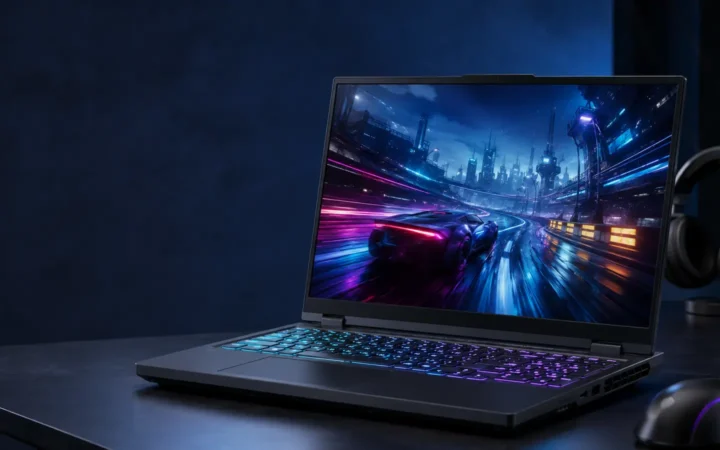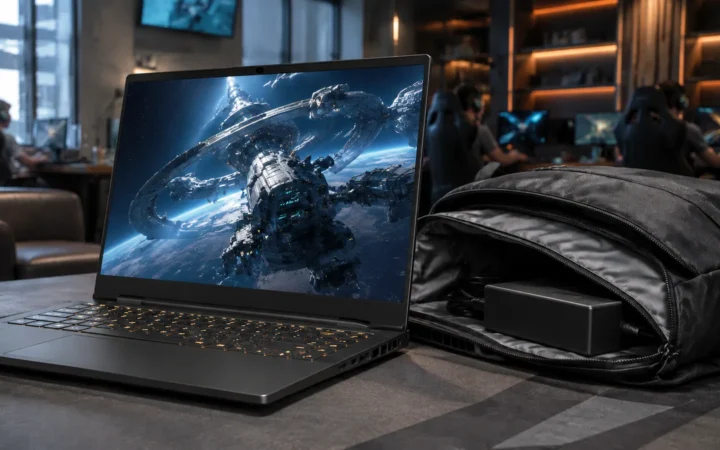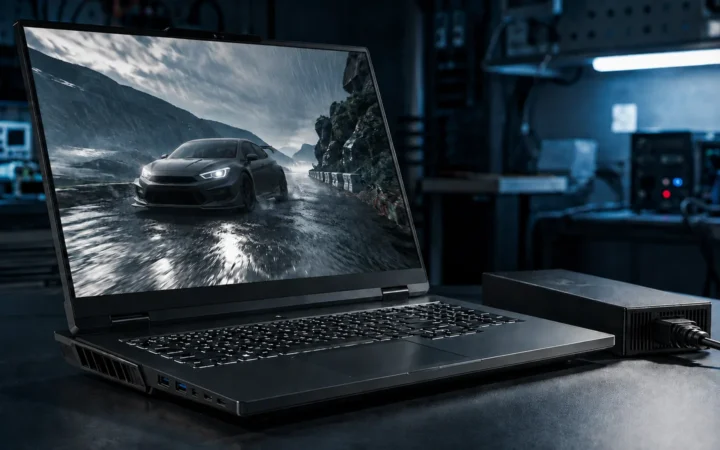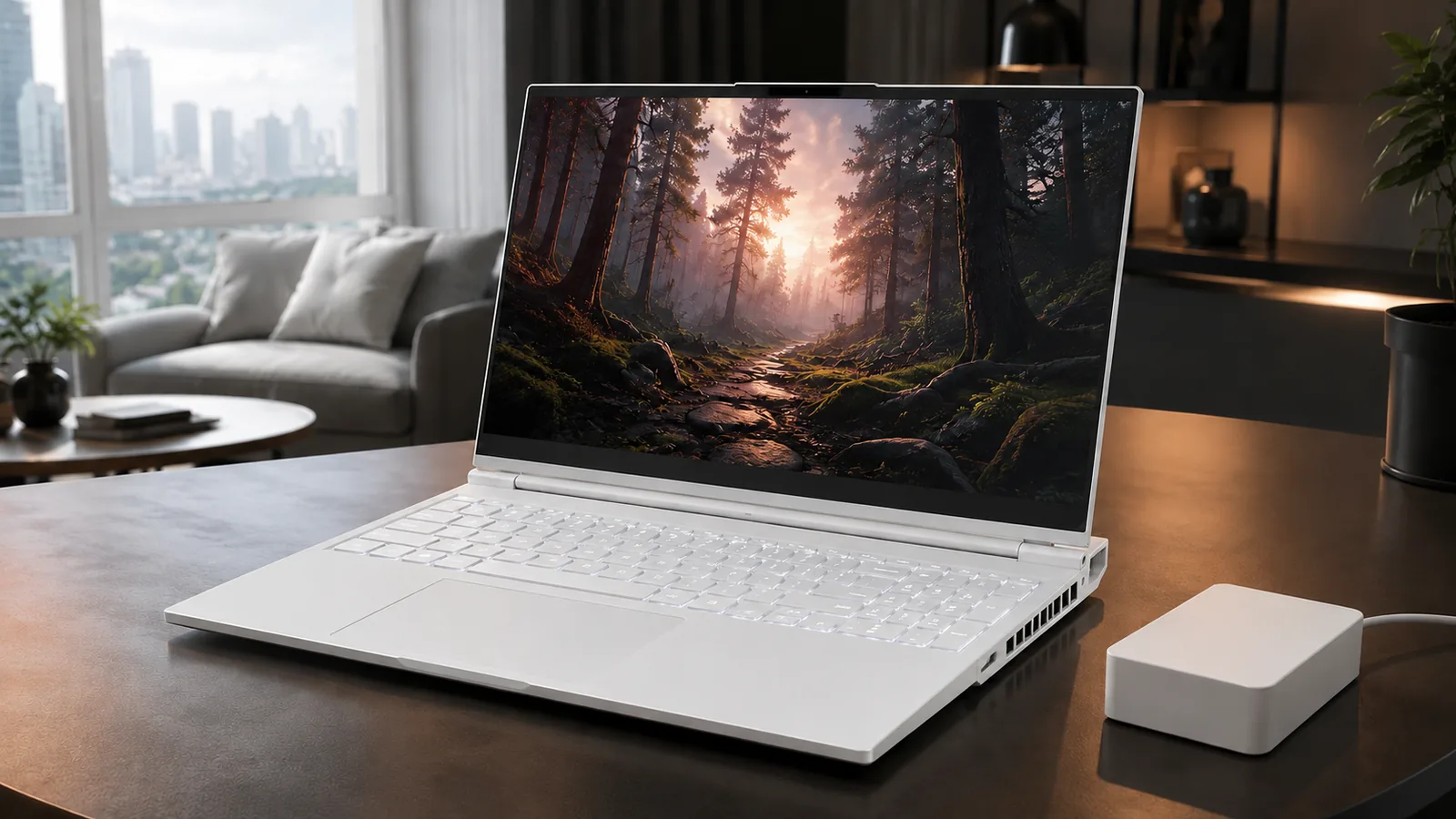

Lenovo Legion 7i Review 2026: Premium Gaming Value should be judged by more than a processor name or launch-day benchmark. This review focuses on the things that shape daily ownership: sustained performance, display quality, keyboard and ports, battery life, thermals, repairability or upgrade limits, software support and the price of the configuration you can actually buy.
Quick Verdict
- Best for: buyers comparing this laptop on real workflow fit rather than headline specifications.
- Focus on: display, sustained performance, keyboard, ports, battery, thermals, memory/storage configuration and warranty.
- Watch for: similarly named generations can have very different processors, displays and upgrade options, so verify the exact model number before buying.

Table of contents
Design and build quality
Aluminium chassis and everyday durability
The Lenovo Legion 7i Gen 9 (16IRX9) is a 2024-generation, 16-inch gaming laptop that remains relevant to shoppers comparing discounted RTX 40-series hardware in 2026. Its anodized aluminium top and bottom panels, restrained branding and relatively thin profile distinguish it from bulkier gaming systems. The design was offered in Glacier White and Eclipse Black; availability depends on the region and exact product code.
Lenovo specifies dimensions of 357.7 × 262.5 × 17.6–19.8 mm (14.08 × 10.33 × 0.69–0.78 inches), with weight starting around 2.24 kg (4.94 lb). Those are starting figures, not a guarantee for every configuration. The rear exhaust and raised feet help create room for airflow, while the aluminium construction gives the laptop a comparatively understated appearance. See the Lenovo 16IRX9 specification sheet for configuration-specific details.
A gaming laptop that also fits a workplace
The colour-matched chassis, discreet lid graphics and keyboard lighting allow the Legion 7i to look conventional in meetings when RGB effects are switched off. Its 16-inch footprint still requires more bag space than a 14-inch laptop, and the included 230 W adapter adds weight to a daily commute. The trade-off is a larger display, a numeric keypad and space for a high-power Intel HX processor.


Display, audio and webcam
Two distinct 16-inch display configurations
The Gen 9 Legion 7i does not have one universal display specification. Lenovo lists two 16:10, anti-glare IPS options. The 2560 × 1600 (WQXGA) panel has a 240 Hz refresh rate, rated 500-nit brightness and 100% sRGB coverage. The sharper 3200 × 2000 (3.2K) panel operates at 165 Hz, is rated at 430 nits and covers 100% of DCI-P3. Both support NVIDIA G-SYNC and Advanced Optimus on compatible configurations.
| Panel | Resolution / refresh | Lenovo-rated brightness | Colour coverage |
|---|---|---|---|
| WQXGA IPS | 2560 × 1600 / 240 Hz | 500 nits | 100% sRGB |
| 3.2K IPS | 3200 × 2000 / 165 Hz | 430 nits | 100% DCI-P3 |
For competitive games, the 240 Hz panel can display more frames when the GPU and game can produce them. The 3.2K option provides more pixels and broader rated colour coverage for certain creative workflows, but its higher resolution can demand more graphics power. Published brightness measurements may differ from Lenovo’s nominal ratings; always check which screen an individual review tested.
Speakers: serviceable, with limits for gaming
Audio comes from two 2 W speakers tuned by HARMAN and optimized with Nahimic. They are suitable for calls and everyday video, but published reviews describe limited low-frequency impact. Headphones remain useful when positional audio or isolation from fan noise matters. Speaker impressions are subjective and vary with the surface under the machine.
1080p webcam and physical privacy control
The built-in webcam records at 1080p and is paired with a dual-microphone array. A physical electronic shutter switch adds a quick privacy control for calls and remote work. The integrated camera is convenient for meetings; dedicated external webcams generally provide more control over framing and lighting for streaming.
Keyboard and touchpad
TrueStrike keyboard and lighting options
The six-row Lenovo TrueStrike keyboard has a numeric keypad, a stated 1.5 mm key travel and recessed keycaps. Depending on configuration, buyers receive a white backlight or per-key RGB lighting. Lenovo Vantage allows supported lighting and performance modes to be adjusted without separate RGB software. A touch-style fingerprint reader is integrated into the power button.
Glass-surface touchpad
Lenovo lists a 120 × 75 mm buttonless glass multi-touch touchpad, rather than the haptic design described in some early summaries of this model. It supports Windows precision gestures and gives everyday users a large tracking area. For shooters and other fast-paced games, a separate gaming mouse remains the practical input choice.
Core hardware and upgrade options
Intel Core i7-14700HX and i9-14900HX
Official configurations use Intel’s 14th-generation Core i7-14700HX or Core i9-14900HX. The i9 has 24 cores (eight performance and 16 efficiency cores), 32 threads, 36 MB of Intel Smart Cache and an advertised maximum turbo frequency of 5.8 GHz. Its performance benefits CPU-intensive games, compilation, multitasking and rendering, but power draw and fan noise are significant under sustained load. The chip should not be confused with newer Core Ultra processors that include a dedicated NPU.
RTX 4060 and RTX 4070 laptop graphics
Lenovo’s 16IRX9 PSREF lists GeForce RTX 4060 and RTX 4070 Laptop GPUs, each with 8 GB of GDDR6 memory and a rated maximum 130 W total graphics power in the listed configurations. Both support ray tracing, NVIDIA DLSS and Advanced Optimus. The RTX 4070 is a useful step up for graphically demanding games, though its 8 GB video memory can require reduced texture settings in newer titles at higher resolutions.
One point matters when comparing reviews: a laptop GPU name alone does not establish performance. Actual clock speeds, power limits, cooling, display resolution and game settings all affect frame rates. Some reviewers report lower measured sustained power than the maximum rating on the specification sheet. Compare results from the same title and settings, rather than assuming every RTX 4070 laptop behaves identically.
Upgradeable DDR5 RAM and two SSD slots
Correction to the original draft: Legion 7i Gen 9 memory is not soldered. Lenovo specifies two DDR5-5600 SO-DIMM slots, with retail configurations listed up to 32 GB. The official documentation also lists two M.2 2280 PCIe 4.0 ×4 SSD slots, not one. Upgrades beyond Lenovo’s validated retail configurations should be checked against the exact machine’s support documentation and warranty terms.
For a used or discounted 2024 unit, these two upgrades can make a meaningful difference: increasing memory supports heavier multitasking, while a second SSD avoids immediately replacing the boot drive as a game library expands. Use suitable thermal pads and disconnect the battery before internal servicing where instructed by Lenovo.
Ports and wireless connectivity
The Legion 7i can support an external gaming display, storage drives, capture equipment and common peripherals without relying entirely on a dock. It has no built-in RJ-45 Ethernet port, so players who want wired networking need a USB adapter or dock.
| Connector | Quantity / specification | Typical use |
|---|---|---|
| USB-A | 2 × USB 5 Gbps; one Always On | Mouse, keyboard and accessories |
| USB-C | 1 × USB 5 Gbps | Data-only peripheral connection |
| USB-C with video | 1 × USB 10 Gbps, DisplayPort 1.4 and Lenovo PD up to 140 W | Monitor, compatible charger or dock |
| Thunderbolt 4 | 1 × USB4 / 40 Gbps with DisplayPort 1.4 and Lenovo PD up to 140 W | High-speed storage, display and dock |
| HDMI 2.1 | 1 ×, up to 8K/60 Hz as specified by Lenovo | External display |
| SD reader | 1 × full-size SD card slot | Photo or video transfers |
| Audio / power | 3.5 mm combo jack / Lenovo slim-tip input | Headset / 230 W charger |
Wireless specifications vary by SKU: Lenovo lists Wi-Fi 6E or MediaTek Wi-Fi 7, both alongside Bluetooth 5.3 in its listed configurations. Do not assume every second-hand Legion 7i has Wi-Fi 7. Inspect the seller’s exact model number before purchasing if this feature matters.
Independent performance benchmarks
This article is a specification-led and third-party review synthesis, not a claim that FrediTech personally tested a Legion 7i. Reviewers used different hardware, display modes, driver versions and thermal profiles, so individual numbers are useful as context rather than a single universal score.
| Reviewer / test | Reported result | Why it matters |
|---|---|---|
| Notebookcheck, PCMark 10 | 8,023 points | A tested 3.2K-screen i9 / RTX 4070 configuration |
| SMBtech, PCMark 10 | 8,317 points | A separate review configuration and test environment |
| Laptop Mag, web battery test | 3 hours, 1 minute | Its tested i9 / RTX 4070 unit, not a Lenovo lab maximum |
Gaming: resolution and DLSS matter more than marketing
With a GeForce RTX 4070 Laptop GPU, this Legion targets high-refresh 1080p and 1600p gaming. Less demanding esports titles can make fuller use of the high-refresh panel, while demanding ray-traced games can require DLSS and adjusted settings. A 3.2K native render asks much more of the GPU than 1080p, which explains why two reviews of similar-looking Legion 7i models can report different frame rates.
The original draft contained very specific game FPS figures and an extended benchmark comparison attributed to XDA. Those exact testing conditions could not be independently established here, so they are not presented as measurements by FrediTech. For reproducible game-by-game results, consult the linked Notebookcheck laboratory review and PC Gamer’s review, taking note of their different performance assessments.
Productivity, video editing and streaming
A high-core-count HX processor, RTX GPU, fast PCIe storage and upgradeable RAM make the Legion 7i capable of development workloads, high-resolution timelines and GPU-assisted encoding. The RTX 40-series NVENC encoder can offload stream encoding from the CPU, although game frame rates and acoustic comfort still depend on the workload. A colour-managed external monitor is worth considering when a project has strict delivery requirements beyond the chosen laptop panel’s colour space.
Cooling and noise under load
Lenovo uses its Legion ColdFront Hyper cooling design in this generation to move heat away from the keyboard and out through the rear and side vents. That does not mean thermal behaviour is identical across all profiles. In its 2024 Legion 7 16IRX9 review, PC Gamer reported hot surfaces under load, while other reviews described more comfortable everyday operation. Room temperature, placement, game choice and firmware can account for some of these differences.
When playing for extended sessions, keep the exhaust unobstructed, use the laptop on a firm surface and select a Lenovo Vantage thermal profile appropriate to the environment. A stand may improve intake clearance; a cooling pad is optional rather than mandatory. Expect audible fans during heavy gaming, even if quieter modes reduce peak noise.
Battery life and charging
The 16IRX9 contains a 99.9 Wh battery. Lenovo rates it for up to 5.7 hours in MobileMark 25 or 8.7 hours of controlled local 1080p video playback at 150 nits. These are different benchmark scenarios, not promises of normal mixed-use endurance. Independent battery tests also vary: Laptop Mag recorded 3 hours and 1 minute for web use on its unit, while SMBtech recorded 7 hours and 10 minutes in its PCMark Modern Office run.
For gaming on battery, expect much less time and potentially reduced graphics performance. Lenovo lists Super Rapid Charge at approximately 0–70% in 30 minutes under its specified charging conditions, using the suitable power adapter. USB-C charging is convenient for lighter work but may not support full gaming performance; Lenovo notes that the advertised 140 W mode needs a compatible Lenovo adapter.
Pricing and configurations in 2026
The Legion 7i discussed here is a 2024 Gen 9 model, not Lenovo’s newest 2026 Legion generation. For historical context, Laptop Mag reported a launch-era starting price near US$1,699 and a reviewed i9 / RTX 4070 configuration priced at US$1,999 in July 2024. These figures are historical and should not be represented as today’s retail prices.
In 2026, remaining new stock, refurbished machines and used listings may be sold with different screen, RAM, Wi-Fi and warranty combinations. Verify the complete model number, seller return policy, battery condition and local service coverage before comparing two listings. An RTX 4070 listing with a 240 Hz screen is not necessarily identical to a 3.2K-screen example.
Accessories worth checking before checkout
- Wired Ethernet adapter: useful for network troubleshooting and competitive gaming because this model has no RJ-45 jack.
- USB-C / Thunderbolt dock: check actual power delivery and monitor support; a normal dock is not a substitute for the gaming power adapter.
- Headset and mouse: practical for positional audio, voice chat and precise game input.
- Stand and backpack: allow adequate vent clearance and account for the laptop’s 16-inch dimensions and power brick. For maintenance advice, see FrediTech’s laptop performance guide.
Legion 7i versus nearby alternatives
These products target overlapping but not identical users. The 2024 Legion 7i Gen 9 emphasizes a relatively slim all-aluminium chassis with RTX 4060/4070 graphics. The Legion Pro 7i family is oriented toward higher GPU configurations and more substantial thermal hardware, but the precise specification depends on generation. Compare generation numbers before reading a cross-model chart: a 2025 or 2026 Pro 7i is not the same release year as this Legion 7i.
The Alienware m16 R2 and HP Omen Transcend 14 offer alternative size and design priorities. Likewise, the ROG Zephyrus G16 is a 16-inch family, not a 14-inch model; do not confuse it with the Zephyrus G14. Choose comparison reviews that name exact CPUs, GPUs and display options rather than treating broad product-family labels as interchangeable. For related coverage, see FrediTech’s Legion Pro 7i review.
Buying checklist for a 2026 shopper
- Identify the model generation: confirm the listing says Legion 7 16IRX9 / Gen 9, and request its full machine type or SKU. Avoid confusing it with a newer Legion 7i or the Legion Pro 7i.
- Check the exact display: select between 240 Hz WQXGA with 100% sRGB and 165 Hz 3.2K with 100% DCI-P3 according to the games or creative projects you actually use.
- Verify CPU and GPU: look for the specific Core i7/i9 and RTX 4060/4070 pairing; ask sellers for screenshots of system details on used units.
- Inspect serviceability: both RAM and SSD storage are slot-mounted in Lenovo’s Gen 9 specifications, but validate upgrades against the exact configuration and warranty.
- Consider battery condition: on a used laptop, request a Windows battery-health report and confirm that the original charger is included.
- Compare the complete price: weigh price against condition, return rights, region-specific warranty coverage and a newer laptop’s features. Historic launch MSRPs are not reliable 2026 deal benchmarks.
How to extend battery life and maintain performance
- Enable Hybrid or integrated-graphics mode: use the supported graphics mode in Lenovo Vantage for documents, browsing and meetings, then switch when maximum gaming performance is needed.
- Reduce the refresh rate: if available in Windows or Lenovo Vantage, use a lower screen refresh rate for light tasks away from power.
- Adjust display and lighting: lower screen brightness when practical and turn off unnecessary RGB effects.
- Use an appropriate power profile: Quiet or Balanced modes are useful for everyday tasks, while gaming benchmarks should state whether Performance mode was selected.
- Check background GPU use: overlays, launchers and other apps can keep the discrete GPU active and reduce battery life even when a game is closed.
- Keep firmware and drivers current: obtain BIOS, chipset and graphics updates from official vendor support channels. Keep vents clear and avoid soft surfaces that obstruct intake.
Real-world use cases
Remote work and software development
The large 16:10 screen, numeric keypad and 24-core i9 option suit large spreadsheets, multiple windows and demanding development workloads. The fingerprint reader and camera shutter offer useful everyday conveniences, but a 230 W charger and variable battery life make portability a more qualified strength than on a lightweight business notebook. See FrediTech’s remote-work cybersecurity guide for related setup advice.
Content creation
GPU-accelerated editors and rendering tools can take advantage of the RTX GPU, while two M.2 bays allow a separate project or media SSD. For photography and video, the full-size SD card reader is helpful. Colour-critical work requires checking which panel is fitted, using appropriate profiles and calibrating the display where necessary.
Gaming and live streaming
Plugged-in gaming is the strongest use case for this hardware combination. The RTX 4070 option, high-refresh screen and streaming encoder provide a flexible foundation, but the latest demanding games may require DLSS or quality adjustments—particularly at 3.2K. An external mouse, headset and steady wired networking can improve the setup without assuming that accessories automatically raise FPS.
Conclusion
The Legion 7i Gen 9 combines a sturdy aluminium build, a high-refresh 16-inch display, Intel 14th-generation HX processing and RTX 40-series graphics. The most useful distinctions for a buyer are its two genuinely upgradeable RAM slots, two SSD bays, exact screen choice and SKU-dependent Wi-Fi specification. They matter more than broad claims that every Legion 7i behaves the same.
Its practical limits remain battery life, fan noise during sustained gaming and an RTX 4070 configuration’s 8 GB graphics memory. Because this is a 2024-generation product, a 2026 purchase should be judged against the actual asking price, warranty and condition—not the original launch price or comparisons with newer Legion models that use different hardware.
Frequently asked questions
Is Legion 7i Gen 9 a 2026 model?
No. The 16IRX9 is a 2024-generation laptop. It may still be sold in 2026 as remaining stock or a refurbished or used unit, but it should not be described as the latest-generation Legion 7i.
Can I upgrade the RAM on the Legion 7i Gen 9?
Yes. Lenovo specifies two DDR5-5600 SO-DIMM slots. Its official retail offering was listed up to 32 GB; confirm compatibility and warranty requirements before fitting different modules.
How many SSD slots does the Legion 7i Gen 9 have?
Lenovo lists two M.2 2280 PCIe 4.0 ×4 SSD slots. A listing with one installed drive can therefore still have a separate storage-expansion bay.
Does every Gen 9 Legion 7i include an RTX 4070?
No. Lenovo lists RTX 4060 and RTX 4070 Laptop GPU configurations. Both have 8 GB GDDR6 in its published 16IRX9 sheet. Confirm the GPU from the exact SKU.
Which display is available?
The principal published choices are a 2560 × 1600 IPS screen at 240 Hz with 100% sRGB coverage and a 3200 × 2000 IPS screen at 165 Hz with 100% DCI-P3 coverage. Check the listing; these are different options.
How long does its 99.9 Wh battery last?
Lenovo quotes up to 5.7 hours in MobileMark 25 and up to 8.7 hours in a controlled local-video test. Independent reviews report differing results depending on usage and configuration. Expect much less time while gaming.
How quickly does it charge?
Lenovo lists Super Rapid Charge of approximately 0–70% in 30 minutes with the appropriate adapter and conditions. USB-C input is possible on specified ports but is not a substitute for the included high-power charger during demanding gaming.
Does it have Wi-Fi 7?
Some configurations do. Lenovo lists both Wi-Fi 6E and MediaTek Wi-Fi 7 options. Check the exact wireless module associated with the laptop’s product code.
Does it have Ethernet and Thunderbolt 4?
There is one Thunderbolt 4 port, but no built-in Ethernet jack. A compatible USB or Thunderbolt adapter is necessary for wired networking.
Is the built-in touchpad haptic?
Lenovo describes it as a buttonless glass-surface, mechanical multi-touch touchpad, not a haptic touchpad. The keyboard offers 1.5 mm key travel and optional per-key RGB lighting.
How does it differ from the Legion Pro 7i?
The Gen 9 Legion 7i prioritizes a comparatively slim aluminium chassis and RTX 4060/4070 options. Legion Pro 7i specifications vary widely by generation and can include higher-tier GPUs and heavier thermal designs. Compare specific model years and SKUs rather than family names.
Sources and fact-checking notes
Specifications above refer specifically to the Lenovo Legion 7 16IRX9 (Gen 9). Third-party measurements are attributed to their original reviewers; FrediTech has not presented them as its own hands-on test. The manufacturer’s document remains the reference for variant-specific features and supports corrections to the original draft about RAM, SSD slots, ports and model year.
- Lenovo PSREF: Legion 7 16IRX9 official specification sheet
- Lenovo user guide: product specifications
- Notebookcheck: Legion 7 Gen 9 laboratory review
- Laptop Mag: Legion 7i Gen 9 independent review
- SMBtech: Legion 7i Gen 9 benchmark and battery testing
- PC Gamer: Legion 7 16IRX9 performance and thermal testing
Bottom Line
A laptop is a good buy when its exact configuration fits your workload, portability needs and budget. Compare the reviewed hardware with current alternatives and discounts, then prioritize the display, battery, ports and support you will use every day.