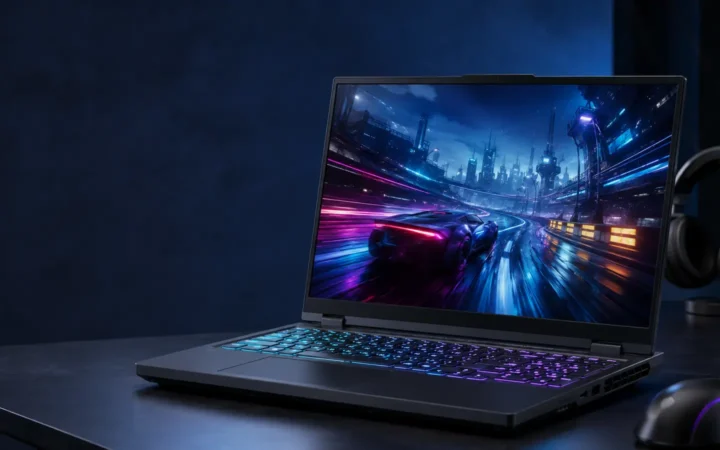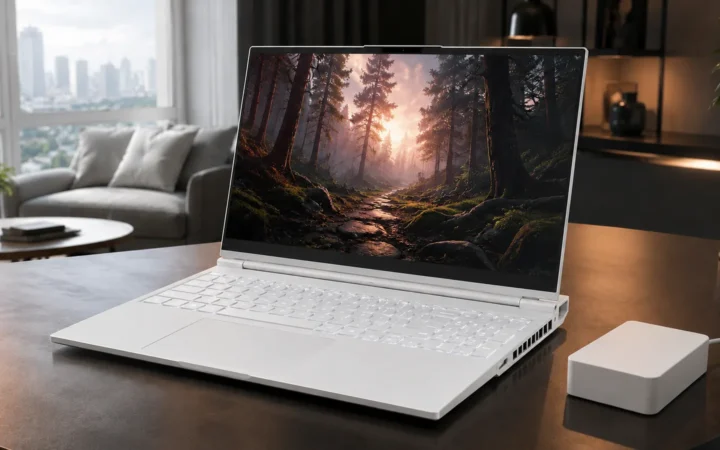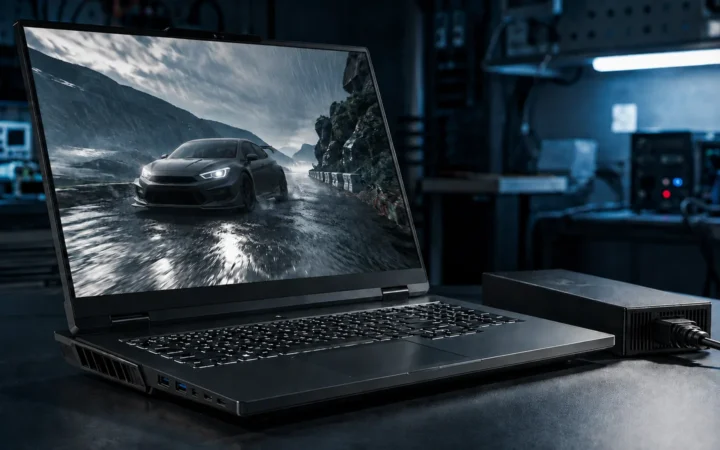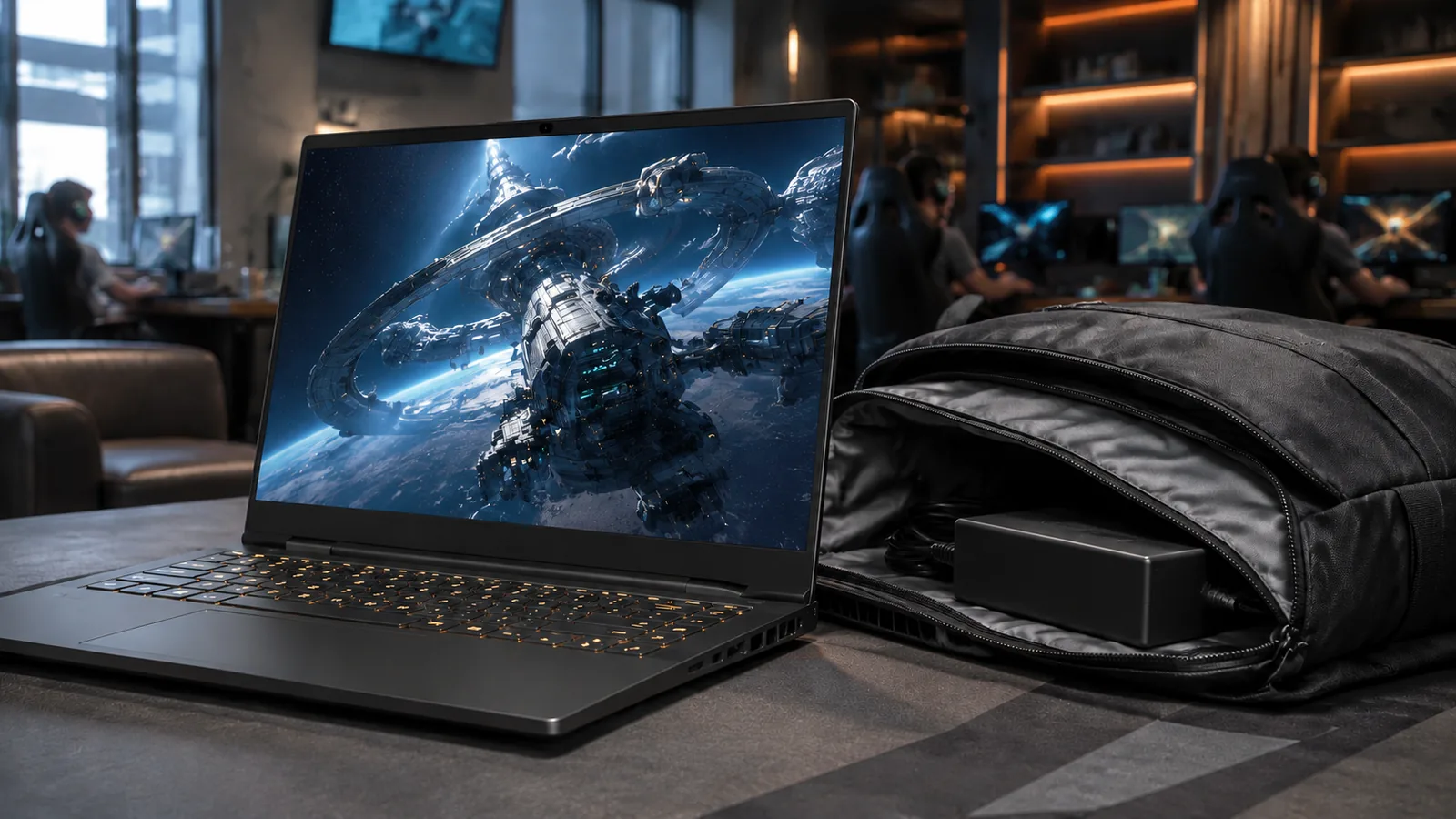

The Lenovo Legion Slim 5 blends gaming-focused hardware with a slimmer chassis, but the name covers several distinct laptops. This updated 2026 review compares three widely discussed models: the 14.5-inch 14APH8, 16-inch AMD 16AHP9 and 16-inch Intel 16IRH8. We examine their verified specifications, realistic gaming expectations, portability, upgrade paths and buying considerations.

Table of contents
Lenovo Legion Slim 5 specifications: key model differences
The most important buying decision is the exact model code. Lenovo has sold more than one Legion Slim 5 generation, and regional store listings may combine features from different SKUs. The comparison below reflects Lenovo’s published specification ranges; an individual retail unit may offer only a subset of them.
| Model | Processor | Graphics | Memory | Display | Weight / battery |
|---|---|---|---|---|---|
| 14APH8 14.5-inch AMD Gen 8 (2023) | Ryzen 5 7640HS to Ryzen 9 7940HS | RTX 3050 (95W), 4050 or 4060 (up to 105W) | 16GB or 32GB LPDDR5X-6400, soldered | 14.5-inch 2880 × 1800 OLED; 120Hz; 100% DCI-P3 | Under 1.75kg; 73.6Wh |
| 16AHP9 16-inch AMD Gen 9 (2024) | Ryzen 7 8845HS with Ryzen AI NPU | RTX 4050 (100W); RTX 4060 / 4070 (up to 140W) | 2 DDR5-5600 SO-DIMM slots; Lenovo lists support up to 64GB | 16-inch 2560 × 1600 IPS; 165Hz/350 nits or 240Hz/500 nits | About 2.3kg; 80Wh |
| 16IRH8 16-inch Intel Gen 8 (2023) | 12th-/13th-gen Intel Core i5/i7 options; up to i7-13700H | RTX 3050–4070, up to 140W on RTX 4070 | 2 DDR5 SO-DIMM slots; Lenovo lists up to 32GB | 16-inch IPS: 144Hz WUXGA or up to 240Hz WQXGA | Under 2.4kg; 60Wh or 80Wh |
Maximum GPU power is the published laptop-GPU TGP, not a promise of constant in-game power draw. Regional specifications and installed parts vary. Sources appear at the end of the article.
If you are comparing a Legion Slim 5 with a more premium Lenovo gaming laptop, see our Lenovo Legion 7i review. Check the exact generation in both listings before comparing performance or prices.
Design and portability: 14.5-inch versus 16-inch
The 14APH8 is the genuinely travel-friendly option
At under 1.75kg and approximately 17.9–21.3mm thick, the 14.5-inch 14APH8 is easier to carry to classes, offices or shared workspaces. Lenovo specifies an aluminium top and bottom cover, Storm Grey finish and a comparatively compact footprint. Its smaller screen and fixed memory are the principal compromises.
The 16AHP9 favors a larger workspace
The 16-inch AMD model is approximately 2.3kg and 19.9–21.9mm thick. Its aluminium lid, PC-ABS bottom and Luna Grey finish keep the design restrained, while the larger chassis accommodates a numeric keypad, more cooling space and upgradeable RAM. It is still a substantial laptop once the power adapter is packed.
The Intel 16IRH8 sits in a similar size category, but chassis thickness and weight vary with the GPU. Lenovo lists a thicker maximum for certain RTX 4060/4070 units, so do not rely on a single “Slim 5” thickness figure when comparing models.
Display and speakers
OLED color or a fast 16-inch IPS panel?
The 14APH8 OLED has a 2880 × 1800 resolution, 120Hz refresh rate, 400-nit published brightness and 100% DCI-P3 coverage. Lenovo also lists DisplayHDR True Black 500 and Dolby Vision. It is a natural fit for movie watching and creative work, although a glossy OLED panel can produce reflections, and static interface elements warrant normal OLED care.
For the 16AHP9, Lenovo specifies two WQXGA (2560 × 1600) IPS panels: a 165Hz, 350-nit version and a 240Hz, 500-nit version. Both are 16:10 and cover 100% sRGB. The 240Hz option also lists DisplayHDR 400; neither is OLED. The 16IRH8 can have several IPS panel options, including a 240Hz WQXGA screen, so confirm the exact retail SKU.
A 240Hz display is valuable for competitive games when the GPU can deliver sufficiently high frame rates. A creator who prioritizes deep contrast and wide-gamut color may prefer the 14.5-inch OLED, while someone who wants extra screen area for editing timelines or coding may favor 16 inches.
Speakers and webcam
Lenovo specifies two 2W stereo speakers with Nahimic audio on these models. They are suitable for calls, videos and casual listening, but headphones or dedicated speakers make more sense for precise positional audio and fuller bass. Camera options vary on the 16-inch models; check whether a specific unit includes an HD or FHD webcam. The 14APH8 lists an FHD webcam with electronic shutter.
Gaming performance and productivity
What the published GPU specifications actually mean
The Ryzen 7 8845HS in the 16AHP9 is an eight-core, sixteen-thread processor, with published clocks of 3.8GHz base and up to 5.1GHz boost. Lenovo lists RTX 4050 6GB, RTX 4060 8GB and RTX 4070 8GB laptop-GPU options. The RTX 4060 and 4070 versions carry up to 140W advertised TGP, giving them a higher graphics-power ceiling than the 14APH8 configurations.
In practical terms, an RTX 4060 or RTX 4070 configuration can handle many modern titles at 1080p or the native 1600p screen resolution. However, frame rates depend heavily on the game, graphics preset, ray tracing, DLSS settings, system power mode and thermal conditions. An 8GB GPU also has limitations in some newer, memory-heavy games at maximum texture settings. Avoid treating isolated benchmark results as a guarantee for every title.
The 14APH8 offers RTX 3050, 4050 and 4060 laptop graphics, with up to 105W TGP for the RTX 4050 and 4060. It suits esports and portable gaming, but the OLED display’s native 2880 × 1800 resolution can be demanding. DLSS, reduced settings or running at a lower rendered resolution can help balance image quality and performance.
Are the Legion Slim 5 models good for content creation?
All three configurations have advantages for video editing, photo work, software development and everyday multitasking. The Ryzen 7 8845HS offers strong multi-core capability, the 16-inch 16:10 screen creates a roomy workspace, and RTX laptop GPUs can accelerate supported creative applications. The smaller OLED model brings wide-gamut color; the 16-inch AMD model offers a much better RAM-upgrade path. Professionals should still verify their software’s GPU-memory needs, display calibration and preferred external-monitor connections.
Independent reviewers have reported that performance and fan noise change substantially with the selected power profile. For measured figures from a reviewed 16AHP9 configuration, see LaptopMedia’s 16-inch Gen 9 testing. Those results apply to its test configuration, not every Slim 5.
Lenovo AI Engine+, the LA1 chip and cooling
The 16AHP9 includes Lenovo’s LA1 AI chip, and Lenovo describes AI Engine+ as a system for adjusting how the laptop allocates resources under different workloads. This is separate from the Ryzen 7 8845HS processor’s integrated Ryzen AI NPU, rated up to 16 TOPS. Neither feature means every game gains the same frame-rate improvement; software support and the actual CPU/GPU workload matter.
Legion Vantage lets owners select performance profiles and manage supported features. Higher-performance modes may increase fan noise and heat, while balanced modes can limit graphics power to improve acoustics. Lenovo explicitly identifies Legion Coldfront 5.0 on the 14APH8 and 16IRH8; cooling implementation should be checked for the exact AMD 16-inch SKU rather than assuming all generations have identical internal designs.
For sustained sessions, use the laptop on a firm surface, keep intakes clear and update drivers and firmware from official channels. The published 140W TGP is the graphics specification ceiling; it is not proof that the GPU continuously draws 140W or that thermal throttling never occurs.
RAM, storage and long-term upgradeability
The 14APH8 has 16GB or 32GB of soldered LPDDR5X-6400 memory, with no RAM slots. Choose the memory capacity you expect to need for the useful life of the machine. Lenovo lists two M.2 PCIe 4.0 SSD slots, with documented offerings of up to two 1TB drives; third-party upgrade compatibility should be checked separately.
The 16AHP9 includes two DDR5-5600 SO-DIMM slots, and Lenovo’s specification sheet lists technical readiness up to 64GB. The Intel 16IRH8 also has two SO-DIMM slots, but Lenovo lists commercial offerings up to 32GB DDR5-5200. These limits describe Lenovo’s validated configurations; always confirm memory support against the exact machine type before buying components.
All three model families have two M.2 PCIe 4.0 storage slots in Lenovo’s documentation. SSD form factor, installed drive dimensions, access and potential warranty considerations can vary. Before opening a laptop, back up important data, follow Lenovo’s service manual and disconnect external power.
Battery life and charging
Battery-life numbers should be compared only when their test methods match. Lenovo rates the 14APH8’s 73.6Wh battery for up to 8 hours in MobileMark 2018 or 10.4 hours of local 1080p video playback at 150 nits. Its Rapid Charge Boost claim is approximately two hours of runtime from a 15-minute charge under Lenovo’s conditions.
The 16AHP9 carries an 80Wh battery. Lenovo quotes 6.2 hours in MobileMark 25 and up to 11.3 hours of local 1080p video playback at 150 nits, plus Rapid Charge Pro support for up to 50% charge in about 30 minutes. The Intel 16IRH8 shipped with 60Wh or 80Wh options, so check the listing rather than assuming that every 16-inch unit has the larger battery.
These are manufacturer laboratory figures for different workloads, not measured FrediTech battery results. Heavy gaming on the dedicated GPU can consume a full charge substantially faster. For competitive play or demanding creative work, plan to use the supplied wall charger.
Five steps to extend unplugged runtime
- Switch to hybrid or integrated graphics for light tasks: use the available GPU mode in Lenovo Vantage or the appropriate firmware settings, then confirm the discrete GPU is no longer being used unnecessarily.
- Use a quieter power profile: select Balanced or Quiet for browsing, writing and streaming; return to a higher-performance mode for demanding games when plugged in.
- Reduce screen brightness: lower brightness to a comfortable level and shorten the display timeout. OLED and IPS power use depends on brightness and content.
- Turn off unneeded lighting and peripherals: disable keyboard backlighting if it is unnecessary and unplug devices that draw USB power.
- Use Windows battery saving tools: review background apps, refresh-rate settings and the battery saver controls appropriate for your Windows version.
Lenovo supports USB-C power input on these models, but the advertised 140W Lenovo Power Delivery requires a compatible Lenovo adapter to reach that input level. A generic USB-C charger may provide less power, and USB-C charging is not a full substitute for the included high-wattage gaming adapter during demanding play.
Ports, networking and external monitors
The 16AHP9 has two USB-A 10Gbps ports, two USB-C 10Gbps ports with DisplayPort 1.4 (one also supporting Lenovo 140W PD), HDMI 2.1, Gigabit Ethernet, an SD card reader and a 3.5mm headset jack. Lenovo lists Wi-Fi 6E and Bluetooth 5.3. The laptop supports up to four independent displays in total, including its built-in display; actual external resolutions and refresh rates depend on the port and connected hardware.
The 14APH8 also provides two USB-A ports, two USB-C ports, HDMI, a card reader and a headset jack. However, it does not have built-in RJ-45 Ethernet; wired networking requires a compatible USB adapter or dock. Its USB-C 140W and HDMI capabilities also have Lenovo-specific adapter and display-mode conditions.
The 16IRH8 offers built-in Ethernet and a broadly similar collection of ports, but its published HDMI and USB-C display-output limits differ from the newer AMD model. Always cross-check the exact generation before purchasing an external monitor or dock.
Keyboard, touchpad and software
Lenovo’s TrueStrike keyboard layout is a recurring attraction of the Legion family. The 16AHP9 has a six-row keyboard with a numeric keypad and either four-zone RGB or white backlighting depending on the SKU. Lenovo specifies a 75 × 120mm Mylar-surface touchpad for the 16AHP9. The 14APH8 has white keyboard backlighting in Lenovo’s reference configuration, a glass touchpad of similar dimensions and a fingerprint reader integrated into the power button.
Both the 14APH8 and 16AHP9 list an electronic webcam privacy shutter, but the 16AHP9 does not have a fingerprint reader in Lenovo’s reference specifications. Legion Vantage provides system and power-profile controls, while Windows can manage battery saving, graphics preferences and software updates. Available controls may change by firmware and Vantage version.
What to check before buying a Legion Slim 5 in 2026
Because these particular models originate from 2023–2024 generations, the 2026 shopping question is as much about condition and price as it is about specifications. Clearance, refurbished and second-hand listings may mix generations or show images of a different SKU; availability and pricing vary by market and seller.
- Verify the exact model code: request the Lenovo machine type and the processor/GPU combination, not merely “Legion Slim 5.”
- Confirm the display: 14APH8 OLED differs greatly from a 16AHP9 165Hz/350-nit IPS screen or a 240Hz/500-nit IPS configuration.
- Check memory before purchase: RAM is fixed on the 14APH8, whereas the 16-inch models provide SO-DIMM slots.
- Inspect the battery and cooling system: ask for a battery-health report, check fan behavior and verify the original charger is included.
- Assess OLED condition on used 14APH8 units: test for persistent image retention, dead pixels, brightness uniformity and remaining warranty.
- Review region-specific warranty and price: compare the total delivered cost with newer Legion, LOQ and competing gaming laptops available where you live.
If you need more expansion room, a built-in Ethernet port and a larger display, the 16AHP9 fits that brief. If a lighter machine and OLED color are higher priorities, the 14APH8 is the more compact alternative. The 16IRH8 remains relevant when its exact Intel/GPU configuration and purchase price make sense for your applications.
Lenovo Legion Slim 5: pros and cons
Advantages
- High-refresh 16:10 display options, including a 120Hz OLED on the 14APH8.
- RTX 4060/4070 configurations support demanding gaming and GPU-assisted creation.
- 16-inch models offer replaceable SO-DIMM memory.
- Useful HDMI, USB-C and card-reader connectivity.
- LA1/AI Engine+ power-profile features on supported configurations.
Trade-offs
- Battery life drops sharply during dedicated-GPU gaming.
- The 14APH8’s RAM is soldered and it lacks onboard Ethernet.
- Higher-performance modes can create noticeable heat and fan noise.
- Display, battery and GPU options vary significantly by SKU.
- These are earlier-generation machines, so pricing must be compared with newer alternatives.
Conclusion: choosing the right Slim 5 configuration
The Legion Slim 5 name covers three notably different experiences. The 14APH8 emphasizes weight and OLED image quality; the 16AHP9 combines Ryzen 7 8845HS, optional RTX 4070 graphics and an easier RAM-upgrade path; and the older 16IRH8 offers a range of Intel processors and 16-inch display choices. None should be mistaken for a newly released 2026 model.
For a sensible purchase, compare exact model numbers, current seller prices, display variants, battery condition and warranty. If you want a different balance of power and premium features, our Legion 7i review provides another model to research—again, with generation and configuration matched carefully.
Frequently asked questions
Is the Legion Slim 5 16AHP9 a new 2026 laptop?
No. The 16AHP9 is a Legion Slim 5 Gen 9-era configuration introduced in 2024. Lenovo updated its online specification document in 2026, but that revision date is not a new hardware launch.
Which Legion Slim 5 has an OLED display?
The 14.5-inch 14APH8 has a 2880 × 1800, 120Hz OLED option in Lenovo’s specifications. The 16-inch 16AHP9 uses IPS panels at 165Hz or 240Hz, depending on the configuration.
Can I upgrade the RAM and SSD?
The 14APH8 has 16GB or 32GB soldered memory, so its RAM is not upgradeable. The 16AHP9 has two DDR5 SO-DIMM slots and Lenovo lists technical support up to 64GB. The 16IRH8 has two SO-DIMM slots with Lenovo-listed offerings up to 32GB. All three families list two M.2 PCIe 4.0 SSD slots; check your exact SKU before purchasing parts.
Does the 14-inch Legion Slim 5 include Ethernet?
No. Lenovo does not list a built-in RJ-45 port for the 14APH8. You can use a suitable USB-C or USB-A Ethernet adapter or dock. The 16-inch AMD and Intel versions covered here include onboard Gigabit Ethernet.
Can the Legion Slim 5 run games with ray tracing and DLSS?
Compatible GeForce RTX configurations support hardware ray tracing and the NVIDIA DLSS features available to their GPU generation and game. Results vary with GPU model, graphics settings and the game’s implementation; not every DLSS feature is available on every RTX generation.
How long does the Legion Slim 5 battery last?
Lenovo cites up to 8 hours in MobileMark 2018 for the 14APH8 and 6.2 hours in MobileMark 25 for the 16AHP9. These are different benchmark methods, so they are not direct head-to-head results. Demanding games use much more power and typically need the included wall adapter.
Can I charge these laptops over USB-C?
Supported USB-C ports accept Lenovo Power Delivery up to a published 140W with the compatible Lenovo adapter. Third-party adapters may be limited to a lower input level. For high-performance gaming, use the appropriately rated original AC adapter.
What should I check when buying one used in 2026?
Confirm the machine type, CPU, GPU, exact display, installed RAM, SSD health, battery capacity, warranty status, original charger and fan operation. On an OLED-equipped 14APH8, inspect the screen for image retention and uneven brightness.
Sources and editorial method
This article is based primarily on Lenovo’s official product-specification documents, with independent review material used for context. It is a specification-based editorial guide, not a hands-on hardware test. Sources: 14APH8 specification sheet; 16AHP9 specification sheet; 16IRH8 specification sheet; Lenovo’s 2023 14-inch launch announcement; and LaptopMedia’s independent 16-inch review. Specifications may differ by market and machine type. Fact-check date: September 23, 2026.