
Fact-checked: September 2, 2026. Prices, availability and announced features can change by market.
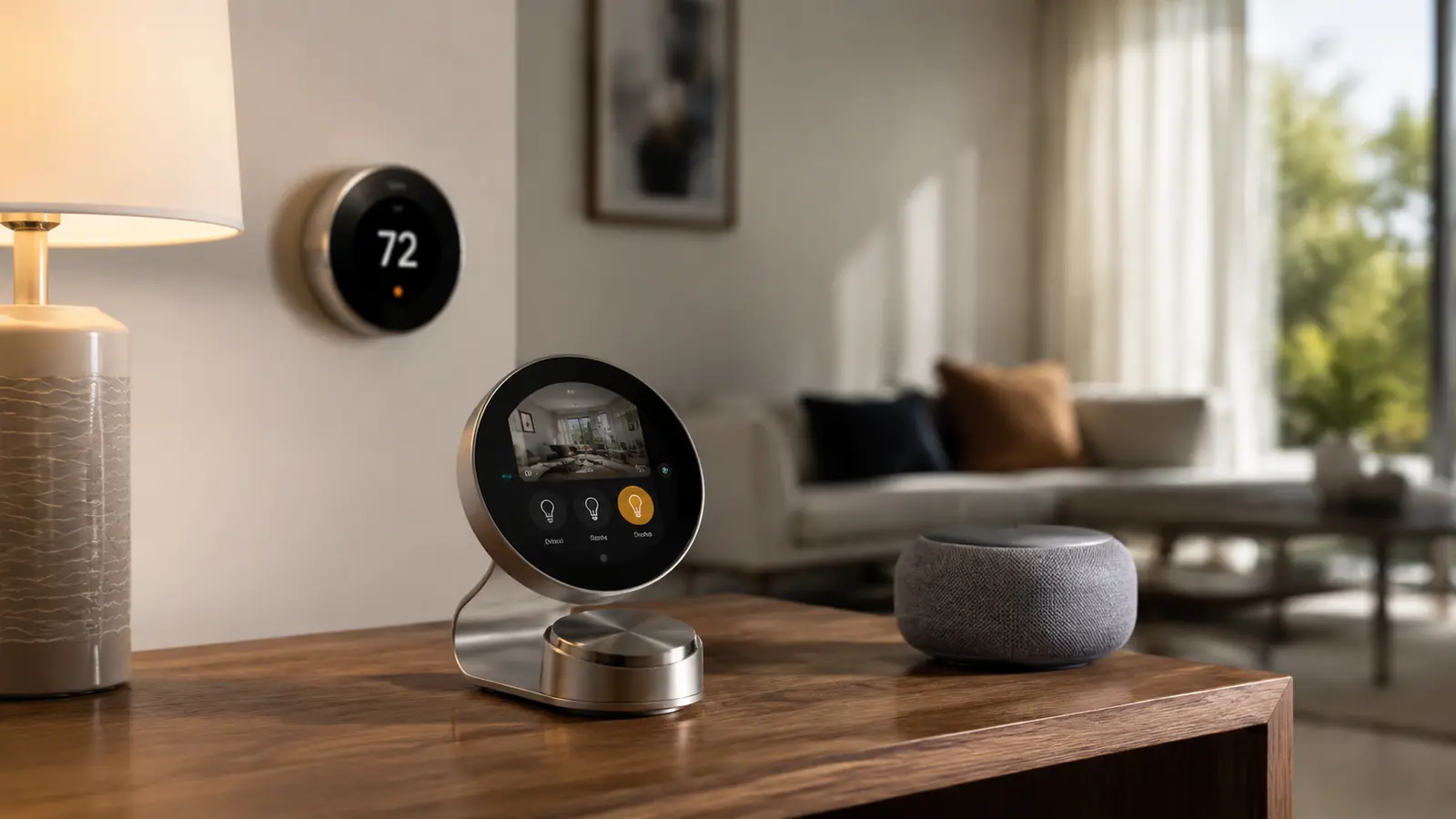
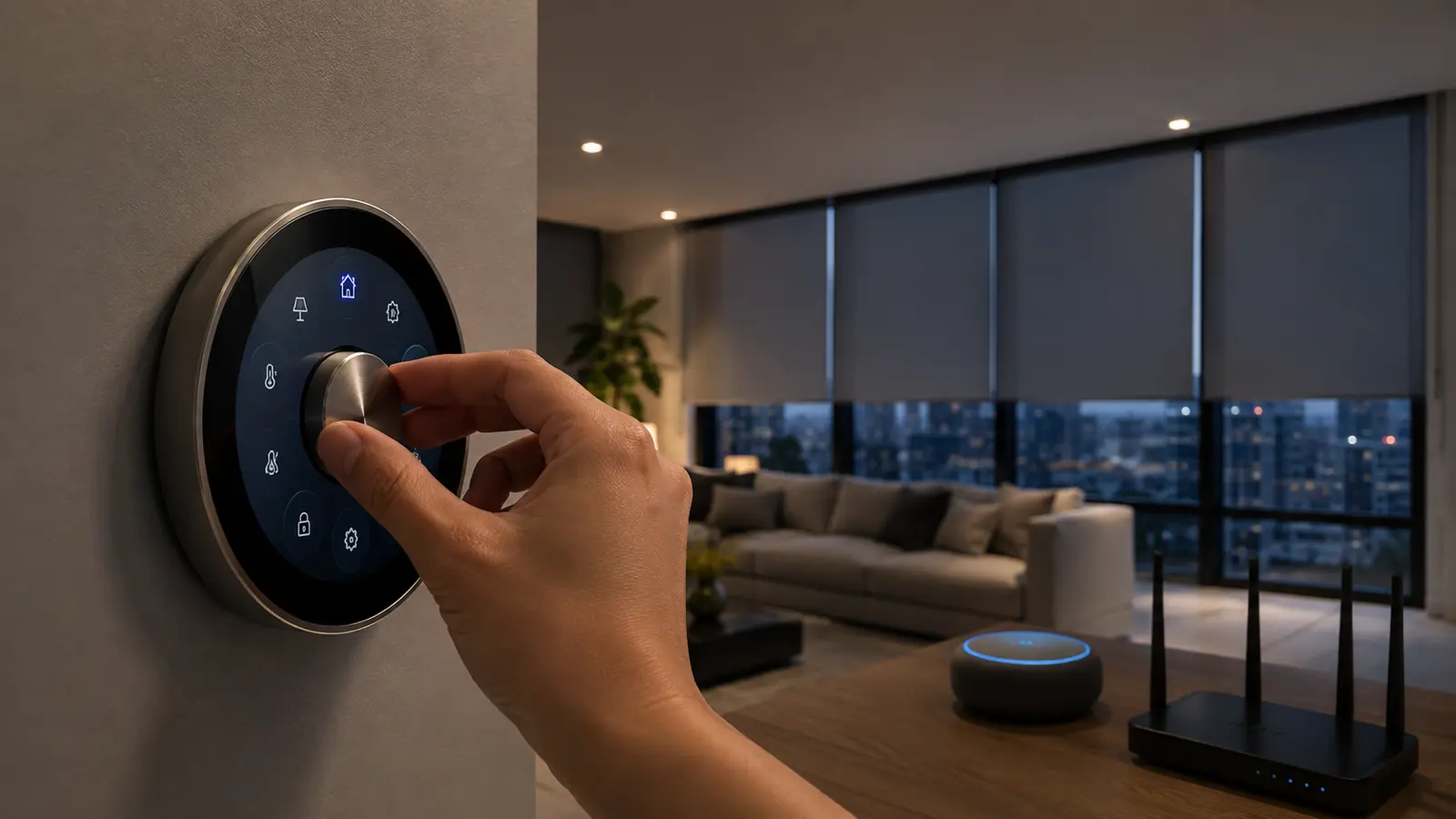
Homey Portal is a 2.8-inch circular touchscreen and stainless-steel dial designed to put Homey Flows, Moods and zone controls on a wall or stand. Its introductory price is $249/€249/£249, down from the announced regular $299/€299/£299. Preorders cover the first production batch, with shipping promised before the end of 2026.
The most important compatibility fact is what Portal is not: it is not itself a standalone Zigbee, Z-Wave or Matter controller. It is an interface for Homey Cloud, Homey Pro, Homey Pro mini or Homey Self-Hosted Server. The underlying Homey system connects to devices and runs automation; Portal exposes selected controls to people in the room.
That makes it potentially valuable in a household where not everyone wants an app, but poor value for someone expecting a $249 replacement for a hub. The right purchase order is to choose the Homey platform and device integrations first, then decide whether a shared physical controller improves daily use.
Table of contents
At a Glance
| Key fact | Verified position |
|---|---|
| Introductory price | $249 / €249 / £249 |
| Regular price | $299 / €299 / £299 |
| Shipping | First batch promised before the end of 2026; exact dates can vary |
| Interface | 2.8-inch circular touchscreen and stainless-steel rotary dial |
| Controls | Zones, devices, Moods and Homey Flows |
| Required backend | Homey Cloud, Homey Pro, Homey Pro mini or Self-Hosted Server |
| Not included | No claim that Portal itself is a standalone Zigbee/Z-Wave/Matter radio hub |
| Voice | No need to assume built-in voice control; use the underlying Homey integrations |
What Homey Portal Controls
Portal can expose a room or zone, individual devices, multi-device Moods and automation Flows. The dial is well suited to values people adjust continuously—brightness, temperature or volume—while the touchscreen handles selection. A household can place predictable actions such as “Good night” or “Movie” where guests can find them.
The screen does not magically make every Homey app ideal for touch. Choose a small set of high-frequency controls and avoid dangerous or confusing actions. Door unlocks, alarm disarming and garage access should require appropriate authentication or remain off a shared surface.
What Connects to What
| Layer | Examples | Role |
|---|---|---|
| Devices | Lights, thermostats, sensors, blinds | Perform actions and report state |
| Homey engine | Cloud, Pro, Pro mini or self-hosted server | Connects devices and runs Flows |
| Portal | Touchscreen and dial | Displays and sends selected controls |
| Apps/assistants | Homey mobile/web, Alexa, Google, Siri Shortcuts | Remote and voice interfaces where supported |
This layered model explains the answer to “does it need Homey Pro?” It needs Homey, but not necessarily the full Pro hardware if Homey Cloud or another supported engine fits your devices. A Zigbee or Z-Wave product still needs a compatible radio path through the selected engine.
Homey Cloud, Premium and Device Limits
Homey Cloud has historically offered a limited free device allowance and a Premium subscription for larger installations. Pricing and device limits can change by country and account, so the live Homey pricing screen—not an old review—should determine ownership cost. Portal does not waive a Cloud subscription.
Count every device you intend to add, including sensors and virtual integrations, then price at least three years of Premium if required. Compare that total with Homey Pro or self-hosted hardware. Cloud can be simpler; local hardware can reduce dependence on a recurring service and internet availability for compatible automations.
Check live Homey pricing before ordering
Subscription tiers and free-device limits are changeable service terms. This guide does not freeze them at a historical amount.
Homey Pro, Pro Mini and Self-Hosted Choices
Homey Pro is the integrated hardware route for buyers who want broad radio support and local automation capacity. Pro mini targets a lower-cost or narrower deployment. Self-Hosted Server can appeal to technical users who prefer their own hardware and maintenance responsibility. Each route differs in radios, backup, remote access and support.
Portal does not erase those differences. If a self-hosted system is offline, the dial cannot run a Flow that depends on it. If Cloud connectivity fails, cloud-backed devices may be delayed. Design essential lighting so wall switches still work independently of Portal.
Matter Compatibility Without Marketing Confusion
Matter devices can appear in Homey when the selected Homey engine supports the required controller and Thread border-router path. Portal itself should not be described as the Matter hub. It is closer to a premium scene keypad or room remote with a dynamic screen.
Check the exact device type, Matter version and Homey app before buying. A Matter logo does not guarantee every advanced feature is exposed, and Thread devices need a healthy Thread network. Vendor apps may still be needed for firmware updates.
Setup Plan for a Reliable Portal
- Build and stabilize the underlying Homey system before adding Portal.
- Name zones and devices in language everyone understands.
- Create simple Moods and Flows, then test them in the Homey app.
- Place Portal where Wi-Fi, power and everyday reach are reliable.
- Expose only the controls needed in that room.
- Test internet-off and hub-restart behavior so the household knows the fallback.
For wall mounting, check power routing and accessibility. A controller at standing adult height may not suit children or wheelchair users. If it sits on a surface, plan cable management and stability so turning the dial does not move the device.
Who Should Buy or Skip It?
Portal makes sense for an established Homey household with several recurring scenes, multiple residents and a desire to reduce phone use. It is particularly appealing in a kitchen, living room or entrance where contextual controls change through the day.
Skip it if you need your first smart-home hub, have only a few devices, or can meet the same need with ordinary switches and a less expensive scene button. Also wait if your preferred Homey engine, subscription or key device integration is unresolved.
FrediTech verdict
Homey Portal is best understood as an elegant shared remote. At $249 it is a luxury interface, not infrastructure. Buy it after the Homey system works well—not to make an uncertain smart home suddenly reliable.
Choosing the Right Control Surface
Portal competes less with a hub than with a phone, tablet, wall switch or scene keypad. A phone is cheapest but demands unlocking; a tablet displays more information but needs permanent power; a keypad is faster for a few fixed scenes; Portal promises a focused dial-and-screen interaction. Count the actions used daily and choose the surface requiring the fewest steps.
Buy the first batch only if the announced integrations cover those actions today and the return policy is acceptable. Otherwise, wait for shipping reviews that measure screen visibility, dial latency, Wi-Fi recovery and household permissions. The introductory saving is modest compared with the inconvenience of a controller that cannot operate the flows your family actually uses.
Frequently Asked Questions
How much is Homey Portal?
The introductory price is $249, €249 or £249, with a stated regular price of $299/€299/£299.
Does Homey Portal need Homey Pro?
It needs a Homey backend, but that can be Homey Cloud, Homey Pro, Pro mini or the supported self-hosted option.
Is Portal a Zigbee or Z-Wave hub?
No. Portal is a control interface; the selected Homey engine provides device connectivity.
Is it a Matter controller?
Do not treat the Portal touchscreen itself as a standalone Matter hub. Matter support comes through the compatible Homey environment and network.
When will it ship?
Homey says the first production batch should ship before the end of 2026; exact delivery dates may differ.
Does it require a subscription?
Portal itself is a product purchase, but Homey Cloud installations may require Premium above the current free allowance. Check live pricing.
Related FrediTech Guides
Sources and Verification
Price, screen and compatibility were checked against Homey’s official product information. Cloud pricing and limits are intentionally described as changeable service terms.