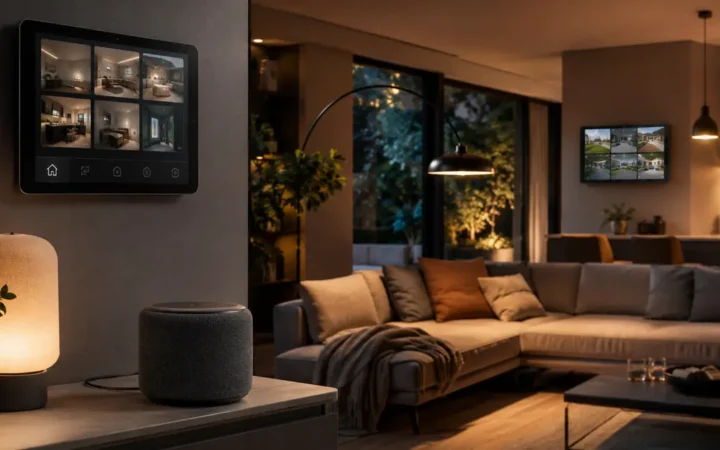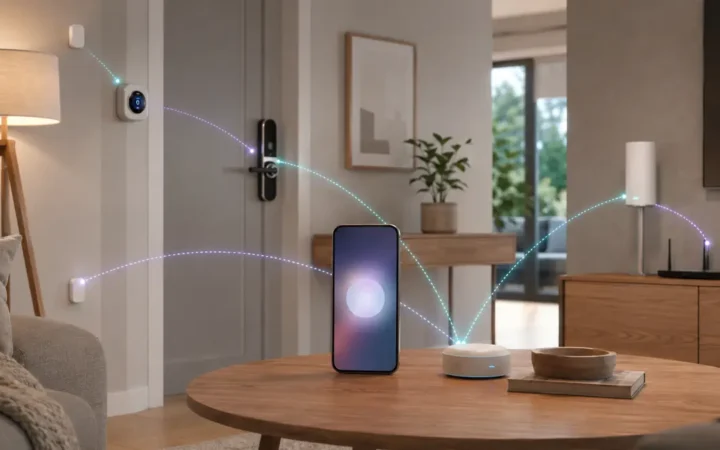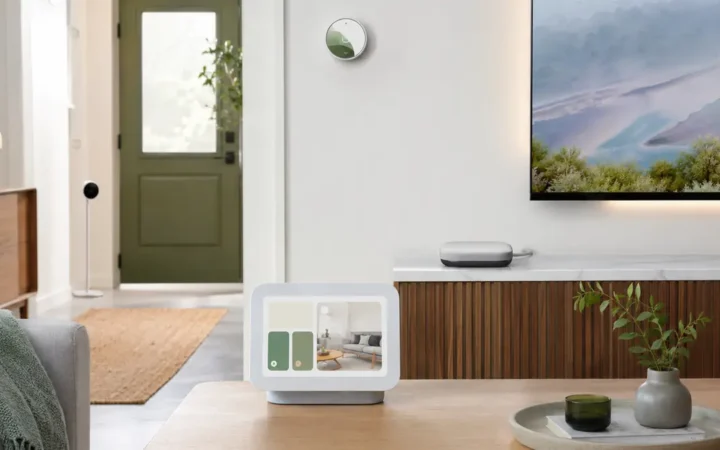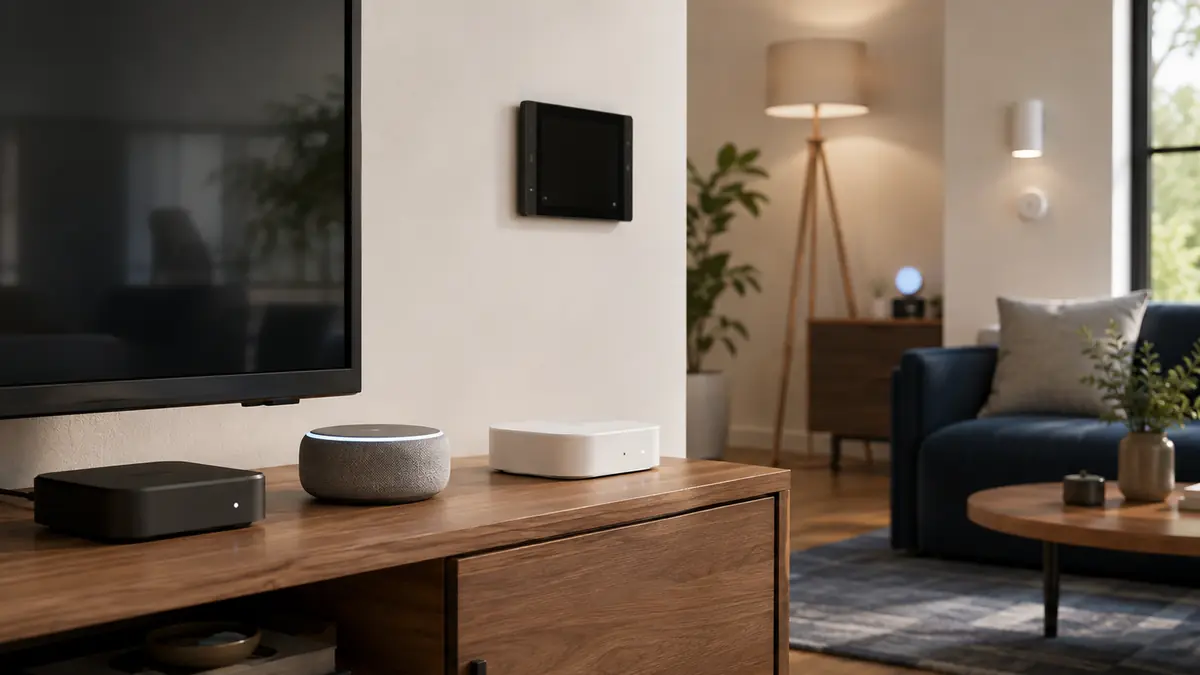

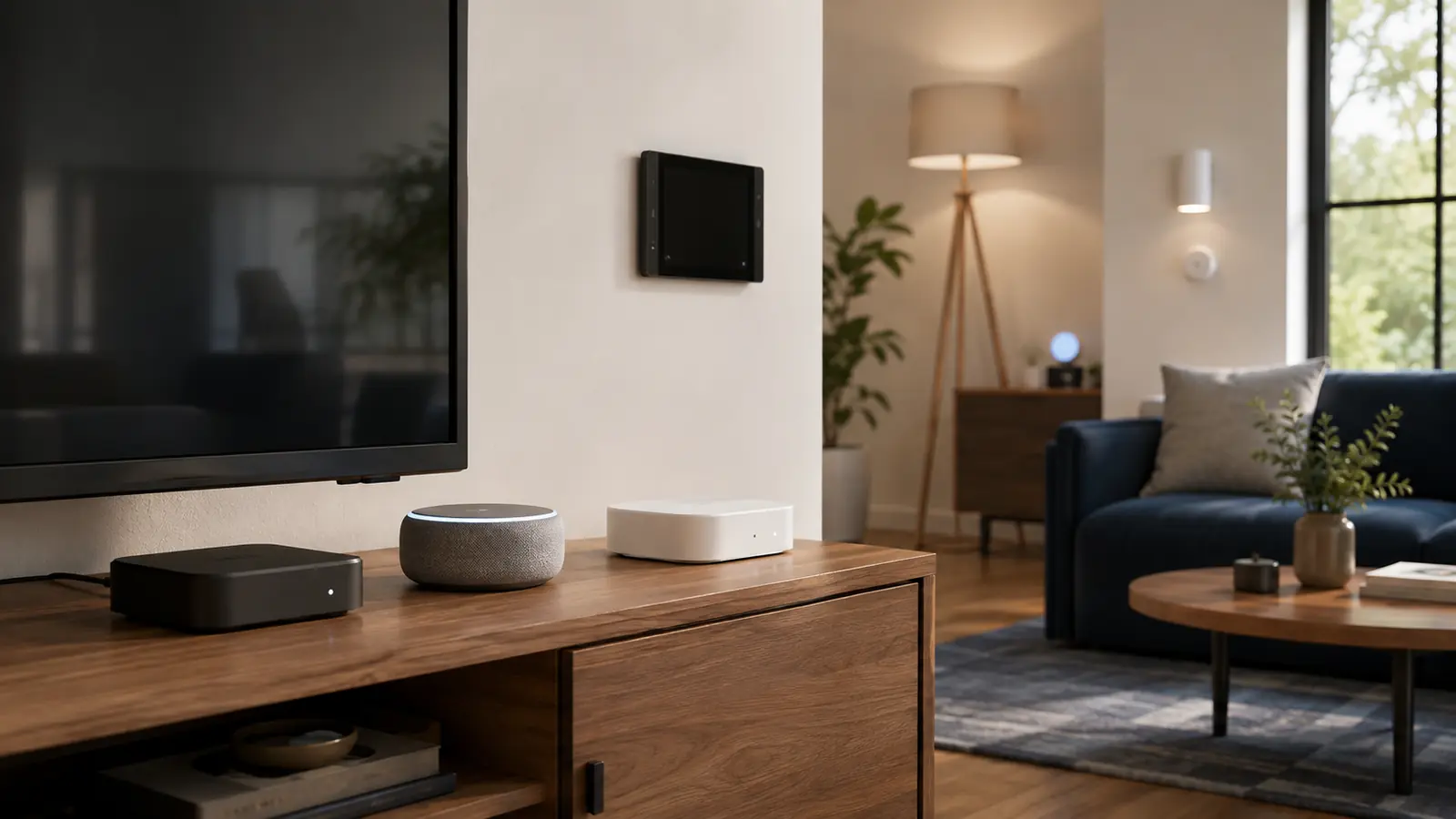
A smart home hub can be a speaker, display, streaming box, router, television or dedicated controller. That flexibility is useful, but it makes “Do I need a hub?” the wrong first question. The better question is which roles your devices require: Matter controller, Thread border router, Zigbee or Z-Wave radio, brand bridge, local automation engine, or a wall-mounted interface.
This best smart home hubs 2026 guide compares current choices without treating every hub as interchangeable. A HomePod mini is excellent inside Apple Home but does not replace a Z-Wave controller. Home Assistant Green is powerful for local automation but needs additional hardware for some radios. Hue Bridge remains valuable even when a home also uses Matter.
If lighting is the first project, read the Smart Lighting Guide 2026 before buying another box. You may already own a capable controller, and a mature lighting bridge can be a better solution than moving every bulb onto Wi-Fi.
Affiliate disclosure: FrediTech may earn a commission when you buy through links on this page, at no extra cost to you. Recommendations remain based on suitability, features and value.
Table of contents
What Is the Best Smart Home Hub in 2026?
The best hub depends on the household. Apple TV 4K or HomePod mini suits Apple Home; Google TV Streamer or a supported Nest hub suits Google Home; Echo Hub suits an Alexa dashboard; SmartThings/Aeotec and Aqara Hub M3 cover multiple radios; Home Assistant Green is the strongest local-first foundation for enthusiasts.
- Best mainstream choice: the controller already aligned with your phones and voice assistant.
- Best local-first choice: Home Assistant Green with the required radio adapters.
- Best bridge strategy: keep mature systems such as Hue behind their own bridge and expose useful controls to the main ecosystem.
Best Smart Home Hubs: Quick Comparison
Exact generation matters. Verify current regional specifications before treating any named device as a Thread border router or radio hub.
| Hub/controller | Matter role | Radios or transport | Best for | Main limitation |
|---|---|---|---|---|
| Apple TV 4K (supported model) | Controller; Thread on selected model | Wi-Fi/Ethernet; Thread varies | Apple Home and entertainment | Apple-centric; model differences |
| HomePod mini | Controller + Thread border router | Wi-Fi + Thread | Compact Apple Home hub | No screen; limited third-party radio support |
| Google TV Streamer | Google Home/Matter hub | Wi-Fi/Ethernet; Thread support per official spec | Google Home plus streaming | Not a Zigbee or Z-Wave hub |
| Echo Hub | Alexa smart-home controller | Wi-Fi and supported smart-home radios | Wall dashboard and Alexa control | Alexa-first experience |
| Aeotec Smart Home Hub | Matter controller + Thread support | Zigbee, Z-Wave, Thread, Wi-Fi | Broad SmartThings device mix | Cloud/platform dependence for some functions |
| Aqara Hub M3 | Matter controller/bridge | Thread, Zigbee, Wi-Fi, Ethernet, IR | Aqara sensors and edge automations | Best depth remains in Aqara ecosystem |
| Home Assistant Green | Local Matter controller via software | Ethernet; add radios as needed | Advanced local automation | More setup and maintenance knowledge |
| Philips Hue Bridge | Matter bridge | Ethernet + Zigbee | Dedicated smart lighting | Not a general-purpose hub |
The Five Hub Roles You Need to Understand
A Matter controller commissions and manages Matter devices. A Thread border router connects a Thread mesh to the home IP network. A radio hub communicates with Zigbee, Z-Wave or another device network. A bridge exposes a product family to another ecosystem. An automation engine evaluates triggers and actions. One physical device can do several jobs, but product pages often emphasize only the most marketable one.
The Matter smart home guide explains these layers in depth. For buying, write down the role required by each planned accessory. A Thread sensor needs a border router; a Z-Wave lock needs a Z-Wave radio; complex local routines need an automation engine that can run them.
Inventory before buying
A supported HomePod, Echo, Nest device, streaming box, television or Wi-Fi router may already perform controller or border-router duties. Duplicate hardware can create confusion without improving coverage.
Apple TV 4K and HomePod mini — Best for Apple Home
Apple TV 4K / HomePod mini — Best Apple Home Hubs
Best for: iPhone households that want automations, remote access and Thread accessories.
Both can act as Apple home hubs. HomePod mini adds a compact speaker plus temperature and humidity sensing. Apple TV 4K combines entertainment and hub duties; the third-generation 128GB Wi-Fi + Ethernet model includes Thread, while model capability must be checked carefully.
- Matter: Apple Home controller
- Thread: HomePod mini and selected Apple TV 4K models
- Best pairing: Apple Home accessories and HomeKit Secure Video
- Main drawback: Tied closely to Apple household accounts and devices
Pros
- Simple Apple Home integration
- Strong household and remote-access experience
- Can avoid buying a separate visual dashboard
Cons
- No Zigbee or Z-Wave radio
- Apple TV model differences are easy to miss
FrediTech verdict: Use HomePod mini for the least expensive Apple hub path or Apple TV 4K when streaming and Ethernet also matter. See the Apple Home accessories guide for compatible products.


Google TV Streamer and Nest Hubs — Best for Google Home
Google TV Streamer / Supported Nest Hub — Best Google Home Controllers
Best for: Android, Nest and Google Home households.
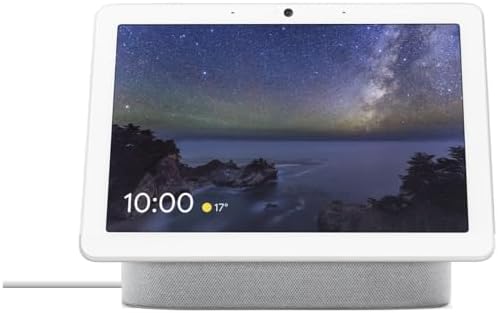
Google TV Streamer combines streaming, Ethernet and Google Home hub functions. Supported Nest displays and Wi-Fi devices can supply Matter-controller or Thread-border-router roles depending on model. A display is useful for timers, camera views and touch control; the streamer suits a television-centered room.
- Matter: Supported Google Home hub/controller
- Thread: Available on listed Google hardware; verify exact model
- Interface: TV or smart display
- Main drawback: No native Z-Wave and platform features remain Google-centric
Pros
- Good fit with Nest cameras and Android phones
- Streaming or display function adds value
- Mainstream Matter setup flow
Cons
- Capabilities vary across Nest generations
- Advanced brand features can require separate apps
FrediTech verdict: Choose by room interface, then confirm Thread support. The best Google Home devices guide maps the current hardware.


Echo Hub and Echo Devices — Best for Alexa Control
Echo Hub — Best Alexa Smart Home Dashboard
Best for: Households that want a dedicated wall control panel with Alexa.
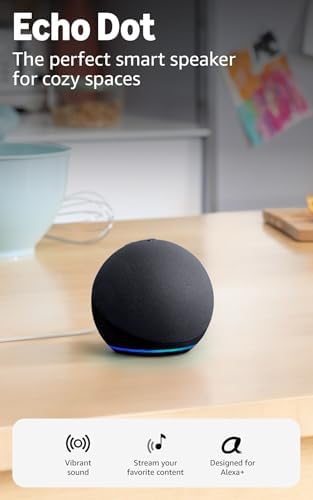
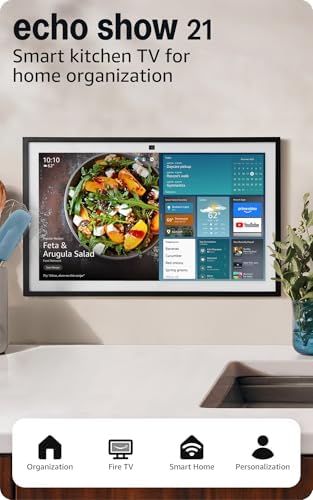
Echo Hub is designed around smart-home control, giving common devices, routines and camera feeds a persistent touch interface while retaining Alexa voice control. Other Echo generations may provide Matter and Thread functions, so a separate Hub is not always required.
- Ecosystem: Amazon Alexa
- Matter/Thread: Check current support by exact Echo model
- Form: Wall-mountable touch display
- Main drawback: Most valuable in an Alexa-first household
Pros
- Purpose-built household dashboard
- Convenient camera and routine access
- Reduces dependence on a phone for guests
Cons
- Adds another screen
- Not a universal local automation controller
FrediTech verdict: Buy Echo Hub for the dashboard, not merely to obtain Matter. A compatible Echo already in the home may cover controller needs. Compare models in the best Alexa devices guide.


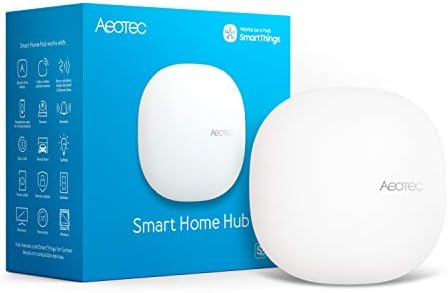
Aeotec Smart Home Hub — Best Broad-Radio Mainstream Hub
Aeotec Smart Home Hub — Best for SmartThings, Zigbee and Z-Wave
Best for: Mixed-device homes that need Zigbee, Z-Wave, Matter and Thread under SmartThings.
The Aeotec hub succeeds Samsung’s dedicated SmartThings hub hardware in many markets and combines multiple radios in one familiar platform. It is useful when a home includes legacy Z-Wave locks, Zigbee sensors and newer Matter accessories.
- Radios: Zigbee, Z-Wave, Thread and Wi-Fi support per manufacturer
- Platform: Samsung SmartThings
- Matter: Controller support
- Main drawback: Some automation and integrations depend on platform services
Pros
- Broad protocol coverage
- Large SmartThings device ecosystem
- Good migration path for mixed radios
Cons
- Not fully local-first
- Regional Z-Wave frequencies require the correct model
FrediTech verdict: A pragmatic mainstream choice for a mixed-radio home. Buy the regional version and confirm each legacy device is supported.


Aqara Hub M3 — Best for Aqara Sensors and Edge Automation
Aqara Hub M3 — Best Multi-Protocol Aqara Hub
Best for: Aqara-heavy homes that want Zigbee, Thread, Matter bridging, Ethernet and local automations.
Hub M3 combines several controller and bridge roles, with edge capabilities that can keep suitable Aqara automations local. Infrared control can also incorporate some legacy appliances, although IR remains one-way or limited for many products.
- Connectivity: Ethernet, Wi-Fi, Thread, Zigbee and IR
- Matter: Controller and bridge roles
- Best devices: Aqara sensors, switches and compatible accessories
- Main drawback: Cross-platform exposure may not include every Aqara feature
Pros
- Strong sensor ecosystem
- Useful wired Ethernet option
- Local/edge automation emphasis
Cons
- Deepest features remain in Aqara Home
- IR status can be imperfect
FrediTech verdict: Choose it for an Aqara-centered build, not simply because the protocol list is long.


Home Assistant Green — Best Local-First Hub
Home Assistant Green — Best Local-First Automation Hub
Best for: Enthusiasts who want local dashboards, flexible automations and broad integrations.
Home Assistant Green is a compact, purpose-built way to run Home Assistant. It continues operating locally when the internet is down, and users can add Zigbee, Thread or Z-Wave hardware according to the system. The trade-off is responsibility: backups, radio planning, integrations and troubleshooting require more involvement.
- Core connection: Ethernet
- Matter: Supported through Home Assistant software
- Additional radios: Add compatible adapters as required
- Main drawback: More setup and maintenance than consumer platforms
Pros
- Deep local automation
- Vendor-neutral dashboards and history
- Large integration ecosystem
Cons
- Learning curve
- Some cloud products still depend on their vendor APIs
FrediTech verdict: The best choice when local ownership and flexible automation outweigh turnkey simplicity. Do not buy discontinued Home Assistant Yellow as the default new recommendation; it remains supported but production has ended.


Philips Hue Bridge — Best Dedicated Lighting Bridge
Hue Bridge is not a universal hub, and that is its strength. It manages a dedicated Zigbee lighting network, accessories and scenes, then integrates with larger ecosystems and Matter. Keeping dozens of lighting endpoints behind one reliable bridge can be cleaner than adding each bulb to Wi-Fi. The newer Bridge Pro increases capacity, but the standard bridge remains appropriate for many homes; compare actual device counts and desired features before upgrading.
The same principle applies to specialist bridges: use them when they provide reliable local device communication or preserve advanced features. The smart lighting guide compares Hue with Thread, Wi-Fi and dedicated switch platforms.



How to Choose the Right Smart Home Hub
- List every existing device and its required protocol or cloud service.
- Choose the household-facing app and voice assistant.
- Identify whether you need Matter controller, Thread border router, Zigbee or Z-Wave roles.
- Check local automation, outage behavior, backup and migration options.
- Choose Ethernet when available for a stationary core hub.
- Place wireless hubs away from metal cabinets, dense electronics and radio interference.
- Start with one automation and a physical fallback before migrating critical devices.
Security cameras, locks and alarms deserve a separate support and privacy review. Use the smart home cybersecurity guide before consolidating sensitive devices under a new controller.
Which Smart Home Hub Should You Buy?
Choose the Apple, Google or Alexa controller that matches daily household use. Choose Aeotec/SmartThings when mixed Zigbee and Z-Wave coverage is important, Aqara Hub M3 for an Aqara sensor network, and Home Assistant Green for local-first control and advanced automations. Keep specialist bridges when they improve reliability.
Do not optimize for the maximum number of radios. Optimize for supported devices, recoverable configuration and an interface everyone can use.
Smart Home Hub FAQ
Do I need a smart home hub for Matter?
You need a Matter controller, but it may already exist in a speaker, display, streaming device, television or router. Thread accessories additionally need a Thread border router.
Is a Thread border router the same as a hub?
No. A border router connects the Thread mesh to the IP network. A hub may manage devices, run automations or contain other radios. One physical product can perform both roles.
Can I use more than one smart home hub?
Yes. Many reliable homes use a main household ecosystem plus specialist bridges for lighting or sensors. Avoid adding hubs without a defined role, and document which system owns each automation.
Is Home Assistant Green beginner-friendly?
It is one of the easiest purpose-built Home Assistant entry points, but Home Assistant still requires more learning and maintenance than Apple Home, Google Home or Alexa.
Does a hub make the smart home work offline?
It can keep compatible local automations running, but cloud-dependent devices, remote access, voice processing and notifications may still fail. Test the exact setup during a controlled internet outage.
Is Ethernet better for a smart home hub?
Usually yes for a stationary hub because it reduces Wi-Fi dependency and provides stable backhaul. Wireless placement and radio coverage still matter for Zigbee, Thread and Z-Wave.
Should I replace a Hue Bridge with Matter?
Matter is not a physical replacement. Hue Bridge can expose supported lighting controls to Matter while preserving the dedicated Zigbee network and richer Hue features.
Which hub supports the most devices?
Raw device count is not a useful winner. Compatibility depends on exact models, handlers, regions and features. Choose the hub that supports your required products and provides a maintainable automation and backup path.
Continue Your Smart Home Plan
Use these related FrediTech guides to check compatibility before you buy:
- Matter Smart Home Guide 2026
- Smart Lighting Guide 2026
- Best Smart Home Devices 2026
- Best Alexa Devices 2026
- Best Google Home Devices 2026
- Best Apple Home Accessories 2026
Sources and Editorial Method
This guide is based on current standards documentation, manufacturer specifications, support policies and ecosystem compatibility information checked for the 2026 edition. FrediTech has not claimed hands-on testing where none was supplied. Prices and availability can change by retailer and region.