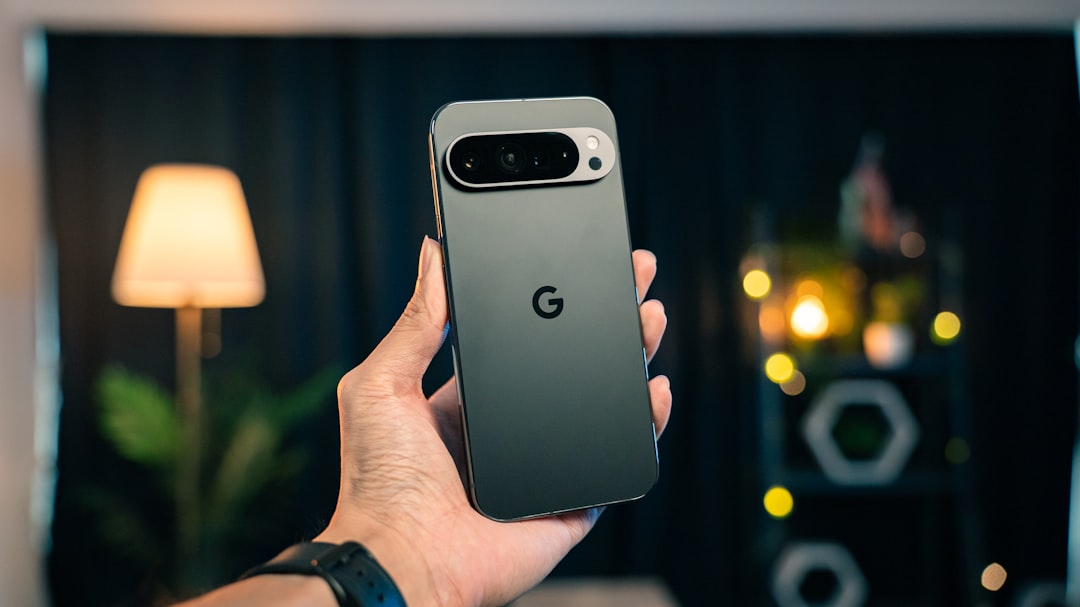

Google began rolling out its Pixel September 2026 update on September 15, bringing the stable Android 17 QPR1 release to the Pixel generations covered by Google’s new changelog. The update is phased, so availability can differ by model, carrier and region. Its most important fixes target game lag, choppy frame rates and increased temperatures during graphics-intensive workloads, along with mobile-network interruptions, disappearing home-screen widgets, notifications and several system crashes. Separately, the September Pixel Drop is adding a redesigned Pixel VIPs experience and broader scam-detection features through apps and server-side activation.
There is one important launch-day caveat: Google’s September 15 QPR1 fix-applicability list covers the Pixel 6 family through the Pixel 10a, the original Pixel Fold and Pixel Tablet, but it does not list the Pixel 11 family. Pixel 11 devices received separate September A1/B1 builds earlier this month that were not QPR1. Pixel Drop features can still roll out separately, so owners should not treat the OTA and the feature drop as the same thing.
Android 17 QPR1 is Google’s first quarterly platform update for Android 17 and started rolling out September 15 at no charge. Google’s stable fix list covers Pixel 6/6 Pro/6a, Pixel 7 family, Pixel Fold, Pixel 8 family, Pixel 9 family, Pixel 10 family including 10a, and Pixel Tablet. It targets a graphics issue linked to game lag, uneven frame rates and higher temperatures, plus selected networking, widget, notification and stability problems. The accompanying September Pixel Drop adds a redesigned Pixel VIPs experience and expanded scam warnings, but some of those features require updated Google apps, supported languages or countries, and server-side activation. Pixel 11 owners should note that the September 15 QPR1 applicability list did not include their devices at publication time.
Android 17 QPR1 vs September Pixel Drop: What’s the difference?
QPR means Quarterly Platform Release. Android 17 QPR1 is a system-level Android release between major yearly Android versions. It can change framework behavior, user-interface components, performance, drivers and system stability. It is still Android 17—not Android 18.
The September Pixel Drop is a parallel feature rollout. Google’s September announcement highlights the new Pixel VIPs home-screen experience and expanded scam-detection tools. Those additions may arrive through Google Contacts, Pixel VIPs, Gboard, Google Messages or server-side switches rather than being contained entirely inside the OTA image. Installing QPR1 therefore does not guarantee every Pixel Drop feature appears immediately.
Which Pixel phones get the September update?
| Pixel family | Models | September 15 QPR1 fixes? | Important caveat |
|---|---|---|---|
| Pixel 6 | Pixel 6, 6 Pro, 6a | Yes | Pixel 6/6 Pro are near the end of their support window; Google’s current QPR2 test-device list no longer includes those two models, although 6a remains listed. |
| Pixel 7 | Pixel 7, 7 Pro, 7a | Yes | Feature Drop availability can still vary by app, account and region. |
| Pixel Fold | Original Pixel Fold | Yes | Large-screen behavior can differ from slab phones. |
| Pixel 8 | Pixel 8, 8 Pro, 8a | Yes | Covered by the broad fix group. |
| Pixel 9 | Pixel 9, 9 Pro, 9 Pro XL, 9 Pro Fold, 9a | Yes | Covered by the broad fix group. |
| Pixel 10 | Pixel 10, 10 Pro, 10 Pro XL, 10 Pro Fold, 10a | Yes | Some fixes—such as the Wi-Fi/Bluetooth enabling bug and selected gaming/app-install crashes—are specifically assigned to this generation. |
| Pixel 11 | Pixel 11, 11 Pro, 11 Pro XL, 11 Pro Fold | Not listed in Sep. 15 QPR1 fix applicability at publication | Received separate September A1/B1 builds earlier; those builds were not Android 17 QPR1. Recheck for a later QPR1 OTA. |
| Pixel Tablet | Pixel Tablet | Yes | Also receives a tablet-specific camera stability fix; some phone-only Pixel Drop features do not apply. |
This makes QPR1 especially noteworthy for Pixel 6 and Pixel 6 Pro owners. It may be one of their last major quarterly platform updates, but FrediTech is not calling it the final update unless Google’s support schedule definitively establishes that.
How to install Android 17 QPR1 on your Pixel
- Back up important files and make sure your phone has a comfortable battery charge.
- Connect to reliable Wi-Fi and update important Google apps through the Play Store.
- Open Settings → System → Software updates → System update.
- Tap Check for update.
- If the update is offered, review the on-device information and install it normally over the air.
For most users, the OTA is the correct path. A manual factory-image flash or ADB sideload is an advanced procedure and should only be attempted using Google’s official instructions with the correct build for the exact device.
Why you might not see the update yet
Google rolls Pixel updates out in phases. Carrier certification, geographic market, device model and rollout waves can all change timing. Tapping “Check for update” can surface a package that is already available to your device, but it cannot force Google to make a package available before your model or carrier has entered the rollout.
Update size also varies by device and previous build, so reports of one Pixel downloading a particular number of megabytes should not be generalized to every model.
Google says QPR1 fixes game lag and excessive heat
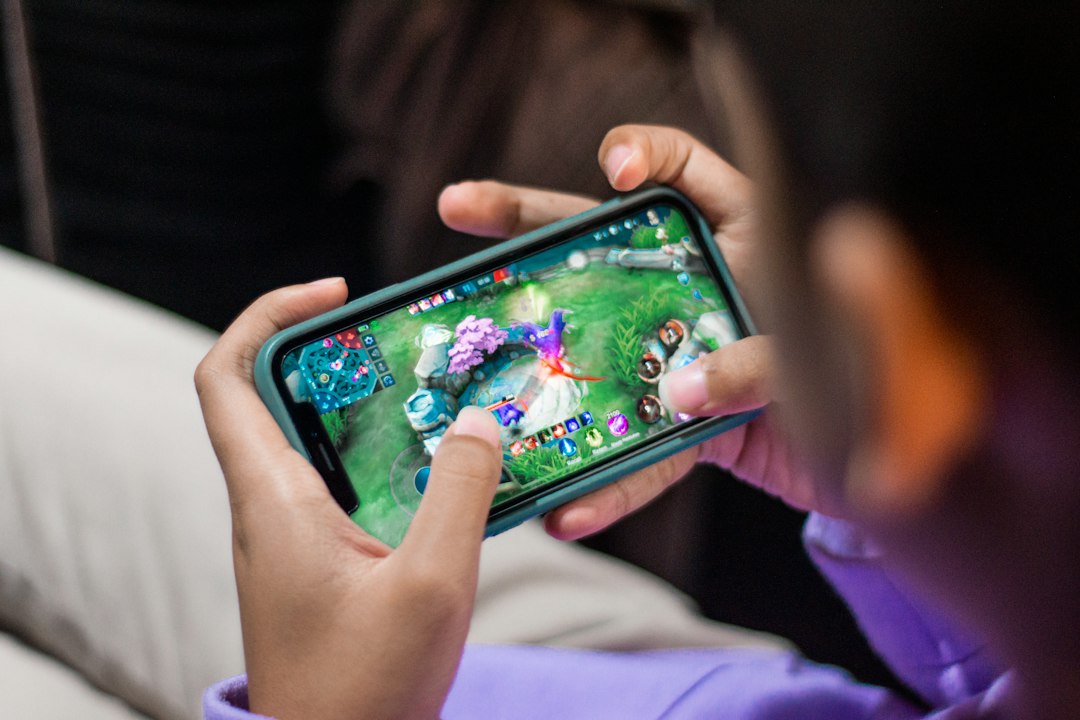
The most consequential performance item in Google’s September changelog targets an issue that could cause game lag, choppy frame rates and increased device temperatures during graphics-intensive tasks. That fix is assigned to the broad QPR1 device group from Pixel 6 through Pixel 10a plus Pixel Fold and Pixel Tablet.
What the graphics fix actually does—and what it does not prove
Thermals are influenced by more than the operating system. Charging, weak cellular signal, long camera sessions, hotspot use, ambient temperature and background apps can all warm a phone. QPR1 therefore should not be marketed as a universal “Pixel overheating fix.”
Independent retesting is still needed for sustained gaming FPS, frame-time consistency, battery drain and device temperature. FrediTech’s Pixel 10 Pro XL guide is one page worth revisiting where performance conclusions could change after a proper QPR1 retest.
Network, Wi-Fi and Bluetooth fixes
Google separates several connectivity items rather than claiming one broad networking cure. The September changelog includes a fix for devices that could fail to connect to mobile networks or experience unexpected service interruptions. That is a software-stability improvement; it cannot repair weak carrier coverage, SIM provisioning problems or damaged radio hardware.
A different fix addresses a condition where users could not enable Wi-Fi or Bluetooth. Google assigns that fix specifically to the Pixel 10 family, including the 10a. This is why the device-applicability footnotes matter: a Pixel 7 owner and a Pixel 10 owner do not necessarily receive exactly the same bug corrections.
The disappearing-widget problem finally gets a stable fix
Android 17 introduced a frustrating issue for some Pixel owners where home-screen widgets could disappear after a restart and, in some cases during the development cycle, become unavailable in the widget picker. Google’s September stable changelog now explicitly lists a fix for home-screen widgets disappearing after restarting the device.
That is significant because the issue had been acknowledged during QPR1 testing. It still does not mean every missing-widget problem has the same cause. Third-party launchers, app bugs, Work Profile configuration and app-level widget services can produce different symptoms.
Notification and Quick Settings improvements
QPR1 also cleans up several day-to-day UI problems: notifications that could not be swiped away, lock-screen notifications that were partially cut off, overlapping notification text and lag when opening the Internet panel from Quick Settings. The Internet-panel fix improves interface responsiveness; it does not increase Wi-Fi or cellular bandwidth.
Other stable fixes include selected crashes involving external displays, taskbar folders and app install/update operations, plus a case where Android System Intelligence could make the device unresponsive because of slow database operations.
| Problem | Google’s September fix | Applies to | Practical meaning |
|---|---|---|---|
| Game lag / heat | Addresses lag, choppy frame rates and increased temperatures during graphics-intensive tasks | Broad Pixel 6–10a/Fold/Tablet group | Worth retesting games; not proof all thermals are fixed |
| Gaming app crash | Fixes selected games crashing on launch | Pixel 10 family | Generation-specific stability fix |
| Wi-Fi / Bluetooth toggle | Fixes inability to enable Wi-Fi or Bluetooth in certain conditions | Pixel 10 family | Does not apply universally to older Pixels |
| Mobile network interruptions | Addresses failed connections or unexpected service interruption | Broad supported group where cellular applies | Software stability, not carrier-coverage improvement |
| Widgets | Fixes home-screen widgets disappearing after restart | Broad supported group | Targets one known Android 17 widget failure |
| Notifications | Fixes unswipeable, cut-off and overlapping notification UI | Broad supported group | Improves day-to-day UI reliability |
| Internet panel | Reduces jank when opening Internet controls | Broad supported group | Faster panel UI, not faster internet |
| Camera stability | Fixes a camera-related system crash | Pixel Tablet | Stability fix, not an image-quality upgrade |
Pixel VIPs gets a redesigned home-screen experience
The September Pixel Drop refreshes Pixel VIPs with faster ways to contact the people you care about. Google highlights one-tap calling and texting, a floating contact-switching menu at the bottom of the widget and notification badges. The change is best understood as a usability redesign rather than a new communications platform.
Pixel VIPs continues to work through the Pixel VIPs/Google Contacts ecosystem. Google’s public September announcement does not specify one fixed app-version number that guarantees the redesigned experience on every device, so the safest advice is to update Pixel VIPs and Google Contacts through Google Play and allow for staged server-side activation.
Scam Detection expands to more languages and countries
Google is also widening its scam-warning tools. Current September rollout coverage lists Google Messages Scam Detection for Pixel 6 and newer phones, excluding Pixel Tablet, across markets including Australia, Canada, France, Germany, India, Japan, Mexico, Singapore, the UK and the US, with support spanning Arabic, English, French, German, Japanese, Portuguese and Spanish.
Google describes these tools as identifying patterns associated with likely scams and warning the user. They are not a guarantee that every scam will be detected, and legitimate messages can still require judgment.
Google Messages and Gboard scam warnings are not the same feature
The new Gboard in-app scam warning is designed to flag suspicious patterns while you interact in supported third-party chat apps. It is separate from Google Messages Scam Detection and has its own rollout rules. At launch, reporting indicates the Gboard warning is US-only and supports English, Portuguese, German, Spanish, Arabic, French, Indonesian, Japanese and Korean, on Pixel 6 and newer phones except Pixel Tablet.
Because app updates and server-side switches are involved, two otherwise identical Pixel phones can temporarily show different feature availability even when they run the same Android build.
Not every Pixel gets every feature
| Feature | Eligible devices | App requirement | Region / language | Rollout caveat |
|---|---|---|---|---|
| Pixel VIPs redesign | Pixel 6 and newer phones | Current Pixel VIPs + Google Contacts recommended | Broad rollout | Can depend on server-side activation |
| Messages Scam Detection expansion | Pixel 6+ phones; not Pixel Tablet | Current Google Messages | Selected countries and supported languages | Availability can vary by account/app rollout |
| Gboard in-app scam warnings | Pixel 6+ phones; not Pixel Tablet | Current Gboard | US launch; selected languages | Separate from Messages Scam Detection |
How each September feature arrives
| Feature or fix | System OTA? | App update? | Server-side? | Model restrictions? |
|---|---|---|---|---|
| Game lag / heat fix | Yes | No | No | QPR1 applicability list |
| Network / widget / notification fixes | Yes | Usually no | No | Some fixes are generation-specific |
| Pixel VIPs redesign | Not solely | Yes | Can be | Phone/model support applies |
| Messages Scam Detection | Not solely | Yes | Yes | Device, country and language restrictions |
| Gboard scam warnings | No | Yes | Yes | Device, country and language restrictions |
Other Android 17 QPR1 interface changes
QPR1 went through a long beta cycle with visual, multitasking, media-control and system-interface refinements. Some beta experiments changed or disappeared before stable. Rather than presenting every beta discovery as a final feature, FrediTech is treating Google’s September stable changelog as the source of truth for shipped fixes and the official Pixel Drop announcement as the source of truth for headline feature additions.
That distinction matters because a feature spotted in a beta build is not automatically guaranteed for every stable Pixel model.
September security fixes explained
The update cycle also incorporates September Android security work. Google’s Android Security Bulletin says devices at the 2026-09-05 security patch level or later address the full set of issues in the bulletin, including critical and high-severity vulnerabilities affecting Android components. The Android bulletin covers platform-level issues; Pixel-specific functional bug fixes are documented separately.
Security severity should not be sensationalized, but it is one reason supported stable devices should normally install official updates rather than postpone them indefinitely. For broader protection practices, see FrediTech’s mobile security best practices.
Should Pixel owners install QPR1 immediately?
For a supported stable Pixel that is offered the OTA, yes—after a normal backup. QPR1 combines security, stability, graphics, networking and interface corrections. Gamers, people who have experienced mobile-service interruptions, and users affected by disappearing widgets have particularly relevant fixes to watch.
That is not the same as promising a bug-free release. People who rely on a Pixel as a mission-critical work device may reasonably back up first and check early reports for their exact model and carrier before installing the moment the OTA appears.
What beta users should know before switching to stable
This is the section where guessing can cost data. Google’s Android Beta Program says opting out normally sends a stable public update that wipes locally stored data. There is a limited exception: when the stable release for the version you are beta testing becomes available, you can install that stable build and opt out without a wipe before applying the next beta update.
Android 17 QPR2 Beta is already available. If your phone has moved onto a QPR2 beta build, do not assume the QPR1 stable OTA is a no-wipe downgrade. Back up first and follow the exact instructions shown in the Android Beta Program for your current branch.
What to do if QPR1 does not appear
- Confirm your Pixel is in the September 15 QPR1 applicability list.
- Check your current Android version and security patch.
- Connect to Wi-Fi and confirm the phone has sufficient battery.
- Restart once.
- Open Settings → System → Software updates → System update and check again.
- If you use a Pixel 11, remember that its current September build path is different at publication time.
- Allow time for the phased carrier/model rollout rather than factory-resetting the phone.
What to do if your Pixel has problems after updating
- Restart the phone once after installation.
- Update Google Messages, Gboard, Contacts, Pixel VIPs and other relevant apps in Google Play.
- Allow normal post-update background optimization to complete.
- Check that storage is not critically low.
- Retest the specific issue rather than assuming every symptom is update-related.
- If a problem persists, use Pixel diagnostics or Google Support before considering a reset.
Temporary background work after an update can alter battery behavior, but FrediTech is not claiming QPR1 universally fixes battery drain. Persistent drain deserves separate diagnosis.
Which FrediTech Pixel reviews should be revisited after this update?
The September update creates a useful review-correction workflow. It does not automatically invalidate earlier conclusions, but performance and stability complaints should be retested where they influenced a recommendation.
Retest gaming consistency, sustained thermals and any connectivity concerns after QPR1.
Recheck long-session performance and day-to-day UI behavior before changing conclusions.
Verify widget, notification and system responsiveness after the stable update.
Revisit Android 17 stability observations where relevant.
For the broader Android ecosystem changes released earlier this month, see FrediTech’s separate September Android Drop guide. That article should not be confused with this Pixel-specific QPR1 and Pixel Drop rollout.
FrediTech verdict
Supported Pixel owners should generally install it when Google offers the stable OTA. The strongest reasons are the targeted graphics-performance/heat correction, mobile-network stability, widget and notification fixes, system reliability work and September security patches. Gamers should pay particular attention, but FrediTech will not declare Pixel gaming “fixed” until sustained performance and temperature behavior are independently retested.
The Pixel Drop side needs to be judged separately. Pixel VIPs and scam warnings can depend on updated apps, language, country and server-side activation, so two phones on the same Android build can temporarily have different feature sets. Pixel 11 owners have an additional caveat: at publication time, Google’s September 15 QPR1 fix list does not include the Pixel 11 family, which is still on its separate September update path.
Frequently Asked Questions
What is the Pixel September 2026 update?
It is Google’s September 15 Pixel software rollout centered on Android 17 QPR1 bug fixes and a parallel September Pixel Drop with app- and service-delivered features.
Is Android 17 QPR1 stable?
Yes. The September 15 rollout is the stable QPR1 release for the Pixel models included in Google’s applicability list.
When was Android 17 QPR1 released?
Google began the stable rollout on September 15, 2026.
Which Pixel phones get Android 17 QPR1?
Google’s September 15 fix list covers the Pixel 6 family through the Pixel 10a, along with the original Pixel Fold and Pixel Tablet. Pixel 11 is a special case at launch and is not listed in that QPR1 fix applicability.
Does Pixel 6 get Android 17 QPR1?
Yes. Pixel 6, Pixel 6 Pro and Pixel 6a are in the QPR1 applicability group.
Does Pixel 11 get Android 17 QPR1?
At publication time, the Pixel 11 family is not listed in Google’s September 15 QPR1 fix applicability. It received separate September A1/B1 updates that were not QPR1, so owners should recheck for a later rollout.
Does Pixel Tablet get the September update?
Yes. Pixel Tablet is included in the broad QPR1 fix group and also gets a tablet-specific camera stability fix.
How do I install Android 17 QPR1?
Go to Settings → System → Software updates → System update and tap Check for update. Availability remains phased.
Why has the September update not appeared on my Pixel?
Rollouts vary by model, carrier, market and rollout wave. A manual check cannot bypass a package that Google has not yet enabled for your device.
Does QPR1 fix Pixel gaming lag?
Google says it fixes an issue that could cause game lag and choppy frame rates during graphics-intensive workloads. Independent testing is still needed to measure the real-world improvement.
Does QPR1 fix Pixel overheating?
It targets increased temperatures tied to a specific graphics-intensive performance issue. It is not a universal fix for every cause of Pixel heat.
Does the update fix disappearing widgets?
Yes, Google lists a stable fix for home-screen widgets disappearing after a restart. Other widget problems may have different causes.
Does it improve Pixel network problems?
Google includes a fix for failed mobile-network connections or unexpected service interruptions in certain conditions. It cannot improve weak carrier coverage or damaged hardware.
What changed in Pixel VIPs?
The redesigned widget adds one-tap call and text actions, easier contact switching and notification badges.
Do I need to update Gboard or Contacts?
Yes, keep Gboard, Google Messages, Google Contacts and Pixel VIPs current because several September Pixel Drop features are app- or service-driven rather than purely OTA features.
Is the September Pixel update free, and should I install it?
It is free. Supported stable-device users should normally install it after backing up important data because it contains security and stability fixes.
Sources and Further Reading
- Google — September 2026 Pixel Drop
- Android Security Bulletin — September 2026
- Android 17 QPR1 release notes
- Android Beta Program — official exit and data-wipe guidance
- 9to5Google — Pixel 11 September update is not QPR1
- 9to5Google — Android 17 disappearing-widget issue
- Google Pixel update support information
Status checked: September 15, 2026. OTA timing, Pixel 11 QPR1 status and app/server-side Pixel Drop availability can change after publication.