
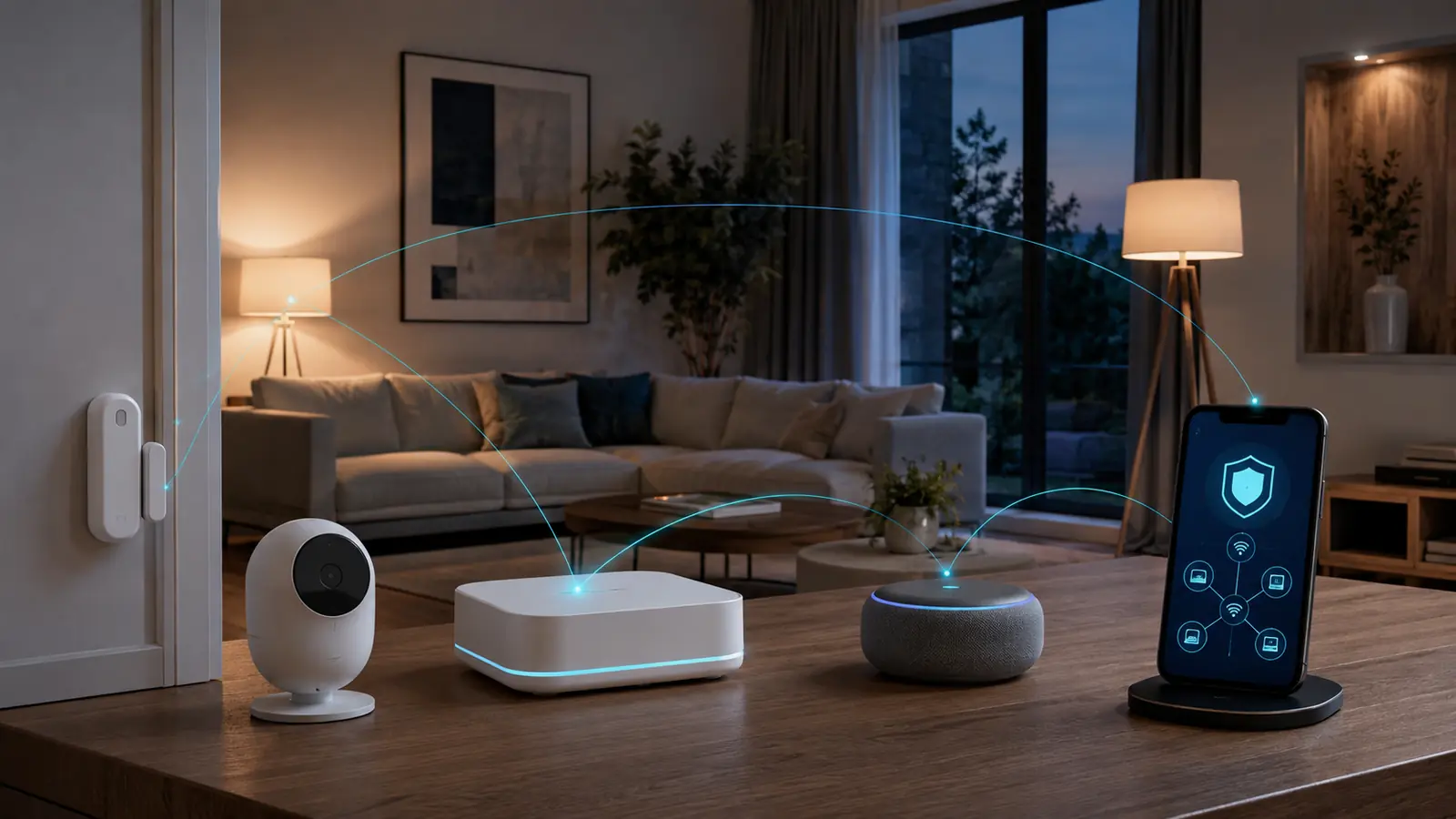
A secure smart home is not created by one privacy switch. It depends on the router, the phone used for setup, every household account, the manufacturer’s update policy and what happens when cloud support ends. This smart home security guide 2026 turns those moving parts into a practical plan that ordinary households can maintain.
The fastest improvement is to reduce unnecessary access: remove devices you no longer use, protect every administrator account with unique credentials, install updates and give cameras or microphones only the permissions they need. If you are still choosing hardware, begin with the FrediTech Smart Lighting Guide 2026; lighting is a low-risk place to learn about Matter, local control and automation before adding cameras or locks.
This guide uses public security guidance and current manufacturer documentation. It does not assume that a Matter logo makes a product private, or that local control removes every cloud dependency. Instead, it helps you identify what data a device collects, where it is processed, how long the product is supported and how to retire it safely.
Affiliate disclosure: FrediTech may earn a commission when you buy through links on this page, at no extra cost to you. Recommendations remain based on suitability, features and value.
Table of contents
How Do You Secure a Smart Home in 2026?
Secure a smart home in layers: protect the router and administrator accounts, update every device, isolate untrusted equipment where practical, minimize camera and microphone access, review cloud retention, and replace products that no longer receive security support. A password alone cannot compensate for abandoned firmware or an exposed home network.
- Start today: update the router, enable multi-factor authentication and delete dormant users.
- Before buying: check the support period, local-control behavior, data policy and reset process.
- Every quarter: audit devices, integrations, recordings, guest access and recovery details.
Smart Home Security Priorities at a Glance
Fix the highest-impact weaknesses first. The table separates controls that reduce account takeover, network exposure, unnecessary data collection and end-of-support risk.
| Area | Best first action | Why it matters | Review cycle |
|---|---|---|---|
| Router and Wi-Fi | Install firmware; use WPA2/WPA3; change admin credentials | Every connected device depends on this trust boundary | Monthly update check |
| Accounts | Unique password or passkey plus multi-factor authentication | Stops one leaked credential from opening the entire home | Quarterly |
| Device software | Enable automatic updates where available | Closes known vulnerabilities and compatibility defects | Monthly |
| Cameras and microphones | Limit placement, users, retention and cloud sharing | Audio and video reveal more than ordinary sensor data | Monthly |
| Integrations | Remove unused skills, apps and shared-home members | Third parties can retain access after the original need ends | Quarterly |
| Product lifecycle | Record support dates and a replacement plan | Unsupported devices may remain functional but unpatched | At purchase and annually |
Build a Realistic Smart Home Threat Model
A threat model is simply a list of what you want to protect, who might gain access and what failure would cost. For most households, the realistic problems are credential theft, an exposed router, excessive data collection, a lost phone, an abusive shared-home user, insecure remote access or a vendor ending support. A highly targeted attack is possible, but routine account and lifecycle failures deserve attention first.
Classify devices by consequence. A bulb switching on unexpectedly is annoying; a lock, garage controller, indoor camera or alarm can affect safety and privacy. Give high-consequence devices stronger account controls, fewer integrations and a clear manual fallback. Our best smart security cameras guide applies this approach to video products.
- High sensitivity: indoor cameras, doorbells, smart locks, alarms, baby monitors and microphones.
- Medium sensitivity: thermostats, occupancy sensors, robot vacuums with maps and energy monitors.
- Lower sensitivity: lights and plugs—although schedules can still reveal when a home is occupied.
Security is also availability
A private device that fails during an internet outage may still be the wrong choice. Check whether essential controls work locally, whether a physical switch or key remains available, and whether automations survive a cloud interruption.
Secure the Router and Home Network First
The router is the shared foundation of Wi-Fi cameras, plugs, speakers, televisions and many Matter controllers. Install current firmware, replace the default administrator password, disable remote administration unless you deliberately use it, and choose WPA3 or WPA2-AES rather than obsolete security modes. WPS should be disabled when it is not needed.
Create a separate IoT or guest network if the router supports device isolation without breaking required local discovery. This limits direct access to laptops and storage devices, but segmentation is not magic: some ecosystems need multicast discovery or communication with a local hub. Test commissioning, voice control and automations before moving every device.
- Update the router and confirm that automatic security updates are enabled.
- Change both the Wi-Fi passphrase and the router administrator credential.
- Name networks without using your family name, address or apartment number.
- Review the connected-device list and investigate anything unfamiliar.
- Back up the configuration after major changes and store recovery details safely.
Thread devices do not join ordinary Wi-Fi, but a Thread border router connects that mesh to the home IP network. The same account, update and controller hygiene still matters. See the Matter smart home guide for a plain-English explanation of controllers, fabrics and Thread border routers.
Protect Accounts, Phones and Shared Access
Use a unique password for every manufacturer and ecosystem account, ideally stored in a reputable password manager. Enable multi-factor authentication wherever it is offered; an authenticator app, passkey or hardware security key is preferable to SMS when the service supports it. Protect the email account used for recovery just as carefully as the smart-home account itself.
Shared access should use individual household accounts rather than one password passed around. Individual membership makes it possible to remove a former tenant, contractor or guest without resetting the entire home. Give children and visitors the minimum role they need, and avoid granting administrator rights for a one-time task.
Plan for a lost phone
Enable screen lock, device encryption and remote locate or erase. Keep recovery codes somewhere the phone cannot erase with itself. Confirm that another trusted administrator can manage the home if the primary account holder is unavailable.
Choose Local Control Without Believing the Hype
Local control can improve response time and keep basic automations working during an internet outage. Matter was designed around local IP communication for core functions, while platforms such as Home Assistant emphasize local processing. That does not automatically eliminate cloud use: remote access, voice assistants, firmware delivery, notifications, video history and advanced brand features may still depend on online services.
Ask four concrete questions: Can the device be controlled on the local network? Which functions stop when the internet is disconnected? Is an account required after setup? Can data history be stored locally? The best smart home hubs guide compares mainstream controllers and local-first options using these criteria.
| Claim | What to verify |
|---|---|
| “Local control” | Whether schedules, automations and the vendor app work without internet |
| “No subscription” | Whether live view, history, alerts or AI features are limited |
| “End-to-end encrypted” | Which data is encrypted, who holds keys and whether sharing changes protection |
| “Matter compatible” | Supported device type, transport, controller requirement and advanced-feature gaps |
Harden Smart Cameras, Doorbells and Microphones
Cameras deserve stricter controls because one mistake can expose faces, routines, conversations and entry points. Avoid indoor placement in bedrooms, changing areas or spaces used by guests. Aim outdoor cameras at your own property and check local rules before recording public areas or neighbors. Use visible privacy shutters or power controls where practical.
Set the shortest retention period that meets your purpose, restrict downloads, disable microphone recording when it adds little value and review every person who can see live or recorded video. Local microSD, NVR or home-hub storage can reduce cloud dependence, but the recorder itself then becomes a sensitive asset that needs physical protection and backups.
- Turn off public sharing links and expire temporary access.
- Use activity zones to avoid recording more space than needed.
- Confirm whether face, package or vehicle analysis occurs locally or in the cloud.
- Test the status light, privacy mode and physical mute controls yourself.
- Delete recordings and remove the device from all accounts before resale.
Use a Security-First Buying Checklist
The cheapest connected device can become expensive if support ends early, the app disappears or a subscription becomes necessary. Before buying, look for a public support period, automatic security updates, vulnerability reporting contact, encryption details, clear data deletion instructions and a factory-reset process. Prefer vendors that document rather than merely advertise security.
- Support: Is a minimum security-update period published?
- Identity: Does the account support multi-factor authentication or passkeys?
- Data: What is collected, where is it processed and how can it be deleted?
- Resilience: Which controls work locally and what is the manual fallback?
- Ownership: Can the device be reset, transferred and removed from the old account?
- Interoperability: Is compatibility certified for the exact model and region?
A current example of lifecycle risk is Google Home support for older Wemo integrations ending when Belkin discontinued its cloud service in January 2026. The lesson is broader than one brand: record cloud dependencies and have a replacement path for devices that depend on them.
A 30-Minute Smart Home Security Audit
- Open the primary ecosystem app and remove old homes, users and invitations.
- Check the router list; label known devices and block anything unknown.
- Install pending phone, hub, camera, lock, plug and router updates.
- Enable multi-factor authentication and replace reused passwords.
- Review camera recording, microphone, location and contact permissions.
- Delete unused voice-assistant skills, cloud integrations and API tokens.
- Test one outage: disconnect the internet briefly and record what stops.
- Write down support dates, manual fallbacks and the next quarterly audit date.
Do not factory-reset a critical lock, alarm or hub during a quick audit unless recovery is planned. Document before changing. For plugs and appliances, the best smart plugs guide explains load limits and safer use cases; a cybersecurity checklist cannot make an electrically unsuitable load safe.
Privacy Settings by Ecosystem
Apple Home, Google Home, Alexa, SmartThings and local-first controllers use different account, sharing and data models. Read the platform privacy documentation, but also inspect the individual manufacturer app: a Matter accessory can be controlled by an ecosystem while its vendor app separately collects diagnostics or powers advanced features.
For platform-specific setup, continue with the best Alexa devices, best Google Home devices or best Apple Home accessories guides. Each identifies the controller hardware and privacy trade-offs that a simple compatibility badge can hide.
Quarterly review rule
If an integration has not been used since the last audit, remove it. You can reconnect it later. Reducing dormant access is one of the simplest ways to shrink the attack surface without sacrificing useful automation.
The Bottom Line: Security Is a Maintenance Habit
Start with the router, accounts and the most sensitive devices. Buy products with documented support and a manual fallback, keep permissions narrow, and schedule a short quarterly audit. Matter and local control can improve interoperability and resilience, but neither replaces good account security, supported firmware or thoughtful camera placement.
If you are building from scratch, compare the best smart home devices 2026 and select an ecosystem before filling the home with products. A smaller, maintained system is safer and usually more reliable than a large collection of disconnected apps.
Smart Home Privacy and Cybersecurity FAQ
Can a smart home be completely private?
No connected system is completely private or risk-free. You can reduce exposure by choosing supported devices, minimizing cloud features, using local storage where appropriate, restricting permissions and deleting data you no longer need.
Is Matter more secure than ordinary Wi-Fi devices?
Matter includes a standardized security model and authenticated commissioning, but security still depends on the product implementation, controller, network, accounts and updates. Matter is not a guarantee that a vendor collects no cloud data.
Should smart-home devices use a guest network?
A separate IoT or guest network can limit direct access to personal computers, provided it still permits the local discovery and hub communication your system needs. Test one device before migrating the entire home.
Do smart cameras need a subscription?
Not always. Some cameras record to microSD, an NVR or a local home hub. A subscription may still be required for longer history, cloud backup or advanced detection, so compare the useful feature set rather than the live-view claim alone.
How often should smart devices be updated?
Enable automatic security updates where available and check monthly for devices that require manual updates. Review the complete inventory, users and integrations at least quarterly.
What should I do when a product loses support?
Remove it from sensitive roles, export any needed data, factory-reset it and replace it with a supported model. An unsupported device may continue working but no longer receive fixes for newly discovered vulnerabilities.
Are voice assistants always listening?
Smart speakers continuously listen locally for a wake word, then process a request according to the platform design and settings. Review voice-history controls, microphone mute behavior and accidental-activation settings for the exact model.
Is local storage automatically safer?
Local storage reduces some cloud exposure but transfers responsibility to you. Protect the recorder physically, restrict network access, encrypt backups where possible and plan for theft or hardware failure.
How do I sell or give away a smart device safely?
Delete recordings and personal data, remove the device from every ecosystem and manufacturer account, revoke integrations, perform the documented factory reset and confirm it appears ready for a new owner.
Continue Your Smart Home Plan
Use these related FrediTech guides to check compatibility before you buy:
- Smart Lighting Guide 2026
- Matter Smart Home Guide 2026
- Best Smart Home Hubs 2026
- Best Smart Security Cameras 2026
- Best Smart Home Devices 2026
Sources and Editorial Method
This guide is based on current standards documentation, manufacturer specifications, support policies and ecosystem compatibility information checked for the 2026 edition. FrediTech has not claimed hands-on testing where none was supplied. Prices and availability can change by retailer and region.