
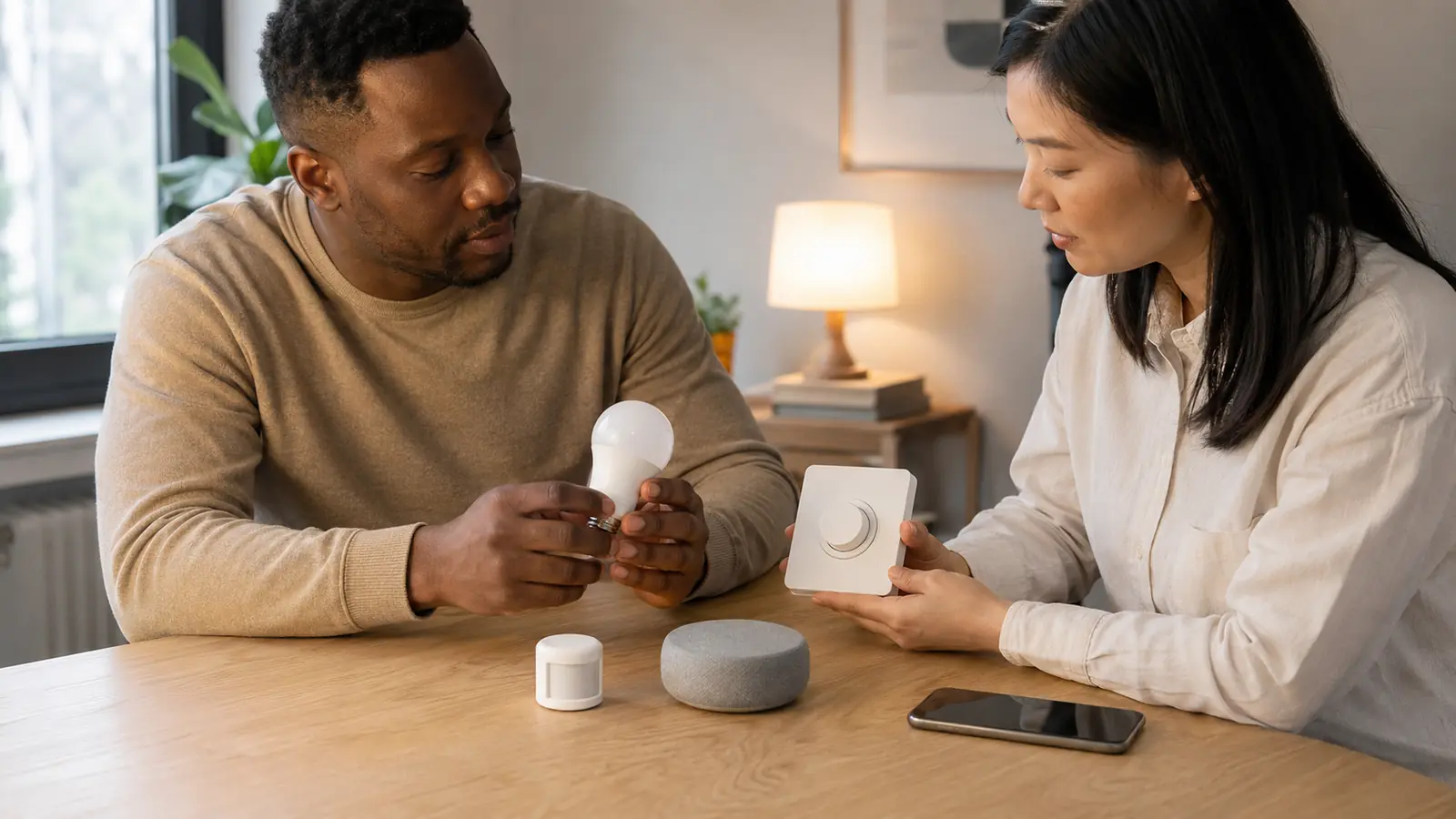
Smart lighting stopped being a simple choice between a Wi-Fi bulb and an expensive hub. In 2026, buyers must decide where the intelligence belongs—in each bulb, behind the wall switch or in an occupancy sensor—and whether Matter, Thread, Zigbee or Wi-Fi is the right foundation. The best smart lighting 2026 options make those decisions easier, but the Matter logo alone does not guarantee every app feature, a Thread product still needs the right border router, and a beautifully colored bulb becomes frustrating if someone cuts its power at the wall.
This FrediTech guide turns those trade-offs into practical recommendations. It compares bulbs, dimmers, switches and presence sensors; explains which controllers and bridges you actually need; and builds complete setups for Apple Home, Alexa, Google Home, Home Assistant, renters and permanent whole-home installations. Recommendations are based on current manufacturer specifications, platform compatibility and purchasing value—not unprovided hands-on test claims. Prices were checked in August 2026 and vary by retailer and country.
FrediTech may earn a commission when you buy through links on this page, at no extra cost to you. Our recommendations remain based on product suitability, features and value.
Table of contents
Smart Lighting Guide 2026: Quick Recommendations
Short answer: Philips Hue with a Bridge remains the strongest all-round ecosystem; TP-Link Tapo gives most buyers the best bulb value; Nanoleaf and Aqara offer compelling Matter-over-Thread choices; Lutron Caséta is the dependable whole-home switch system; and Aqara’s FP300 is the most versatile presence sensor for everyday lighting automation.
Scroll horizontally to view every column on smaller screens.
| Product | Type | Setup and connectivity | Best for | Typical US price |
|---|---|---|---|---|
| Philips Hue 75W A19 | Color bulb | Zigbee and Bluetooth; Bridge recommended; Matter through the Bridge or supported direct-pair models | Best overall ecosystem | About $60 |
| TP-Link Tapo L535E | Color bulb | 2.4GHz Wi-Fi; Matter over Wi-Fi; no proprietary hub | Best bulb value | About $15–$25 |
| Nanoleaf Essentials A19 | Color bulb | Matter over Thread; requires a Thread border router | Apple Home and Matter-first homes | About $20 |
| IKEA KAJPLATS 800-lumen | White-spectrum bulb | Matter over Thread; requires a Thread border router | Budget Matter lighting | About $12 |
| Lutron Caséta Diva | In-wall dimmer | Clear Connect RF; Caséta hub required for smart control | Reliable whole-home switches | About $70; kit around $120 |
| Aqara Light Switch H2 US | In-wall switch | Thread or Zigbee; use a Thread border router or Aqara hub | Matter and no-neutral flexibility | About $45 |
| Leviton D36HD | In-wall dimmer | Wi-Fi and Matter; neutral wire required | Three-way Matter dimming | About $40 |
| Aqara FP300 | Presence sensor | Thread or Zigbee; use a Thread border router or Aqara hub | Stationary presence detection | About $50 |
| Aqara Motion and Light P2 | PIR motion sensor | Matter over Thread; requires a Thread border router | Hallways and fast motion triggers | About $30–$35 |
Best Smart Bulbs for 2026
Philips Hue 75W A19 — Best Overall Smart Bulb
Best for: buyers who prioritize reliability, polished scenes, physical accessories and a lighting range that can expand throughout the home.
The current 1,100-lumen White and Color Ambiance A19 adds unusually deep dimming and refined white and color control. The Bridge moves lighting traffic onto Zigbee, supports large groups and preserves Hue-only features that may not travel through Matter. Matter-marked Hue bulbs can pair directly through a compatible Thread border router, but the Bridge is better for entertainment sync and mixed-generation installations.
- Matter: through Hue Bridge, or direct on supported Matter-marked bulbs
- Main advantage: mature ecosystem and excellent accessory choice
- Main drawback: premium pricing; full capability favors a Bridge
- Alternative: Aqara T2 for Thread/Zigbee flexibility at a lower cost
TP-Link Tapo L535E — Best-Value Matter Bulb
Best for: Alexa or Google Home users who want bright, affordable color lighting without buying a brand-specific bridge.
The North American A19/E26 version produces roughly 1,100 lumens, with 2,500–6,500K whites and 16 million colors. Matter exposes core controls to Apple Home, Alexa, Google Home or SmartThings, while the Tapo app adds schedules, scenes and energy estimates. It suits a few rooms; for dozens of bulbs, consider a Zigbee or Thread mesh.
- Main advantage: brightness and broad compatibility per dollar
- Main drawback: every bulb joins Wi-Fi; some app-only features may not appear through Matter
- Alternative: WiZ 100W A19 for up to 1,550 lumens and Matter over Wi-Fi
Nanoleaf Essentials A19 — Best Matter-over-Thread Bulb
Best for: Apple Home users and mixed-platform households that already own a capable Thread border router.
Nanoleaf combines Matter, Thread, tunable whites and color without a proprietary lighting bridge. Apple Home, Google Home, Alexa and SmartThings handle core control; Nanoleaf’s app supplies firmware and richer scenes. Confirm that the listing says Matter over Thread, because Wi-Fi variants also exist. You still need an always-on Matter controller and Thread border router.
IKEA KAJPLATS 800-Lumen E26 — Best Budget Matter Bulb
Best for: renters who want inexpensive, tunable white lighting and already have a Thread border router.
This $11.99 Matter-over-Thread model offers 2,200K, 2,700K, 4,000K and 6,500K whites, drawing 5.2W at full output and 0.2W on standby. Choose IKEA’s separate 1,100-lumen version if RGB matters. DIRIGERA is optional when another compatible Matter controller and Thread border router already serve the home.
Govee H600A — Best Color Bulb for Effects
Best for: bedrooms, gaming rooms and entertainment spaces where animated scenes and music modes matter more than Thread.
The Matter-compatible H600A delivers up to 1,200 lumens, RGB plus tunable whites, and extensive effects in the Govee Home app. Multi-packs cost about $14–$15 per bulb. It uses Wi-Fi and Bluetooth, not Thread. Matter supplies cross-platform basics; richer effects remain in Govee’s app.
Aqara LED Bulb T2 — Best Dual-Protocol Bulb
Best for: enthusiasts who want Matter over Thread now but may prefer deeper Aqara automations through Zigbee.
The $23.99 E26 color model reaches 1,100 lumens, spans 2,000–9,000K, offers CRI above 90 and runs in Thread or Zigbee mode. Thread enables direct Matter pairing; Zigbee requires an Aqara hub but unlocks more Aqara features. Apple Adaptive Lighting is not currently available in Thread mode.
Best Smart Light Switches for 2026
Electrical safety: isolate the circuit at the breaker and verify that it is de-energized before touching wiring. Switch standards, box sizes and voltage differ by country. If you cannot positively identify line, load, neutral, ground and traveler wires—or are not permitted to perform the work—use a qualified electrician.
Lutron Caséta Diva — Best Overall and Best No-Neutral Dimmer
The Diva prioritizes familiar wall control and dependable whole-home dimming over native Matter branding. It needs no neutral, handles up to 150W of compatible dimmable LEDs, and supports wired or Pico-remote multi-location control. Smart scenes and voice control require the Caséta hub, whose Clear Connect RF avoids crowding Wi-Fi. It costs more, but guests can always use the paddle normally.
Aqara Light Switch H2 US — Best Matter Switch
The $44.99 H2 can use Matter over Thread or Aqara Zigbee and works with or without a neutral. The 2-button, 1-channel model supports single-pole and three-way installations; other variants control up to three circuits. Neutral wiring enables extras such as power monitoring and overload protection. Thread avoids an Aqara hub but needs a Matter controller with a Thread border router; Zigbee is preferable when Aqara-specific decoupled controls and automations are the priority. It is an on/off switch, not a substitute for a dimmer.
Leviton D36HD — Best Matter Dimmer for Three-Way Circuits
Leviton’s $39.99 D36HD uses Wi-Fi, works with Matter out of the box and supports wired or wire-free three-way control. Adjustable minimum and maximum brightness help tame LED flicker. It requires a neutral wire, so inspect the box before ordering. Choose it over the Tapo S505D when multi-location wiring is essential; choose Lutron when no-neutral operation and a dedicated whole-home lighting network matter more.
Tapo S505D — Best Budget Matter Dimmer
The Wi-Fi S505D provides Matter control, smooth fade-on/fade-off and 150W LED dimming at roughly $16 per switch in a two-pack. It needs a neutral and is a single-pole dimmer; it cannot directly replace a wired three-way. A Tapo button and hub can add a wireless second control point, but that changes the cost calculation. It is ideal for straightforward rooms where value beats advanced wiring flexibility.
Also consider: Eve Light Switch for a privacy-focused Matter-over-Thread on/off switch. It requires a neutral and Thread border router, supports single-pole or three-way installations in North America, and does not dim.
Best Smart Motion and Presence Sensors
PIR motion sensors detect changing heat and movement, so they are fast, inexpensive and well suited to hallways or stairs. mmWave presence sensors can detect a seated reader or desk worker who is barely moving, preventing the lights from switching off mid-task. Door sensors are better triggers for closets and pantries, while ambient-light readings stop automations from wasting energy in an already bright room.
- Aqara FP300—best overall presence sensor: combines PIR and 60GHz mmWave with light, temperature and humidity sensing. It covers up to 6m across 120 degrees, runs on replaceable batteries and offers Thread/Matter or Aqara Zigbee modes for $49.99.
- Aqara FP2—best for room zones: its wired Wi-Fi design maps a room of up to 40m² into as many as 30 zones and can detect multiple people. Choose it when a sofa, desk and dining area need different automations; skip it when simple battery placement matters more.
- Aqara Motion and Light Sensor P2—best Matter PIR sensor: a 170-degree, 7m motion sensor with independent light readings, Matter over Thread and up to two years of claimed battery life. Some ecosystems, including Alexa, may not expose the light sensor.
- Eve Motion—best indoor/outdoor alternative: Matter over Thread, IPX3 resistance, a 120-degree field of view and up to 9m range. It requires a Matter controller and Thread border router.
Placement tip: use PIR in hallways, mmWave presence at desks and sofas, contact sensors on closet doors, and a light-level condition everywhere daylight is available. In bathrooms, select a discreet non-camera sensor and position it away from moving shower curtains or ventilation fans that could cause false presence.
Smart Bulb vs Smart Switch: Which Should You Buy?
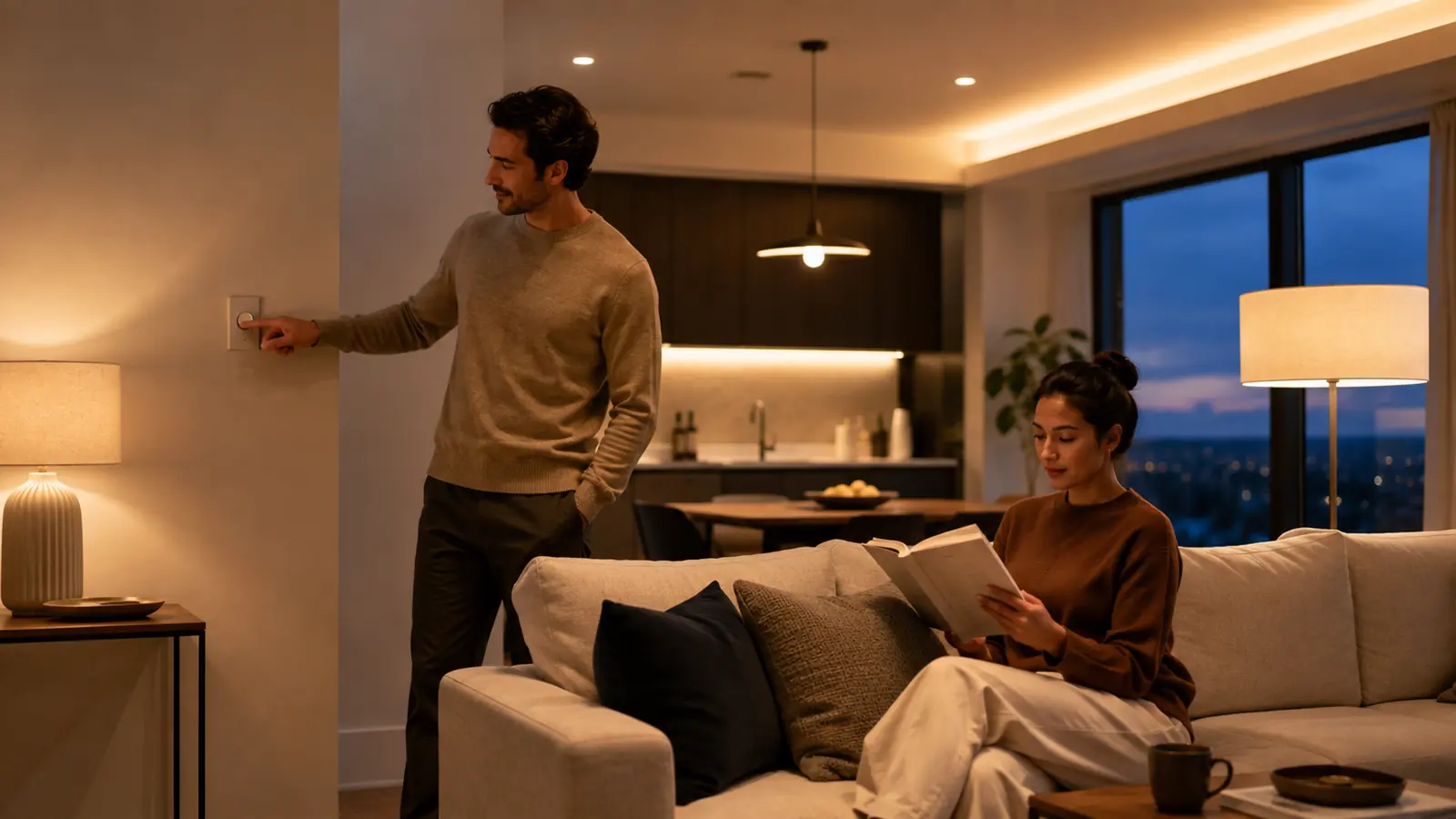
Direct answer: buy smart bulbs when you need color, tunable white or renter-friendly installation. Buy smart switches for permanent ceiling fixtures, rooms with several bulbs and homes where guests must use familiar wall controls. The best whole-home design often combines switches for general lighting with smart bulbs or strips in accent lamps.
| Factor | Smart bulb | Smart switch |
|---|---|---|
| Installation | Screw in and pair | Requires compatible mains wiring |
| Color control | Excellent on RGB/CCT models | Usually none; controls the load |
| Physical control | Can go offline if wall switch is off | Always familiar at the wall |
| Cost at scale | Paid per bulb | One switch can control many fixtures |
| Renters | Best choice | Permission and rewiring may be needed |
| Whole-home reliability | Good with a strong mesh and smart remotes | Usually better for fixed lighting |
| Best use | Lamps, color accents, tunable bedrooms | Kitchens, hallways and multi-bulb rooms |
What Is Matter, and Why Does It Matter for Smart Lighting?
Matter is a common application standard, not a wireless radio. A Matter light can communicate over Wi-Fi, Thread or Ethernet, while Bluetooth is commonly used during setup. Matter standardizes secure discovery and core controls so certified products can join compatible ecosystems such as Apple Home, Alexa, Google Home, SmartThings and Home Assistant.
Its most useful lighting features are local IP-based control and multi-admin, which can let the same device appear in more than one ecosystem. Matter 1.6, released in June 2026, adds new setup and multi-ecosystem tools, but products and platforms adopt specification features on their own schedules. Matter therefore improves the compatibility baseline; it does not promise that a manufacturer’s music scenes, adaptive lighting, energy charts or firmware tools will appear identically in every app.
Are Matter Smart Bulbs Worth Buying?
Yes, especially for new installations that may change ecosystems later. Matter reduces platform lock-in and supports local control, but it should follow—not replace—the checks for brightness, color quality, app support, radio type and controller requirements. A reliable non-Matter Lutron or Hue setup can still be a better purchase than a weak Matter product.
Matter vs Thread vs Wi-Fi vs Zigbee
| Technology | What it is | Strength | Requirement or limitation |
|---|---|---|---|
| Matter | Application/interoperability standard | Cross-ecosystem core control | Runs over another IP network |
| Thread | Low-power IPv6 mesh network | Responsive, scalable device mesh | Needs a Thread border router |
| Wi-Fi | IP wireless network | Uses the router already installed | Many individual bulbs can crowd 2.4GHz |
| Zigbee | Low-power mesh radio/protocol | Mature, efficient lighting networks | Usually needs a brand-compatible bridge |
| Bluetooth | Short-range radio | Easy commissioning and direct control | Limited range and automation by itself |
Is Thread better than Wi-Fi for smart lights? Thread is usually a better foundation for many low-bandwidth devices because it forms a mesh and avoids adding every bulb to Wi-Fi. Wi-Fi remains perfectly sensible for a few bulbs and needs no separate border-router radio. Product quality and network design matter more than the label alone.
Do You Need a Smart Home Hub?
Do Matter bulbs need a hub? They need a Matter controller for app and ecosystem control. Matter-over-Thread bulbs additionally need a Thread border router; Matter-over-Wi-Fi bulbs do not. A compatible smart speaker, display, TV streamer, router or platform hub may perform those jobs, so a separate proprietary box is not always required.
- Philips Hue Bridge: recommended for full Hue scenes, accessories, Zigbee reliability and mixed-generation bulbs.
- Aqara hub: required for Aqara Zigbee mode and advanced Aqara-only controls; not required when supported devices use Matter over Thread with another controller.
- Apple Home: HomePod mini, HomePod (2nd generation) and supported Apple TV 4K models can supply home-hub and Thread functions.
- Google Home: Nest Hub (2nd generation), Nest Hub Max, Nest Wifi Pro and Google TV Streamer are among Google devices with Thread border-router support.
- Alexa and SmartThings: only selected models contain the needed Matter controller and Thread border router; verify the exact generation rather than assuming every Echo, TV or hub qualifies.
Best Smart Lighting Ecosystems
| Ecosystem | Best quality | Main compromise | Ideal buyer |
|---|---|---|---|
| Philips Hue | Range, accessories, scenes and bridge reliability | Highest cost | Premium whole-home lighting |
| Govee | Color effects and entertainment value | Best features live in Govee app | Gaming and decorative rooms |
| Nanoleaf | Matter/Thread bulbs and creative panels | Requires careful controller planning | Apple Home and design-led setups |
| TP-Link Tapo/Kasa | Affordable Wi-Fi bulbs and switches | Large deployments add Wi-Fi clients | Budget Alexa or Google homes |
| Aqara | Strong sensors and Thread/Zigbee choices | Features vary by operating mode | Automation enthusiasts |
| Lutron Caséta | Physical control and switch reliability | Bridge and premium switch cost | Permanent installations |
| WiZ | Bright, hub-free Matter-over-Wi-Fi options | Less premium accessory ecosystem | Simple white and color lighting |
Best Smart Lighting Setup by Use Case
- Budget apartment: IKEA KAJPLATS tunable-white bulbs plus the Matter controller/Thread border router you already own. Add a wireless control and one motion sensor; keep every original wall switch powered.
- Apple Home: HomePod mini or compatible Apple TV 4K, Nanoleaf Essentials or Aqara T2 Thread bulbs, and Eve Motion or Aqara FP300. Use multi-admin only when another platform genuinely adds value.
- Alexa: a Thread-capable Echo for Thread products, or Tapo L535E Wi-Fi bulbs for the lowest-friction start. Confirm the exact Echo model’s Matter and Thread roles.
- Google Home: Nest Hub (2nd generation), Nest Hub Max or Nest Wifi Pro paired with Nanoleaf/Aqara Thread bulbs; choose Tapo for inexpensive Wi-Fi expansion.
- Matter-first: one always-on controller and border router, Aqara T2 or Nanoleaf bulbs, Aqara H2 switches where regional wiring permits, and FP300/P2 sensors. Keep setup codes in a secure home record.
- Premium whole home: Lutron Caséta switches for fixed white lighting, Hue Bridge/Bridge Pro with Hue color products for feature rooms, and presence sensors only where they solve a real occupancy problem.
- Home Assistant: favor local Matter/Thread or Zigbee devices with documented integration support. Mix Aqara sensors, Hue Zigbee lighting and Lutron controls deliberately; do not introduce a new radio solely for one novelty bulb.
How to Set Up Matter Smart Lighting
- Confirm the Matter logo, voltage, bulb base or switch wiring for the exact regional model.
- Identify the Matter controller for your chosen ecosystem.
- For Thread products, confirm an always-on Thread border router and place it within practical range.
- Install the manufacturer app when firmware updates or advanced features require it.
- Update the controller and product firmware before building complex routines.
- Scan the Matter QR code or enter its setup code; store the original code securely.
- Assign a clear room and device name such as “Kitchen ceiling,” not “Bulb 4.”
- Create scenes before automations so several routines can reuse the same lighting state.
- Test physical controls, local operation and recovery after a brief power interruption.
- Use Matter multi-admin to add another ecosystem only when needed; follow the first ecosystem’s sharing flow rather than factory-resetting the device.
Smart Lighting Automation Ideas That Stay Useful
- Turn hallway lights on at 10–20% after bedtime, then off after no motion.
- Keep bathroom or office lights on while an mmWave sensor detects stationary presence.
- Use a lux threshold so motion does not trigger lights in daylight.
- Start warm sunset scenes automatically; reserve saturated colors for deliberate scenes.
- Trigger pantry or closet lights from a contact sensor and add a safety timeout.
- Create reading, movie, cooking, wake-up, away and vacation scenes with one clear purpose each.
- Turn off nonessential lighting after the home has been vacant for a defined period.
Smart Lighting Buying Guide
Start with light quality. Around 800 lumens replaces a traditional 60W bulb; 1,100 lumens suits brighter general lighting; 1,500-plus lumens can serve larger spaces. Tunable white is often more useful than RGB: roughly 2,200–2,700K feels warm, while 4,000–6,500K supports task lighting. CRI above 90 is desirable where food, skin tones, art or clothing should look natural. Check dimming depth as well as maximum output.
Then evaluate the system: radio type, hub/controller requirements, local control, app quality, automation options, firmware history, privacy policy and how the device behaves after power loss. For switches, verify neutral and traveler wires, minimum load, LED compatibility, box depth, voltage and electrical certification. Never place a smart bulb on a conventional wall dimmer unless both manufacturers explicitly approve it; keep smart bulbs continuously powered and use a compatible wireless control instead.
Mistakes to Avoid When Buying Smart Lights
- Buying smart bulbs and repeatedly cutting their power at the wall.
- Assuming every Matter device uses Thread or that every controller is a Thread border router.
- Mixing ecosystems without deciding which app owns rooms, names and automations.
- Using a conventional dimmer with smart bulbs or ignoring an in-wall switch’s neutral and load requirements.
- Adding dozens of Wi-Fi bulbs without considering router capacity.
- Choosing the cheapest unknown brand without a credible update policy.
- Expecting proprietary scenes, energy data and adaptive features to transfer through Matter.
- Discarding QR codes before commissioning, sharing or resetting is complete.
Smart Lighting FAQ
What is the best smart lighting system in 2026?
Philips Hue with a Bridge is the best complete system for most premium buyers because its product range, accessories and automations are mature. Lutron Caséta is better for permanent switch-based control, while Tapo offers stronger value for a smaller Wi-Fi setup.
Are Matter smart bulbs better than Wi-Fi bulbs?
Matter and Wi-Fi are not opposites: a bulb can use Matter over Wi-Fi. Matter improves cross-platform control; Thread or Wi-Fi carries the data. Judge the full product, including brightness, controller requirements and manufacturer support.
Do Matter smart bulbs require a hub?
They require a compatible Matter controller. Thread bulbs also require a Thread border router. Those functions may already be built into a smart speaker, display, streamer, router or platform hub, so a separate brand bridge may not be necessary.
What is the difference between Matter and Thread?
Matter defines how compatible smart-home devices are discovered and controlled. Thread is a low-power IPv6 mesh network over which Matter can run. Matter can also run over Wi-Fi or Ethernet.
Can a Matter light work with Alexa and Apple Home at the same time?
Often yes, through Matter multi-admin. Each ecosystem needs suitable controller hardware, and platform support for individual features can differ. Share the commissioned device using the first ecosystem’s pairing-code flow.
Are Philips Hue lights still worth buying in 2026?
Yes for buyers who value mature accessories, consistent scenes and a dependable bridge-based system. Budget buyers can get comparable basic on/off, white and color control from Tapo, IKEA, Aqara, Nanoleaf or WiZ for less.
Can smart bulbs work with normal light switches?
Yes, but the switch must remain on for app control and automation. Turning it off removes power and takes the bulb offline. Use a compatible wireless remote or smart-bulb mode where available.
Should I install smart bulbs or smart switches?
Choose bulbs for color, tunable white, lamps and rentals. Choose switches for fixed ceiling lighting, multi-bulb circuits and guest-friendly wall control. Combining both by room usually produces the best result.
Do smart switches need a neutral wire?
Many do, including Tapo S505D and Leviton D36HD. Lutron Caséta Diva and specific Aqara H2 models can work without one. Verify the exact model, wiring diagram and minimum load before purchase.
Which smart lighting works without a proprietary hub?
Tapo, WiZ and Govee Wi-Fi bulbs need no brand bridge. Matter-over-Thread bulbs from Nanoleaf, Aqara and IKEA can avoid a proprietary hub but still need a Matter controller and Thread border router.
Do smart lights increase electricity bills?
Smart LEDs use a small amount of standby power, but efficient LED operation and occupancy schedules can reduce waste compared with older lamps left on unnecessarily. Savings depend on behavior, electricity rates and the products replaced.
Are smart bulbs secure?
They can be when kept updated on a secured home network. Prefer established vendors, unique account passwords, multi-factor authentication where offered, local control and a separate IoT network when your router supports it.
Which Smart Lighting Setup Should You Buy?
Choose Philips Hue when ecosystem depth and polished control justify the premium. Choose Tapo when value and simple Matter-over-Wi-Fi setup matter most. Choose Nanoleaf, IKEA or Aqara when Thread is already part of the home. For permanent general lighting, use Lutron Caséta or a compatible Matter switch instead of filling every ceiling fixture with independent bulbs. Finally, add PIR sensors to passageways and mmWave presence sensors only where people remain still. A smaller, deliberately designed system is more reliable than a house full of unrelated “compatible” devices.
Primary Sources Checked
Specifications and compatibility were verified against the Connectivity Standards Alliance’s Matter 1.6 release and current official pages from Philips Hue, TP-Link Tapo, Nanoleaf, IKEA, Govee, Aqara lighting, Aqara sensors, Lutron, Leviton, Eve, Apple and Google. Product firmware, regional availability and platform support can change after publication.