
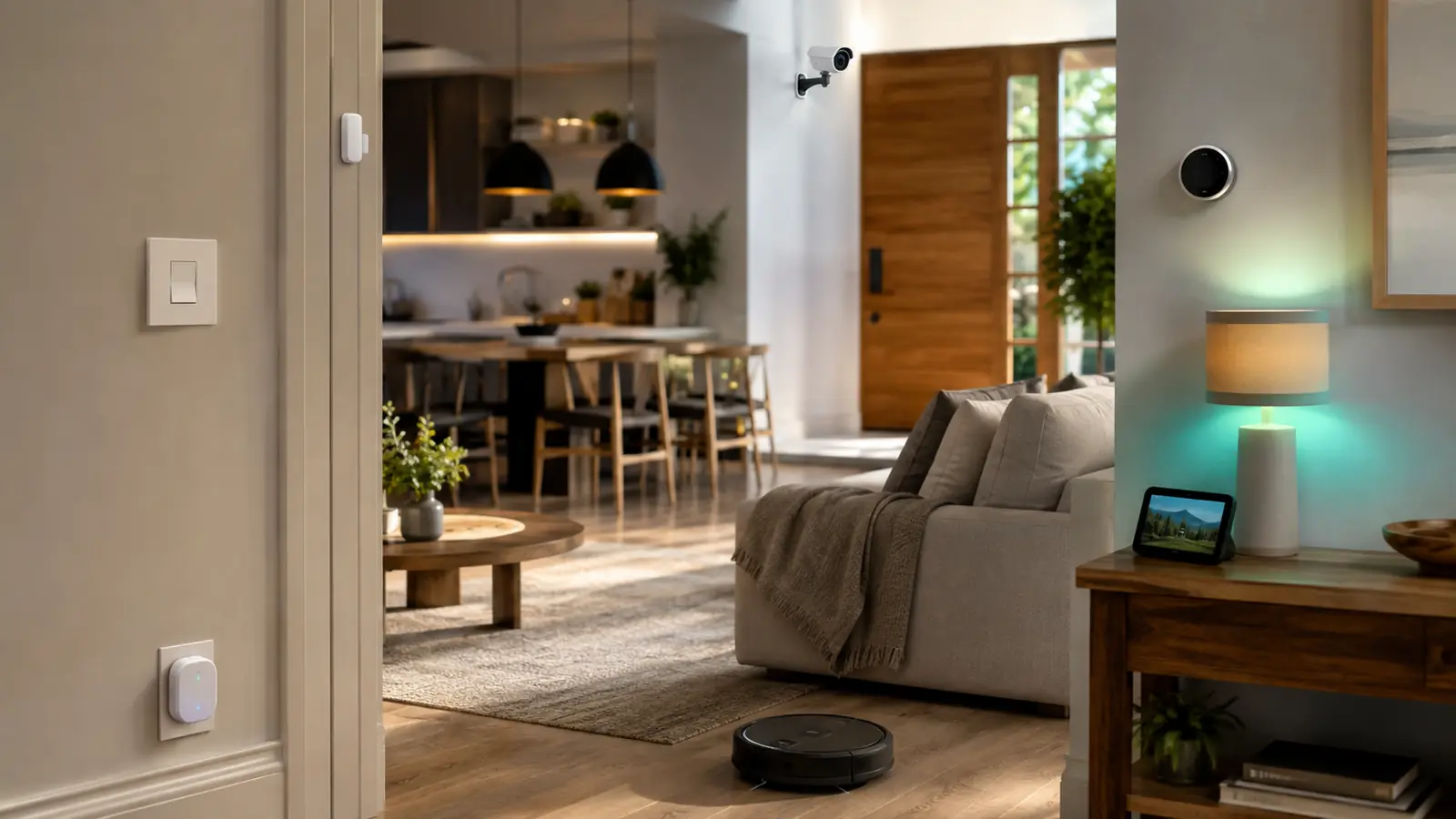
The best smart home devices 2026 are not necessarily the newest or the most expensive. They are the products that remove a repeated annoyance, keep working when the internet is unreliable and fit the controller your household already understands. A good system might start with a few lights and a plug; a poor one can contain dozens of devices split across incompatible apps.
Begin with the FrediTech Smart Lighting Guide 2026 if you want a low-risk first project. Lighting produces an immediate benefit, teaches room assignment and automation, and still has a familiar wall-switch fallback. Then choose a hub or ecosystem before adding locks, cameras and climate controls.
The recommendations below are based on current specifications, platform support and practical ownership trade-offs rather than fabricated laboratory scores. Exact model availability, electrical standards, wireless bands and pricing vary by country, so verify the regional version before ordering.
Affiliate disclosure: FrediTech may earn a commission when you buy through links on this page, at no extra cost to you. Recommendations remain based on suitability, features and value.
Table of contents
What Are the Best Smart Home Devices in 2026?
For most homes, the strongest foundation is a capable Matter controller, reliable smart lighting, one or two energy-aware plugs, a thermostat compatible with the existing HVAC system, and privacy-conscious sensors or cameras. Add devices only when they support a useful routine and provide a manual fallback.
- Best first purchase: smart lighting or a compact smart plug.
- Best foundation: a hub already aligned with Apple Home, Google Home, Alexa, SmartThings or Home Assistant.
- Best upgrade: occupancy and contact sensors that make existing devices respond automatically.
Quick Smart Home Recommendations
These are category leaders or strong reference choices, not a claim that one brand suits every region and household.
| Category | Strong 2026 choice | Best for | Important requirement |
|---|---|---|---|
| Mainstream hub | Apple TV 4K, Google TV Streamer or Echo Hub | Platform-first control | Match the household ecosystem |
| Local-first hub | Home Assistant Green | Advanced local automation | Learning curve; radios may need adapters |
| Lighting | Philips Hue, Tapo, Nanoleaf, Lutron or Aqara | Reliable daily automation | Check hub, Thread and wiring needs |
| Smart plug | Tapo P110M, Eve Energy or Leviton D215P | Lamps and suitable plug-in loads | Observe regional voltage and load limits |
| Thermostat | ecobee Smart Thermostat Premium | Room-aware climate control | Confirm HVAC wiring and compatibility |
| Camera | Reolink, eufy, Aqara, Nest or Ring family | Security with different storage models | Compare retention and subscription terms |
| Entry sensor | Eve Door & Window or Aqara sensor family | Door-triggered routines | Compatible Thread border router or hub |
| Robot cleaner | Current Roomba family | Scheduled floor care | Maps and cloud features affect privacy |
Start With the Control Layer
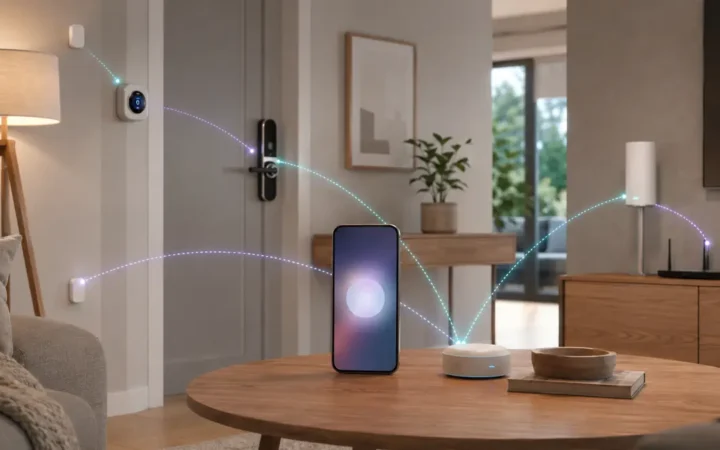
A control layer is the app, voice assistant and hub that organizes devices into rooms and automations. Apple Home is a natural fit for an Apple household; Google Home works well around Nest displays and Android; Alexa offers a broad Echo range; SmartThings spans many Samsung products; Home Assistant provides deep local automation for enthusiasts. Matter makes supported core functions easier to share, but platform-specific features can still differ.
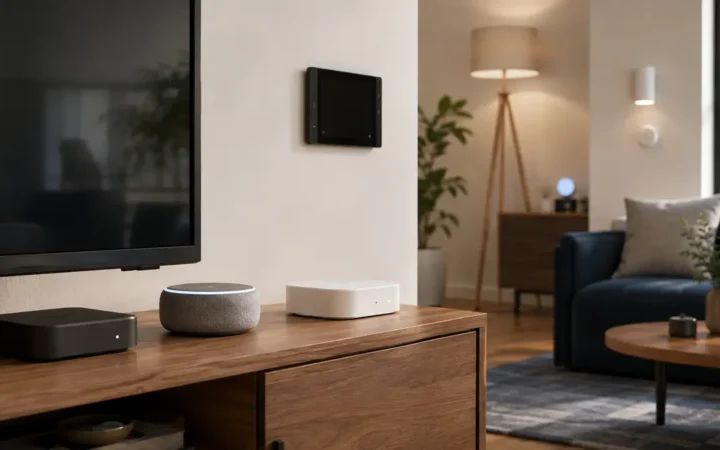
Do not buy a separate hub automatically. Some speakers, streaming boxes, displays, televisions and Wi-Fi systems already act as Matter controllers or Thread border routers. Use the best smart home hubs 2026 comparison to identify what you own before paying for duplicate hardware.
- Apple household: HomePod mini or supported Apple TV 4K.
- Google household: a supported Nest hub, Nest Wifi model or Google TV Streamer.
- Alexa household: a compatible Echo device; check Matter and Thread support by exact generation.
- Multi-protocol household: SmartThings/Aeotec or Aqara Hub M3.
- Local-first household: Home Assistant Green plus the radios your devices require.
Best Smart Lighting Devices
Philips Hue with Hue Bridge — Best Mature Lighting Ecosystem
Best for: Whole-home lighting, accessories and dependable scenes.
Hue uses a dedicated Zigbee lighting network through its bridge, keeping a large group of bulbs off ordinary Wi-Fi. The bridge exposes supported controls to major ecosystems and Matter while retaining richer Hue scenes and accessories in the Hue app.
- Connectivity: Zigbee to Hue Bridge; Bluetooth on many bulbs
- Matter: Through Hue Bridge; direct options vary by model
- Main drawback: Premium pricing and another bridge
Pros
- Broad bulb, fixture and accessory range
- Strong physical-control and scene options
- Scales better than many bulb-by-bulb Wi-Fi systems
Cons
- Higher entry cost
- Best experience remains bridge-centric
FrediTech verdict: Choose Hue when lighting reliability and ecosystem depth matter more than the lowest purchase price. Choose Tapo or WiZ for a smaller budget setup, or Nanoleaf for a Matter-over-Thread priority.
Permanent ceiling circuits often work better with smart switches than smart bulbs because guests can still use the wall control. Lutron Caséta is a strong dedicated whole-home switch platform, while current Matter switches from Leviton, Tapo and Aqara can fit a platform-first build. Always confirm neutral-wire, load and multi-way requirements, and hire a qualified electrician if mains wiring is outside your experience.
See the pillar smart lighting guide for bulb brightness, color quality, sensors, switch compatibility and complete room plans.
Best Smart Plugs and Energy Controls
Tapo P110M — Best Value Matter Plug With Energy Monitoring
Best for: Lamps, fans and suitable plug-in appliances where energy data is useful.
The P110M combines Matter-over-Wi-Fi control with power monitoring and cost estimates in the Tapo experience. It is a practical bridge between simple remote control and identifying standby consumption.
- Connectivity: 2.4GHz Wi-Fi
- Matter: Yes
- Energy monitoring: Yes, with platform exposure varying
- Main drawback: Adds another Wi-Fi client
Pros
- Compact value-oriented design
- Energy and cost information
- Works across major Matter ecosystems
Cons
- Advanced data remains app-dependent
- Not suitable for every heater, motor or high-inrush load
FrediTech verdict: A strong general-purpose choice when regional load ratings match the appliance. Eve Energy is better for Matter-over-Thread and privacy-first households; Leviton D215P is a robust alternative for 15A North American use.
Never assume a plug is safe for an appliance because the connector fits. Motors, heaters and compressors can have startup or continuous loads that exceed the permitted use. Read the exact label and the best smart plugs 2026 safety section before connecting high-demand equipment.
Best Climate and Air-Quality Devices
ecobee Smart Thermostat Premium — Best Feature-Rich Thermostat
Best for: Households that want room sensing, energy automation and indoor-air information.
ecobee combines scheduling and remote sensors with an indoor air-quality monitor and broad ecosystem support. Its room sensor can reduce the common problem of controlling the entire home from one poorly placed hallway thermostat.
- Compatibility: Apple Home, Alexa and Google integrations; verify current regional support
- Included sensor: SmartSensor on the Premium package
- Installation: Check HVAC type and wiring before purchase
- Main drawback: Some households will not use the premium extras
Pros
- Room-aware comfort
- Strong automation potential
- Useful air-quality context
Cons
- HVAC compatibility is not universal
- Professional installation may be appropriate
FrediTech verdict: Buy only after using the official compatibility checker. A simpler thermostat can be better value when remote room sensing and air-quality features are unnecessary.
Climate devices can create meaningful savings only when schedules, occupancy and the building itself support them. Treat manufacturer savings figures as conditional estimates, not guaranteed returns. Start with comfort problems—hot bedrooms, empty daytime schedules or an inefficient away mode—then choose features that address them.
Best Smart Security and Entry Devices
For cameras, choose the storage and privacy model before choosing resolution. Reolink offers strong local microSD, NVR and home-hub paths; eufy emphasizes expandable local HomeBase storage; Aqara Camera Hub G5 Pro combines camera and hub roles; Nest and Ring prioritize tightly integrated mainstream experiences with cloud service tiers. The best smart security cameras 2026 guide compares them without pretending that one retention model fits every household.
For locks, verify the exact door, cylinder and regional hardware before considering app features. Keep a dependable entry fallback, use individual codes, remove old guests and understand battery warnings. Matter can simplify platform control on supported models, but specialty features such as Apple Home Key may require a specific lock version.
Security products need a support plan
A camera or lock can remain physically intact after its cloud service or security-update period ends. Record the purchase date, public support commitment and reset procedure, then include the product in the quarterly audit from the smart home privacy and cybersecurity guide.
Best Sensors for Useful Automations
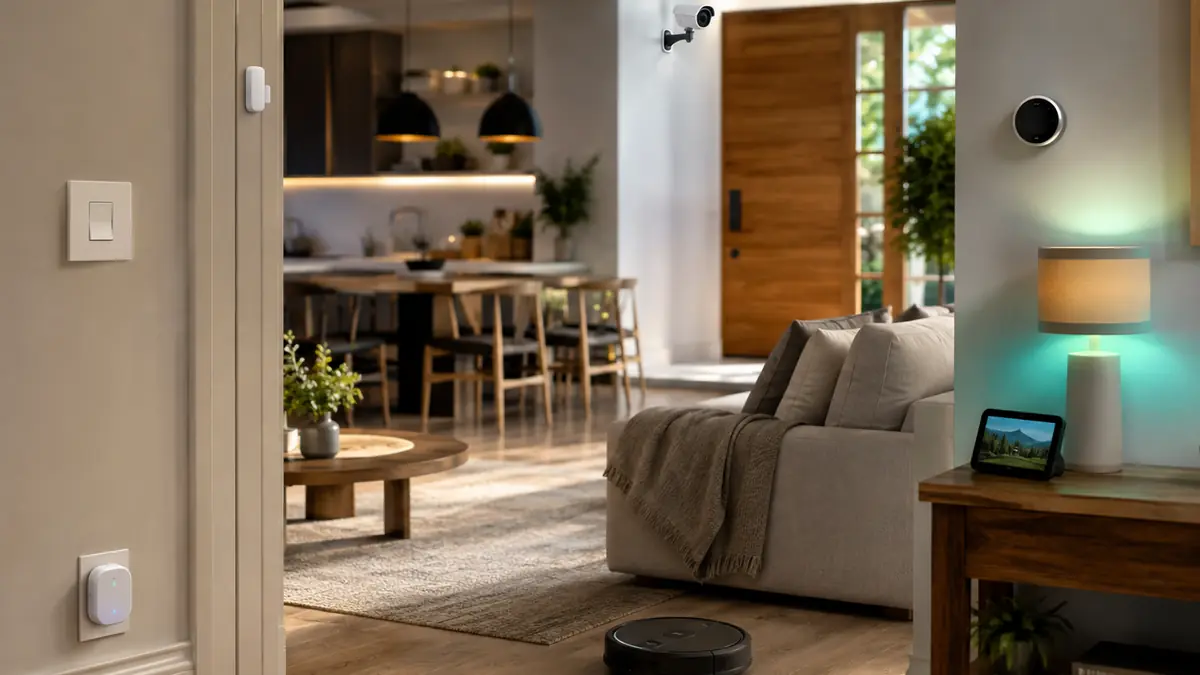
Sensors often create more value than another screen. A contact sensor can pause heating when a window opens, switch on a closet light or alert when a door remains open. A motion sensor is ideal for hallways; a presence sensor can keep a bathroom, office or living-room light on when a person sits still. Leak sensors belong near washing machines, water heaters and sinks where a small warning can prevent major damage.
Eve Door & Window and Eve Motion provide Matter-over-Thread options without an Eve cloud, while Aqara offers broad Zigbee and Thread sensor families around its hubs. Choose based on controller support, battery availability, reporting speed and the automation engine—not a sensor count.
| Sensor | Best use | Common mistake |
|---|---|---|
| PIR motion | Hallways, entrances and quick movement | Expecting it to detect a person sitting still |
| mmWave presence | Bathrooms, offices and living rooms | Poor placement causing detection through walls |
| Contact | Doors, windows, cabinets and gates | Misaligned magnets or weak adhesive |
| Leak | Water heaters, sinks and appliances | Installing it where water cannot reach the probes |
| Temperature/humidity | Comfort and ventilation routines | Treating a consumer sensor as certified safety equipment |
Smart Displays, Speakers and Entertainment
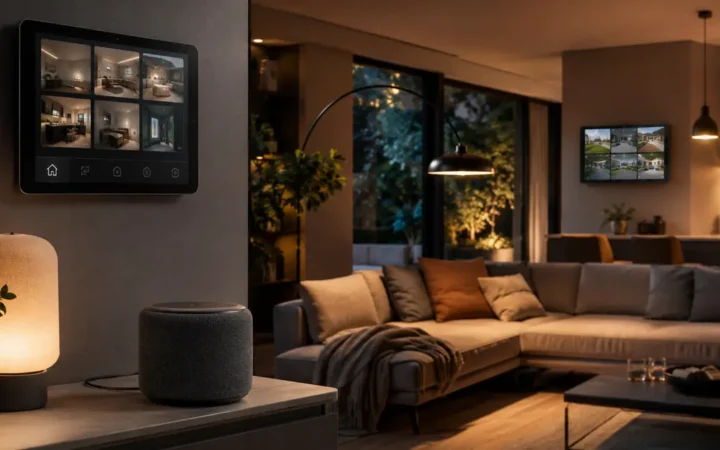
A smart display can combine voice control, timers, recipes, camera views and household information, but it also adds a microphone, sometimes a camera and another screen competing for attention. Echo Hub is purpose-built for wall control; Google Nest Hub and Google TV Streamer anchor Google Home; HomePod mini and Apple TV 4K perform hub duties without adding an always-visible dashboard.
Choose the interface your household will actually use. The platform guides for Alexa devices, Google Home devices and Apple Home accessories explain which current hardware supplies Matter-controller and Thread-border-router functions.
For televisions and streaming devices, prioritize picture, audio and app support first. Smart-home hub functionality is a useful bonus but a poor reason to accept an unsuitable entertainment product.
Robot Vacuums and Automated Cleaning
A robot cleaner is worth buying when the floor plan, thresholds, rugs and clutter match its navigation and dock. Current Roomba lines span simple vacuuming through combination mopping and self-service docks. Compare obstacle avoidance, replacement-part cost, bin and dock maintenance, map privacy and the amount of manual preparation each run still requires.
Do not pay for an elaborate wash dock if it has no convenient water, drainage or cleaning location. For a small apartment, a compact robot with a basic auto-empty dock can create more value than a flagship that occupies a large corner.
How to Build a Smart Home Without Wasting Money
- Write down three recurring problems, such as dark hallways, wasted standby power or an uncomfortable bedroom.
- Choose the primary ecosystem already used by most household members.
- Inventory existing Matter controllers and Thread border routers.
- Buy one device for the highest-value problem and run it for two weeks.
- Add a physical control or manual fallback before expanding the automation.
- Standardize on a few reliable product families and spare battery types.
- Review support dates, privacy settings and unused integrations every quarter.
Wait for a genuine discount when the product is not urgent, but compare model numbers rather than discount percentages. The best smart home deals 2026 guide explains price tracking, bundles, support-life checks and return-policy traps.
Which Smart Home Devices Should You Buy First?
For most beginners: choose a familiar ecosystem, add two or three smart lights, one correctly rated plug and one sensor. Learn how scenes, rooms, household sharing and manual overrides behave. Then consider a thermostat, camera, lock or robot cleaner only when the benefit is clear and the support model is acceptable.
Matter reduces ecosystem friction for supported functions, but it cannot turn an unnecessary device into a useful one. The best system is compact, understandable and maintained by the people who live with it.
Best Smart Home Devices FAQ
What smart home device should a beginner buy first?
Start with a smart bulb, a correctly rated plug or a starter lighting kit. These create immediate value, are easy to remove and let you learn room assignment, automations and voice control before adding higher-risk devices.
Do I need a smart home hub in 2026?
Not necessarily. A supported speaker, display, streaming box, television or Wi-Fi system may already be a Matter controller or Thread border router. Proprietary Zigbee, Z-Wave or advanced local automation may still require a dedicated hub.
Is Matter required for a good smart home?
No. Mature systems such as Lutron Caséta and Philips Hue can be excellent without every endpoint being native Matter. Matter is valuable when cross-platform core control and easier ecosystem sharing are priorities.
Which smart home ecosystem is best?
The best ecosystem is the one already used by the household: Apple Home for an Apple-first home, Google Home around Android and Nest, Alexa around Echo, SmartThings for broad multi-brand control, or Home Assistant for advanced local automation.
Are cheap smart home devices safe?
Price alone does not determine safety. Check the published support period, update mechanism, account security, privacy documentation, electrical certification, reset procedure and exact regional model before buying.
Can Alexa, Google Home and Apple Home control the same Matter device?
Often yes through Matter multi-admin, provided the device type and features are supported by each platform. Commission it in one ecosystem, then use that platform to create a new sharing code for the next.
Will smart home devices work without internet?
Some local commands and automations can, but remote access, voice processing, notifications, firmware updates and cloud history may stop. Test the exact device and controller rather than relying on a general local-control claim.
How many smart home apps should I use?
Use one primary household app where possible and keep manufacturer apps for setup, firmware and advanced features. Too many daily-control apps create confusion, inconsistent permissions and neglected updates.
When is the best time to buy smart home devices?
Major retail events and manufacturer launches can bring discounts, but the best time is after confirming model, compatibility, support life and return terms. A large discount on the wrong regional or obsolete model is not a saving.
Continue Your Smart Home Plan
Use these related FrediTech guides to check compatibility before you buy:
- Smart Lighting Guide 2026
- Best Smart Home Hubs 2026
- Matter Smart Home Guide 2026
- Smart Home Privacy and Cybersecurity Guide 2026
- Best Smart Home Deals 2026
Sources and Editorial Method
This guide is based on current standards documentation, manufacturer specifications, support policies and ecosystem compatibility information checked for the 2026 edition. FrediTech has not claimed hands-on testing where none was supplied. Prices and availability can change by retailer and region.