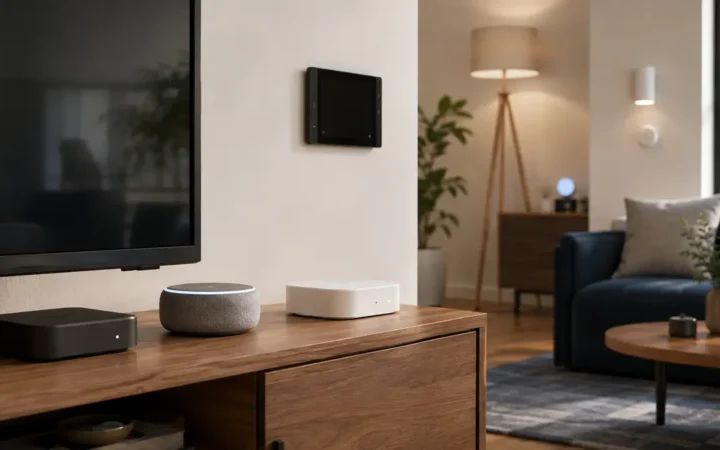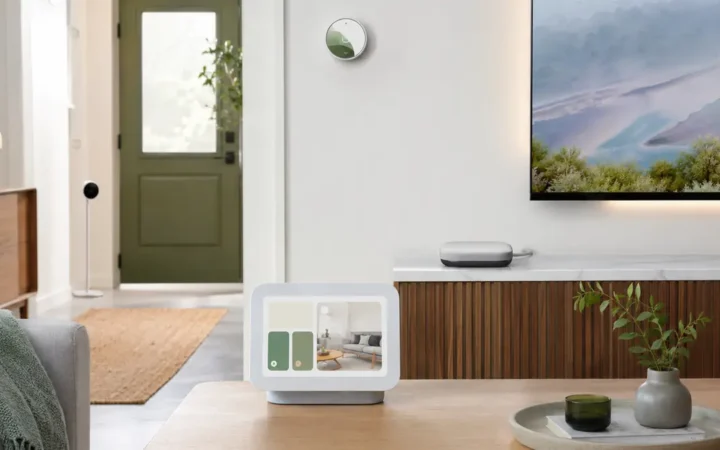

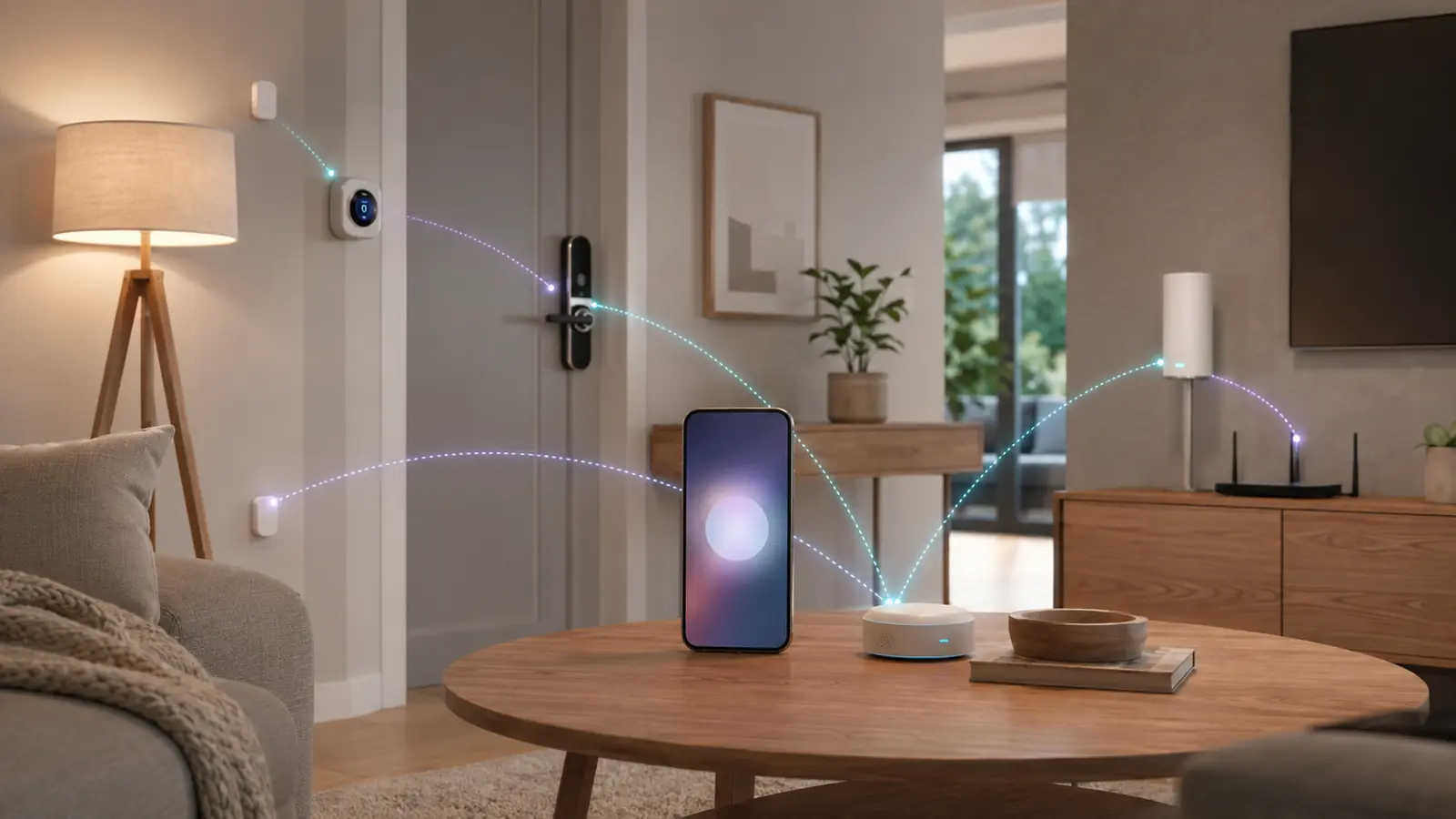
Matter is easier to buy in 2026, but the vocabulary around it still creates expensive mistakes. A Matter logo does not tell you whether a product uses Wi-Fi or Thread, whether you already own a suitable controller, or whether every advanced brand feature appears in Apple Home, Google Home, Alexa and SmartThings.
This Matter smart home guide 2026 separates the application standard from the networks underneath it. That distinction explains why a Thread sensor needs a border router, why a Matter-over-Wi-Fi plug does not, and why an older Zigbee lighting system can still participate through a bridge. For a practical product example, see the Smart Lighting Guide 2026.
Matter can reduce ecosystem lock-in for supported core functions, enable local IP control and make multi-platform sharing more consistent. It does not guarantee identical features, perfect reliability or cloud-free ownership. The right plan starts with an inventory of controllers and border routers, then adds certified devices for real use cases.
Affiliate disclosure: FrediTech may earn a commission when you buy through links on this page, at no extra cost to you. Recommendations remain based on suitability, features and value.
Table of contents
What Is Matter in Plain English?
Matter is a common smart-home application standard that lets certified devices and ecosystems understand the same core commands. It runs over IP networks such as Wi-Fi, Thread and Ethernet; Bluetooth Low Energy is commonly used during setup. Matter is not a wireless radio and it is not a replacement name for Thread.
- Matter controller: commissions and manages Matter devices.
- Thread border router: connects a Thread mesh to the home IP network.
- Bridge: can expose non-Matter devices, such as a supported Zigbee system, to Matter.
Matter, Thread, Wi-Fi and Hubs Compared
These terms describe different layers or roles. A single physical product can perform more than one role.
| Term | What it is | What it does | Typical example |
|---|---|---|---|
| Matter | Application/interoperability standard | Defines common device behavior and secure commissioning | A Matter light, plug, lock or thermostat |
| Thread | Low-power IPv6 mesh network | Carries Matter traffic for many low-power devices | Battery sensor or mains-powered smart plug |
| Wi-Fi | IP network transport | Connects higher-bandwidth or mains-powered devices | Smart plug, bulb or appliance |
| Matter controller | Ecosystem management role | Adds devices, manages fabric credentials and runs controls | Supported HomePod, Echo or Google hub |
| Thread border router | Network gateway role | Links Thread to Ethernet or Wi-Fi IP networks | Supported speaker, display, router or streaming box |
| Bridge | Protocol translator/aggregator | Represents compatible legacy devices to an ecosystem or Matter | Hue Bridge for a Zigbee lighting system |
How a Matter Smart Home Actually Works
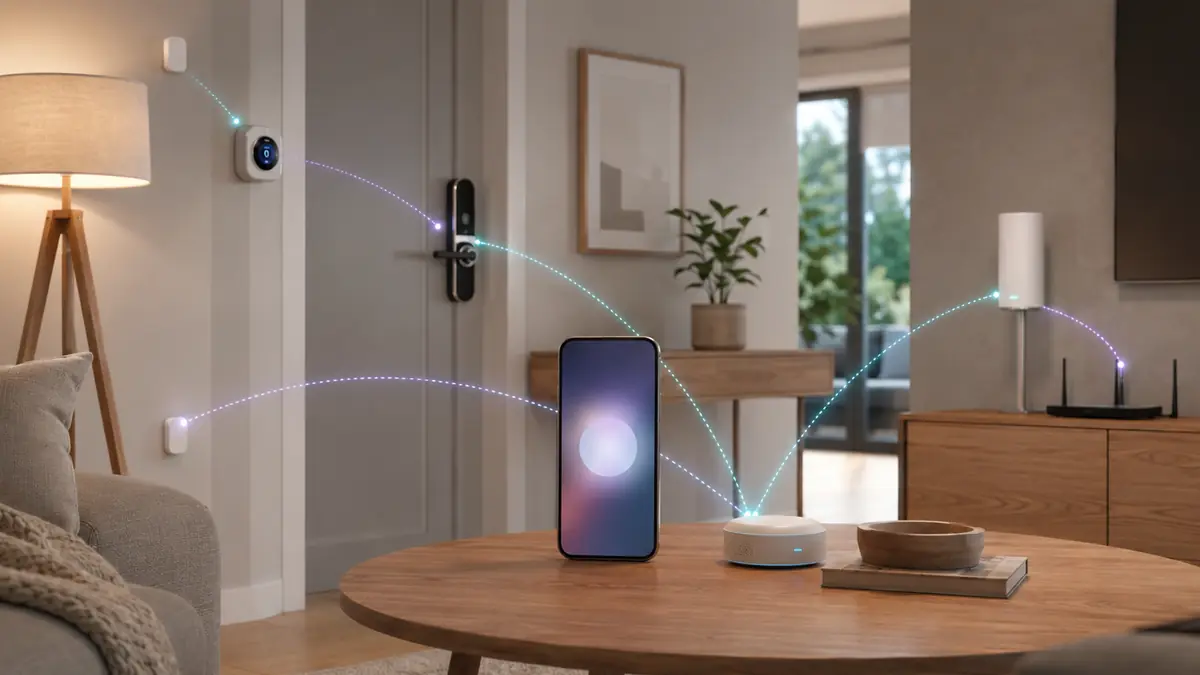
A Matter device joins a secure logical network called a fabric. The controller in an ecosystem commissions the device, exchanges credentials and represents it in the household app. Core control happens over local IP. Remote access can still pass through the ecosystem cloud, and the manufacturer app may remain necessary for firmware or advanced options.
A Matter-over-Wi-Fi device connects to the same IP network as the controller. A Matter-over-Thread device joins a separate low-power mesh and reaches the controller through a Thread border router. Ethernet devices connect by cable. Bluetooth is generally part of commissioning, not the everyday Matter control path.
Matter is not a feature-equality promise
The standard covers defined device types and attributes. A manufacturer can offer richer scenes, energy graphs, camera analytics or maintenance tools only in its own app. Check the exact feature in every ecosystem you intend to use.
Matter Controller vs Thread Border Router
A Matter controller manages devices. A Thread border router connects networks. Many current speakers, streaming boxes and displays perform both roles, but not every controller includes a Thread radio and not every product generation has the same capability. A Matter-over-Wi-Fi plug can use a controller without Thread; a Matter-over-Thread sensor needs both roles somewhere in the home.
Apple documents Thread-capable HomePod and Apple TV models; Google lists supported Nest and Google TV hardware; Amazon publishes Echo model support. Use the best smart home hubs guide to compare exact hardware, then check the platform support page again before purchasing.
| Device you want to add | Matter controller | Thread border router | Brand bridge |
|---|---|---|---|
| Matter-over-Wi-Fi plug | Required | No | Usually no |
| Matter-over-Thread sensor | Required | Required | Usually no |
| Hue Zigbee bulb through Hue Bridge | Required for Matter ecosystem | No | Hue Bridge required |
| Native ecosystem Wi-Fi camera | Platform dependent | No | Platform dependent |
Is Thread Better Than Wi-Fi?
Thread is designed for low-power, low-bandwidth IoT traffic and forms a self-healing mesh. Mains-powered Thread devices can relay traffic; sleepy battery devices conserve energy at the edge. That makes Thread attractive for sensors, locks, plugs and lighting. Wi-Fi remains appropriate for products that already have mains power, need more bandwidth or benefit from existing router coverage.
Thread is not automatically faster in every house. Border-router placement, overlapping Thread credentials, radio interference, firmware and ecosystem behavior all affect results. A mature Zigbee or dedicated RF lighting system can also be more reliable than a poorly planned Thread mesh. Choose transport based on product category and network design, not fashion.
- Prefer Thread: low-power sensors, locks and devices that strengthen a mesh when always powered.
- Prefer Wi-Fi: simple mains-powered products in a small deployment with strong coverage.
- Prefer a bridge: large mature ecosystems where the bridge preserves advanced features and keeps endpoints off Wi-Fi.
Matter Multi-Admin: One Device, Several Ecosystems
Multi-admin lets a Matter device belong to more than one ecosystem fabric. A household can control the same compatible light from Apple Home and Alexa, for example. Add the device to the first ecosystem, then use that app’s share or pairing flow to generate a fresh setup code for the second. Do not reuse a photographed onboarding code unless the platform specifically instructs you to.
Each ecosystem maintains its own rooms, names, automations and user permissions. Renaming a device in one app may not rename it everywhere. Removing it from one fabric does not necessarily remove it from another. Keep a short inventory of which ecosystems control each high-sensitivity device.
Use multi-admin selectively
Share devices that benefit the whole household, such as common lights and plugs. Avoid connecting a lock or indoor camera to extra ecosystems without a clear need; every additional administrator expands account and permission management.
How to Set Up a Matter Device
- Confirm the exact product is Matter certified and identify whether it uses Thread, Wi-Fi or Ethernet.
- Update the phone, primary ecosystem app, controller and Thread border router.
- Install the manufacturer app if firmware or initial preparation requires it.
- Place the device near the controller or border router for first commissioning.
- Open the primary household app and scan the Matter QR code or enter the numeric setup code.
- Name the device clearly and assign the correct room.
- Test local control, a physical fallback and one simple automation.
- Store the setup code privately and record the model, serial number and support information.
- Use the primary ecosystem’s share flow if another platform needs access.
Keep the original QR code with household records; it is effectively a commissioning credential. Do not publish it in a review photo or leave it visible on a device that strangers can access. The smart home privacy guide includes account and transfer steps for high-sensitivity products.
Matter Compatibility by Ecosystem
Apple Home requires a home hub for Matter accessories and a Thread-enabled home hub for Matter-over-Thread products. Google Home identifies compatible Nest hubs, Wi-Fi systems and Google TV Streamer hardware. Alexa supports Matter across selected Echo models and documents Thread support separately. SmartThings supports Matter in current hubs and selected Samsung products. Home Assistant can manage Matter locally but expects users to understand networking and Thread credentials more deeply.
Choose the primary platform for household usability, not the longest compatibility list. Then use dedicated guides for Apple Home accessories, Google Home devices and Alexa devices to confirm the controller generation and platform-specific feature set.
Can Existing Devices Be Upgraded to Matter?
Some manufacturers upgrade a bridge or a specific device generation through firmware. Philips Hue exposes compatible bridge-connected lights to Matter; selected Eve Thread devices received Matter upgrade paths; other products cannot add Matter because the hardware, security storage or business case does not support it. An upgrade can also change features, so read the manufacturer notes before committing.
Do not replace a reliable non-Matter system solely for a logo. If Lutron, Hue, Zigbee or Z-Wave equipment already performs the required automations and integrates safely with the chosen platform, a bridge can be the better financial and environmental decision.
Matter Troubleshooting Checklist
- Device will not pair: update everything, reboot the controller, move closer and verify the product is not still attached to another fabric.
- Thread device is unavailable: confirm a compatible border router is online and avoid unnecessary network isolation during commissioning.
- QR code rejected: factory-reset only after reading the product procedure; then start from the primary ecosystem app.
- Feature missing: check whether Matter exposes that attribute and whether the target platform implements it.
- Multi-admin fails: generate a new sharing code from the ecosystem that already controls the device.
- Intermittent response: inspect Wi-Fi coverage, border-router placement, powered Thread routers and firmware before adding more hubs.
Make one change at a time and record it. Factory resets can destroy working automations and multi-admin relationships, so they belong late in the troubleshooting sequence rather than first.
What Matter 1.6 Changes in 2026
The Connectivity Standards Alliance describes Matter 1.6 as a focused release that improves setup, multi-ecosystem experiences and context-driven control rather than adding new device categories. This is a useful reminder that the specification version alone does not update every product: controllers and accessories need compatible implementations and firmware.
Buy for capabilities available today. Treat future firmware promises as a bonus unless the manufacturer publishes a concrete schedule and supported model list.
Should You Build a Matter-First Smart Home?
Matter-first is sensible when you want core controls shared across ecosystems, plan to use Thread sensors and can verify controller hardware. It is not the same as Matter-only. Mature bridges, local hubs and manufacturer apps remain valuable for richer features, older devices and dependable automation.
Start with a controller you already own, add one certified plug or light, test local behavior and multi-admin, then expand. Compare compatible choices in the best smart home devices and best smart plugs guides.
Matter Smart Home FAQ
Is Matter the same as Thread?
No. Matter is an application and interoperability standard. Thread is a low-power IPv6 mesh network that can carry Matter traffic. Matter can also run over Wi-Fi and Ethernet.
Does every Matter device need a hub?
Every Matter device needs a Matter controller, but that controller may already be inside a speaker, display, streaming box, television or router. Matter-over-Thread devices also need a Thread border router.
Can Matter work without internet?
Core local control can work without internet when the controller and local network remain available. Remote access, voice services, notifications, updates and brand-specific cloud features may stop.
Does Matter make every device work with every platform?
Only when the device type and relevant functions are supported by both the accessory and platform. Advanced features can remain exclusive to a manufacturer app or one ecosystem.
Can one Matter device work with Apple Home and Alexa?
Often yes through multi-admin. Add it to one platform, then generate a new sharing code from that platform and commission it into the second.
Are Matter devices more private?
Matter supports secure local communication, but a device or its manufacturer app may still use cloud services and collect data. Review permissions, privacy policy, account requirements and offline behavior.
Do I need the manufacturer app for Matter?
Not always for basic commissioning, but it may be needed for firmware updates, maintenance, calibration and advanced features. Keep it updated even if the household controls the device elsewhere.
Should I replace working Zigbee devices with Matter?
Usually not solely for Matter. A supported bridge may expose the system to Matter while preserving reliable Zigbee operation and advanced features.
Where should I keep the Matter setup code?
Store it privately with household records after setup. Do not post it online or leave it visible where an untrusted person can scan it.
Continue Your Smart Home Plan
Use these related FrediTech guides to check compatibility before you buy:
- Smart Lighting Guide 2026
- Best Smart Home Hubs 2026
- Best Smart Plugs 2026
- Best Apple Home Accessories 2026
- Best Google Home Devices 2026
- Best Alexa Devices 2026
Sources and Editorial Method
This guide is based on current standards documentation, manufacturer specifications, support policies and ecosystem compatibility information checked for the 2026 edition. FrediTech has not claimed hands-on testing where none was supplied. Prices and availability can change by retailer and region.