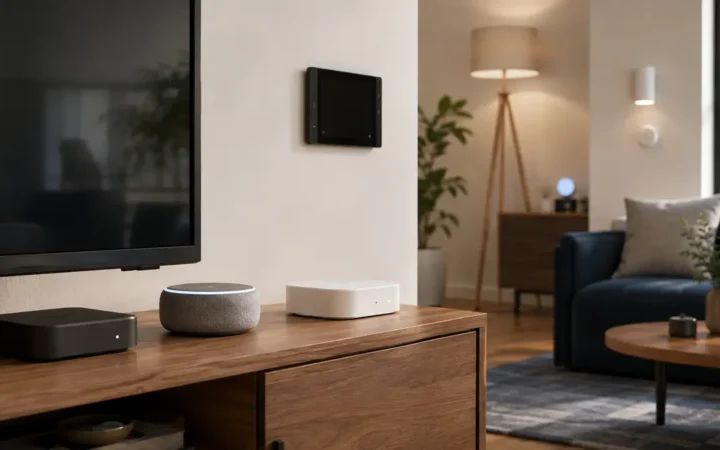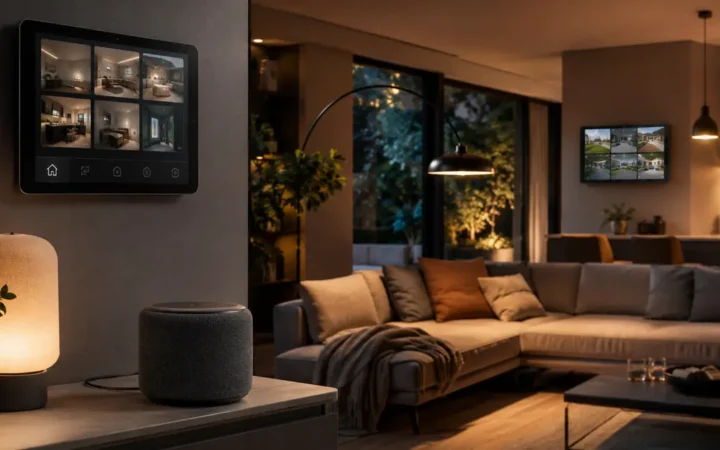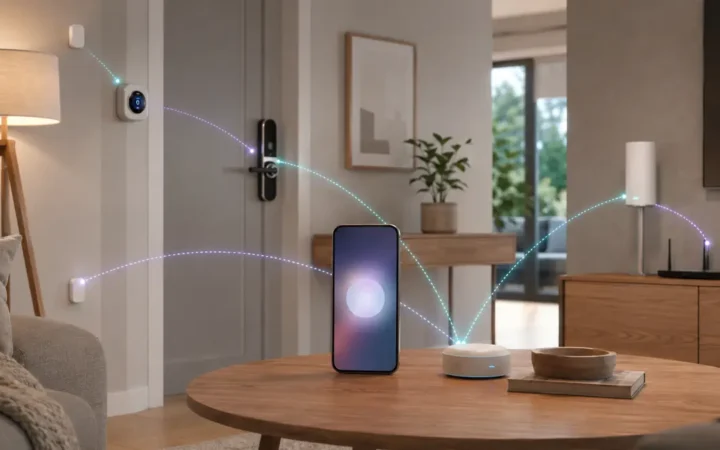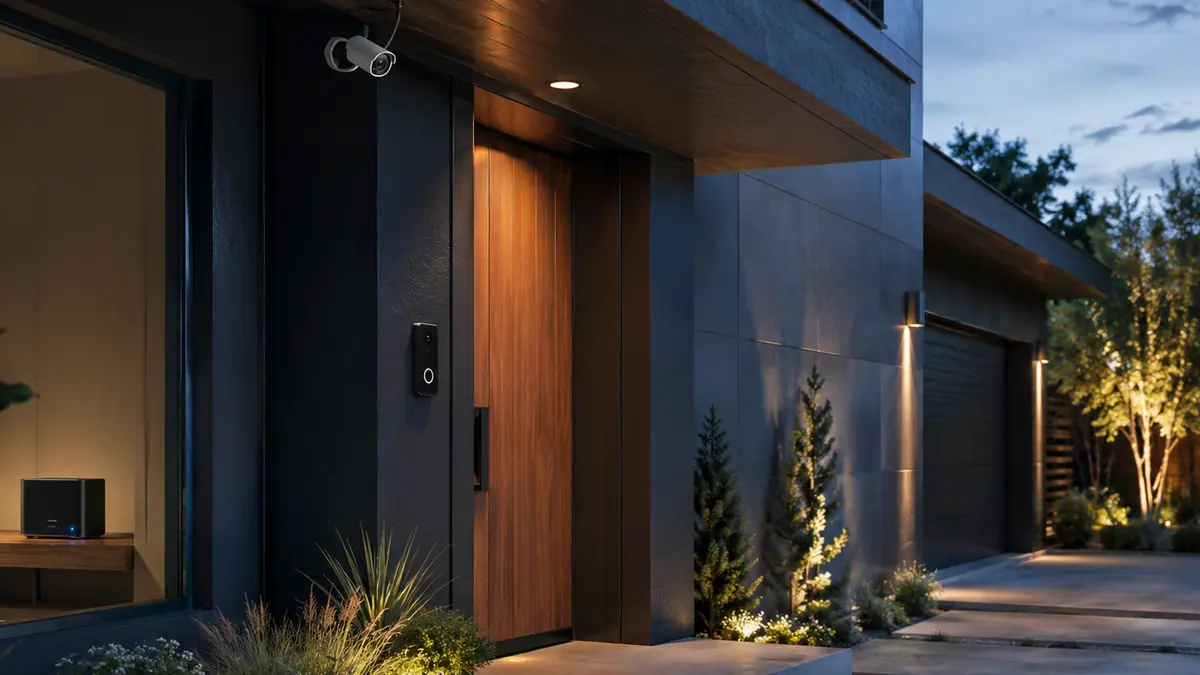

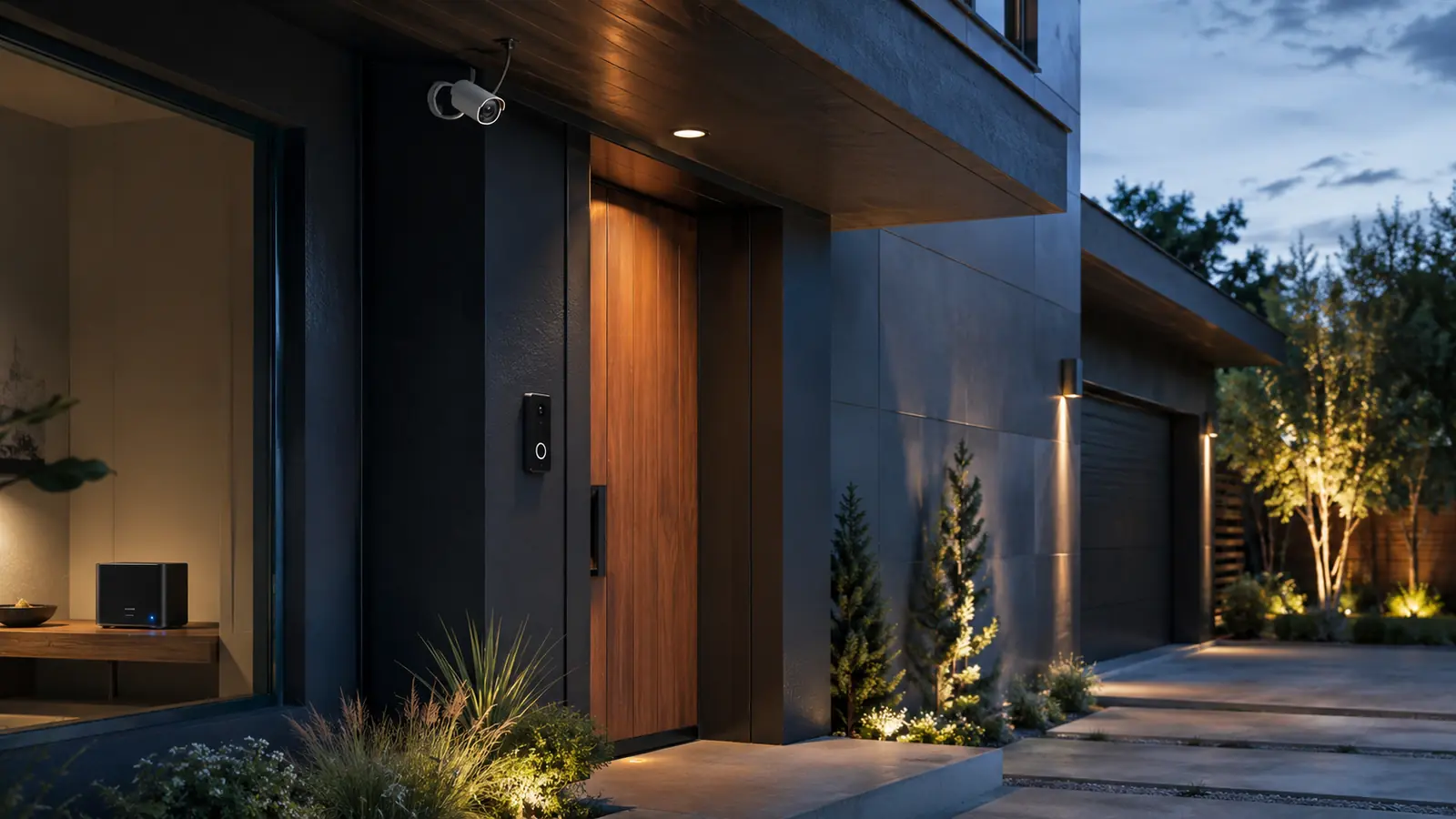
The best smart security cameras 2026 are not selected by resolution alone. A sharp sensor cannot compensate for weak Wi-Fi, a battery that was asleep, a subscription you stopped paying for, poor night placement or an account shared with the wrong person. Start with power, recording location and the event you need to capture.
Wired PoE cameras are strongest for continuous exterior coverage. Battery models install more easily but depend on motion wake-up and charging. Cloud-first systems simplify remote access; local microSD, NVR and home-hub systems reduce recurring cost but make you responsible for storage security and backups. The right trade-off is household-specific.
Lighting also changes camera performance. Avoid aiming a lens directly at a bright bulb, reflective wall or rising sun, and use the Smart Lighting Guide 2026 to create modest entry lighting that helps identification without blinding the sensor.
Affiliate disclosure: FrediTech may earn a commission when you buy through links on this page, at no extra cost to you. Recommendations remain based on suitability, features and value.



Table of contents
What Is the Best Smart Security Camera in 2026?
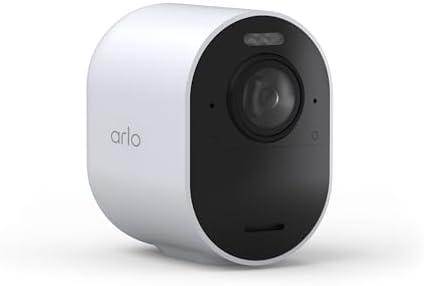
Reolink is a strong local-storage and PoE choice; eufy with HomeBase 3 suits wireless local storage; Aqara Camera Hub G5 Pro is compelling for Apple Home and Matter-centered homes; Nest Cam fits Google Home; Ring fits Alexa; Arlo Ultra 3 targets premium wireless 4K coverage. The best camera is the one with the right power and recording model.
- Best for continuous local recording: a Reolink PoE camera with NVR or Home Hub.
- Best Apple Home camera/hub: Aqara Camera Hub G5 Pro.
- Best mainstream ecosystem fit: Nest for Google Home or Ring for Alexa.
Best Security Camera Systems Compared
Choose a current model inside each family after confirming regional availability, storage limits and subscription terms.
| Camera/system | Power | Storage path | Best for | Main trade-off |
|---|---|---|---|---|
| Reolink PoE / Video Doorbell PoE | Ethernet PoE | microSD, NVR or Home Hub | Continuous local recording | Requires cabling and recorder planning |
| eufy cameras + HomeBase 3 | Battery or wired by model | Expandable local HomeBase storage | Wireless local-storage system | Feature compatibility varies by camera |
| Aqara Camera Hub G5 Pro | Wired power | Encrypted local eMMC plus ecosystem options | Apple Home and hub integration | Fixed placement and Aqara feature depth |
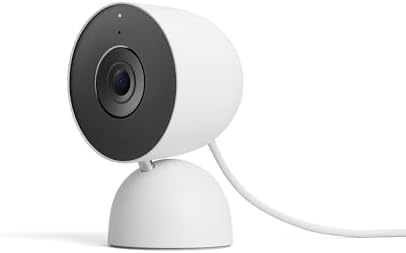
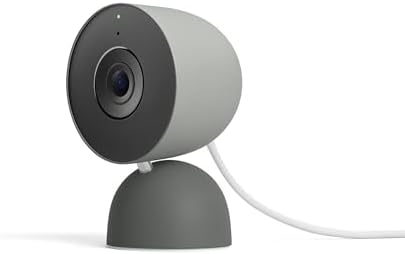
| Google Nest Cam Indoor 3rd gen | Wired | Google Home cloud history tiers | Google Home simplicity and 2K indoor video | Meaningful history features can require a plan |
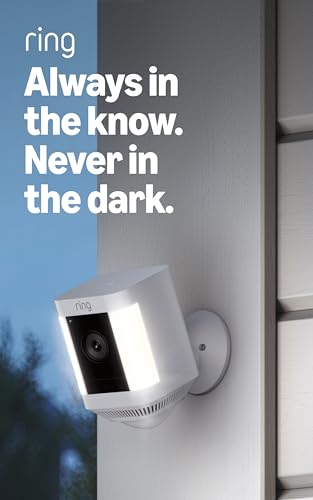
| Ring Spotlight Cam 2K | Varies by configuration | Ring cloud plan ecosystem | Alexa, lighting and mainstream alerts | Subscription affects recording/history value |
| Arlo Ultra 3 | Wireless/battery system | Cloud; local via compatible SmartHub options | Premium 4K wireless coverage | High system and service cost |
Reolink PoE — Best for Continuous Local Recording
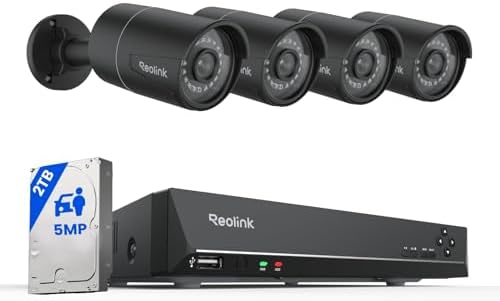
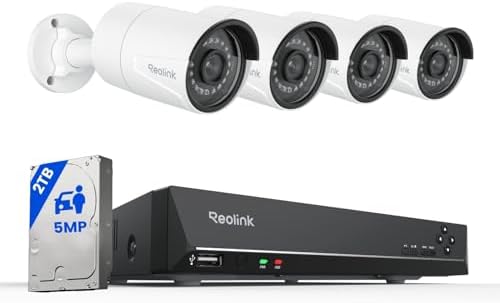
Reolink PoE Camera System — Best Local PoE System
Best for: Homes where dependable continuous exterior recording matters more than wireless installation.
Power over Ethernet carries data and power over one cable, avoiding batteries and unstable exterior Wi-Fi. Reolink supports local recording paths including microSD, NVR and Home Hub products, with many configurations able to record without internet or a monthly plan.
- Power/network: PoE Ethernet
- Storage: microSD, NVR or compatible Reolink Home Hub
- Subscription: Not required for core local recording
- Main drawback: Cable routing and weatherproof installation work
Pros
- Reliable wired backhaul
- Continuous recording options
- Broad camera and recorder range
Cons
- More installation effort
- Remote access and analytics vary by model/configuration
FrediTech verdict: Choose PoE for critical fixed coverage. Reolink Video Doorbell PoE is a practical 5MP entry option, but confirm field of view, chime integration and local regulations before installation.


eufy HomeBase 3 — Best Wireless Local-Storage System
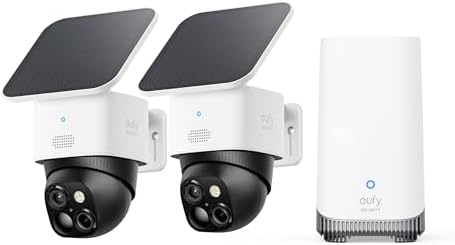
eufy Cameras with HomeBase 3 — Best Wireless Local-Storage System
Best for: Households that want battery camera flexibility and expandable home storage.
HomeBase 3 includes local storage and supports expansion with a drive, while compatible eufy cameras can use local AI and recording features. This reduces dependence on per-camera cloud history, though compatibility and feature support must be checked for each model.
- Storage: 16GB built in; expandable up to the manufacturer limit
- Cameras: Wired and battery options, compatibility varies
- AI: Local BionicMind features on supported products
- Main drawback: Battery capture and compatibility differ across the range
Pros
- Expandable local storage
- Flexible wireless placement
- No mandatory subscription for core compatible setup
Cons
- Battery cameras may miss pre-roll or require charging
- Research exact HomeBase compatibility before purchase
FrediTech verdict: Strong for a wireless local-storage plan when running Ethernet is unrealistic. Buy the system, not an isolated camera, after checking the official compatibility list.


Aqara Camera Hub G5 Pro — Best for Apple Home
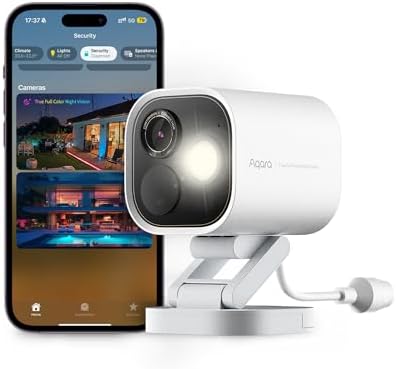
Aqara Camera Hub G5 Pro — Best Apple Home Camera-Hub
Best for: Apple Home or Aqara households that want a wired camera, hub functions and local intelligence.
G5 Pro combines a 4MP/2.6K camera with Aqara hub, Matter controller and Thread border-router roles. Aqara lists HomeKit Secure Video support, encrypted local eMMC storage and on-device recognition features, creating unusual value when the camera location also suits a hub.
- Video: 4MP/2.6K with wide field of view
- Storage: Encrypted local eMMC plus supported ecosystem/network options
- Hub roles: Aqara hub, Matter controller and Thread border router
- Main drawback: Wired fixed placement must also provide good hub radio coverage
Pros
- Camera and hub in one device
- Strong Apple Home integration
- Local AI and storage emphasis
Cons
- No battery flexibility
- Advanced Aqara features remain app-specific
FrediTech verdict: A compelling multi-role device when the correct camera location is also a good network location. See the Apple Home accessories guide before building around HomeKit Secure Video.




Nest Cam Indoor 3rd Gen — Best for Google Home
Google Nest Cam Indoor (Wired, 3rd gen) — Best Google Home Indoor Camera
Best for: Google Home households that want a current 2K indoor camera and unified Nest experience.
The third-generation wired Nest Cam moves the indoor line to 2K video and is designed around the current Google Home app. It suits users who value simple notifications, Nest displays and household sharing more than local NVR ownership.
- Video: 2K indoor video per Google
- Power: Wired
- Ecosystem: Google Home
- Main drawback: Longer history and advanced services depend on current Google plan terms
Pros
- Current Google Home integration
- Wired power avoids charging
- Simple display and notification workflow
Cons
- Cloud-centric recording model
- Limited value outside Google Home
FrediTech verdict: Choose it for ecosystem convenience. Choose a local-recording camera when subscription independence and recorder ownership matter more. See the Google Home devices guide.


Ring Spotlight Cam 2K — Best for Alexa
Ring Spotlight Cam 2K — Best Alexa Outdoor Camera With Light
Best for: Alexa and Ring households that want integrated lighting, alerts and a familiar app.
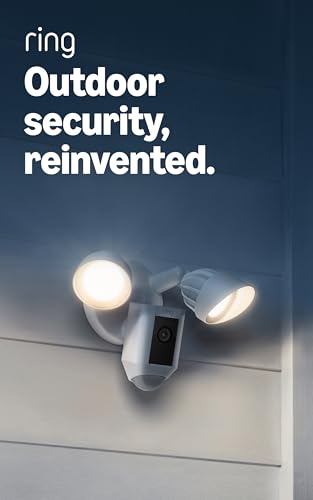
Ring combines a 2K outdoor camera, spotlights, two-way talk and Alexa integration in several power configurations. The ecosystem is easy to expand with doorbells and alarms, but recorded history and advanced features are tied to the current Ring subscription structure.
- Video: 2K class per current product listing
- Power: Options vary by model/configuration
- Ecosystem: Ring and Amazon Alexa
- Main drawback: Cloud plan materially affects long-term value
Pros
- Strong Alexa and Ring integration
- Built-in lighting and siren features
- Multiple power options
Cons
- Recurring plan cost for useful history
- Cloud-first ownership model
FrediTech verdict: Buy for the Ring ecosystem and service experience, not because the spotlight alone makes it universally better. Compare total three-year cost. See the Alexa devices guide.
Arlo Ultra 3 — Best Premium Wireless 4K Option
Arlo Ultra 3 — Best Premium Wireless 4K System
Best for: Buyers who prioritize high-resolution wireless coverage and accept premium hardware and service costs.
Arlo Ultra 3 targets premium outdoor coverage with 4K video, wide viewing and a wireless system design. Compatible SmartHub hardware can add local-storage and network benefits, while cloud plans power the mainstream history and detection experience.
- Video: 4K class
- Power: Rechargeable wireless system
- Storage: Cloud plans; local options with compatible SmartHub
- Main drawback: High purchase and ongoing cost
Pros
- Detailed daytime image potential
- Flexible placement
- Mature multi-camera ecosystem
Cons
- Battery maintenance
- 4K increases bandwidth and storage demands
FrediTech verdict: Choose it when wiring is impossible and budget supports the full system. A well-placed 2K PoE camera can outperform a poorly placed 4K battery camera for event reliability.


PoE vs Wi-Fi vs Battery Cameras
| Type | Strength | Weakness | Best use |
|---|---|---|---|
| PoE | Stable power/data and continuous recording | Cable installation | Critical exterior and driveway coverage |
| Wired Wi-Fi | No charging; easier cable than Ethernet | Depends on Wi-Fi and outlet | Indoor rooms and sheltered entries |
| Battery Wi-Fi | Fast flexible installation | Wake delay, charging and event limits | Low-traffic locations or rentals |
| Solar-assisted battery | Extends time between charging | Sun exposure and battery limits remain | Sunny exterior positions with moderate events |
For a new permanent installation, run Ethernet where practical and leave a service loop. For a rental, use a battery product with a removable mount and document every shared user before moving out.
Local Storage vs Cloud Subscription
Local storage avoids some recurring fees and can keep recording during an internet outage. It also creates responsibility: a stolen camera may take its microSD card, an NVR needs physical protection, a drive can fail and remote viewing must be secured. Cloud storage places resilience and off-site copies with the provider but adds recurring cost, account exposure and retention-policy dependence.
Calculate total ownership for at least three years: camera, hub or NVR, storage drive, subscription, replacement batteries, installation and network upgrades. The cheapest camera can be the most expensive system once essential history is added.
Camera Privacy and Placement Checklist
- Avoid private rooms and tell household members and guests where indoor cameras operate.
- Frame only the property and approach you need; use privacy zones for neighboring areas.
- Place the lens around face height where tampering risk and local rules permit—not only under a roof looking at the tops of heads.
- Avoid backlight, reflective surfaces, spider webs, moving foliage and direct rain on the lens.
- Use unique accounts, multi-factor authentication and individual household access.
- Set a retention period, remove stale downloads and audit sharing quarterly.
- Protect local recorders and export critical evidence promptly after an incident.
Follow the full Smart Home Privacy and Cybersecurity Guide 2026. Laws on audio, public-space recording, rental property and employee monitoring vary, so obtain local legal guidance for sensitive deployments.
Which Smart Security Camera Should You Buy?
Choose Reolink PoE for reliable local continuous coverage, eufy HomeBase 3 for wireless local storage, Aqara G5 Pro for a camera-hub inside Apple Home or Aqara, Nest for a simple Google Home experience, Ring for Alexa/Ring integration, or Arlo Ultra 3 for premium 4K wireless flexibility. Then price the complete three-year system.
Buy only after testing the planned Wi-Fi or cable route and confirming the return window. The smart home deals guide explains why a discounted camera is not a deal when the storage plan or incompatible hub raises the total cost.
Smart Security Camera FAQ
Do security cameras need a subscription?
Not all do. Reolink, eufy and other systems offer local recording paths, while Nest, Ring and Arlo use subscriptions for important cloud history or advanced features. Compare the useful no-plan feature set.
Is PoE better than a battery camera?
PoE is better for reliable continuous fixed coverage because it has stable power and data. Battery is better when installation flexibility matters and occasional motion-triggered recording is sufficient.
Is 4K necessary for a home security camera?
No. Placement, lens, lighting, compression and capture timing can matter more. 4K helps digital detail but increases storage and bandwidth demands.
Can cameras record without internet?
Many local microSD, NVR and home-hub systems can. Remote notifications, app access, time synchronization or cloud analytics may still be affected.
Where should I avoid placing indoor cameras?
Avoid bedrooms, bathrooms, changing areas and spaces where guests reasonably expect privacy. Use a visible privacy shutter or unplug indoor cameras when monitoring is unnecessary.
Is local storage more secure than cloud storage?
It reduces some cloud exposure but is not automatically more secure. Protect the recorder, accounts and network, plan for drive failure and prevent a thief from taking the only copy.
Do Matter cameras work with every platform?
Camera support and platform implementations continue to evolve. Verify the exact model, Matter device type and ecosystem feature list; do not infer camera support from another Matter product by the same brand.
How much camera history do I need?
Enough to discover and retrieve an event before it is overwritten. For many homes that is several days, but travel patterns, alert reliability and risk determine the right period.
Should a doorbell camera be wired?
Wired power is preferable when existing compatible wiring is available because it reduces charging and can improve pre-event capture. Verify transformer voltage and chime compatibility.
Continue Your Smart Home Plan
Use these related FrediTech guides to check compatibility before you buy:
- Smart Home Privacy and Cybersecurity Guide 2026
- Smart Lighting Guide 2026
- Best Smart Home Hubs 2026
- Best Alexa Devices 2026
- Best Google Home Devices 2026
- Best Apple Home Accessories 2026
Sources and Editorial Method
This guide is based on current standards documentation, manufacturer specifications, support policies and ecosystem compatibility information checked for the 2026 edition. FrediTech has not claimed hands-on testing where none was supplied. Prices and availability can change by retailer and region.