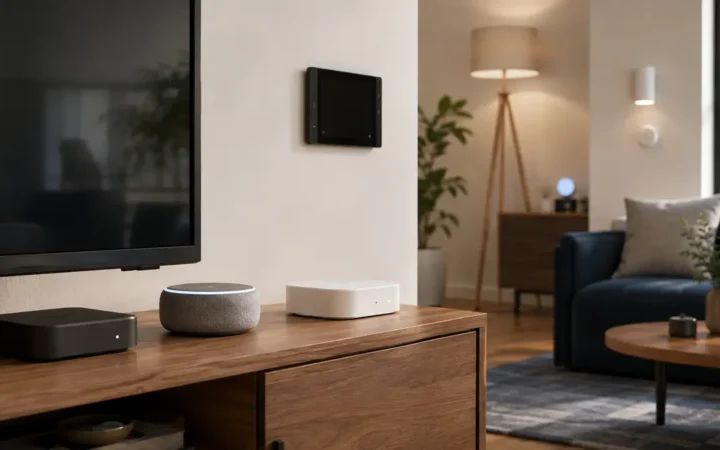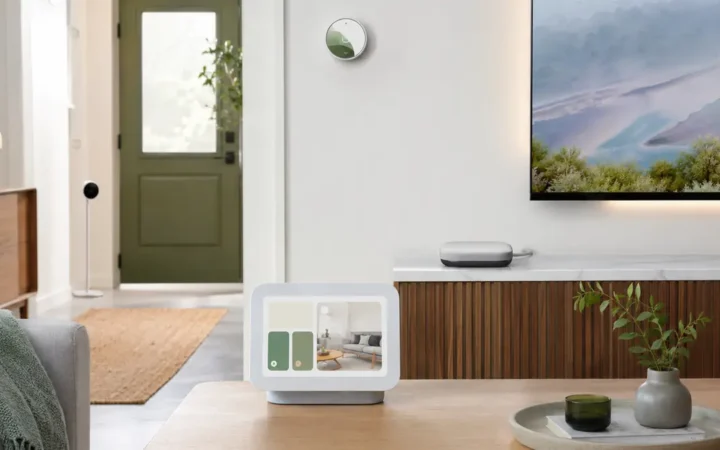

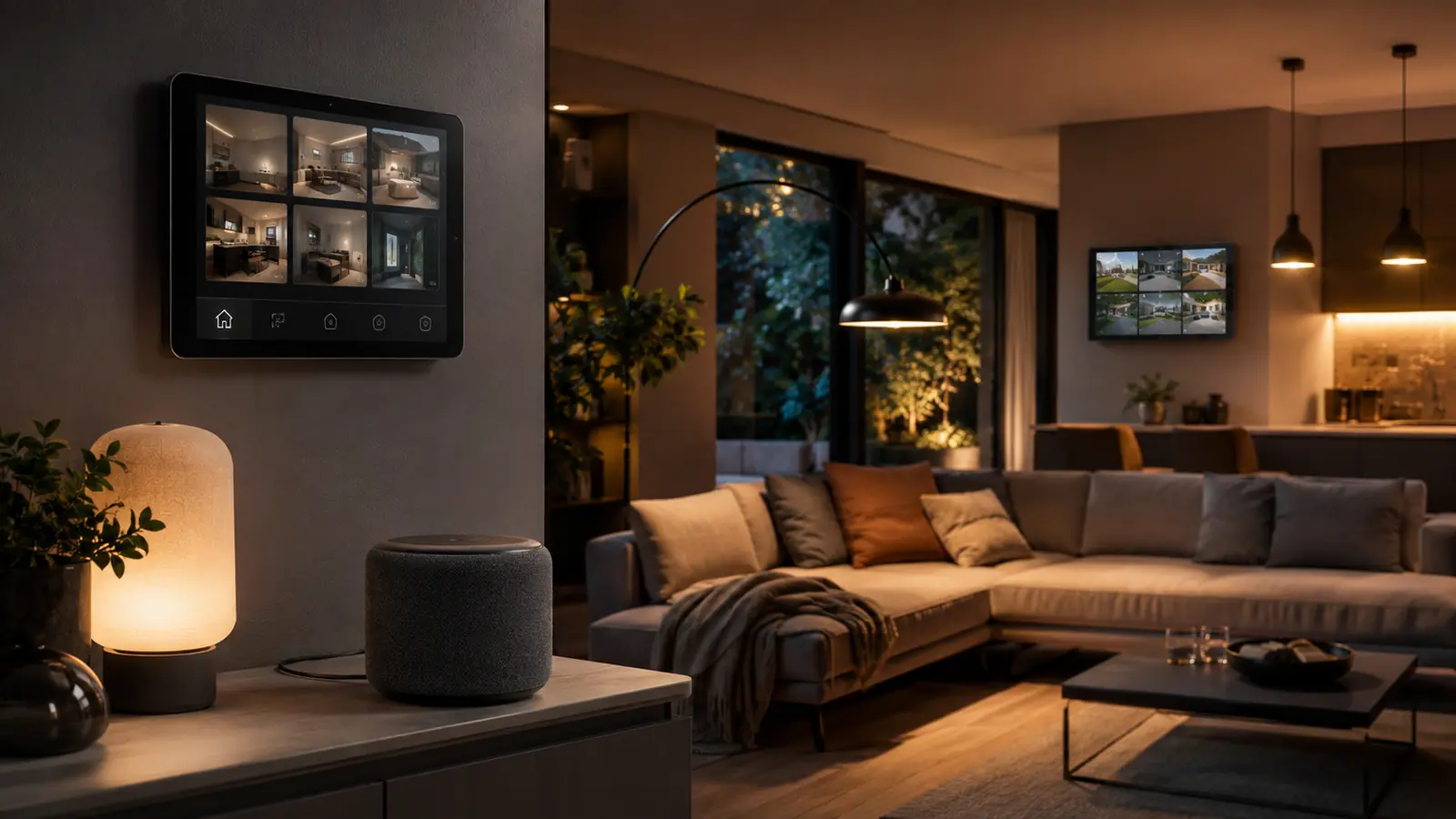
The best Alexa devices 2026 range from a compact speaker to a 21-inch household display, but the right purchase depends on what happens in the room. A bedside speaker needs a clear mute control and restrained notifications. A kitchen display needs readable timers. A smart-home dashboard should give guests touch controls instead of forcing everyone to learn voice commands.
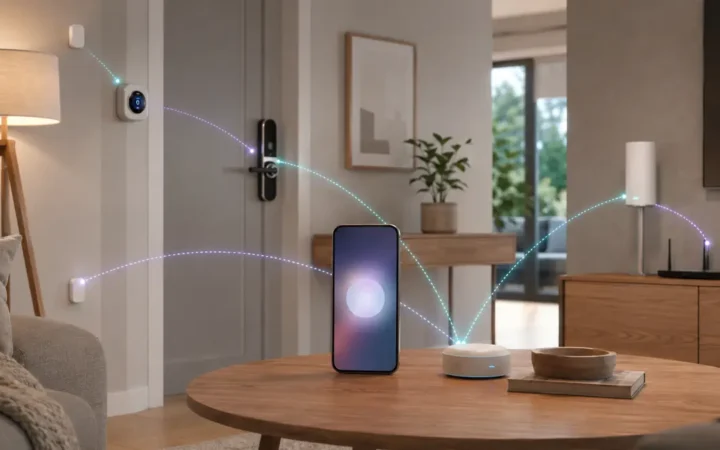
Alexa also acts as a control layer for lights, plugs, locks, cameras and Matter devices. Many Echo generations include smart-home functions, so buying an Echo Hub only to gain a controller can duplicate hardware. Buy the Hub for its wall interface; buy an Echo speaker for audio and voice; keep physical switches for everyday resilience.
Lighting is the easiest place to begin. The Smart Lighting Guide 2026 compares Hue, Tapo, Nanoleaf, Lutron and Aqara options that can fit an Alexa-centered home without turning every room into a voice-only experiment.
Affiliate disclosure: FrediTech may earn a commission when you buy through links on this page, at no extra cost to you. Recommendations remain based on suitability, features and value.
Table of contents
What Is the Best Alexa Device in 2026?
Echo Dot Max is a strong compact speaker for improved sound and built-in smart-home features. Echo Hub is the best dedicated Alexa dashboard. Echo Show 15 suits a kitchen or shared wall, while Echo Show 21 is the large-screen family option. The best smart-home additions are reliable lighting, a Matter plug and a carefully chosen Ring or third-party camera.
- Best compact speaker: Echo Dot Max.
- Best smart-home control panel: Echo Hub.
- Best shared display: Echo Show 15; choose Show 21 only when the larger screen has a clear place.
Best Alexa Devices Compared
Amazon updates Echo software and capabilities over time. Confirm Matter, Thread and smart-home radio support for the exact model and generation.
| Device | Best for | Interface | Smart-home role | Main drawback |
|---|---|---|---|---|
| Echo Dot Max | Compact room speaker | Voice + physical buttons | Built-in smart-home features | No display |
| Echo Hub | Dedicated household dashboard | Touch + voice | Smart-home control panel/controller | Adds a wall screen |
| Echo Show 15 | Kitchen and shared wall | 15-inch display + voice | Widgets, cameras and routines | Needs suitable wall/counter space |
| Echo Show 21 | Large family display and media | 21-inch display + voice | Large dashboard/camera view | High cost and visual footprint |
| Tapo P110M | Matter plug and energy monitoring | Alexa app/voice + button | Matter-over-Wi-Fi accessory | Energy depth may remain in Tapo app |
| Ring Spotlight Cam 2K | Alexa outdoor camera and light | Alexa/Ring app, display and voice | Camera ecosystem | Cloud plan affects recording value |
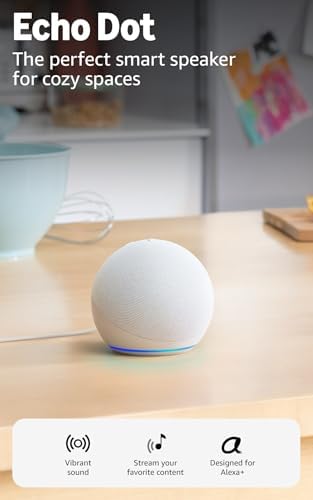
Echo Dot Max — Best Compact Alexa Speaker
Echo Dot Max — Best Compact Alexa Speaker
Best for: Bedrooms, offices and small living spaces that need voice control and stronger compact audio.
Echo Dot Max is positioned above the ordinary Dot with deeper bass, clearer sound and built-in smart-home capabilities. It makes sense when one compact product must handle music, timers, announcements and device control.
- Interface: Alexa voice with physical controls
- Audio: Auto-adapting compact speaker design
- Smart home: Built-in features; verify supported protocols on current listing
- Main drawback: A screen is still needed for visual camera and calendar tasks
Pros
- Better audio ambition than a basic mini speaker
- Compact footprint
- Useful everyday voice and routine control
Cons
- Costs more than entry Echo speakers
- Room acoustics still limit small-speaker bass
FrediTech verdict: Choose it when sound quality and a small footprint both matter. A basic Echo can be better value for voice-only timers and simple controls.



Echo Hub — Best Alexa Smart Home Dashboard
Echo Hub — Best Smart Home Dashboard
Best for: Hallways and shared spaces where everyone needs touch control for devices, routines and cameras.
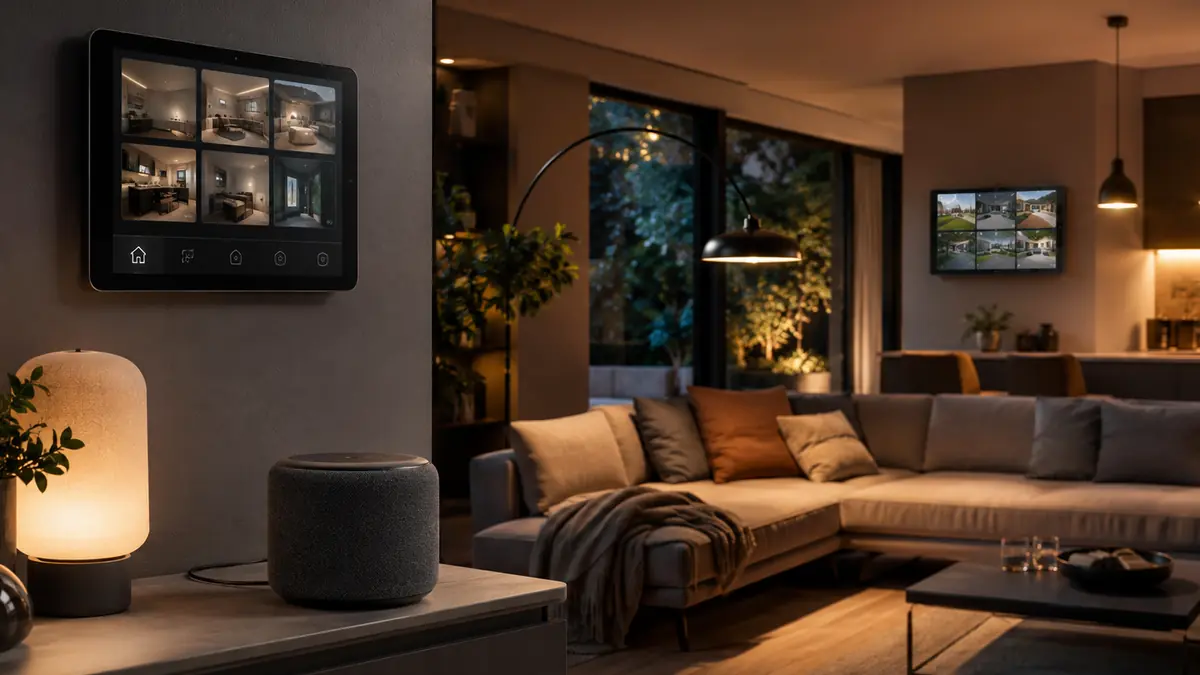
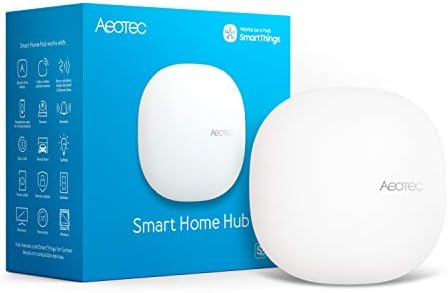
Echo Hub prioritizes the smart home instead of entertainment. Its persistent dashboard can expose room controls, routines and compatible camera feeds without requiring a phone. That improves guest and family usability in an Alexa-centered system.
- Form: Wall-mountable smart-home touch display
- Control: Touch and Alexa voice
- Matter/Thread: Check current Amazon model specification and software support
- Main drawback: Limited value when phones and existing Echo displays already cover control
Pros
- Purpose-built dashboard
- Convenient camera access
- Physical location creates a shared control point
Cons
- Another always-visible screen
- Alexa-first rather than a universal local dashboard
FrediTech verdict: Buy Echo Hub for household ergonomics. If the only goal is Matter commissioning, first inventory compatible Echo hardware in the smart home hubs guide.


Echo Show 15 — Best Shared Alexa Display
Echo Show 15 — Best Shared Wall Display
Best for: Kitchens and family spaces that need timers, widgets, camera views and media in a moderate wall footprint.
The 15-inch format is large enough for household information without dominating a room like a television. It works best mounted where recipes, calendars and door-camera views are useful, with privacy settings tailored for a shared space.
- Display: 15-inch class
- Use: Widgets, entertainment, video calls and smart-home control
- Mounting: Wall or compatible stand
- Main drawback: Visual clutter and shared-account privacy need management
Pros
- Readable shared interface
- Flexible wall orientation/placement options
- Combines entertainment and smart-home controls
Cons
- Requires a power route
- Can become a notification billboard without curation
FrediTech verdict: The balanced large-display choice. Remove unnecessary widgets and avoid exposing personal calendars to every visitor.


Echo Show 21 — Best Large Alexa Display
Echo Show 21 — Best Large Alexa Display
Best for: Large kitchens or family rooms where a 21-inch screen can serve media, dashboards and camera views.
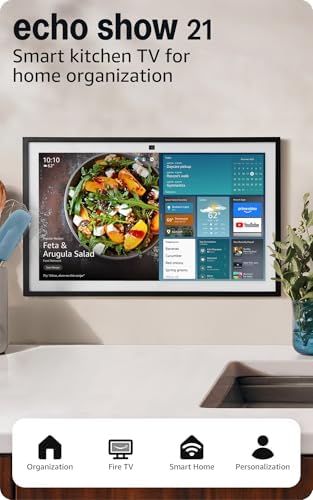
Echo Show 21 extends the shared-display idea to a television-like size. The larger canvas improves multi-widget visibility and video, but it needs a deliberate location, viewing distance and power route.
- Display: 21-inch class
- Use: Shared entertainment and smart-home dashboard
- Smart home: Alexa routines and compatible camera views
- Main drawback: Large visual footprint and premium price
Pros
- Excellent glanceable area
- Useful multi-camera or family dashboard
- Can consolidate several smaller screens
Cons
- Too large for many rooms
- Not a substitute for a full local security monitor/NVR
FrediTech verdict: Buy it only after measuring the wall and defining daily uses. Echo Show 15 is the more balanced choice for most households.

Best Alexa Lighting
Philips Hue is the strongest mature whole-home lighting ecosystem for Alexa when budget permits. The Hue Bridge keeps bulbs on Zigbee and integrates scenes and controls. Tapo and WiZ offer lower-cost Matter-over-Wi-Fi bulbs and switches; Nanoleaf provides Matter-over-Thread lighting for homes with compatible border routers; Lutron Caséta is a reliable switch-first choice.
Do not make voice the only control. Keep familiar wall switches, create one-tap routines in Echo Hub or a Show, and name rooms distinctly. “Turn on kitchen” should not depend on remembering whether the pendant is called Lamp 4.


Best Alexa Smart Plug
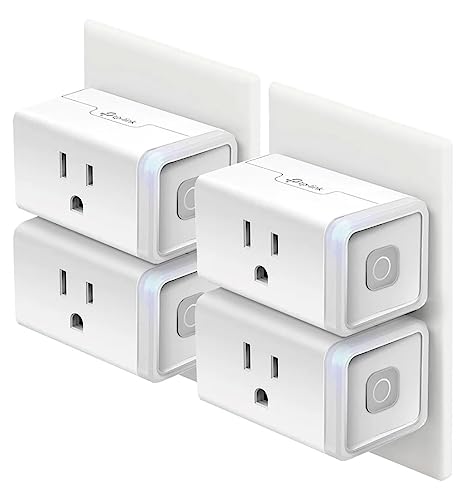
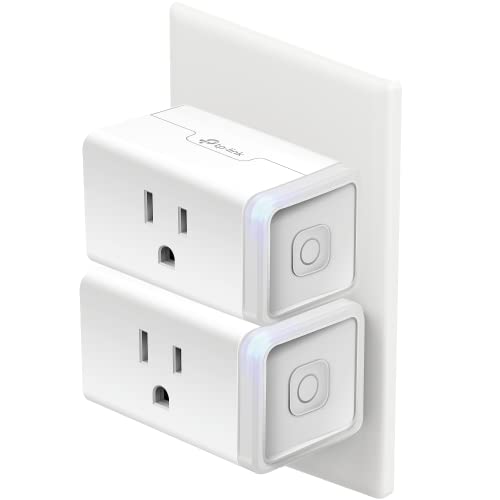
Tapo P110M is a strong value plug when energy monitoring matters, while P125M is compact and simpler. Both use Matter over Wi-Fi and can join a compatible Alexa controller without a proprietary hub. Energy history and tariff tools may be richer in Tapo than Alexa, so keep the manufacturer app for firmware and analysis.
Use the best smart plugs guide to check loads before connecting heaters, motors or high-demand appliances. A voice command cannot make an electrically unsuitable appliance safe.


Best Alexa Camera and Doorbell
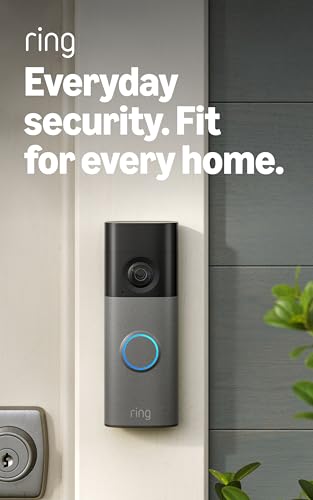
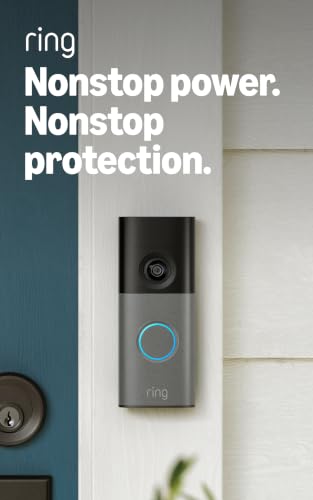
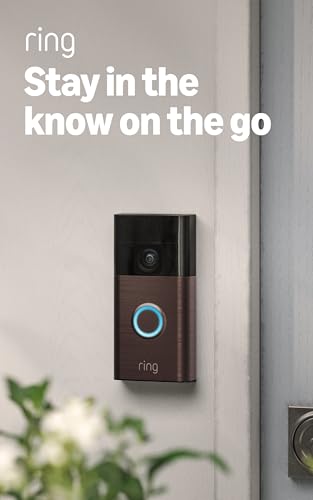
Ring provides the deepest mainstream Alexa camera and doorbell experience, including notifications and compatible Echo Show views. Ring Spotlight Cam 2K combines exterior video and lighting; choose its power configuration for the location. The main trade-off is that recorded history and advanced features depend heavily on the current Ring plan.
Alexa can also display compatible third-party cameras. Decide storage and privacy first, then ecosystem. The best smart security cameras guide compares Ring with Reolink, eufy, Aqara, Nest and Arlo.

Matter and Thread in an Alexa Home
Alexa supports local connection to compatible Matter devices, but controller and Thread capabilities vary by Echo generation. Matter-over-Wi-Fi accessories need a Matter controller; Matter-over-Thread accessories additionally need a Thread border router. Amazon documents supported models, so check the exact device rather than assuming every Echo has both roles.
Matter multi-admin can share a compatible accessory with Apple Home, Google Home or SmartThings. Names, rooms and routines remain separate in each platform. Read the Matter Smart Home Guide 2026 before building a mixed ecosystem.
Useful Alexa Routines
- Good morning: gradual lights, weather and calendar—without unlocking doors automatically.
- Leaving: turn off suitable lights and plugs, lower climate control and report an open contact sensor.
- Night path: low hallway lighting on motion for a short period.
- Doorbell: announce at selected speakers and show video only on appropriate displays.
- Quiet hours: reduce announcement volume and suppress non-critical notifications.
- Movie: adjust lights and entertainment without disabling safety lighting.
Use explicit device groups and test routines with every household member. Avoid automations that unlock doors, disable alarms or energize unsafe appliances based only on a voice phrase.
Alexa Privacy and Security Settings
- Use unique Amazon credentials and multi-factor authentication.
- Review voice-history retention and delete recordings according to household preference.
- Disable or remove skills that are no longer used.
- Use individual household profiles where available instead of sharing one credential.
- Place camera-equipped displays outside private rooms and test the shutter/microphone controls.
- Review Drop In, calling, purchases and child-profile permissions.
Follow the complete Smart Home Privacy and Cybersecurity Guide 2026. A muted microphone does not secure the Wi-Fi router, Amazon account or third-party skills.
Which Alexa Devices Should You Buy?
Choose Echo Dot Max for compact audio and voice control, Echo Hub for a dedicated touch dashboard, Echo Show 15 for the balanced shared display, or Show 21 when a large screen has a defined purpose. Add Hue or a suitable Matter lighting system, one rated smart plug and cameras only after choosing the storage model.
Check the smart home deals guide before a sale, but compare generations carefully. A discounted old Echo can be excellent for audio and voice yet lack the Matter or Thread role expected in a new build.
Alexa Devices FAQ
Which Echo device is best for a smart home?
Echo Hub is best for a dedicated touch dashboard. Echo Dot Max is better when compact audio and voice are the priority. A compatible Echo you already own may supply the required Matter controller role.
Does Alexa support Matter?
Yes on supported Echo hardware and for supported Matter device types. Thread support is model-specific, so verify both controller and border-router capabilities.
Do Alexa devices work without internet?
Some local Matter controls and stored device behavior may continue, but Alexa voice processing, remote access, skills and cloud routines can be limited or unavailable.
Is Echo Hub worth buying?
It is worth buying when the household needs a shared wall dashboard for devices, routines and camera views. It is unnecessary when existing Echo displays or phones already provide a satisfactory interface.
Can Alexa control Apple Home or Google Home devices?
Compatible Matter devices can often be shared with Alexa using multi-admin. Platform-exclusive devices and features may not transfer.
Which Alexa display is best for a kitchen?
Echo Show 15 is the balanced large display for recipes, timers and household widgets. Echo Show 21 needs substantially more wall space and a clear media use case.
Can Alexa show a security camera automatically?
Some compatible doorbell and camera integrations can trigger announcements or views on Echo displays. Behavior depends on model, account, subscription and privacy settings.
How do I make Alexa more private?
Secure the Amazon account, review voice history, disable unused skills and Drop In, limit display placement, use physical microphone/camera controls and audit household access quarterly.
Should I buy an Alexa device during a sale?
Sales can be strong, but compare exact generations, software support, Matter/Thread capability and return terms. Buy for a defined room role, not only the discount percentage.
Continue Your Smart Home Plan
Use these related FrediTech guides to check compatibility before you buy:
- Smart Lighting Guide 2026
- Matter Smart Home Guide 2026
- Best Smart Home Hubs 2026
- Best Smart Security Cameras 2026
- Smart Home Privacy and Cybersecurity Guide 2026
- Best Smart Home Deals 2026
Sources and Editorial Method
This guide is based on current standards documentation, manufacturer specifications, support policies and ecosystem compatibility information checked for the 2026 edition. FrediTech has not claimed hands-on testing where none was supplied. Prices and availability can change by retailer and region.