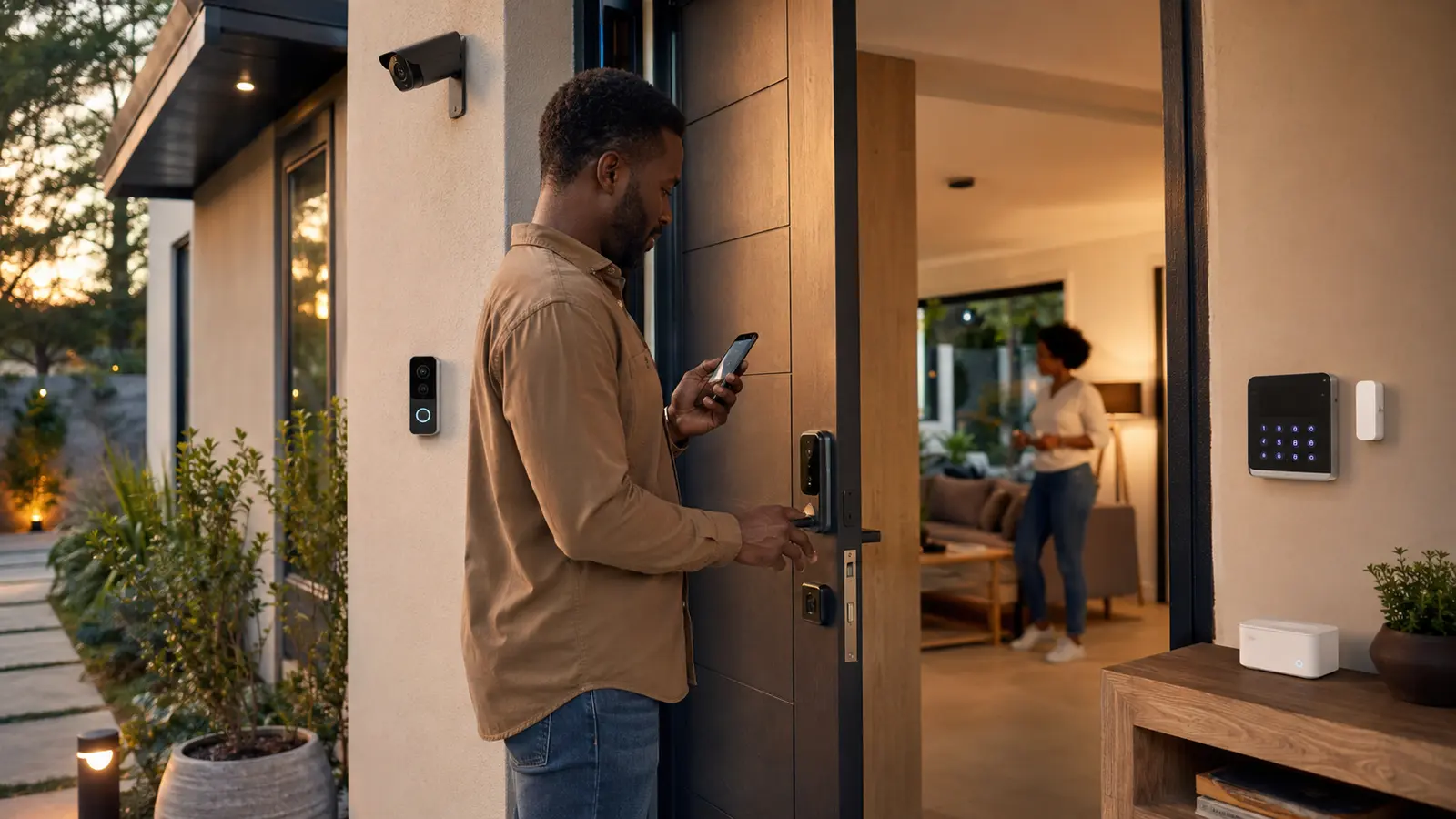

A security camera can show what happened, a sensor can report that a door opened and a smart lock can control access. None of them can promise that a home is secure. Their value comes from being combined with strong doors, suitable locks, lighting, household habits, reliable alerts and a response plan.
This smart home security guide for 2026 helps you choose cameras, locks, sensors, alarms, storage and privacy controls as one layered system—without buying equipment before deciding what it must detect and what someone will do after an alert.
Research checked: August 27, 2026. This is consumer technology guidance, not a professional security survey, legal opinion or guarantee against crime, fire, water damage or other loss. Building rules, recording laws and emergency services vary.
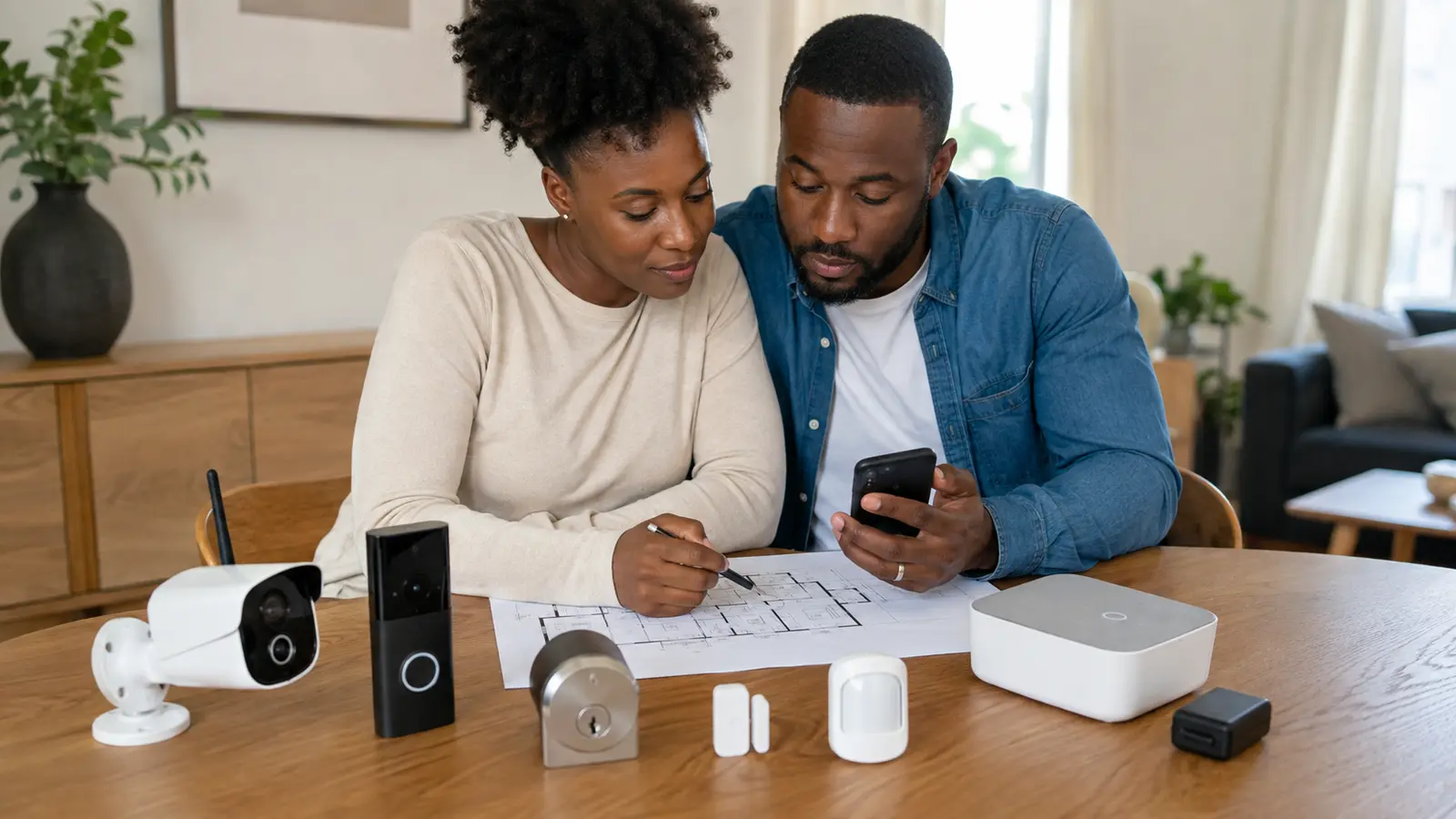
Table of contents
A sensible starter security system
For many homes, start with strong physical entry hardware, working smoke/CO alarms where appropriate, door and window awareness, a loud local alarm, good entrance lighting and one correctly positioned camera or video doorbell. Add a smart lock only after confirming the door, cylinder, alignment, emergency access and household needs.
Define what the system should detect and what happens next
Walk the property during the day and after dark. Identify normal entry routes, ground-floor windows, gates, poorly lit approaches, shared corridors, packages, children, older relatives, pets and service access. In an apartment, separate the areas you control from common property managed by the landlord or building.
Then write response rules. Who receives a door alert? Who checks a camera? What happens if the internet is down? How will a trusted person enter during an emergency? When should a household member contact local emergency services rather than investigating personally? Technology without agreed responses creates noise rather than security.
| Goal | Possible layer | Critical limitation |
|---|---|---|
| Know when a main door opens | Contact sensor plus local chime/alert | It cannot determine intent or identify the person |
| See a visitor or package area | Doorbell or correctly aimed exterior camera | Lighting, angle, network and storage determine usable evidence |
| Give temporary household access | Smart lock with unique codes or mobile credentials | Door alignment, battery, account security and revocation must work |
| Detect movement while away | Interior motion sensor or alarm zone | Pets, fans, heat and placement can cause false alerts |
| Respond during an outage | Local siren, battery backup and offline access method | Runtime and communication path are limited |
Build five complementary security layers
1. Deter
Clear boundaries, maintained doors/windows, suitable lighting and visible equipment can make access less convenient. Do not advertise fake monitoring or place devices where they create legal or privacy problems.
2. Delay
Strong frames, appropriate locks, secured windows and controlled keys slow unauthorized entry. A connected lock cannot strengthen a weak door or correct poor installation.
3. Detect
Contact, motion, glass, vibration, water, smoke and CO devices detect different conditions. Choose certified life-safety alarms separately from convenience sensors.
4. Notify
Local sirens, chimes, mobile alerts and professional monitoring have different dependencies. Test every route and decide who receives which event.
5. Respond and recover
Keep emergency contacts, lighting, safe exit routes, backup access, insurance records and secure copies of important evidence. Never confront a suspected intruder because an app sent an alert.
How to choose and place security cameras
Coverage matters more than the largest resolution number
Define the scene: a visitor at the door, a gate, vehicle entrance or broad property overview. Check field of view, mounting height, backlighting, infrared reflection, night color requirements, frame rate, motion range and whether the face or event would occupy enough of the recorded image. A 4K label cannot compensate for a subject that appears as a few distant pixels.
Battery, wired power and data wiring solve different problems
- Battery cameras are easier to position but require charging and may begin recording after motion is detected.
- Plug-in cameras support continuous power but need a protected socket and safe cable route.
- Power-over-Ethernet cameras can combine dependable power and data but require compatible network equipment and correct cable installation.
Check weather and temperature ratings for outdoor use. A roof overhang does not automatically make an indoor camera safe outdoors. Keep cables, reset buttons and storage inaccessible to casual tampering where practical.
Choose local, cloud or hybrid storage deliberately
| Storage type | Strength | Trade-off | Buying check |
|---|---|---|---|
| On-camera card | Low infrastructure and may work without a subscription | Camera theft or damage can remove footage | Card type, endurance, encryption, overwrite and retrieval |
| Local hub/NVR | Central storage and potential continuous recording | Upfront hardware, capacity and backup responsibility | Compatible cameras, drive size, encryption and remote-access security |
| Cloud | Off-site access if local hardware is damaged | Recurring fees, internet dependence and provider data handling | Retention, event length, encryption, export and cancellation effects |
| Hybrid | Can preserve local control and off-site events | More configuration and potentially two costs | Which features work locally and which need the cloud |
Respect privacy inside and outside the home
Avoid bedrooms, bathrooms and spaces where occupants or guests reasonably expect privacy. Aim exterior cameras at the property and necessary approach rather than into neighboring windows or shared private areas. Tell household members and workers what is recorded, whether audio is enabled, how long data is retained and who can view it. Check applicable local laws and building rules.
The Federal Trade Commission’s camera guidance recommends protecting the router, changing default credentials, using strong unique passwords and enabling appropriate security features. Privacy belongs in the buying decision, not as a setting reviewed after installation.
Smart locks: convenience must not weaken the door
Inspect the existing door first
The door should close and latch without lifting, pushing or forcing it. A motorized deadbolt fitted to a misaligned door may drain batteries or fail to lock fully. Check door thickness, backset, cylinder type, handing, multipoint hardware and landlord or insurance requirements. Some doors need a professional locksmith rather than a consumer retrofit.
Compare access methods and failure modes
Keypads, phones, fingerprints, cards and physical keys each offer different convenience. Ask how access works during a flat phone battery, lock battery failure, network outage or vendor-service interruption. Look for low-battery warnings, secure emergency power or key options, audit history and easy revocation of temporary access.
Give every person a separate credential
Unique codes or credentials let the owner remove access without changing everyone’s entry method and make history more understandable. Do not share one permanent code with contractors, visitors and relatives. Disable expired access promptly, protect the account with multifactor authentication and avoid sending active codes in insecure group chats.
Sensors and alarms: choose the right detector for the event
Door and window contact sensors
These report when two pieces separate. Test alignment, adhesive or screw fixing, wireless range and tamper behavior. On a frequently used door, use entry delays and modes that do not train the household to ignore alerts. A sensor can also trigger a light or chime, but security alerts should remain distinct from ordinary automation.
Motion and presence sensors
Passive infrared motion sensors respond to changes in heat patterns; other technologies behave differently. Place them according to the manufacturer’s height and direction guidance, away from fans, direct heat, moving curtains and predictable pet routes. Test at different times of day before relying on an “away” mode.
Glass, vibration and acoustic detectors
These can add coverage where a contact sensor only reports opening. They may respond to unrelated impact or sound, so verify suitable surface, range and sensitivity. Do not use a generic vibration sensor as a substitute for a certified alarm where a standard or insurer requires one.
Smoke, heat and carbon-monoxide alarms
Life-safety alarms require correct certification, placement, testing and replacement for the jurisdiction and fuel sources. A smart notification is a supplement to a loud local alarm—not a replacement. Follow local fire-service and manufacturer guidance; do not place a smoke alarm solely according to app signal strength.
Water-leak and temperature sensors
Security includes damage awareness. Place leak sensors near likely sources and test the complete notification path. A freezer or room-temperature alert can protect property, but confirm sensor range and delay. Know how to shut off water safely, and use professional installation for automatic valves.
Secure the security system itself
Start at the router and primary account
Use a supported router, current encryption, a strong unique Wi-Fi password and automatic firmware updates where available. Change default administrator credentials and disable remote administration, WPS or unused features where appropriate. The FTC provides a practical home Wi-Fi security checklist.
Use unique passwords and multifactor authentication
The 2025 NIST consumer smart-home guidance recommends planning before purchase, enabling authentication, avoiding reused passwords, disabling unused features and monitoring privacy settings. Use a password manager if helpful, review recovery details and remove old phones or shared users from the account.
Check update and end-of-support policies
A working camera can become a liability when it no longer receives security fixes. Look for an automatic update process and a stated support period before purchase. Create a device inventory containing model, serial number, installation date, account owner and expected review date. Retire unsupported internet-connected products or isolate them only with competent network planning.
Understand subscriptions before installation
- Which recording, detection and emergency features work without payment?
- How long is video retained, and can clips be exported in a usable format?
- Does the price apply per camera, household or account?
- What happens to recordings and automations after cancellation?
- Is professional monitoring available and appropriate in your region?
- Can local emergency contacts be configured correctly?
Install and test the system in nine steps
- Strengthen physical entry points. Repair doors, frames, locks, windows and lighting before adding connected controls.
- Map coverage and privacy zones. Mark exactly what each camera and sensor should detect—and what it must not record.
- Choose the platform and storage. Confirm device limits, hub requirements, local/cloud behavior and complete subscription cost.
- Secure accounts and Wi-Fi. Update the router, use unique passwords and enable multifactor authentication before adding devices.
- Install one layer at a time. Follow structural, electrical, weatherproofing and landlord requirements.
- Test day, night and outage behavior. Walk every detection zone, disconnect internet briefly where safe and verify local controls.
- Tune notifications. Reduce predictable false alerts without disabling meaningful security events.
- Teach the household. Practice arming, disarming, emergency entry, battery replacement and what to do after an alert.
- Schedule maintenance. Review camera views, batteries, clocks, storage, users, updates and emergency contacts regularly.
Renters can begin with removable sensors, a portable indoor chime and a freestanding camera aimed only at an authorized area. Obtain written permission before replacing locks, drilling, wiring, modifying common security or recording shared spaces. See the FrediTech renter-friendly smart-apartment guide for portable options.
Frequently asked questions
Are wired security cameras better than wireless cameras?
Wired data and power can provide dependable continuous operation, while wireless or battery products are easier to install. The better choice depends on building access, power, recording duration, network reliability, maintenance and budget. “Wireless” cameras still need power and a secure communication path.
Can security cameras work without a subscription?
Some models provide on-camera, hub or recorder storage without a mandatory plan, but advanced detections, longer history or remote services may require payment. Verify the exact feature table and what happens after a trial ends.
What happens to a smart lock when Wi-Fi is down?
Many locks retain local keypad, key, Bluetooth or other entry methods, but designs differ. Confirm offline operation, battery warnings and emergency access for the exact model before installation.
Where should indoor cameras not be placed?
Avoid bedrooms, bathrooms and other spaces where occupants or guests expect privacy. Do not point cameras at private documents, neighboring interiors or shared areas without authorization. Consider whether audio recording is legal and necessary.
How often should a smart security system be tested?
Test after installation, after major router/app updates, after moving devices and on a regular maintenance schedule. Batteries, alarms and life-safety equipment should follow their manufacturer and local authority testing intervals.
Research sources and methodology
This guide prioritizes layered risk reduction, local operation, account security, privacy, update support, electrical safety and maintainability. Connected products can support awareness and access but cannot guarantee protection. Exact laws, insurer requirements and emergency-service integrations must be verified locally.
- NIST — Seven tips for safer, more private smart homes
- Federal Trade Commission — Securing home security cameras
- Federal Trade Commission — Securing a home Wi-Fi network
- Federal Trade Commission — Securing internet-connected devices
- Federal Trade Commission — Shopping for a home security system
- Connectivity Standards Alliance — Certified product search