
A kitchen does not become smarter because the refrigerator has a large screen or every appliance sends a notification. It becomes smarter when dinner is easier to manage, water leaks are detected early, lighting supports safe preparation and the equipment still performs its essential job when the internet is unavailable.
These smart kitchen ideas for 2026 begin with affordable additions and progress to connected major appliances. Each upgrade must pass four tests: it solves a repeated problem, fits the space and electrical system, preserves a manual control, and can be maintained for years.
Research checked: August 27, 2026. Connected features, Matter support, subscriptions and remote-control rules vary by model and country. Follow the appliance manual, local electrical/plumbing requirements and food-safety guidance.
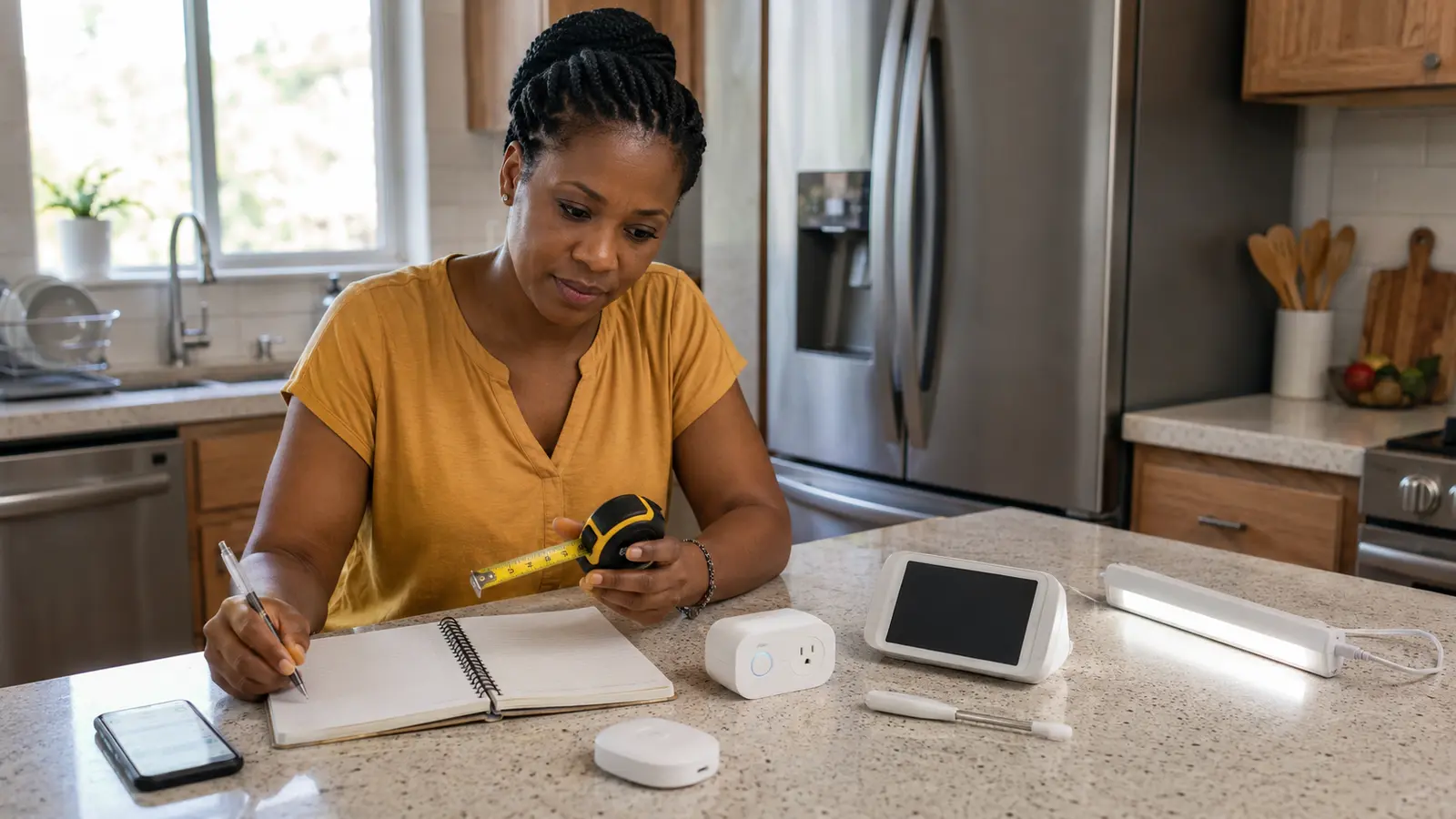
Table of contents
Best smart-kitchen starting point
For most existing kitchens, start with bright LED task lighting, independent timers, a food thermometer, a water-leak sensor and efficient replacement appliances only when the current units need replacing. A display or speaker can simplify hands-free timers, while a connected oven or refrigerator should be purchased for cooking and storage performance first—not its app.
A smart kitchen should reduce risk and friction
Write down the kitchen problems that occur repeatedly. Perhaps the worktop is dark, someone forgets a pan timer, the freezer door is left open, a dishwasher finishes after everyone has gone to bed or a slow leak remains unnoticed under the sink. A narrowly chosen solution is more valuable than a collection of disconnected devices.
| Repeated problem | Practical first solution | What to verify |
|---|---|---|
| Dark preparation surface | Properly installed under-cabinet task lighting | Color, brightness, heat, moisture suitability and safe power route |
| Forgotten cooking steps | Independent timer or hands-free multiple timers | Volume, naming, offline/manual fallback |
| Water leak under sink | Battery leak sensor with local alarm | Alert volume, notification path and battery testing |
| Food-storage temperature concern | Appliance alarm or suitable independent thermometer | Placement, accuracy limits and alert delay |
| High energy or water use | Measure use and compare official labels at replacement time | Capacity, annual consumption, local tariff and repair support |
Keep safety separate from convenience. A notification that an oven is preheated is useful; an automation that starts heat without confirming the appliance is clear and a responsible person is present may not be. The manufacturer’s controls and safety instructions always take priority over a third-party routine.
Six affordable smart kitchen upgrades
1Add layered LED task lighting
Illuminate worktops, the sink and preparation zones without relying only on a ceiling fixture behind the cook. Choose lights designed for the location and keep adapters away from heat and water. Motion control can be useful for late-night entry, but a physical switch should remain available. Use a qualified installer for hardwired work.
2Use reliable, named cooking timers
A speaker or display can run several timers named “rice,” “oven” and “sauce,” which is more useful than one anonymous alarm. Keep a phone or appliance timer available if the assistant loses internet access. A timer is a reminder, not an automatic guarantee that food or a hot appliance is safe.
3Choose a food thermometer before an AI recipe tool
A suitable instant-read or leave-in probe answers a specific question about temperature. Connected models may track progress or send an alert, but construction, temperature range, cleaning requirements and probe placement matter more than Bluetooth. Do not leave a probe in an oven unless it is explicitly designed for that use.
4Give recipes a clean, hands-free screen
A small display can show a recipe, convert units or run a video call while hands are occupied. Place it outside splash, steam and heat zones, and protect private notifications from visitors. Disable camera or microphone features you do not use. A washable stand for a phone or tablet can provide most of the benefit at lower cost.
5Automate only low-risk countertop loads
A correctly rated smart plug can schedule a lamp or report the use of a compatible low-risk appliance, but it should not be attached casually to kettles, hot plates, ovens, refrigerators or other high-power or safety-critical equipment. Many appliances resume when power returns; others do not. Use a plug only when both manufacturers permit the combination and the voltage, current, grounding and load type match.
6Create a meal-preparation lighting scene
One physical button can brighten preparation lights and turn on dining-area lighting. It should not override an appliance’s safety control. A manual wall switch ensures anyone can use the kitchen, including guests who do not have the app.
Four upgrades for water, fire and routine awareness
7Place leak sensors where water would appear first
Good locations may include the cabinet beneath the sink, dishwasher supply, refrigerator water line and water filter. Test the local sound and remote notification after installation, then repeat monthly or according to the instructions. A sensor only reports water; the household still needs to know the safe shutoff procedure and whom to call.
8Consider an automatic shutoff for higher-risk homes
A professionally selected valve can close the supply after a compatible sensor detects a leak. Confirm pipe dimensions, pressure, power backup, manual override, false-trigger behavior and local plumbing requirements. Renters should obtain written permission before changing plumbing. Never rely on a cloud service as the only way to operate the valve.
9Use appliance-completion alerts selectively
A dishwasher notification is helpful when the machine is quiet or in another part of the home. Turn off promotional and low-value alerts so a genuine leak or fault notification remains noticeable. Check whether useful alerts require an account or subscription and whether the appliance retains its normal controls if the service ends.
10Keep cooking supervision physical
The U.S. Consumer Product Safety Commission advises keeping stovetops clean and clear and not leaving flammable objects on them. Connected cameras, timers and temperature alerts can support awareness, but they do not replace an attentive adult. Keep pan handles positioned safely, maintain working alarms and know how to respond to a cooking fire without taking unsafe actions.
Five connected appliance upgrades to consider at replacement time
11Refrigerator with useful door and temperature alerts
Prioritize stable temperature performance, appropriate capacity, efficiency, usable shelving, service coverage and a door that fits the room. Connected alerts can warn that a door is open or a temperature condition needs attention. Interior cameras and inventory features may be convenient, but they add cost, data collection and software dependence. Confirm what still works without an account.
12Dishwasher with delay, completion and maintenance information
Look first at cleaning performance, rack layout, noise, water and energy use, filter access and local service. Remote status can help schedule loads or confirm completion. Starting remotely is valuable only when the appliance has been loaded correctly, the water supply is safe and the manufacturer explicitly supports the function.
13Oven with status and probe integration
A connected oven may report preheating, target temperature, remaining time or probe status. Some models offer remote controls subject to safety conditions. Compare cavity size, temperature consistency, cleaning method, power/fuel requirements and repair availability before app features. Avoid assuming a standards logo guarantees that every platform exposes every function.
14Induction cooktop with appropriate controls
Induction can provide responsive control and avoids an open flame, but cookware compatibility, electrical capacity, ventilation, surface care and local installation requirements matter. Connected features may show element status or work with manufacturer-specific functions. A physical control and visible heat/status indication remain essential.
15Ventilation that responds to actual cooking
A suitable hood or exhaust system should capture pollutants at the source and vent appropriately for the building. Automatic fan response can be convenient, but correct sizing, placement, ducting, noise and maintenance determine whether people will use it. Recirculating filters and externally vented systems are not equivalent; understand what the chosen unit removes and where the air goes.
What Matter changes for smart kitchens
The Connectivity Standards Alliance announced appliance support in Matter 1.3, including dishwashers, laundry equipment, microwave ovens, ovens, cooktops and extractor hoods, together with energy-reporting capabilities. Matter 1.4 expanded home energy-management device types. This creates a common technical foundation, but it does not mean every 2026 appliance supports Matter or that every controller provides every function.
Before paying a premium, check the exact model in the CSA certified-product search, confirm the Matter version and device type, and read the appliance maker’s platform documentation. Certification improves interoperability; it does not solve ventilation, electrical supply, cabinet dimensions, water connections or after-sales service.
Connectivity check
Will the appliance perform all essential cooking, cooling or cleaning tasks locally if Wi-Fi, the app or the vendor account is unavailable?
Support check
Does the maker state how updates are delivered, which operating systems are supported and how long security support is expected?
Privacy check
Which sensors, microphones, cameras, usage records or household accounts collect data, and can optional collection be disabled?
Service check
Can a local technician obtain parts and repair the appliance when a connected module or display fails?
Build a smart kitchen without overspending
| Level | Recommended focus | Typical exclusions |
|---|---|---|
| Starter | Task lighting, timers, thermometer, leak sensor and phone/tablet stand | No plumbing changes and no major-appliance replacement |
| Balanced retrofit | Starter items plus display, physical scene button, selected shutoff or sensor expansion | Avoid replacing reliable appliances only for connectivity |
| Replacement or remodel | Efficient major appliances, proper ventilation, electrical/plumbing capacity and compatible controls | Do not hide installation, subscription or service costs |
Seven-step buying checklist
- Define the repeated problem. Write one sentence describing the time, waste or risk you want to reduce.
- Measure the physical space. Include doors, handles, ventilation clearance and routes for water, gas, power or ducts.
- Verify local services. Confirm voltage, frequency, plug, circuit, fuel, water pressure and installer requirements.
- Evaluate the appliance without its app. Cleaning, cooking, cooling, reliability and service come first.
- Check platform and update support. Verify the exact model rather than relying on a product-family name.
- Calculate complete ownership cost. Add installation, filters, subscriptions, replacement parts and expected energy/water use.
- Test safety and manual controls. Teach every household member how to operate and override the system.
The FrediTech energy-efficient appliance guide explains how to compare official energy labels, annual consumption and lifetime cost when a refrigerator, dishwasher or other major appliance genuinely needs replacement.
Frequently asked questions
What is the easiest smart-kitchen upgrade?
Good under-cabinet lighting or a leak sensor is often the easiest high-value start. Both solve a clear problem, can work without a major appliance replacement and need little daily interaction when installed correctly.
Are smart kitchen appliances worth the extra cost?
They can be when a specific feature—such as a door-open alert, completion status or probe notification—solves a repeated household problem. They are poor value when the connected feature duplicates a phone timer, requires an unwanted subscription or compromises the appliance’s basic usability.
Can I use a smart plug with a kettle or air fryer?
Do not assume so. Heating appliances can draw high current and may restart in an unsafe state. Use a plug only when the appliance and plug manufacturers explicitly permit the combination and the voltage, current, load type and local certification all match.
Will a Matter appliance work with every smart-home platform?
Matter improves interoperability, but supported device types, features and controller versions still differ. Check the exact appliance certification and the current documentation for the controller you intend to use.
Should I replace a working refrigerator with a smart model?
Usually not for connectivity alone. Compare the existing unit’s condition and energy use with the purchase, delivery, disposal and running cost of a suitable replacement. Replace when the complete practical and financial case is strong.
Research sources and methodology
Recommendations were evaluated for safety, daily usefulness, interoperability, efficiency, privacy, installation and long-term support. Standards describe capabilities, not universal product availability or performance. Manufacturer-specific features must be verified for the exact model and region.
- Connectivity Standards Alliance — Matter 1.3 appliance and energy support
- Connectivity Standards Alliance — Matter 1.4 energy management
- U.S. Consumer Product Safety Commission — Range and oven safety
- ENERGY STAR — Certified product guidance
- Ghana Energy Commission — Energy-efficiency regulations
- NIST — Smart-home security and privacy tips