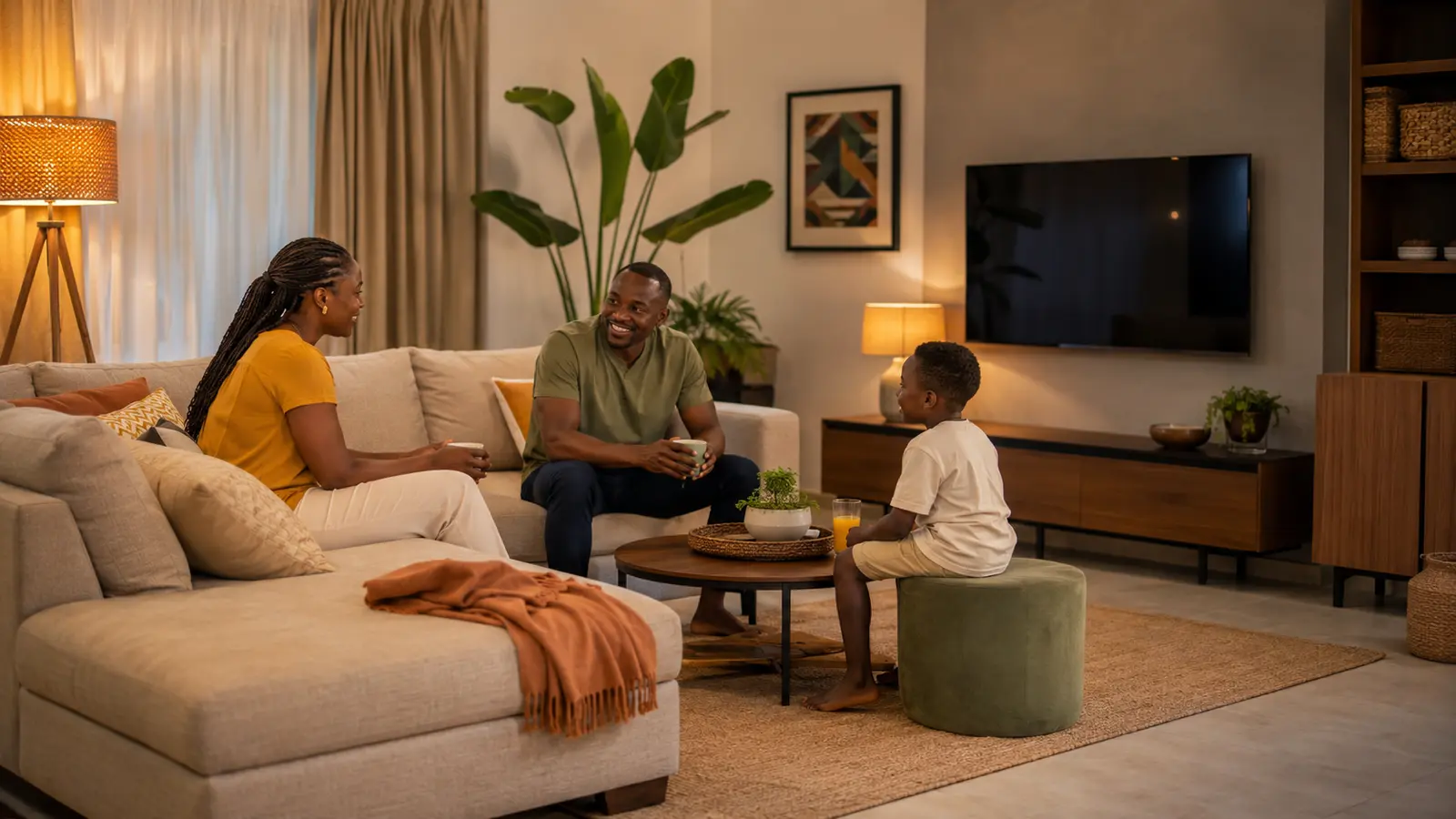

The living room is asked to be everything at once: a place for conversation, television, homework, visitors, charging, naps and sometimes dining. When every function adds another chair, cable or storage box, the “modern” room quickly becomes the least flexible space in the home.
These modern living room ideas for 2026 focus on how the room actually feels at 7 p.m. on an ordinary day. You will improve the layout first, then light, comfort, storage and technology—so the finished space looks intentional while remaining easy to clean, rearrange and live in.
Research checked: August 27, 2026. Dimensions and safety requirements vary by home, furniture, wall construction and user needs. Use qualified help for fixed electrical work, structural mounting and accessibility modifications.
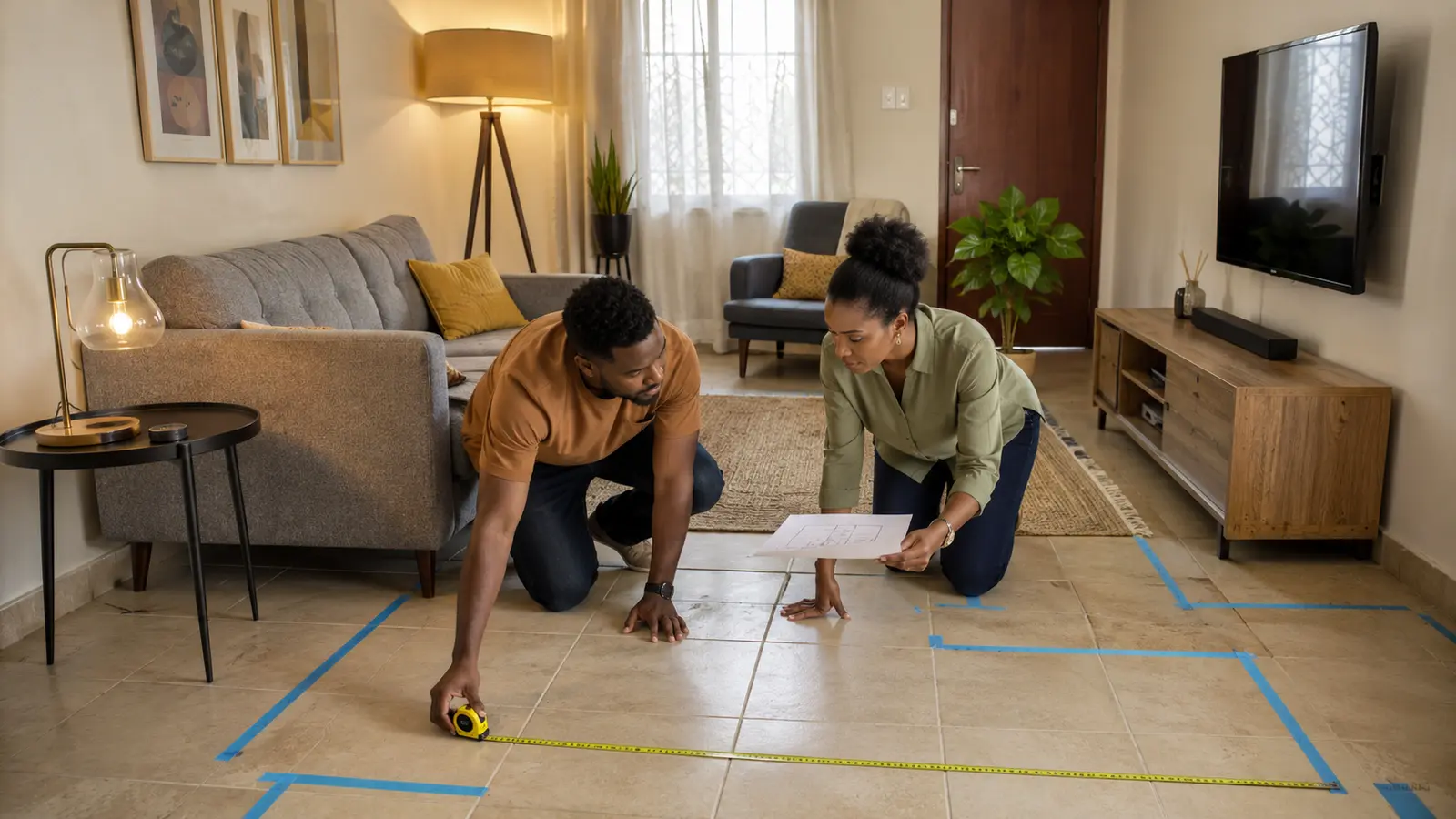
Table of contents
How do you make a living room feel modern?
Use one clear focal point, comfortable circulation, furniture scaled to the room, layered lighting, a restrained material palette and storage close to the activity it supports. Keep media equipment serviceable and manually controllable. A room feels current because it adapts gracefully—not because it contains the largest screen or newest sofa trend.
Start with a one-week room audit
Do not begin by shopping. Photograph the living room in the morning, during its busiest evening and after everyone has gone to bed. Note where people naturally sit, where a bag lands, which socket attracts a dangerous extension lead and which surface collects remote controls. Measure walls, doors, windows, furniture and the narrowest walking route. Record glare on the television at the time it is usually watched.
Now write the room’s three most important functions. A family room may prioritize conversation, children’s play and television. A small apartment may need entertaining, dining and occasional work. Give permanent floor space to the frequent activities and use movable pieces for occasional ones. This single decision prevents the room being designed around a rare party or an oversized media unit.
Five layout ideas for an easier room
1Map activity zones without building walls
Use the sofa orientation, a rug, floor lamp or narrow console to define conversation, media, reading or play. Keep visual connections between zones so the room remains open. A chair angled toward the sofa signals conversation more effectively than every seat facing the television. In a multipurpose room, one lightweight side chair can move between a reading corner and the main group instead of duplicating furniture.
2Protect the main circulation path
Trace the route between doors and adjoining rooms. Remove sharp table corners, plant stands and cables from that line, and leave enough space for the people who use it—including anyone using a mobility aid. Do not make someone squeeze between the coffee table and sofa on every trip. In a small room, choosing a narrower table or nesting pair often creates more comfort than replacing the sofa.
3Scale the largest seat before anything else
Mark the sofa footprint on the floor with removable tape, including the space needed to open a recliner or pull out a bed. Check doorway, stair and lift dimensions before ordering. A deep sofa may look luxurious online but consume usable floor area and fit shorter users poorly. Two compact sofas or a sofa with movable chairs can sometimes serve conversation better than one large sectional.
4Choose flexible occasional furniture
Nesting tables, a storage ottoman or a sturdy stool can serve drinks, extra seating and foot support at different times. Flexibility does not mean every object needs hinges and hidden mechanisms; it means pieces are light enough to move, durable enough for several tasks and stable in each use. Avoid glass edges in high-traffic family areas and check load limits before treating a decorative table as a seat.
5Anchor furniture and televisions safely
The U.S. Consumer Product Safety Commission urges households to anchor furniture and televisions to reduce tip-over hazards. Use hardware suited to the wall and product, keep heavy objects low and do not place toys or remote controls where children may climb to reach them. A low media unit is not automatically safe; follow its anchoring instructions and keep cords out of reach.
Five ideas for better light and visual calm
6Manage daylight instead of blocking it all day
Observe which window creates heat or screen glare, then use adjustable blinds, sheers or lined curtains for that specific problem. Light-colored treatments can diffuse daylight while preserving privacy. Place the screen across rather than directly opposite a bright window when the layout allows. In hot climates, external shade and well-chosen curtains can reduce solar heat before it enters, but do not block essential ventilation or safe exits.
7Use at least three lighting layers
Combine general light for cleaning and movement, task light for reading and accent light for atmosphere or art. Each should have an understandable control. A floor lamp beside a chair can be more useful than increasing the wattage of every ceiling fitting. Avoid bare bulbs in direct sight lines and reflections on glossy screens. If the room has a high or dark ceiling, indirect light can make it feel brighter without glare.
8Replace failed bulbs with efficient LEDs thoughtfully
The U.S. Department of Energy says LEDs can use substantially less energy and last longer than incandescent lamps. Match the fitting, voltage, enclosed-fixture rating, brightness and dimmer compatibility. Replace lamps as they fail or where usage is highest rather than discarding working efficient products for fashion. Consistent color appearance across visible lamps makes the room feel calmer.
9Create one evening scene
A physical button can turn off the bright general light and leave two warm lamps at comfortable levels. Keep manual wall or lamp controls working, and do not make a visitor download an app. Start with lighting only; add curtains or media later if the routine proves useful. A smart scene should reduce decisions, not introduce several color modes that nobody remembers.
10Limit the palette, then add texture
Choose one main neutral, one supporting tone and one accent repeated in a few places. Bring depth through wood grain, woven fabric, matte metal, plants or handcrafted objects instead of many competing colors. Photograph the room in daylight and evening light before painting, because undertones change. Samples are cheaper than repainting an entire wall, and a textile or removable cover is an easier place to test a bold color.
Five comfort upgrades that survive real life
11Size the rug for the furniture group
A rug should visually connect the seating rather than float beneath the table like an island. At minimum, the front legs of major seats often need to meet it, but room shape and local convention vary. Use a non-slip underlay suited to the floor and keep curled edges out of circulation routes. Washable does not mean maintenance-free; confirm the rug can actually fit the available cleaning method.
12Use textiles to soften echo
Hard floors, bare windows and empty walls reflect speech and television sound. Curtains, rugs, upholstered seating and filled bookshelves can reduce obvious echo without specialist treatment. Add them selectively so the room does not become hot, dusty or difficult to clean. If neighbors or traffic are the problem, soft furnishings will not soundproof the building; sealing gaps or professional construction may be required.
13Select upholstery for the household
Ask for abrasion, cleaning and care information, and test fabric against skin before ordering a large piece. Removable covers help homes with children, pets or frequent guests, but replacement covers must remain available. Medium tones and textured weaves often hide minor wear better than very pale, flat fabric. Protect furniture from direct sun where fading is severe, and avoid harsh cleaners that damage coatings.
14Improve airflow without turning the room into a wind tunnel
Keep fan blades clean, allow air around electronics and avoid blocking vents with a sofa or curtain. Cross-ventilate when outdoor air, noise and security allow. In warm homes, a ceiling or standing fan can improve comfort at lower energy than strong cooling alone, but install and guard it appropriately. Place plants where they receive suitable light and cannot topple; they are décor, not a replacement for ventilation or source control.
15Design for every body in the household
Provide a mix of seat heights and firmness when possible, including at least one chair with supportive arms for easier standing. Put a side surface and light within reach rather than making a person twist. Reduce loose rugs and dark level changes. Accessibility is not a single “special” chair in a corner; it is the ability to enter, sit, reach a control and participate in conversation comfortably.
Five storage ideas for small and busy living rooms
16Store objects near the activity
Keep game controllers near the television, throws near the sofa and children’s current toys near the play area. A basket across the room is less likely to be used. Closed storage calms visual clutter; open shelves suit attractive or frequently handled objects. Leave breathing room rather than filling every shelf. The goal is a quick reset, not maximizing the number of containers.
17Use vertical space without making it top-heavy
Wall-mounted shelves and tall cabinets preserve floor space, but they require correct fixing and safe loading. Put heavy items low, secure furniture and keep fragile objects away from edges. Carry a color or material upward to make the design coherent. In a rental, a slim freestanding unit with approved anti-tip restraint may be more practical than extensive drilling, subject to the property rules.
18Create a landing zone at the room’s real entrance
If keys, mail and bags always arrive through the living room, give them a small tray, hook or basket near that door. Do not pretend another room will absorb the habit. Keep the surface narrow so it cannot become long-term storage, and process papers on a set day. Chargers should have cable strain relief and ventilation rather than being buried beneath the pile.
19Hide cables while keeping equipment serviceable
Bundle by destination, label both ends and leave enough slack to move a console safely. Separate mains and data where practical, avoid pinching cables under furniture and do not coil high-load extension leads into a hot bundle. A ventilated cable box can conceal an approved power strip but must not trap overheating adapters. The best cable route lets one device be replaced without dismantling the room.
20Rotate display items instead of expanding shelves
Choose a small group of photographs, art, books or craft pieces and store the rest safely. Rotating them by season or occasion makes the room feel refreshed without buying décor. Group small items on one tray so they read as a collection and can move during cleaning. Leave sentimental decisions out of a rushed tidy-up; create a separate time to choose what deserves display.
Five media and technology upgrades worth considering
21Choose screen size after viewing distance and layout
Test the proposed outline on the wall with removable tape and sit in every main seat. Check subtitles, reflections and whether the screen dominates conversation when off. Mounting can free furniture space, but wall construction, ventilation, cable routing and bracket capacity must be verified. Do not mount high simply to copy a showroom display; a comfortable line of sight matters more than an empty wall below.
22Improve intelligibility before adding more speakers
Open the television’s audio settings, select the correct output and try a speech or dialogue mode. Reduce room echo and place existing speakers properly. A simple soundbar may help in a difficult room, but confirm ports, remote-control integration and clear access to its display. More bass is not the same as clearer conversation, especially in apartments where low frequencies travel to neighbors.
23Keep smart lighting platform-neutral where possible
Select compatible switches, bulbs or plugs after deciding which household platform will control them. Matter can simplify cross-platform setup for supported products, but confirm the exact functions offered in each ecosystem. Use rooms and names everyone understands. A wall switch or scene button should remain the primary shared control; voice and phone access are helpful secondary methods.
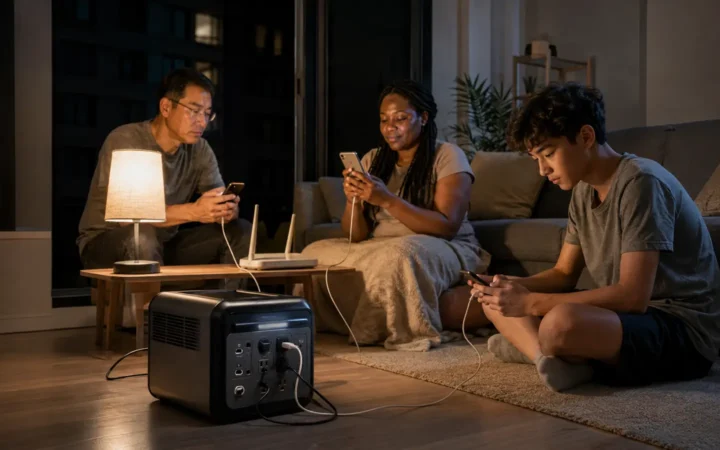
24Build one safe charging station
Provide enough certified outlets or USB power for the devices actually used, on a stable ventilated surface away from drinks and soft furnishings. Remove obsolete cables and inspect connectors for heat, looseness or damage. Do not daisy-chain power strips. A drawer charger looks tidy but may trap heat, so use only a purpose-designed solution with adequate airflow and follow each device’s instructions.
25Protect privacy and plan the equipment exit
Update the router, streaming devices, speakers and displays; use unique passwords and multi-factor authentication where offered. Disable microphones or personalization features you do not use. The FTC recommends current firmware and device security features. Before selling equipment, sign out, remove it from household accounts and factory-reset it. Do not keep unsupported hardware connected simply because it still turns on.
A three-week living-room makeover plan
| Week | Actions | Purchase rule |
|---|---|---|
| 1: Remove friction | Measure, clear routes, resolve loose cables, relocate misplaced items and anchor hazards | Buy only safety hardware and essential repair materials |
| 2: Test the layout | Move existing furniture, tape new footprints, observe glare and create activity zones | Borrow or repurpose a side table or lamp before replacing it |
| 3: Finish deliberately | Add needed storage, layered light, textiles and one simple evening scene | Every new object must solve a recorded problem and have a home |
- Name the room’s three main functions. Give frequent activities permanent space and rare activities movable support.
- Establish the focal point. It may be conversation, a window, artwork or media—avoid forcing all four to compete.
- Protect movement and safety. Anchor furniture, remove trip hazards and secure power before styling.
- Arrange seating and tables. Test comfort from every position for several days.
- Layer light and control glare. Add only the lamp or window treatment the test reveals.
- Assign storage and charging. Keep them close to the behavior they support.
- Photograph the finished room in use. Adjust what drifts or blocks movement rather than chasing perfect symmetry.
Frequently asked questions
What colors make a living room look modern?
There is no required modern color. A limited palette with consistent undertones, natural texture and one repeated accent often looks more intentional than many fashionable shades. Test samples in the room’s daylight and evening lighting before committing.
How do I arrange a small living room?
Protect the main walking route, scale the sofa carefully and use movable occasional pieces. Choose storage close to the activities and leave some wall and floor visible. Tape furniture footprints before buying, because depth and door clearance matter as much as width.
Should the sofa face the television?
Only if television is the dominant function. Angling chairs toward the sofa or placing seats around a shared rug can support conversation while preserving a clear view. In a multipurpose room, a swivel chair or movable seat may serve both arrangements.
What smart device is most useful in a living room?
A physical scene button controlling two or three well-placed lamps is often more useful than a display. It improves the room every evening, works for guests and does not require several spoken commands. Keep ordinary controls available.
How can I update a living room on a low budget?
Remove misplaced items, rearrange the furniture, repair visible damage, manage cables and improve one lighting problem. Wash or rotate textiles and display fewer objects. Only then buy the missing item revealed by a week of normal use.
Research sources and methodology
This article combines room-planning practice with current official guidance on furniture safety, lighting efficiency and connected-device security. Ideas were screened for flexibility, maintainability, renter practicality and everyday value. It does not claim hands-on testing of individual furniture or electronics.