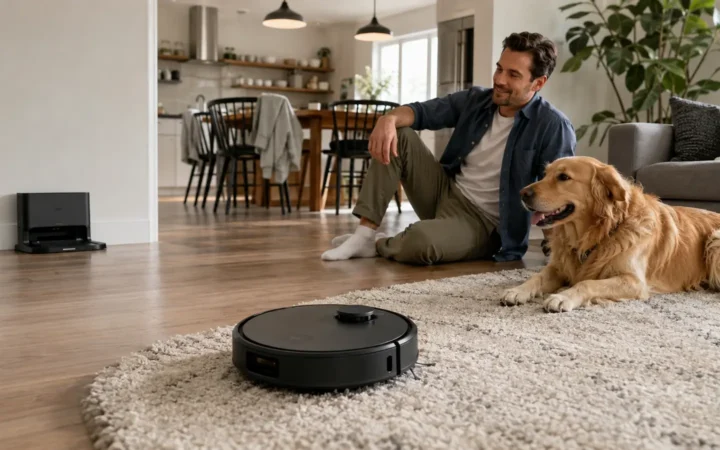

The weakest smart-home device is often the one nobody remembers. It may be an old camera above the garage, a guest account that was never removed, or a robot vacuum still sharing a floor map after support ended. It continues to work, so it quietly disappears from the household’s attention while remaining connected to the network.
This smart home privacy and cybersecurity guide for 2026 turns that invisible collection into a system you can manage. It covers buying, router settings, accounts, cameras, voice assistants, Matter, updates, moving home and incident response. The goal is not perfect security. It is a home where every device has an owner, a defensible purpose and a safe retirement plan.
Research checked: August 28, 2026. Product-support periods, security labels, privacy rights and breach-reporting routes vary by market. This guide gives consumer risk-reduction steps, not a guarantee that a device or network cannot be compromised.
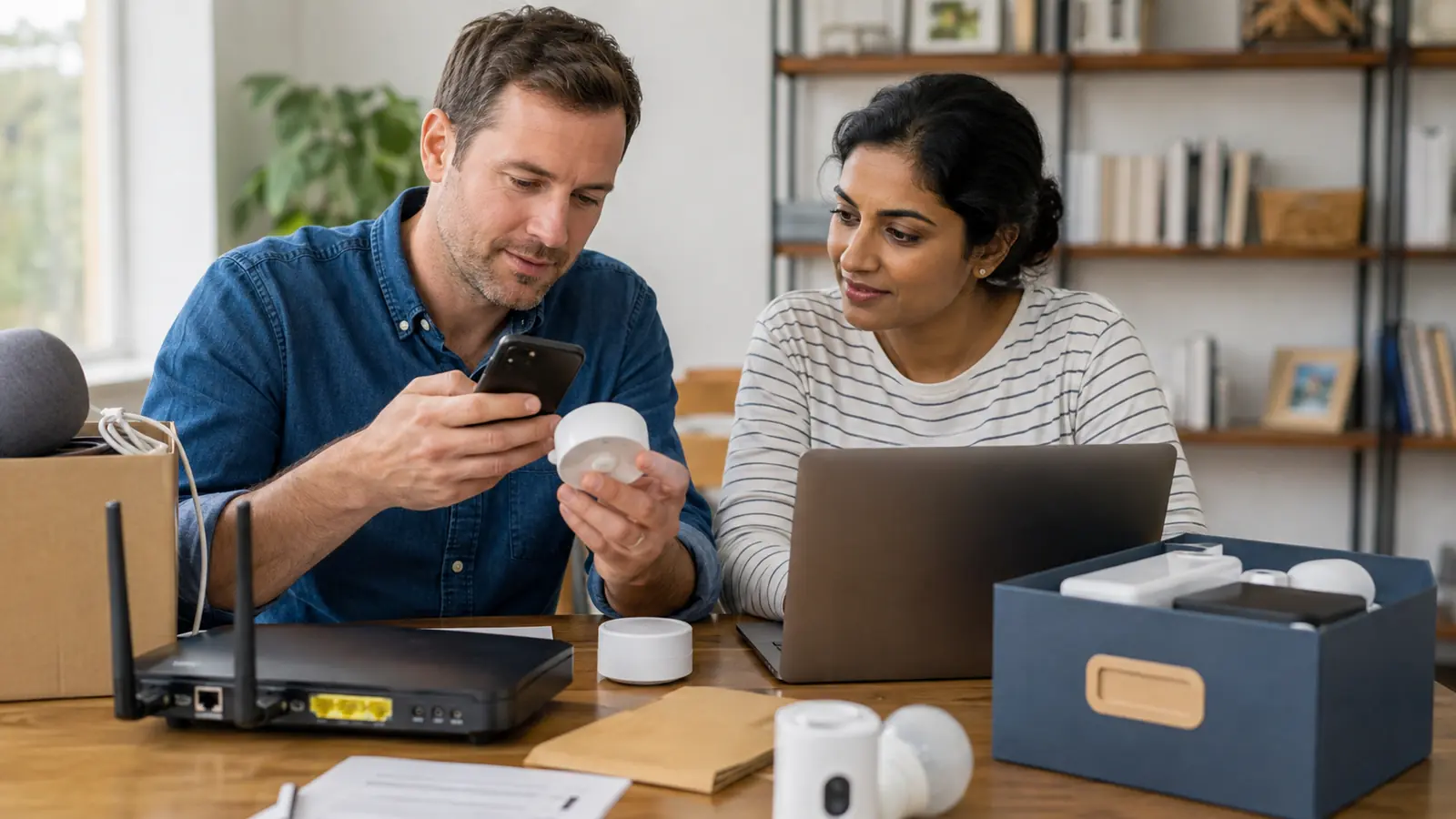
Table of contents
The 10-minute security priority list
Update the router and change its default administrator credentials. Give every important account a unique password and multi-factor authentication. Turn on automatic device updates, remove unknown users, review camera and microphone access, and list every connected product with its support end date. Buy replacements for unsupported security-critical devices. If your router makes it simple, place smart devices on an isolated IoT or guest network while keeping trusted computers and storage separate.
In this guide
- Build a device inventory
- Buy support, not promises
- Understand security labels and laws
- Secure the router and network
- Protect accounts and access
- Harden cameras and other devices
- What Matter does and does not solve
- Reduce data collection
- Updates, moving and retirement
- Respond to a suspected compromise
- Complete a 30-minute audit
- Frequently asked questions
Upgrade Your Home Wi-Fi Security
A modern mesh router can improve coverage while giving you better control over the growing number of smart devices connected to your home.
Check eero Max 7 → Check current availabilityProtect Important Accounts
Add hardware-based two-factor authentication to compatible accounts and reduce your dependence on passwords alone.
See YubiKey Options → Popular hardware security keysAdd a Dedicated Home Firewall
Advanced users can gain more visibility and control over traffic generated by smart TVs, cameras, speakers and other IoT devices.
Explore Firewalla → For advanced home networksSeparate Your Smart Devices
A managed Ethernet switch can help advanced users create VLANs and separate IoT devices from computers and sensitive network equipment.
View Managed Switches → Useful for network segmentationKeep Your Network Online
A UPS can keep your router, modem and smart-home hub operating during brief power interruptions.
See UPS Backup Options → Great for routers and security hubsExplore Local Smart-Home Control
A locally focused automation hub may reduce reliance on cloud services for compatible smart-home routines and automations.
Explore Hubitat → Check device compatibility firstStart with a complete connected-device inventory
Open the router’s client list, then walk through every room. Record the router, mesh nodes, cameras, doorbells, locks, alarm components, speakers, displays, televisions, streaming boxes, lights, switches, plugs, thermostats, air-quality monitors, appliances, robot cleaners, energy systems, vehicle chargers and hubs. Include devices that connect through a bridge rather than appearing directly on Wi-Fi. If a name such as “ESP_4A21” is unclear, disconnect candidates one at a time instead of guessing.
For each product, note its physical location, household owner, application, primary account, network, data it senses, update setting, last update, announced support period, recovery method and safe disposal steps. Record who can view live video, unlock a door, change an alarm or invite another user. This creates accountability: one person checks updates, another knows how to regain access, and an obsolete product no longer hides behind an anonymous network address.
Rank consequences, not novelty. A compromised color bulb is usually inconvenient; a camera, lock, garage controller, alarm, baby monitor, energy system or charger can affect privacy, access or safety. Protect high-consequence devices first, then products that collect intimate information such as video, voice, presence, routines, floor plans and energy behavior.
Buy a support relationship, not a feature list
- Support period: find a specific minimum date or duration for security updates.
- Automatic updates: confirm how updates arrive and whether failure is visible.
- Vulnerability contact: the maker should publish a route for researchers and customers to report flaws.
- Account protection: look for multi-factor authentication, session review and clear recovery.
- Local operation: ask which core functions continue if the internet or vendor cloud fails.
- Data controls: check retention, deletion, export, advertising, training use and optional analytics.
- Shared access: prefer named household roles over one shared administrator password.
- Reset and resale: verify that ownership, keys, recordings and cloud links can be removed.
- Regional service: match electrical version, warranty, app availability and privacy terms to the purchase market.
Read the privacy notice before installation, especially for cameras, microphones, health-adjacent sensors and children’s spaces. Search for how long recordings and activity logs remain, whether subcontractors process them, and which features become unavailable when optional collection is refused. A low purchase price can be expensive if it buys several years of cloud dependence without a published support commitment.
Security labels and connected-product rules in major markets
| Market or program | What it can tell a buyer | What it cannot promise |
|---|---|---|
| U.S. Cyber Trust Mark | A voluntary FCC labeling program for qualifying consumer wireless IoT products, with a QR-linked registry | It is not a lifetime guarantee or a substitute for checking the exact product’s support information |
| United Kingdom PSTI regime | Consumer connectable products must address baseline duties including passwords, vulnerability reporting and support-period information | Compliance does not mean the product collects no personal data or suits every risk |
| European Union Cyber Resilience Act | Creates horizontal cybersecurity requirements for products with digital elements across their lifecycle | Obligations phase in; a current sale or CE mark alone does not answer every privacy question |
| CSA Product Security Verified | A voluntary industry mark intended to communicate conformance with an IoT security specification | It does not make every cloud service, household password or network configuration secure |
The U.K. consumer-connectable-product rules took effect on April 29, 2024. The EU Cyber Resilience Act entered into force on December 10, 2024; the European Commission published implementation guidance in July 2026, and manufacturer reporting obligations are scheduled to begin September 11, 2026 before the main obligations apply later. The U.S. Cyber Trust Mark and CSA program are voluntary. Treat all labels as useful evidence within a larger buying decision, then scan the exact QR record or declaration instead of relying on a logo in an advertisement.
Secure the router, Wi-Fi and device network
The router is the front door and traffic junction for most connected homes. Install current firmware, enable automatic updates when supported, replace default administrator credentials, and use WPA3 or a securely configured WPA2 mode supported by every necessary device. Give the Wi-Fi a neutral name that does not reveal an address, surname or router model. Disable remote administration unless you deliberately need and protect it.
Turn off WPS PIN setup. Review Universal Plug and Play, port forwards and vendor remote-access features; disable what the household does not need. Do not expose a camera, home server or controller directly to the public internet merely to avoid learning the supported remote-access method. Replace a router that no longer receives security updates, and keep its recovery details offline.
A separate IoT network can limit direct access between untrusted devices and personal computers, but only if the router implements isolation correctly. A guest network with client isolation is a simple option; a dedicated VLAN offers more control for experienced users. Before separating hubs, phones and speakers, check whether local discovery, casting and Matter commissioning still work. Complexity that nobody can maintain is not security, so document the design and test updates, alerts and local controls after every change.
Do not create false privacy: changing a device’s network does not stop its permitted cloud traffic. Network separation limits some local movement; account security, updates, vendor behavior and data settings still matter.
Protect accounts, recovery and household access
Use a password manager to create a unique password for every smart-home account. Turn on the strongest practical multi-factor option—prefer a passkey, security key or authenticator over SMS where the service supports it. Store backup codes safely and protect the email account used for recovery with equal care. A perfect camera password cannot help if an attacker controls the recovery inbox.
Give each adult a named account with the least privilege needed. Reserve owner or administrator rights for configuration and purchasing; use member, guest or temporary access for daily control. Remove former residents, cleaners, contractors, pet sitters and short-term guests promptly. Review signed-in devices and revoke sessions you do not recognize. Avoid sharing one owner login in a family chat.
Plan account continuity. Decide who can take over if the original owner loses a phone, becomes unavailable or moves away. Record which platform household owns Matter fabrics, automations and subscriptions. Do not store raw passwords in the same visible document as the device inventory; store references to the protected vault and recovery process.
Harden cameras, assistants, locks and everyday sensors
Cameras, doorbells and baby monitors
Position cameras away from neighboring windows, private sleeping areas and spaces where a visitor reasonably expects privacy. Use visible recording indicators and follow local consent and audio-recording rules. Define activity zones to reduce unnecessary capture, shorten retention to the actual need, encrypt removable storage where supported, and review who can download or share clips. Disable public sharing links after use.
Voice assistants, televisions and displays
Review saved voice history, personalization, purchases, calling, drop-in or intercom features and third-party skills. Disable purchasing or require a confirmation method. Place a physical mute control within reach where sensitive conversations occur. Smart televisions can collect viewing and advertising data even when no microphone is active; review automatic content recognition and advertising settings during setup rather than accepting every default.
Locks, alarms, thermostats, cleaners and energy devices
Use unique, expiring access codes for locks instead of distributing the household code. Keep a tested non-cloud entry method. Protect alarm changes behind an administrator role. Limit location permission for thermostats to features that need it. Robot vacuums may create maps and camera images; delete maps before sale or service. Home batteries and EV chargers reveal energy and occupancy patterns, so protect installer portals and revoke contractor access when commissioning ends.
What Matter improves—and what it does not solve
Matter uses authenticated commissioning, encryption and a distributed trust model to help compatible products join supported ecosystems. Multi-admin can let one device operate in more than one platform without handing every platform the same account password. These are meaningful design benefits, and local IP control can reduce dependence on a proprietary command path for supported functions.
Matter does not guarantee that a manufacturer maintains secure firmware, minimizes cloud data, offers every feature locally or provides the same privacy terms in every region. A product can use Matter for basic control while its camera, analytics, energy history or advanced scenes still use the maker’s app and cloud. Check the precise device type, Matter version, controller requirements, update source and vendor support period. Keep setup codes private; do not post a QR label in a public listing photo.
Reduce permissions, retention and unnecessary data
Grant mobile-app permissions one at a time. Bluetooth and local-network access may be necessary for setup; precise location, contacts, microphone, photos and always-on background location often are not required for every device. Deny optional access, test the core function, and enable only what a chosen feature needs. Recheck permissions after major application updates.
Prefer on-device processing and local storage when they meet the use case, while recognizing that “local” still requires backups, access control and updates. Choose the shortest practical cloud retention. Delete old voice recordings, camera clips, household maps, faces, Wi-Fi credentials and activity history. Opt out of personalized advertising, product-improvement telemetry or model training when those uses are optional and do not provide value to the household.
Ask a simple question for every sensor: if this dataset leaked tomorrow, would the benefit justify having collected it? Presence, sleep, temperature, power and motion readings can reveal when people are home even without a camera. Data minimization reduces both privacy exposure and the amount an account takeover can disclose.
Updates, end of support, moving and safe retirement
Enable automatic security updates and still review the inventory quarterly. An update setting is not proof that updates are arriving. Check firmware versions, vendor notices and support dates, especially for routers, cameras, locks and gateways. Subscribe to official security notices where available. If a critical device is unsupported, replace it, disconnect it or confine it to a genuinely low-risk offline role; a working screen is not evidence of secure software.
Before selling, returning or recycling a device, download needed records, remove integrations, revoke tokens, delete cloud data, remove it from every household/fabric, factory-reset it and confirm the account no longer lists it. Cameras and hubs may contain removable cards. Follow battery and electronic-waste rules rather than putting electronics in household rubbish.
When moving, remove old access codes, users, addresses, geofences and Wi-Fi credentials. Leave only equipment explicitly included in the property agreement, with a documented ownership-transfer method. The incoming resident should receive reset products—not the outgoing household’s accounts or recordings. Renters should confirm permission before replacing fixed controls and use portable devices that can be reset and removed cleanly.
What to do if a smart-home device may be compromised
- Protect people first. If a lock, alarm, heater, charger or other safety-relevant device behaves dangerously, use the manual safety process and contact emergency or qualified support as appropriate.
- Isolate the device. Disconnect network access or power only when doing so is safe and will not disable a necessary alarm or medical service.
- Preserve useful facts. Photograph alerts, note times, export account/session logs and record unusual behavior before resetting. Do not publish sensitive footage or access codes.
- Secure the account. From a trusted device, change the unique password, protect the recovery email, enable MFA and revoke unfamiliar sessions, users, integrations and tokens.
- Check the wider system. Update the router and related hubs, review DNS and port-forward settings, scan account notices and change any reused credentials.
- Contact the right parties. Use the manufacturer’s security channel and, for stalking, theft, fraud or safety threats, contact the relevant platform, financial provider, insurer or local authority.
- Recover deliberately. Apply official updates and reset/recommission only after preserving what may be needed. Replace unsupported equipment and monitor accounts afterward.
Do not assume every glitch is an attacker: weak Wi-Fi, a failing power supply, automation conflict or cloud outage can look suspicious. Treat the event seriously, gather evidence and eliminate causes methodically. For stalking or domestic-abuse concerns, changing settings can alert the person responsible; seek specialist safety guidance and use a safe device before taking action.
A practical 30-minute smart-home privacy audit
Minutes 0–10: network
Update the router, confirm unique administrator credentials, review connected clients, remove obsolete port forwards, turn off WPS and flag every unknown device for identification.
Minutes 10–20: accounts
Secure the main platform, camera and lock accounts with unique credentials and MFA. Remove old users and sessions; store recovery codes and confirm the recovery email is protected.
Minutes 20–25: data
Reduce camera and voice retention, review app permissions, disable optional advertising or training use, and confirm that private zones are not captured unnecessarily.
Minutes 25–30: lifecycle
Record support dates, turn on updates, schedule replacement for unsupported high-risk products and set a calendar date for the next quarterly review.
FrediTech recommendation: make the inventory the center of the security system. Secure the router and recovery email, use unique accounts with MFA, minimize data, and retire unsupported products before adding more automation. A smaller, maintained smart home is safer and usually works better than a large collection nobody owns.
Frequently asked questions
Should smart-home devices use a separate Wi-Fi network?
Often yes, if the router provides real client isolation and the household can maintain it. A guest network or IoT VLAN can reduce direct access to trusted computers. Test local discovery, hubs and Matter commissioning, and remember that separation does not stop permitted vendor-cloud traffic.
Is Matter more secure than ordinary smart-home technology?
Matter includes modern commissioning, authentication and encryption requirements and can support local control. It is not a guarantee of long-term updates, minimal cloud collection or secure household accounts. Evaluate the complete product and manufacturer, not only the Matter logo.
Can a smart camera be private if it uses the cloud?
Cloud use adds processors and accounts that must be trusted, but risk can be reduced with strong account protection, short retention, careful placement, limited sharing and clear vendor practices. For higher-sensitivity spaces, consider reputable local-first designs and avoid cameras entirely where monitoring is unnecessary.
What should I do with a device that no longer receives updates?
Replace or disconnect it when compromise could affect privacy, access or safety. A low-consequence product may be usable offline if it truly has no network path. Remove integrations, delete cloud data and reset it before responsible recycling.
How often should I review smart-home security?
Review the inventory and critical accounts at least quarterly and after moving, changing routers, adding residents, receiving a breach notice or installing major devices. Check cameras, locks, routers and hubs sooner when a security update or suspicious event appears.
Research method and primary sources
This guide prioritizes official consumer advice, current connected-product rules and primary industry specifications. Regional programs have different scopes and effective dates; readers should verify the exact product record, vendor documentation and local authority guidance before relying on a claim.
- NIST — Seven smart-home safety and privacy tips
- U.S. Federal Trade Commission — Secure a home Wi-Fi network
- U.S. Federal Trade Commission — Secure connected devices
- U.S. Federal Communications Commission — U.S. Cyber Trust Mark
- U.K. Government — PSTI consumer-connectable-product regime
- European Commission — Cyber Resilience Act
- Connectivity Standards Alliance — Product Security Verified
- Connectivity Standards Alliance — Matter overview