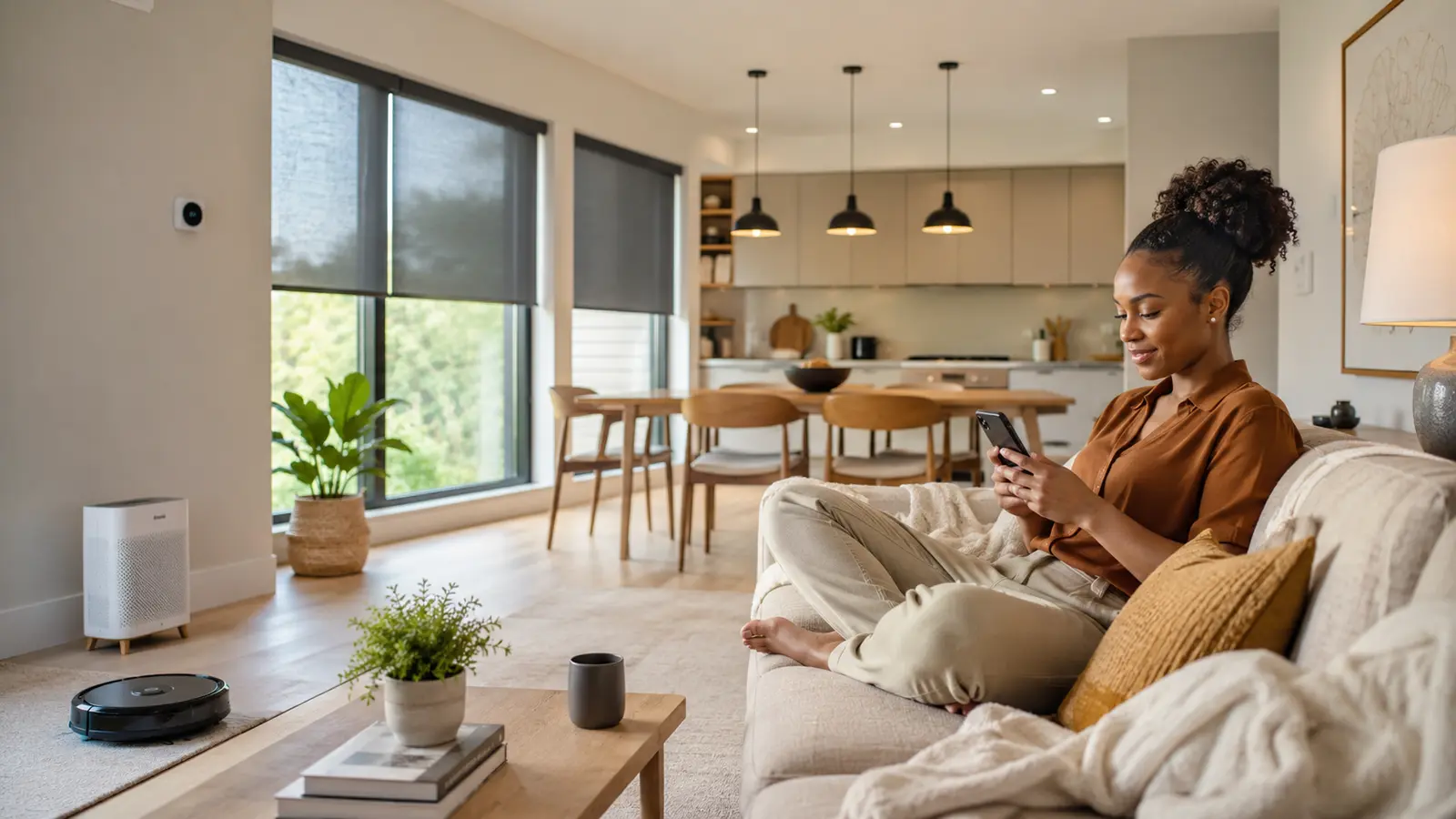

A truly modern home is not the one with the most screens, apps or voice commands. It is the home that quietly removes friction: the light that is ready when you enter, the leak alert that arrives before damage spreads, the room that stays comfortable without wasting power, and the security routine that works even when you are tired.
These modern living ideas for 2026 focus on those useful improvements. You can start with one affordable device, protect your privacy from day one and build a home that feels calmer—not more complicated.
Research checked: August 27, 2026. Product availability, energy labels, subscriptions and platform features vary by country and can change.

Table of contents
The quick answer
The best modern-living upgrade is the smallest reliable change that solves a repeated problem. Begin with strong Wi-Fi, one main smart-home platform and an inexpensive light, plug or sensor. Add safety and energy-saving devices next. Buy only products that match your local voltage, have a clear update policy and can still be controlled manually.
- Choose a platform before buying a collection of devices.
- Prefer Matter support when it improves cross-platform compatibility.
- Automate predictable routines, not every possible action.
- Protect accounts with unique passwords, multifactor authentication and automatic updates.
- Track actual comfort, time saved and energy use before expanding.
What “modern living” should mean in 2026
Modern living combines thoughtful design, connected technology, energy awareness, safety and wellbeing. The goal is not novelty. It is a home that adapts to the people in it while remaining understandable and dependable.
The Connectivity Standards Alliance describes Matter as an interoperability standard intended to help compatible products from different manufacturers work together. That is useful, but a Matter logo does not guarantee that every advanced feature will appear in every app. Check the device type, required controller, Thread border-router requirement and manufacturer feature list before purchasing.
| Priority | Good first upgrade | Potential benefit | Watch for |
|---|---|---|---|
| Convenience | Smart bulb, plug or button | Fewer repeated manual tasks | App overload and weak Wi-Fi |
| Safety | Leak or entry sensor | Earlier warning of a problem | Dead batteries and notification settings |
| Comfort | Lighting or climate schedule | More consistent rooms and routines | Poorly designed automations |
| Efficiency | Energy monitor or certified appliance | Less avoidable electricity use | Oversized products and marketing claims |
| Wellbeing | Air cleaner or sleep routine | Better environmental control | Wrong room size or recurring filter costs |
Build the foundation first
1Start with a repeated frustration
Write down three small problems that happen most weeks: a dark entrance, an appliance left on, a room that becomes too hot, missed deliveries or water under a sink. Choose the problem with the clearest benefit and automate that first. This keeps the project focused and gives you a useful test of reliability before you spend more.
2Choose one main smart-home platform
Alexa, Apple Home, Google Home, SmartThings and Home Assistant can all coordinate devices, but they differ in supported hardware, local control, automation depth and ease of use. Base the decision on the phones and speakers your household already uses. The complete beginner’s smart-home setup guide compares these choices and explains how to avoid an expensive platform change later.
3Fix Wi-Fi dead zones before adding devices
A connected home cannot feel effortless if devices regularly fall offline. Place the router in an open, central position; update its firmware; separate network names only when setup requires it; and test signal quality where cameras, plugs and hubs will sit. Large or difficult homes may need a properly positioned mesh system. Avoid hiding a router inside a cabinet or next to heavy electrical equipment.
4Use Matter and Thread with realistic expectations
Matter can simplify pairing and basic cross-platform control. Thread is a low-power mesh network often used by battery-powered Matter products, but Thread devices require a compatible border router. A hub, smart speaker or Wi-Fi router may provide that function. Confirm the exact model rather than assuming every generation does. Keep the setup QR code in a secure household record; you may need it again after a reset.
5Create a security baseline
Before installing cameras or locks, use unique account passwords, enable multifactor authentication, turn on automatic updates and review app permissions. The NIST smart-home checklist also recommends disabling unused features, monitoring privacy settings and considering a separate network for connected devices. Do not keep an unsupported device online simply because the basic function still works.
Make comfort and lighting feel automatic
6Upgrade one room with layered smart lighting
Begin with the room used most often. Combine general light, a task lamp and a softer evening source instead of making every bulb the same brightness. Create “work,” “relax” and “night” scenes. Keep a physical switch or wireless button available so guests and children are never forced to find an app.
7Add presence or motion sensing where hands are busy
Entryways, corridors, bathrooms and utility rooms benefit from sensor-controlled lighting. Use a short timeout in a passage and a longer timeout where someone may sit still. A motion sensor detects movement; a presence sensor may detect smaller movements but often costs more. Position sensors to avoid pets, fans or traffic outside a window causing unwanted triggers.
8Automate shades only where sunlight creates a problem
Motorized blinds can reduce glare, improve privacy and help manage heat, but they are a bigger investment than a bulb. Start with a west-facing room, media area or bedroom. Retrofit curtain motors can suit renters when the rod and weight are compatible. Always preserve a manual method and verify that the mechanism cannot trap cords or create a hazard.
9Control heating and cooling around occupancy
A certified smart thermostat can reduce unnecessary HVAC runtime by following schedules or occupancy. ENERGY STAR says certified smart thermostats are independently evaluated using field data; its program reports average savings of about 8% of heating and cooling bills, though actual results depend on climate, equipment and behavior. Confirm HVAC compatibility and professional-installation requirements before buying.
10Build a gentle morning and bedtime routine
A morning routine might raise blinds, gradually brighten a lamp and announce weather after an alarm. A bedtime routine can dim lights, check an entry sensor, lower media volume and adjust temperature. Do not automate a door lock without clear status feedback, and avoid routines that make emergency exits difficult.
Use technology for earlier warnings—not false confidence
11Place door and window sensors at important entry points
Low-cost contact sensors can alert you when a main door, balcony door or accessible window opens. They can also turn off cooling when a window is left open. Name each sensor clearly—“Kitchen window,” not “Sensor 3”—and test notifications with every household member who needs them.
12Choose a smart lock with a dependable fallback
Look for a physical key, external emergency power or another reliable entry method. Confirm door thickness, deadbolt type, local fire and tenancy rules, battery availability and platform requirements. Use individual codes for household members or temporary visitors rather than sharing one permanent code, and remove access promptly when it is no longer needed.
13Put a video doorbell where it can see people and packages
Compare viewing angle, night performance, local versus cloud storage, subscription features, wiring, battery maintenance and data retention. A high resolution number is not enough if the camera misses the doorstep. Review privacy rules for recording public or shared areas, especially in apartments.
14Install leak sensors before buying flashy gadgets
Place water sensors under sinks, near a washing machine, water heater, refrigerator water line or other leak-prone point. A notification can limit damage only if someone can act on it, so create a household response plan. Automatic shutoff valves can add protection but may require a plumber and must fit the plumbing system.
15Keep smoke and carbon-monoxide protection code-compliant
Connected alerts are helpful, but smart features never replace correctly located, approved smoke and carbon-monoxide alarms. Follow local rules, manufacturer replacement dates and testing instructions. Do not use an ordinary smart plug to control or silence essential life-safety equipment.
Reduce routine work and improve the indoor environment
16Schedule robotic cleaning around real obstacles
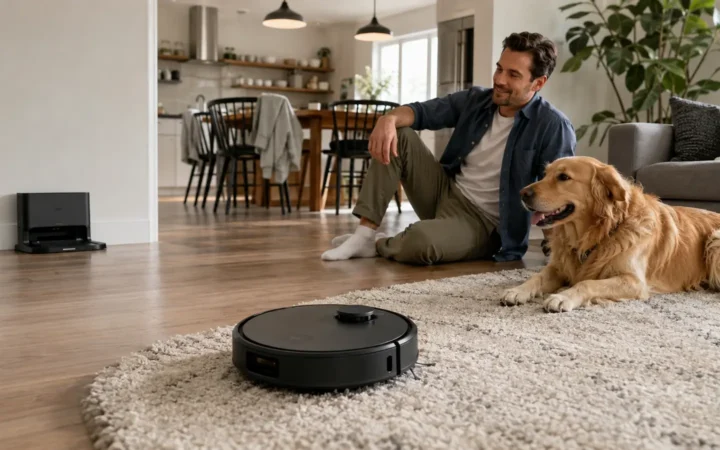
A robot vacuum saves the most time when floors are kept clear and the dock has permanent space. Measure low furniture, thresholds and the dock footprint. Homes with pets should prioritize brush design and easy hair removal; mixed floors may benefit from carpet detection and mop lifting. Treat suction claims as manufacturer measurements, not direct proof that one model cleans better.
17Choose an air cleaner by CADR and room size
For a portable air cleaner, compare Clean Air Delivery Rate, recommended room size at a meaningful air-change rate, noise, filter price and energy use. ENERGY STAR explains that a higher CADR means faster particle removal for a larger area. An air cleaner complements source control and ventilation; it does not fix mold, combustion hazards or every indoor pollutant.
18Use kitchen automation to prevent forgotten tasks
Useful ideas include a timer tied to a voice assistant, a refrigerator-door alert, scheduled coffee equipment with manufacturer-approved controls, or a temperature probe that sends a notification. Safety comes first: never remotely start an appliance when the manufacturer does not support unattended operation.
19Use smart plugs only within their rated load
Smart plugs are ideal for lamps, fans and suitable low-to-moderate-load electronics. Match voltage, plug type, current rating and safety certification to your country. Do not use a general smart plug with a space heater, air conditioner, kettle or other high-power appliance unless both manufacturers explicitly approve that application. The NFPA electrical-safety guidance also warns against unsafe use of extension cords and plug strips.
20Create a distraction-light home-office routine
One button can turn on task lighting, set a comfortable temperature, silence a doorbell chime for a meeting and start a focus timer. End the routine by turning off nonessential equipment. Keep computers and important storage on appropriate surge protection rather than assuming a smart plug provides it.
Make efficiency measurable and maintainable
21Read the official energy label before buying
Compare models of the same type and capacity using annual electricity consumption and estimated running cost. In the United States, the yellow EnergyGuide label helps compare similar appliances, while ENERGY STAR identifies products meeting program efficiency requirements. Ghana, the European Union and other markets use their own official labels. The energy-efficient appliance buying guide explains how to compare them without confusing one system for another.
22Measure before assuming what uses the most power
A compatible plug-in energy monitor can reveal the consumption of suitable appliances, while a professionally installed whole-home monitor can show broader patterns. Heating, cooling and water heating often require a more complete approach. Record a baseline, change one behavior or setting, then compare similar periods.
23Reduce standby use selectively
Group nonessential entertainment or office accessories that can safely power down, but do not cut power to routers, security hubs, refrigerators, medical equipment or devices that need updates. A scheduled smart strip may help when it is correctly rated. Savings from one small device may be modest; focus on groups and high-use patterns.
24Create “Away” and “Energy Saver” scenes
An Away scene can switch off selected lights, reduce HVAC demand, close compatible shades and arm appropriate sensors. Add a short delay and a cancellation method to prevent frustration. Never make occupancy assumptions that could endanger a person or pet who remains at home.
25Schedule a quarterly smart-home checkup
Every three months, test alarms and sensors, inspect batteries, install updates, remove unused household access, review subscriptions, clean filters and confirm that routines still match your schedule. The FTC recommends securing the router and connected devices; maintenance is what keeps those protections working after the excitement of setup has faded.
A practical modern-living upgrade roadmap
| Stage | What to add | Success test | Do not move on until… |
|---|---|---|---|
| Week 1 | Platform, secure accounts, one bulb or plug | Manual and app control both work | Every household member can use it |
| Weeks 2–4 | One sensor and one routine | Few or no false triggers | The routine is genuinely useful |
| Months 2–3 | Leak, entry or air-quality protection | Alerts reach the right people | The response plan is clear |
| Months 3–6 | Climate, cleaning or efficiency upgrade | Comfort, time or energy improves | You have compared a baseline |
| Ongoing | Maintenance and selective expansion | System stays stable and understandable | Old devices remain supported |
Frequently asked questions
What is the cheapest way to make a home feel smarter?
Start with one smart bulb or properly rated smart plug and one useful schedule. If your chosen platform needs a hub, include that cost before comparing devices. Sensors often deliver more value than decorative gadgets because they let the home respond automatically.
Do all Matter devices work with every smart-home platform?
Matter is designed for interoperability, but platform support varies by device category and software version. Advanced manufacturer features may remain in the brand’s app. Thread-based products also need a compatible Thread border router.
Can smart-home technology really save energy?
It can reduce avoidable use when controls match real occupancy and routines. Savings are not automatic: device standby power, poor schedules or an oversized appliance can offset benefits. Measure a baseline and use certified efficiency data where available.
Is a smart home safe and private?
No connected system is risk-free. Reduce exposure with reputable supported products, unique passwords, multifactor authentication, automatic updates, secure Wi-Fi, limited permissions and careful camera or microphone placement.
What happens when the internet goes down?
It depends on the device. Some Matter, Zigbee, Thread and hub-based automations can run locally, while cloud-dependent features may stop. Essential lights, locks and appliances should retain a practical manual fallback.
Research sources and methodology
This guide was researched from standards bodies, government consumer guidance and official product-efficiency programs. Manufacturer claims were treated as claims rather than independent performance tests. Recommendations prioritize practical benefit, compatibility, safety, privacy and maintainability.