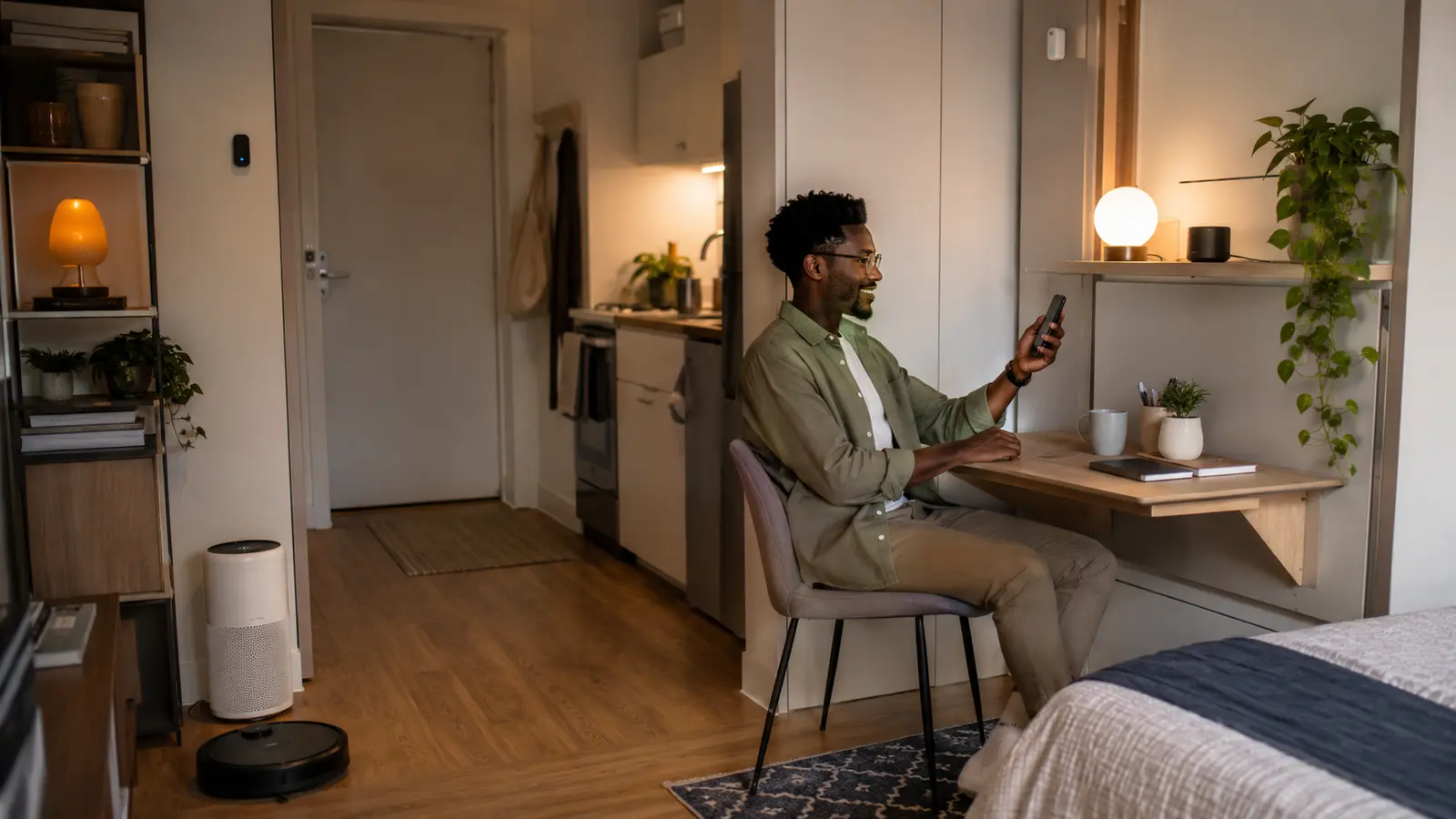

A small apartment does not need a miniature version of an expensive smart home. It needs compact upgrades that earn their space, move easily to the next home and make one room perform several jobs without adding visual clutter.
These small apartment smart home ideas prioritize renter-friendly installation, sensible prices, low power use and manual control. Start with the first three that solve real problems; the apartment should feel simpler after every purchase.
Research checked: August 27, 2026. Prices and product availability vary. Obtain written permission before changing locks, thermostats, wiring, plumbing or any building-owned equipment.
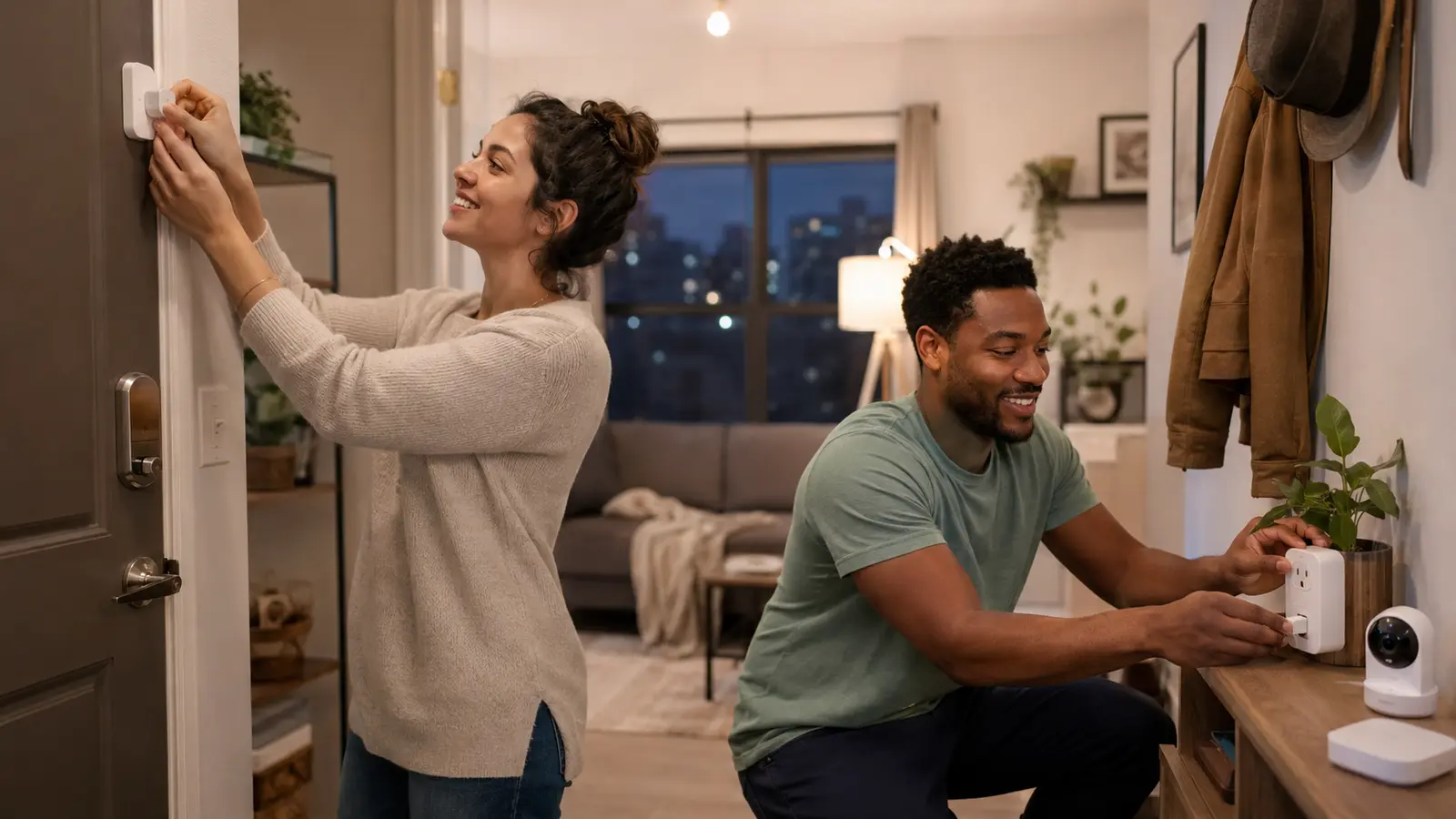
Table of contents
Best starter combination for most small apartments
Begin with one smart bulb, one properly rated smart plug and one wireless button or entry sensor. Use the platform already supported by your phone or speaker. Add a compact hub only when it improves compatibility or local automation. Keep every original switch, lock part and mounting accessory so the home can be restored when you move.
- Portable and removable
- Correct for local voltage and plug type
- Useful without a paid subscription
- Small enough not to block adjacent outlets
- Easy for visitors to control manually
Set a problem-based budget, not a gadget budget
Price bands are more useful than one fixed amount because markets and currencies vary. A “budget” US smart plug may be expensive after shipping to Ghana, and a 120-volt product may be unusable on a 230-volt supply. Compare locally certified alternatives that support the same function.
| Budget tier | Prioritize | Avoid |
|---|---|---|
| One low-cost device | Bulb, plug, button or contact sensor | A decorative device with no repeated use |
| Basic room system | Two controls plus one useful sensor | Several apps and incompatible brands |
| Comfort upgrade | Air cleaner, curtain control or climate sensor | Oversized equipment and recurring costs you have not calculated |
| Security upgrade | Entry awareness, approved lock or camera | Recording shared space without permission or local-law review |
Before shopping, use the beginner smart-home setup guide to select a platform and understand hub requirements.
Affordable apartment lighting and power upgrades
1Use one smart bulb to make a room multifunctional
In a studio, one ceiling light may serve work, meals, relaxation and sleep preparation. A dimmable smart bulb can create a bright task scene and a warmer evening scene without adding another floor lamp. Match the fitting, voltage, enclosed-fixture rating and brightness. Keep the normal switch usable and label it discreetly so visitors do not cut power accidentally.
2Automate a lamp or fan with a correctly rated smart plug
A compact smart plug can schedule a bedside lamp, standing fan or other compatible appliance. Choose a model that leaves the neighboring socket accessible and is certified for your country. Check maximum current and the appliance manual. Do not control heaters, air conditioners, kettles, cooking equipment or other high-power loads unless both manufacturers specifically approve the application.
3Consolidate low-power desk equipment with a smart power strip
A reputable individually controlled strip can organize a monitor lamp, speakers and charging accessories. Surge protection, overload protection and smart switching are separate functions—verify each rather than assuming. Computers, network storage and routers may need continuous power or dedicated protection, so do not switch them off as part of a casual routine.
4Add a wireless button for app-free control
A small button beside the bed or door can turn off several lights, start a focus scene or trigger a quiet night light. It is one of the best apartment upgrades because it needs no mains wiring and helps guests use the system. Confirm that it works with your hub or platform; many Zigbee buttons require a compatible bridge.
5Use removable LED accent lighting carefully
A short smart light strip behind a desk or television can provide soft indirect light in a room with no rewiring. Install it on a removable channel or renter-safe mounting surface rather than sticking aggressive adhesive directly to paint. Avoid tight bends, trapped heat and overloaded USB power supplies.
Small sensors that deliver large practical value
6Use an entry sensor for awareness and lighting
A contact sensor can send a notification when the apartment door opens or turn on an entry light after dark. Apply it with removable adhesive only after cleaning the surface, and test door clearance. In a shared home, tell every resident what the sensor records and who receives alerts.
7Place a motion sensor in a corridor or bathroom
A motion-triggered low light makes night movement safer without illuminating the entire apartment. Aim the sensor away from a window, fan or pet route, and give it a short, predictable timeout. Preserve a button or switch override for times when someone remains still.
8Put a leak sensor under the sink or washing machine
Water damage can affect your belongings and neighboring units. A battery leak sensor requires no permanent alteration and can provide early warning near a kitchen cabinet, portable washer, water heater or refrigerator line. Test the alarm and notification monthly, and know how to contact the property manager or shut off the relevant supply.
9Track temperature and humidity before buying climate gadgets
A small sensor can reveal whether discomfort is caused by heat, humidity or poor airflow. Use a week of data to decide whether shading, ventilation, a fan, air conditioner or dehumidifier is justified. Place the sensor away from direct sun, cooking steam and an air-conditioner outlet.
10Use an energy-monitoring plug for suitable appliances
An energy-monitoring plug can measure a lamp, entertainment device or other compatible load and reveal standby patterns. It cannot safely measure every appliance. Heating, cooling, water heaters and hard-wired equipment may require a qualified electrician or manufacturer-provided energy data.
Comfort, control and security without permanent construction
11Choose a compact speaker or hub that replaces several controls
A tabletop hub can coordinate routines, provide voice control, play audio and sometimes act as a Matter controller or Thread border router. Verify those functions on the exact model. Put microphones away from private work or sleeping areas if their benefit is limited, review recording retention and use a physical mute control when available.
12Use a correctly sized compact air cleaner
In a studio or bedroom, a portable air cleaner can manage airborne particles without taking much floor space. Compare smoke CADR, air changes per hour, noise and filter cost. Do not hide it behind furniture or place the intake against a wall. An air cleaner supplements source control and ventilation; it does not correct dampness, mold or a gas leak.
13Add removable curtain automation where glare or heat is costly
A retrofit curtain motor can open or close compatible curtains on a schedule without replacing the window. It is most useful in a sunny room where shades improve comfort or protect sleep. Measure the rod or track, curtain weight and travel distance. Keep manual operation available and get permission if fixtures must change.
14Use a tabletop indoor camera only for a defined purpose
A compact camera can monitor a pet or entry while you are away and can move with you. Prefer clear privacy shutters or obvious status indicators, secure storage and multifactor authentication. Never place it in a bathroom, changing area or a shared room without informed agreement. Check whether basic recording requires a subscription.
15Consider a retrofit lock or doorbell only with permission
Some retrofit locks preserve the exterior keyway, and battery doorbells avoid new wiring. That does not automatically make them tenancy-compliant. Obtain written landlord or property-manager approval, confirm fire egress, keep original parts and ensure emergency entry remains possible. In a shared corridor, camera fields of view and recording rules deserve special attention.
Five routines designed for one-room and small-space homes
Arrive home
When the door opens after sunset, turn on the entry light for ten minutes. Avoid automatic unlocking.
Focus mode
A button brightens the desk lamp, turns off entertainment lighting and starts a timer.
Cooking mode
Increase task lighting and temporarily pause an overly sensitive nearby air-quality notification.
Bedtime
Dim the bedside lamp, switch off suitable plugs and confirm the entry sensor is closed.
Away mode
Turn off selected lights and plugs, reduce climate use where safe and enable entry alerts.
Leak response
Send a high-priority alert to the resident and, where appropriate, the property contact.
Use a short delay and an easy override. Geofencing can fail when phone location permissions, battery saving or network conditions change, so do not make it the only trigger for locks or essential climate control.
How to install apartment devices without damaging the property
- Read the lease. Identify rules for cameras, locks, adhesives, walls, windows and shared areas.
- Ask in writing. Get approval for anything that changes building hardware, wiring, plumbing or access.
- Test removable adhesive. Use a hidden area and wait before mounting a sensor on painted surfaces.
- Protect original parts. Label and store screws, lock components, bulbs and thermostat covers in one box.
- Photograph condition. Keep private before-and-after records of approved changes.
- Plan the move. Remove device access, factory-reset products, delete recordings and restore the apartment safely.
Apartment smart-home shopping checklist
- Works with the chosen app, hub and household phones
- Correct voltage, frequency, plug and local certification
- Fits without blocking a socket, door, window or walkway
- Uses removable mounting or a freestanding design
- Retains manual control when internet or cloud service fails
- Has automatic security updates and a clear support policy
- Uses commonly available batteries or affordable filters
- Does not require an unwanted subscription
- Can be factory-reset and transferred to a new home
- Includes a documented privacy and data-deletion process
Frequently asked questions
Can renters install smart-home devices without landlord permission?
Portable bulbs, plugs and tabletop devices often require no permanent change, but the lease and local rules control. Obtain written permission before changing locks, thermostats, wiring, plumbing, fixtures or building security equipment.
What is the best first device for a studio apartment?
A dimmable smart bulb or correctly rated smart plug is usually the easiest start. Add a physical button or sensor when you want genuine automation instead of phone-only remote control.
Will many Wi-Fi devices slow an apartment network?
They can add congestion or expose weaknesses in an older router. A small system is unlikely to overwhelm a good network, but sensor-heavy setups may benefit from a Zigbee or Thread hub that keeps low-power devices off direct Wi-Fi.
How can I secure a smart apartment?
Use unique passwords, multifactor authentication, automatic updates, secure Wi-Fi and limited app permissions. Review camera placement and storage, disable unused microphones or purchasing features and remove access when a roommate or visitor no longer needs it.
Are smart plugs safe in apartments?
They can be safe when certified for the market and used within their stated voltage and load. Do not use a general smart plug with a heater or high-power appliance unless explicitly approved. Stop using any plug that becomes hot, damaged, loose or discolored.
Research sources and methodology
Recommendations were screened for portability, installation risk, electrical safety, privacy, energy use and ongoing cost. Because tenancy and electrical rules vary, this guide does not replace a lease, local code or qualified professional advice.
- US Department of Energy — Energy guidance for renters
- ENERGY STAR — Low- and no-cost energy-saving tips
- Connectivity Standards Alliance — Matter
- NIST — Smart-home security and privacy guidance
- Federal Trade Commission — Securing home cameras
- National Fire Protection Association — Home electrical safety
- ENERGY STAR — Air-cleaner CADR guidance